
Product List Website Templates
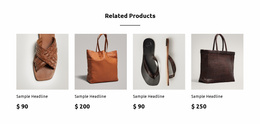
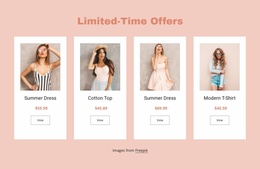
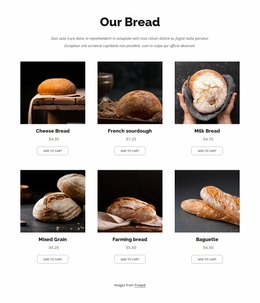
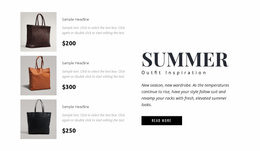



Modern Product List Website Templates for Merchandise Discovery Across Page Sections
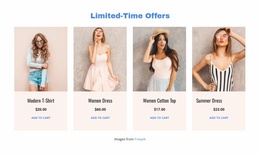
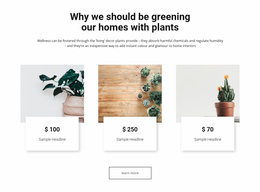
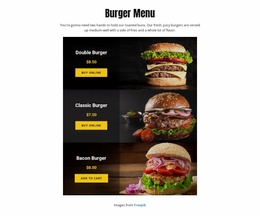
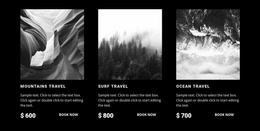
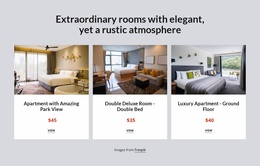
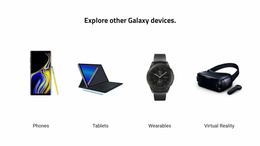
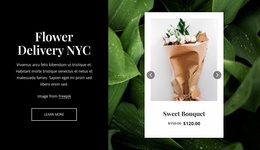
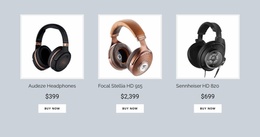
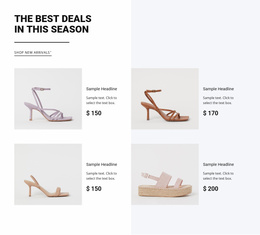
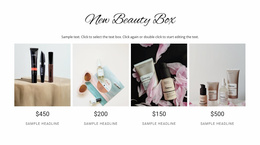
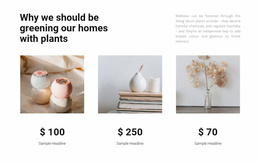
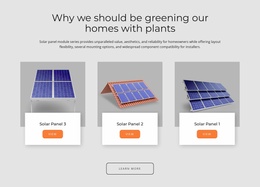
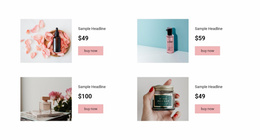
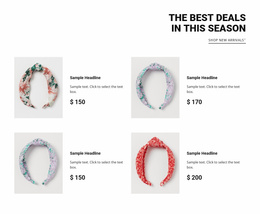
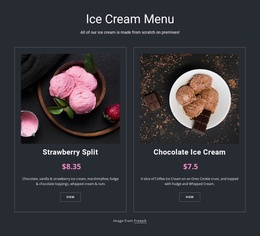
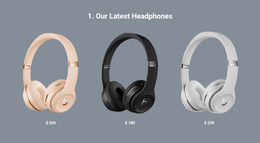
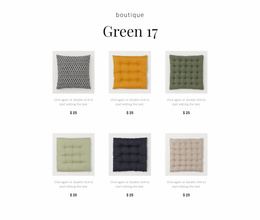
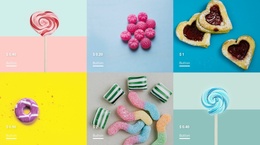
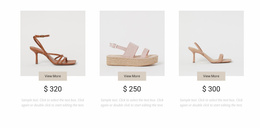
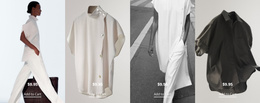
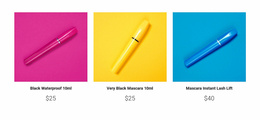
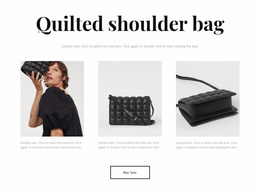
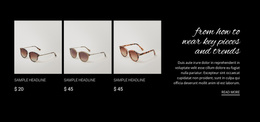
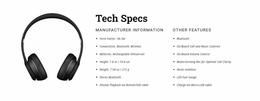
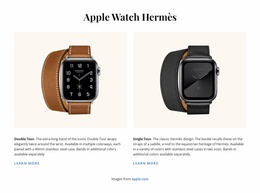
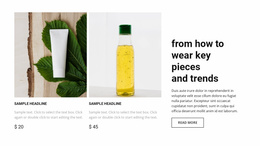
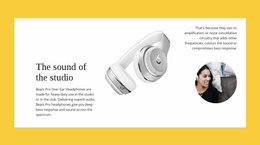
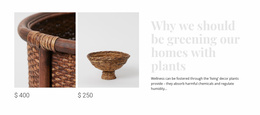
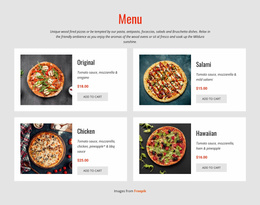
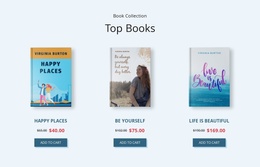
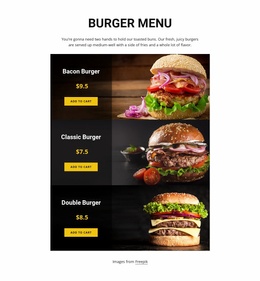
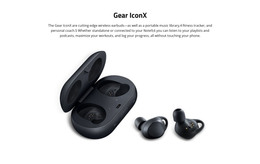
Product List Website Templates help you choose a ready-made product section that belongs within a website's existing page structure. A storefront homepage may introduce bestsellers beneath its navigation and category links, while a brand page may feature a smaller collection before sending visitors to individual products. The important choice is not simply Grid versus Slider: it is whether the Product List block supports the routes shoppers take through that particular website.
Where Does a Product List Fit Within a Website Template?
Look at the surrounding template before choosing the product block. Does the homepage already offer category navigation? Does a promotion introduce a selected range? Will visitors use a View All Products link to reach a broader catalog? A Product List should occupy a clear position among those existing elements without replacing the site's navigation or separate merchandise pages.
For example, a boutique website template might contain a hero, category links, a featured-products section, and a footer. Select a ready-made Product List arrangement that gives the featured items enough visibility while leaving a clear path to the category listings. On a maker's website, a smaller product collection may follow the brand introduction and lead to individual item pages.
User-Friendly Product Cards for Merchandise Browsing
When comparing ready-made Product List sections for a website template, evaluate how their cards support the site's existing browsing routes:
- Homepage collection: Choose a compact group of recognizable items that complements the main navigation and can point toward a full catalog.
- Category introduction: Prefer an arrangement that shows enough products to establish the assortment without obscuring the category heading.
- Campaign section: Keep the displayed items connected to the campaign and ensure their actions lead to the relevant product destinations.
- Brand or maker page: Use a focused collection that follows the introduction and lets visitors inspect particular merchandise.
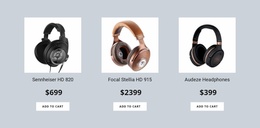
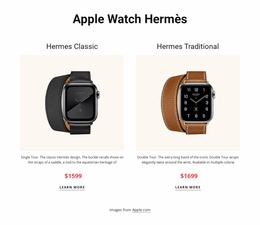
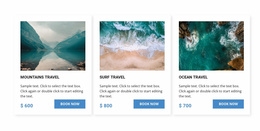
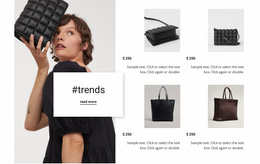
Card imagery, names, prices, and actions still need consistent placement. Nicepage's Product List Element offers Grid and Slider layouts so that you can adapt a prepared merchandise block to the space and browsing role available in the chosen website template. For an e-commerce website, the block is one part of the customer journey, not a complete store on its own.
Integrating a Product Collection Into a Website Layout
Imagine adapting a shop homepage template with category navigation above a featured-products area. Choose a Product List block that displays a representative selection rather than the entire inventory. Check that category links, product-card destinations, and any View All Products action complement each other: category links help shoppers narrow the range, while individual card actions lead toward the selected item when configured.
In Nicepage, replace the demonstration products with the merchandise intended for that page and adjust the number of visible cards, columns, and spacing. The Product List Element documentation describes these content and arrangement controls. A separate catalog destination or shopping backend still requires the right pages and supported configuration; a ready-made section doesn't create them automatically.
The website-template choice should therefore be judged by the relationship between the product collection and the template's navigation and destination pages, rather than by card styling alone. A small homepage selection and a broader category preview can reuse the same product content model while taking different roles on the site.
Product List Versus Product Details in a Website Structure
A Product List lets visitors compare several products while they are browsing a homepage or category introduction. Product Details gives a selected item space for descriptions and available purchase options. When supported, View Product Details connects collection cards with individual product pages; a separate catalog link can guide shoppers from a featured selection to more choices.
Choose a ready-made Product List section whose actions fit that website structure. Avoid placing full individual product descriptions into every card or assuming the block itself supplies all shopping pages.
Frequently Asked Questions About Product List Website Templates
Can I add a Product List section to a website template in Nicepage?
Yes. Nicepage provides a Product List Element that can be added to page blocks. It displays multiple products through repeated entries and supports product-specific content and layout settings.
Can Product List cards link to individual product details?
Yes. A homepage Product List can introduce a selected range, then its View Product Details action can open an individual item for closer inspection. A separate catalog link can help visitors move from a small homepage selection to the wider assortment. Add To Cart and Buy Now are also documented actions when supported by the configured workflow.
Can I arrange a Product List differently on mobile devices?
Yes. Nicepage's Product List Element supports different column and row settings for mobile views. This allows the arrangement of repeated merchandise entries to be adjusted for different screen sizes.
Is a Product List section the same as a complete product website template?
No. A Product List is a functional section that displays multiple products. It can be incorporated into a broader website template, but it does not independently provide every page or feature of a complete product website.
Add a Merchandise Collection to Your Website Template
Compare ready-made Product List sections in the context of the website template: its homepage, category navigation, and links to individual merchandise. Choose the block that fits those routes, replace sample products in Nicepage, and check the finished card destinations alongside the site's other navigation.





















































