
Real Estate Website Templates


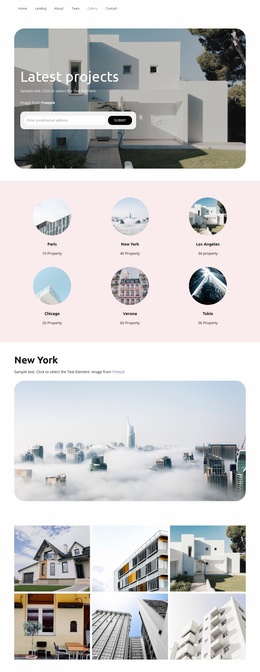
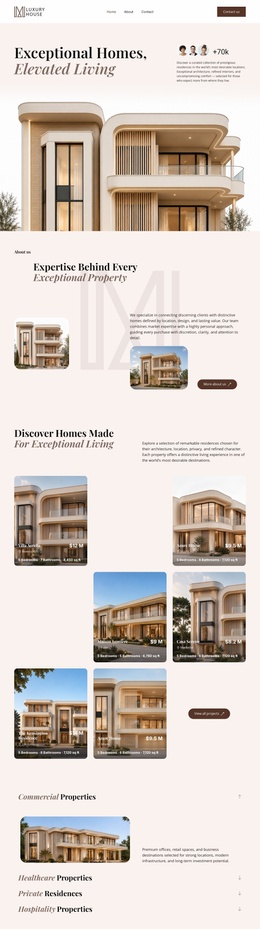
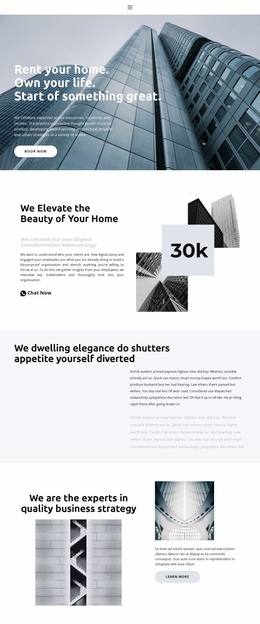
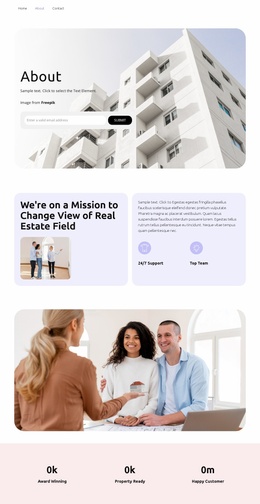



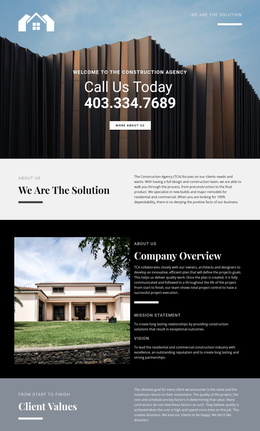
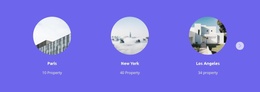
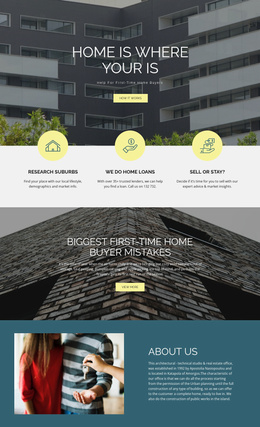

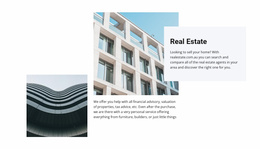

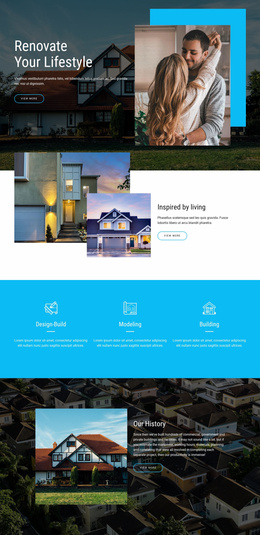
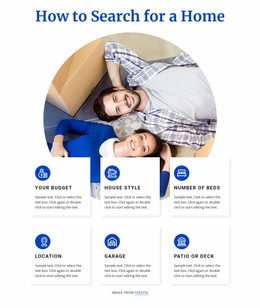
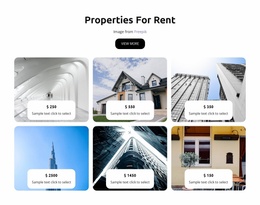
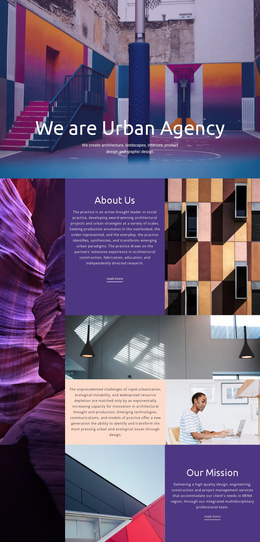














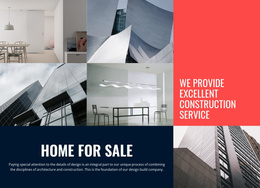
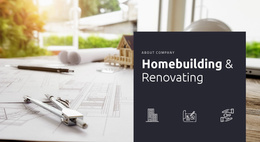





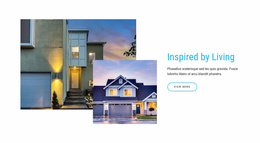
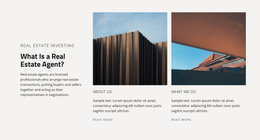















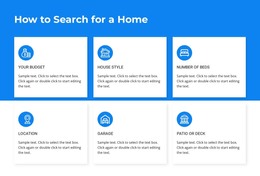



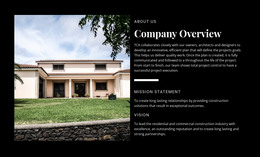


Ready-To-Use Real Estate Website Templates for Complete Property Sites
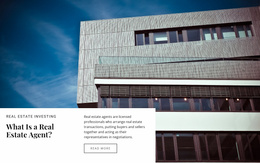
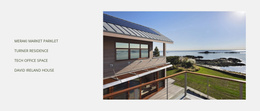
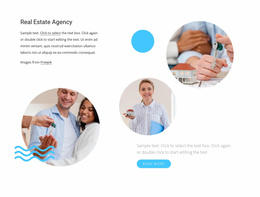
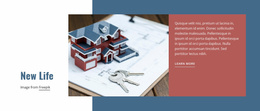
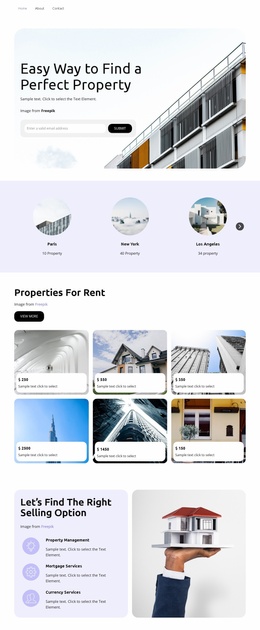
Real estate website templates are designed for projects that need a coordinated multi-page system rather than a single layout concept. The value of the kit comes from the way its pages work together: shared navigation, repeated listing fields, consistent property-detail structure, agent links, service routes, and site-wide visual rules.
What Pages Belong in a Complete Real Estate Website Kit?
A practical page architecture may include:
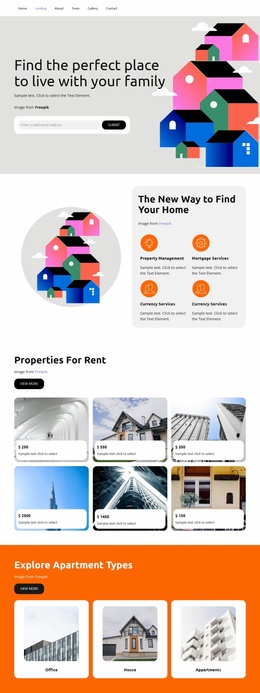
- Home page with featured properties and primary site paths.
- Property search or category page.
- Search results or listing collection page.
- Individual property detail page.
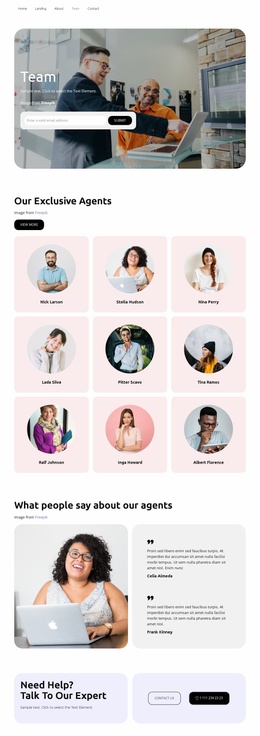
- Agent profile page.
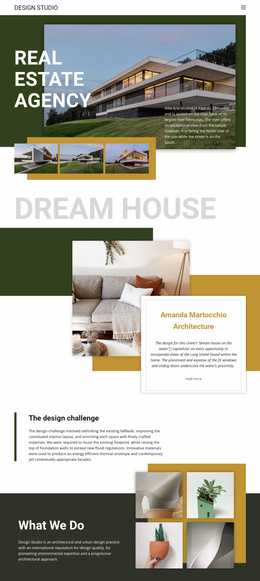
- Agency or About page.
- Services or seller information page.
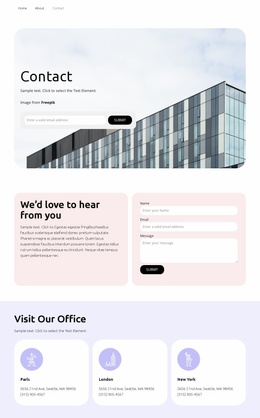
- Contact page with office details and inquiry form.
For larger projects, neighborhood or location pages, development pages, galleries, and blog layouts may extend the same system. The important point is continuity: visitors should move from one page type to another without encountering a different set of labels, fields, or navigation conventions.
Nicepage lets you manage those pages within a single website project. The Page Basics documentation covers how to open and manage website pages from the Nicepage Dashboard.
Connect Search, Listings, Details, and Agents
A complete property website should preserve relationships between its pages.
Search → results: Search controls should lead into result cards that use a consistent field set, such as image, price, address, status, and selected property facts.
Results → property detail: When a visitor opens a property, the detail page should continue the same naming and data conventions while adding deeper information such as gallery content, description, map context, amenities, or floor plans.
Property detail → agent: The listing should connect clearly to the responsible agent or agency contact rather than sending the visitor into a generic route with no property context.
Shared site structure: Navigation, headers, contact patterns, typography, and reusable property fields should remain consistent across the entire kit. Nicepage Dashboard keeps the website and its individual pages together as one project; the Site Basics guide describes project and page management across Nicepage applications and Nicepage Online.
Grid Repeater can support recurring listing cards, Gallery Carousel Element can organize property imagery, and Contact Form Element can support buyer, seller, rental, or viewing inquiries, all within the shared site system.
Keep Page Roles Clear Across the Whole Site
The home page should summarize and route visitors. Search and result pages should help them discover and compare properties. The detail page should deepen one listing without changing the field vocabulary. Agent pages should connect professionals with their assigned properties, while services and contact pages support broader business needs.
That continuity separates a complete website-template kit from the broad real-estate-templates collection. The latter helps users choose among formats; this category provides the connected architecture once a full multi-page site is required.
Real Estate Website Template Questions
Does a complete website template include several connected pages?
Yes. A multi-page kit is intended to provide coordinated page types such as home, search or results, property detail, agent, agency, services, and contact.
Why should listing fields stay consistent between results and detail pages?
Consistent naming and field order make the transition easier to understand. Visitors can see the same price, address, status, and property details before they delve into deeper listing information.
Can property pages link directly to the responsible agent?
Yes. A complete site structure can connect listing detail pages to the relevant agent profile or inquiry route, so visitors maintain the property context as they move through the site.
Can I manage all those pages in one Nicepage project?
Yes. The Nicepage Dashboard lets you create, open, and manage Project Websites and their individual pages.
Start With the Whole Property Architecture
Choose a website kit when the project needs connected page types with shared navigation and consistent data conventions. Define the search, results, property-detail, agent, agency, services, and contact relationships first, then refine the visual system in Nicepage so the site behaves as one coordinated property product.





















































