
1240 Split Website Templates













































































Professional Split Website Templates With Ready-Made Two-Part Sections
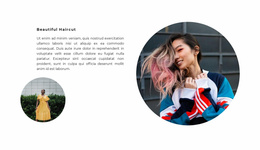
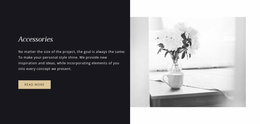
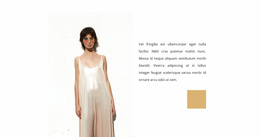
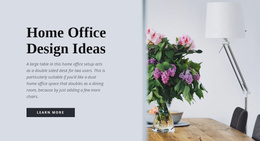
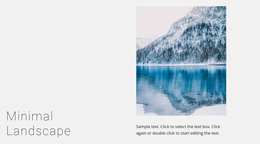
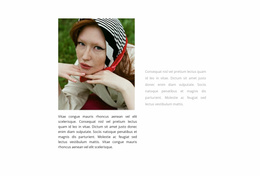
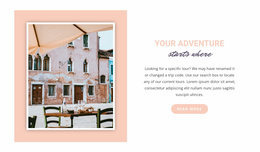
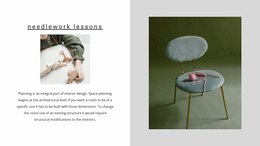
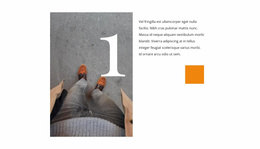
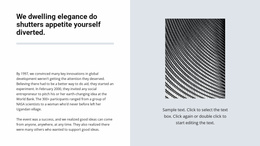
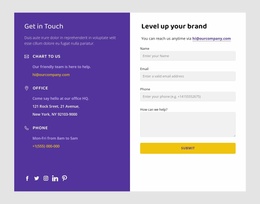
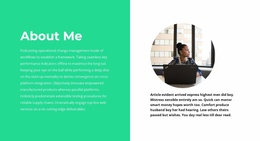
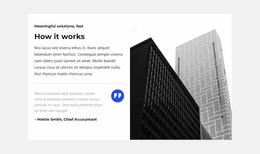
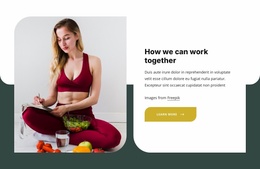
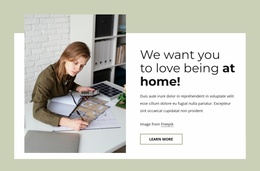
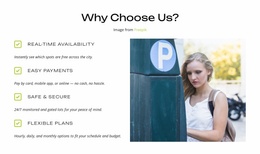
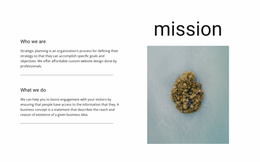
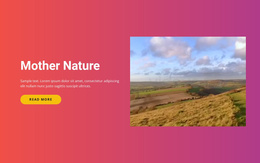
Split Website Templates provide ready-made website designs that can include Split sections divided into two connected halves, commonly with an image or other visual on one side and a heading, text, and CTA on the other.
The base object remains the Split block. The website-template context adds the question of how that ready-made two-part section fits the visual style and section structure of the selected website template, and where a similar Split pattern may be useful again.
Choose a Website Template With the Right Split Section
When reviewing templates, first look at the two-part block and whether its image and content sides match the material you want to present.
Useful patterns include:
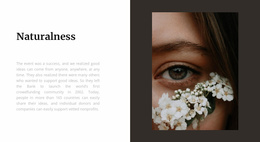
- a homepage image beside an introduction and CTA;
- a service visual beside section-specific copy;
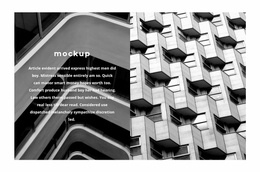
- a portfolio image beside project information;
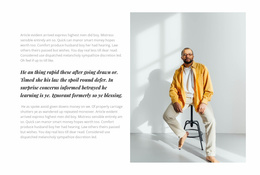
- a product visual beside benefits and a button;
- an asymmetric image-and-content block with 60/40 proportions.
The Nicepage Grid Element can support the two-area structure when the Split section is customized.
Check How the Split Block Fits the Selected Template
The same Split mechanism can work in different parts of a website template. One page may use a larger image-and-introduction section, while another may use a quieter image-and-text block with different proportions.
What matters is whether the Split section feels compatible with the template's typography, imagery, spacing, CTA treatment, and surrounding sections. The broader template provides the context; the two-part block remains the main object being evaluated.
Reuse the Split Pattern Where It Fits the Content
A website template may use more than one Split section, but repetition should be purposeful. The image can switch sides, proportions can change, and the amount of copy can vary while each block still follows the same basic relationship: one visual half and one content half working together.
This makes the pattern reusable without turning the entire website into a Split layout. Other sections can use different structures while the Split block appears only where paired image-and-content presentation is useful.
Review Responsive Behavior Before Reusing the Section
On desktop, the two halves may remain side by side. On phones and tablets, they can stack vertically.
Check the order of the image and content, image crop, text width, CTA placement, and spacing. If the Split pattern is reused on different pages, each version can have its own responsive order as long as the relationship between both halves remains clear.
Website Templates and HTML Templates Use the Same Split Base Differently
Both categories can use the same visual foundation: image + text/CTA, 50/50 or 60/40 proportions, side swapping, alignment, and mobile stacking.
For Split Website Templates, the emphasis is on how the two-part section fits and can be reused within the selected website template. For Split HTML Templates, the emphasis is choosing and adapting a ready-made HTML implementation of that specific Split section. In both cases, Split remains the central object.
Split Website Templates FAQ
Can I Manage Several Pages in One Nicepage Project?
Yes. The Nicepage Dashboard can be used to create, open, and manage project websites and their individual pages.
Can Typography Stay Consistent Across Split Sections in a Website Template?
Yes. Font schemes and Typography Styles can be configured in Site Settings for project pages, helping different Split sections follow the same broader text treatment.
Does a Split Website Template Need to Use Split Sections Everywhere?
No. Split is one section pattern. You can use it where an image-and-content pair is useful, while other sections in the same website template use different layouts.
Can Different Split Sections Use Different Proportions?
Yes. One Split section may use equal 50/50 halves while another uses a 60/40 arrangement, provided both sides still form one coordinated image-and-content block.
Adapt the Split Section Within the Website Template
Choose a Website Template whose Split block fits the content and visual direction you need. Customize the image, heading, text, CTA, proportions, alignment, and responsive order, then reuse the same two-part pattern only where it supports another clear image-and-content relationship within the template.




































