
530 Interior Website Templates

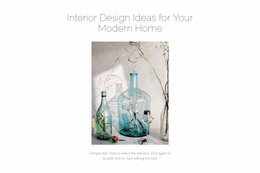
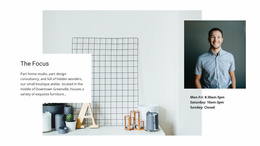
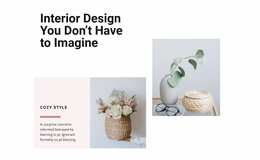
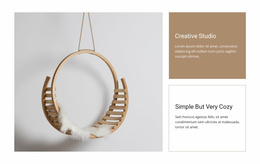


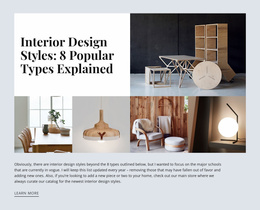
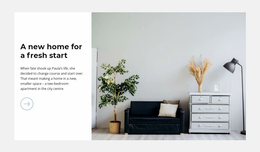
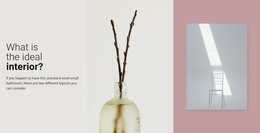
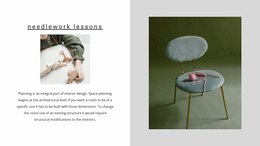
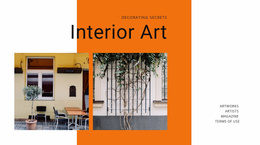
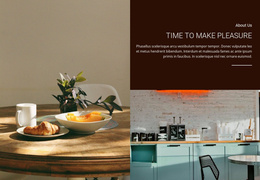

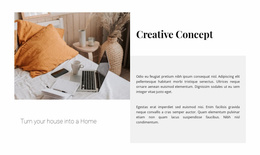

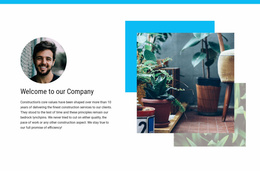
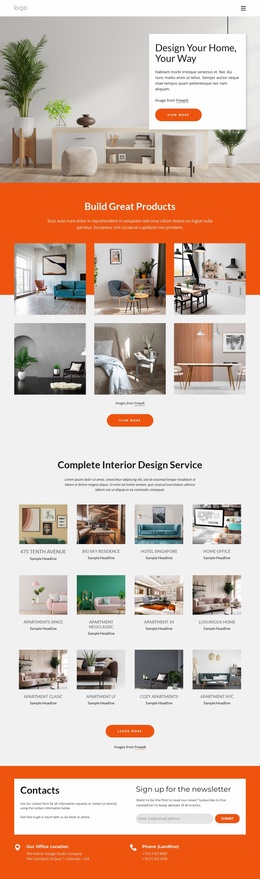
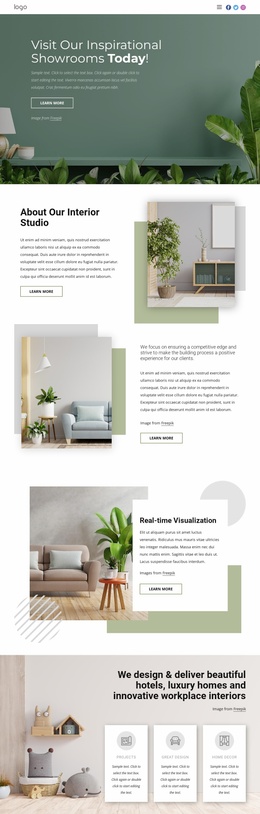
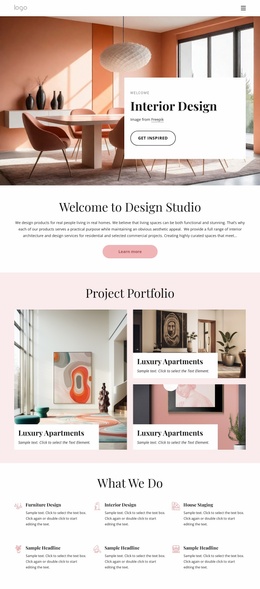

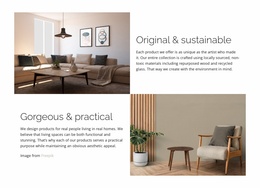
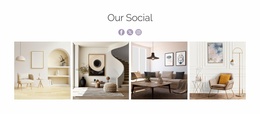
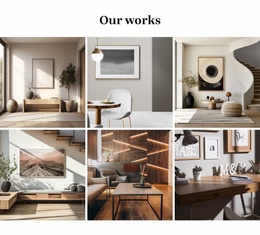
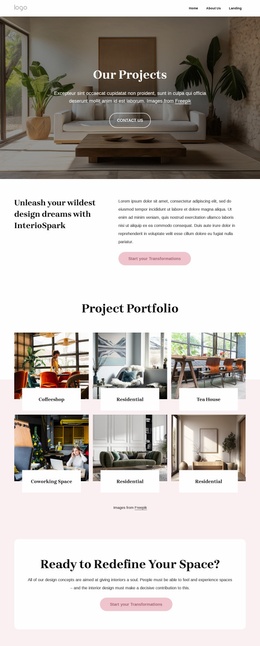
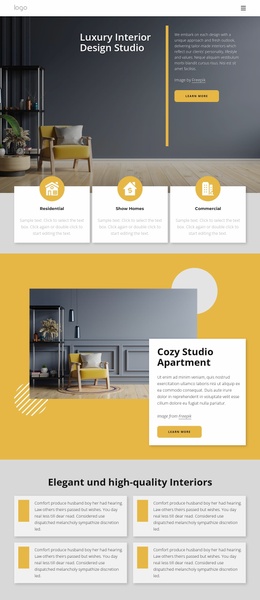
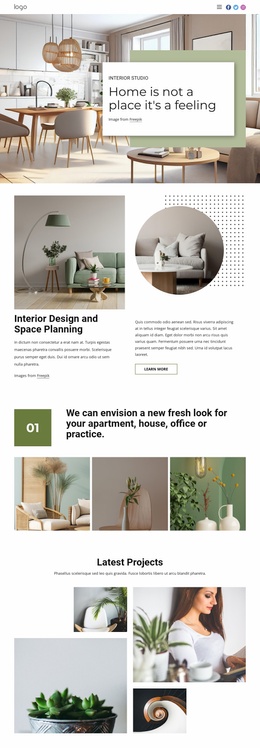
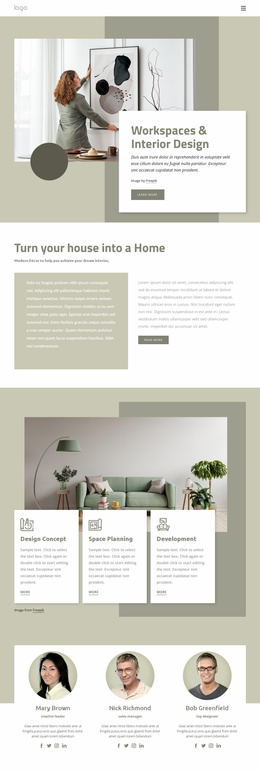
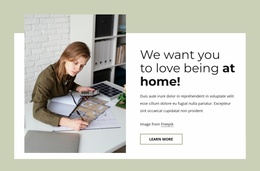
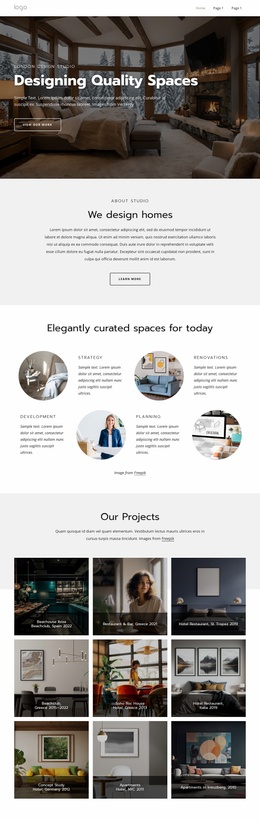

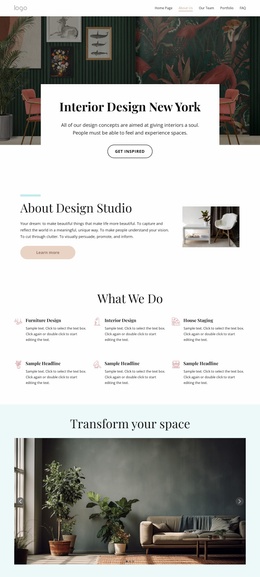
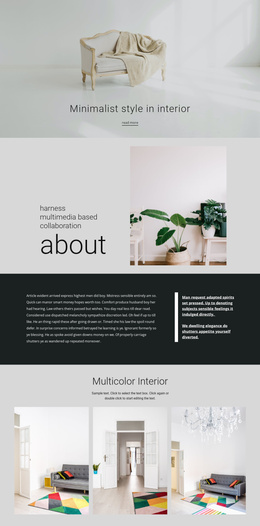
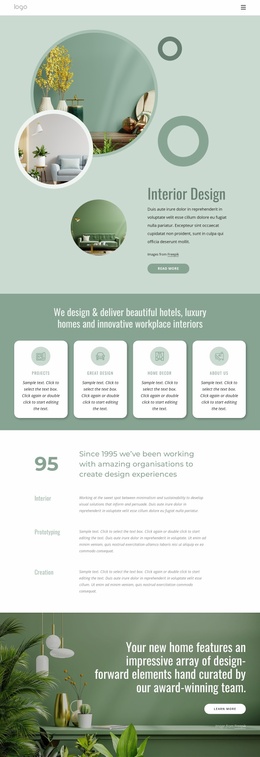
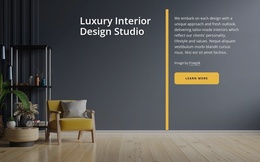
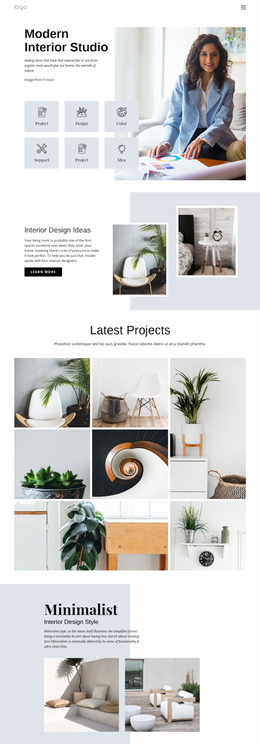
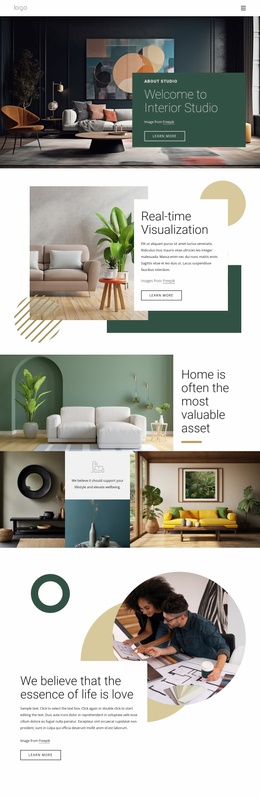
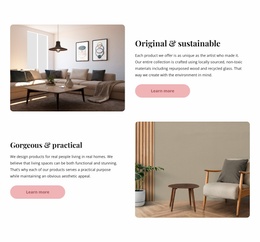
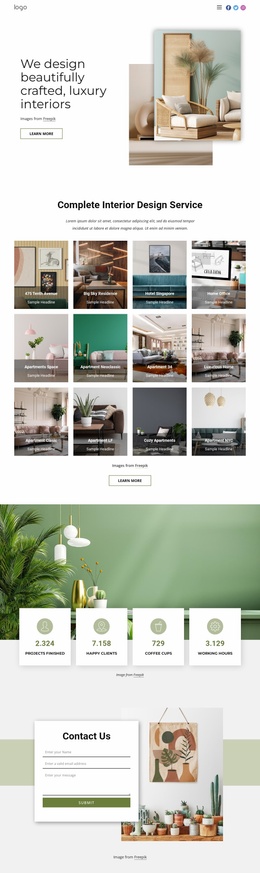
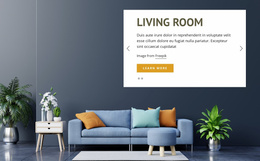

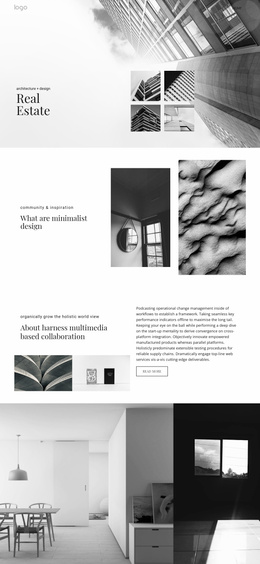
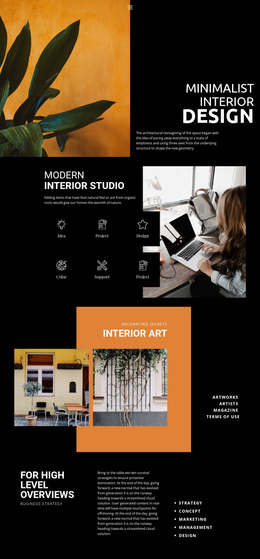
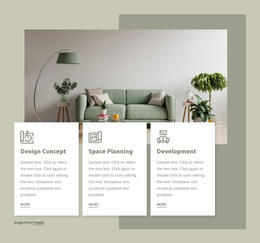
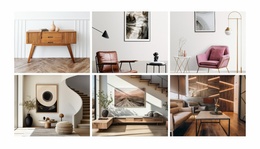
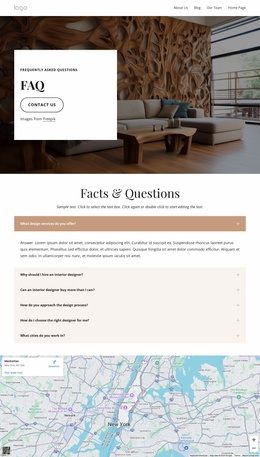
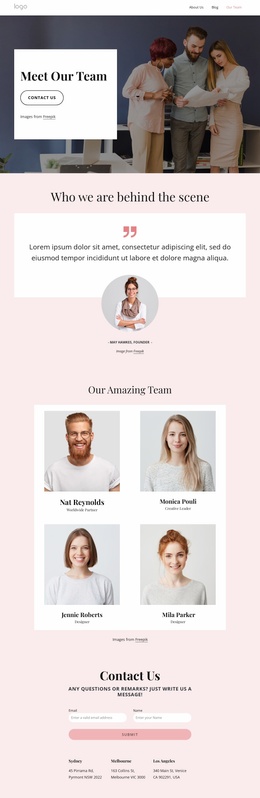

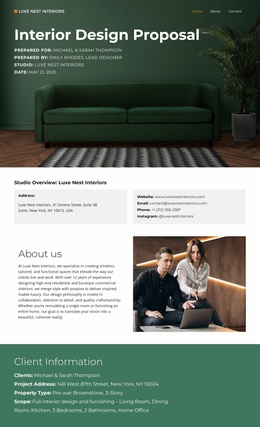
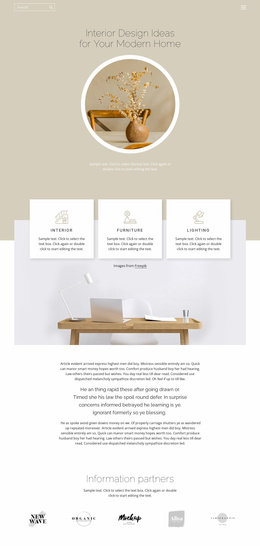
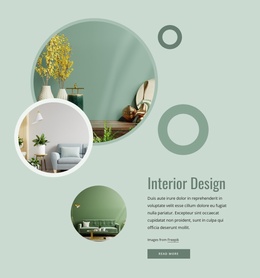
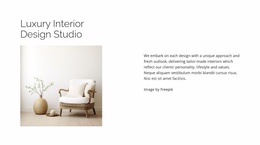
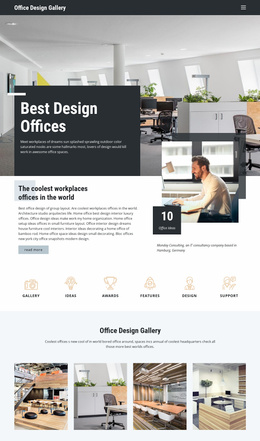
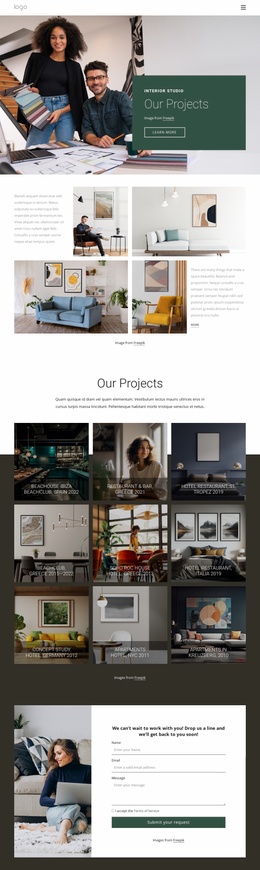

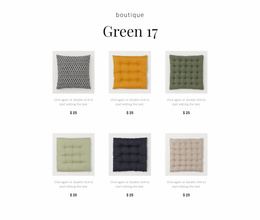

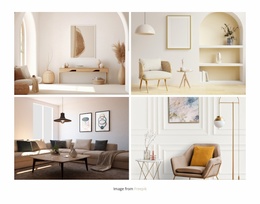
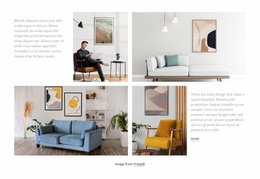
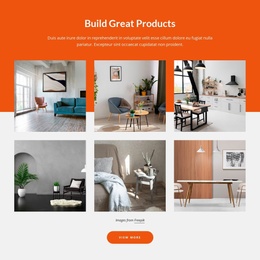
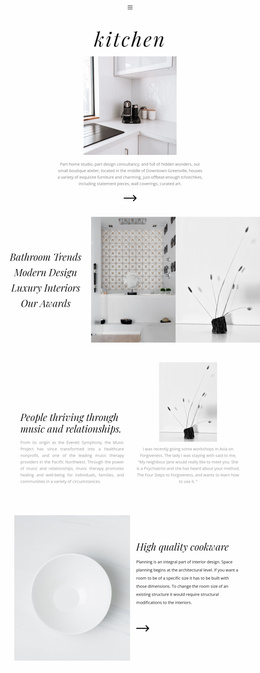
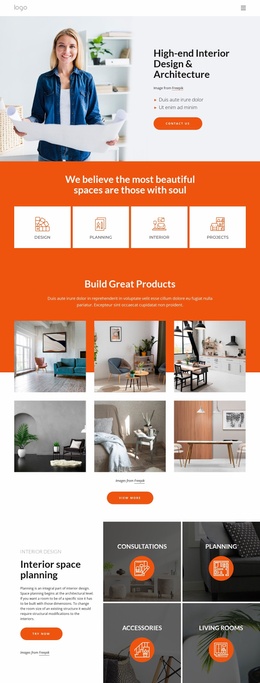
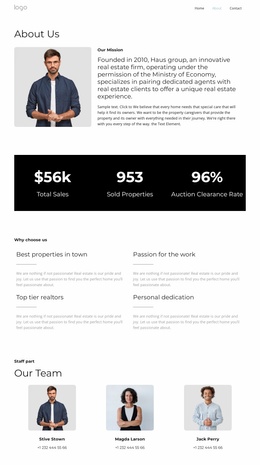
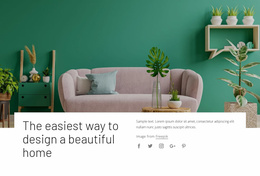
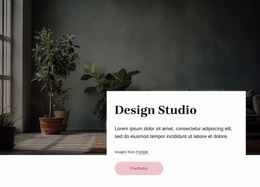
Interior Website Templates for Complete Studio Sites
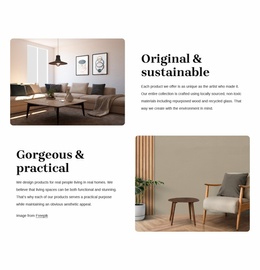
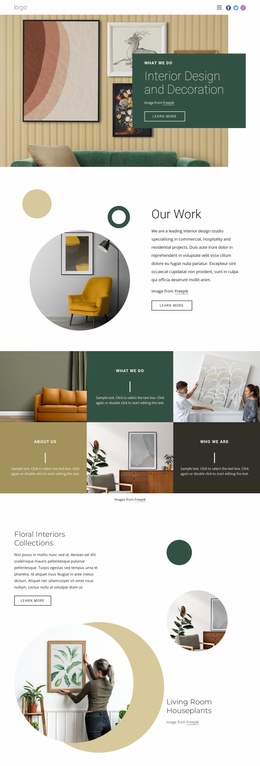
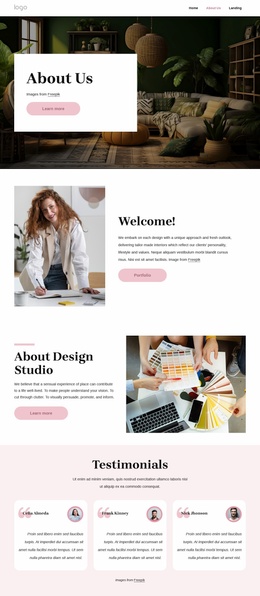
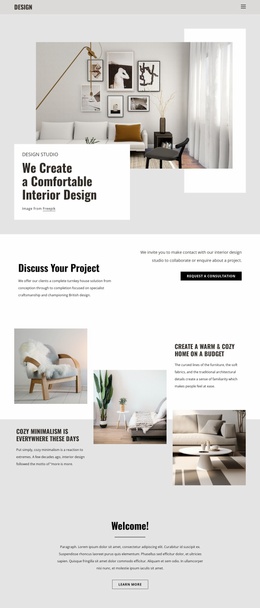
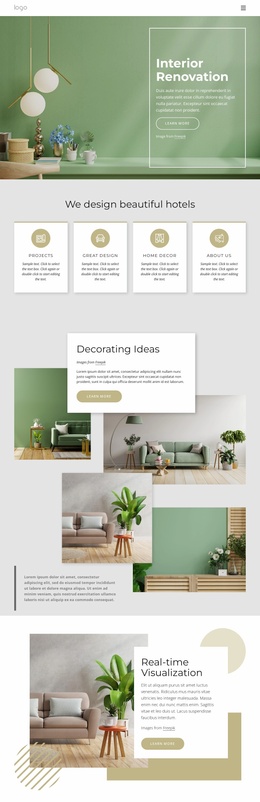
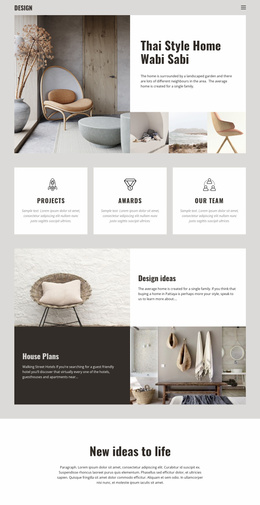
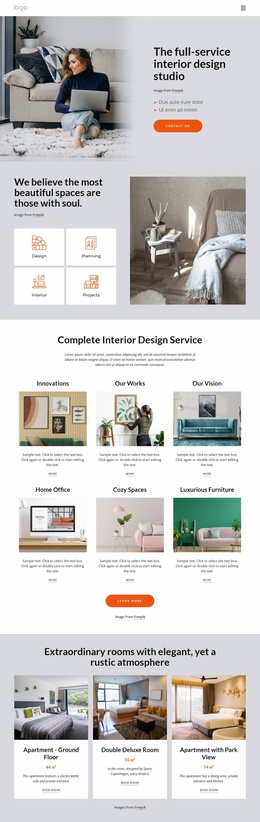
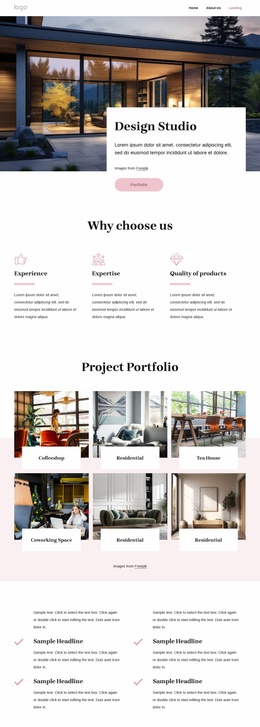
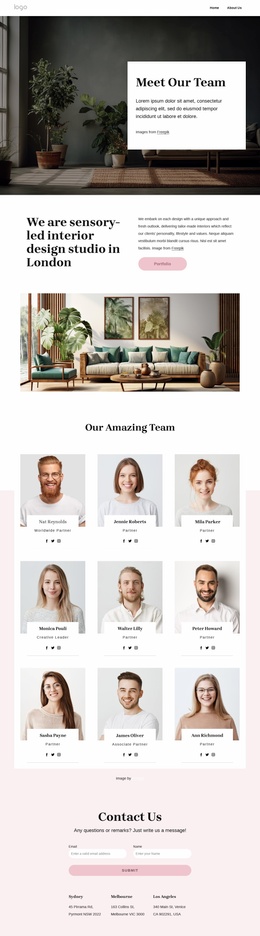
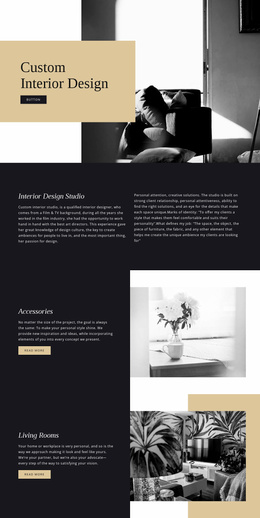
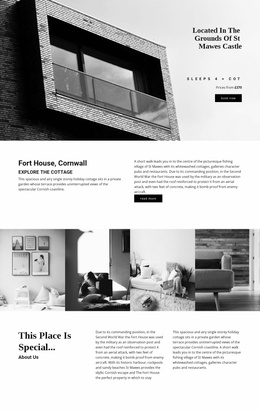
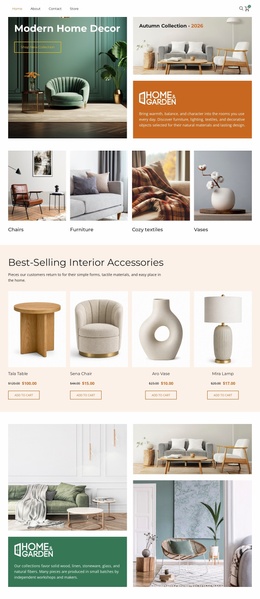
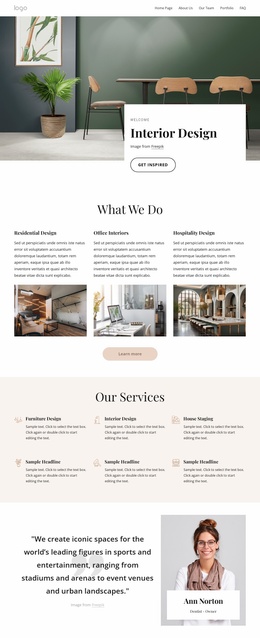
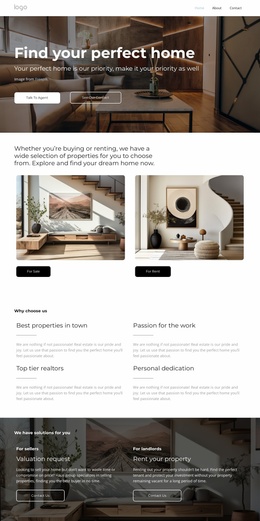
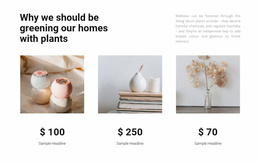
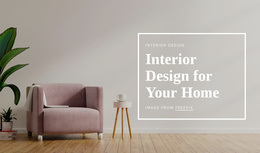
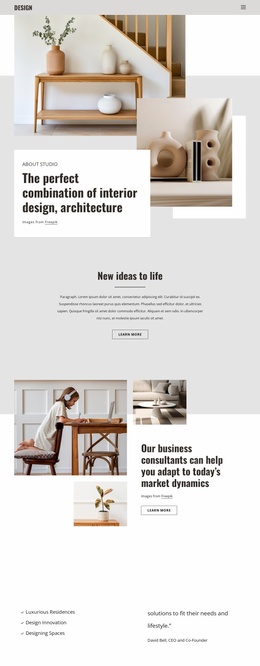
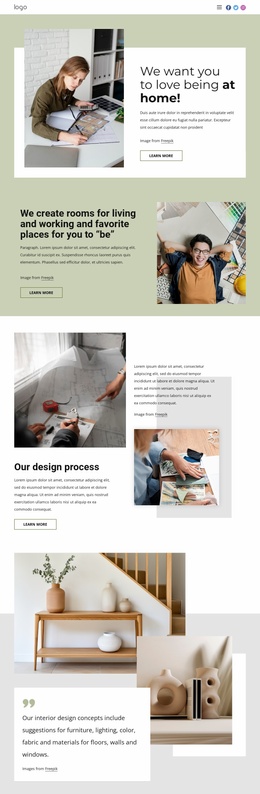
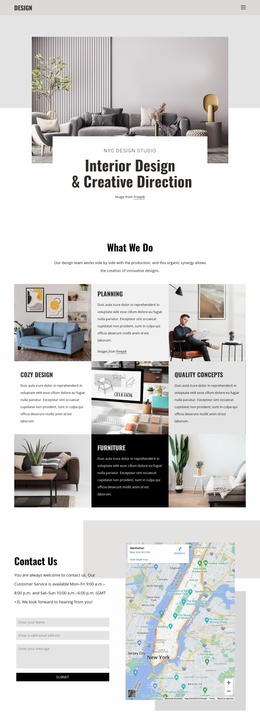
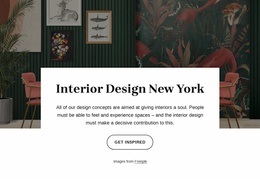
Interior website templates provide studios with a broad starting point for building a cohesive online presence. Depending on the product, that starting point may be a static HTML site, a WordPress theme, a CMS-oriented template, a visual-builder kit, or another multi-page package. The useful question is how well the included pages, navigation, portfolio structures, and editing workflow fit the studio's real content.
Compare the Complete Site Structure
When evaluating interior design website templates, check the demo as a connected site rather than judging based on a single attractive screen. Useful package-level questions include:
- Which pages are included in the demo?
- Is there a portfolio archive and a dedicated single-project or case-study layout?
- Are service, About, team, testimonial, and contact pages available?
- Does the navigation support the expected number of project and service categories?
- Are there alternate Home or portfolio layouts for different studio types?
- What platform or delivery format does the template use?
- How much of the demo content can be replaced without breaking the visual system?
- Do mobile layouts preserve the same content priorities as desktop?
A studio with heritage-led work can use Victorian interior references to judge whether a template can accommodate restoration details, period materials, and project narratives while still retaining a clear navigation structure.
Included Pages Should Match the Studio's Real Content
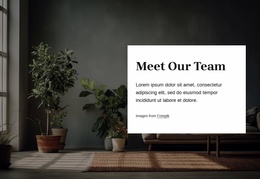
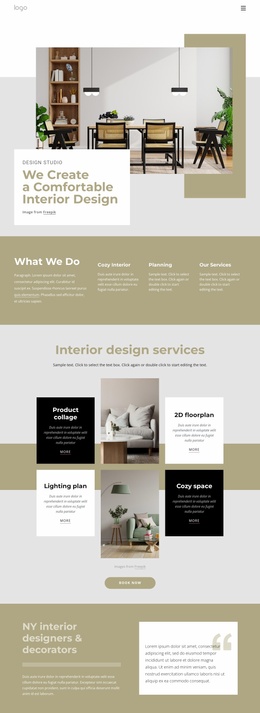
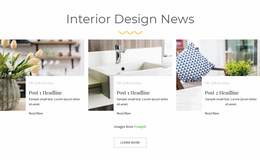
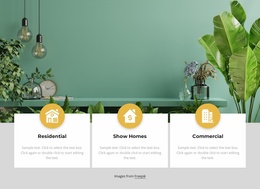
A residential practice may need Home, Projects, individual case studies, Services, About, and Contact. A larger architecture or hospitality studio may also need sector pages, multiple locations, team profiles, awards, press, or news. The best template is not the one with the largest page count; it is the one whose included page types map closely to the site's real information architecture.
Nicepage Project Websites can be created, opened, and managed through the Dashboard; the Site Basics workflow explains that broader project structure. For multi-page navigation, the Menu Element can sit in the Header or Footer and support subitems when the site hierarchy grows.
Portfolio Layouts and Visual Variants
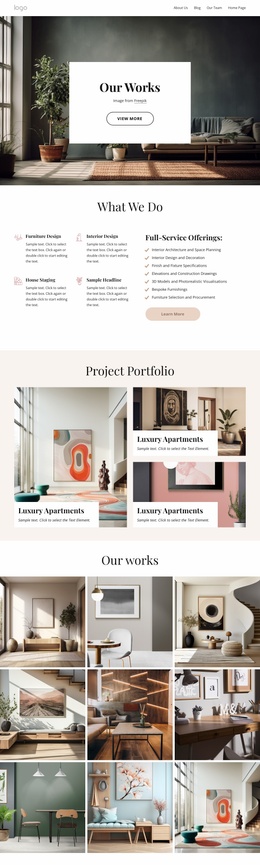
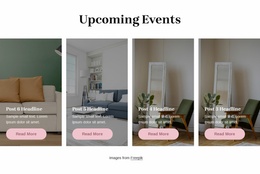
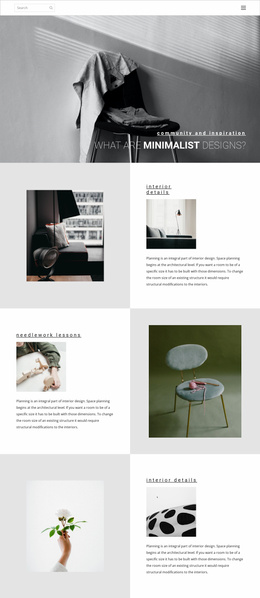
Interior studios often need several portfolio presentations within the same site. A project archive may use a grid, while single-project pages use full-width images, project metadata, and narrative sections. A hospitality practice can draw on lounge design references for image-led pages. In contrast, a mirror-focused visual reference can help test close-up detail photography against larger room views.
Global typography, navigation, buttons, spacing, and page rhythm should remain consistent even when individual projects have different aesthetics. A connected template package is most useful when those shared elements already work across several page types and can be adapted without rebuilding the entire visual system.
Platform-Agnostic Templates vs Static HTML Packages
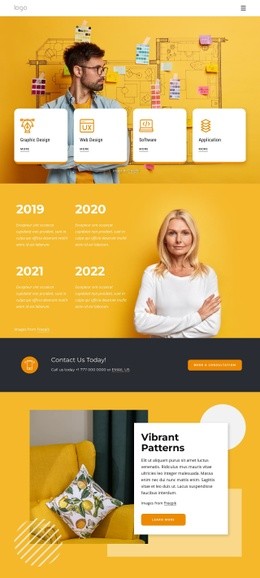
Interior website templates can come in several formats. A WordPress or CMS product may emphasize theme settings, dynamic content, plugins, and editor workflows. A visual-builder template kit may rely on its own component system. A static HTML package is more source-oriented and typically includes HTML, CSS, JavaScript, framework files, and assets that can be deployed without a CMS.
Choose according to how the site will be maintained after launch. Studios that update projects frequently may benefit from a CMS-oriented workflow. Teams that want direct access to the source and simple static hosting may prefer HTML files. The visual demo can look similar in both cases, so the underlying platform, dependencies, and editing model deserve as much attention as the design itself.
Interior Website Template FAQ
What pages should an interior website template include?
Common pages include Home, portfolio or projects, individual project details, Services, About, and Contact. Larger studios may also need team, sectors, locations, press, awards, blog, or other content types. Choose based on the actual site architecture rather than a fixed checklist.
What formats can interior website templates use?
They may be delivered as static HTML packages, WordPress or other CMS themes, visual-builder template kits, or other editable site formats. Check the platform, dependencies, included files, and editing workflow before choosing.
Can an interior studio combine several design trends across one website?
Yes. Different project aesthetics can coexist, but the global type system, navigation, spacing, and interface colors should remain coherent enough that the site still feels like one studio brand.
Does Nicepage Online let an interior studio use its own domain?
Yes. Nicepage Online supports connecting a custom domain name to a Nicepage website.
How can residential, commercial, and hospitality projects stay easy to navigate?
Use clear project categories and a Website Menu in the Header or Footer. Subitems can help when the portfolio contains several sectors or page groups, while individual project pages can link back to their relevant archive or category.
Choose the Package Around Content and Maintenance
Compare the included pages, portfolio layouts, platform, dependencies, editing model, navigation, and responsive behavior against the studio's real workflow. Then replace demo imagery and copy with actual projects before making fine visual decisions. A well-matched interior website template should reduce setup work while still aligning with how the studio plans to publish, update, and maintain the site.




















































