
100 Wedding Website Templates
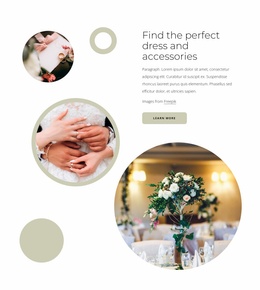
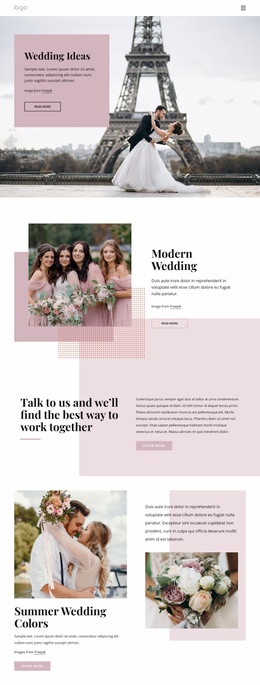
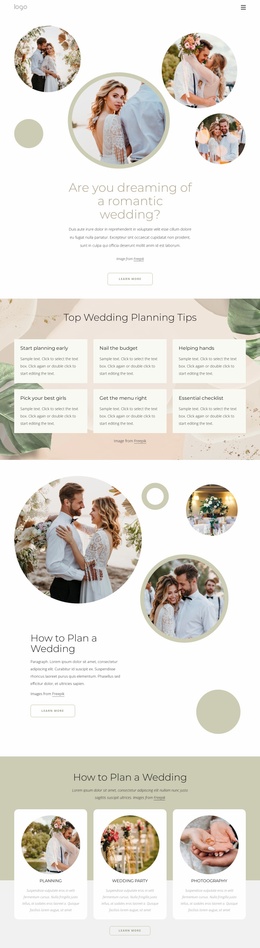
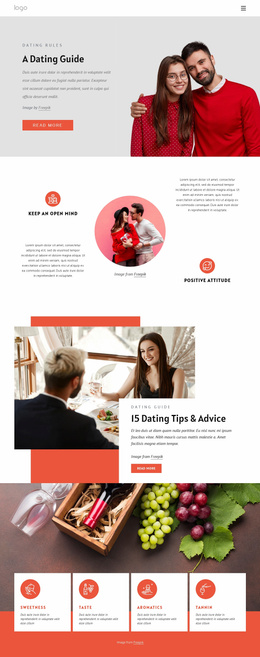
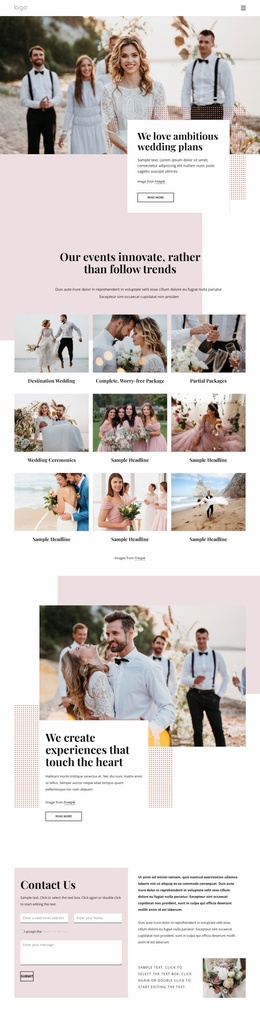
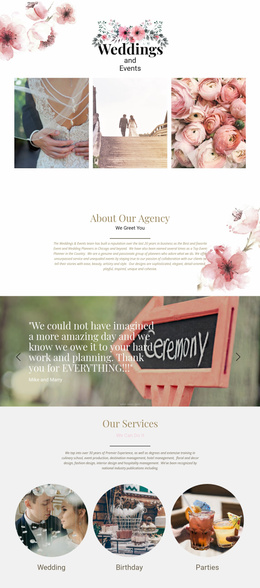
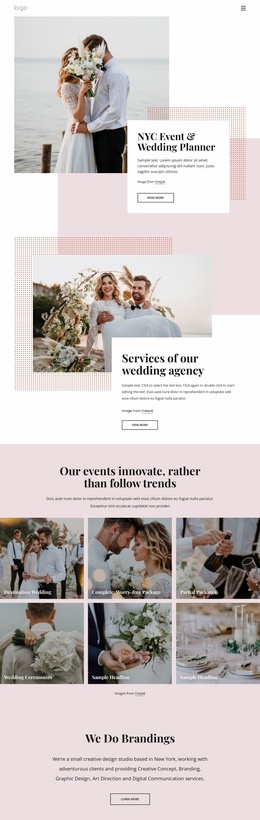

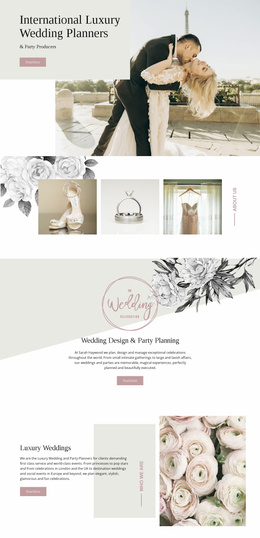






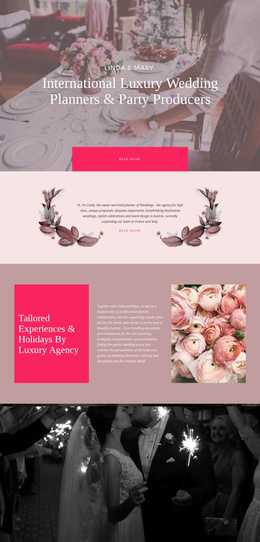
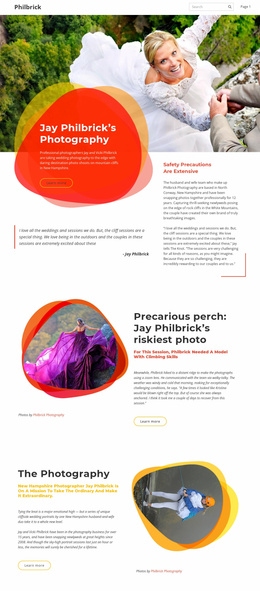
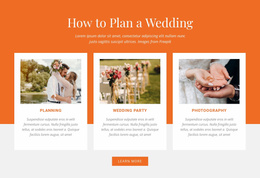
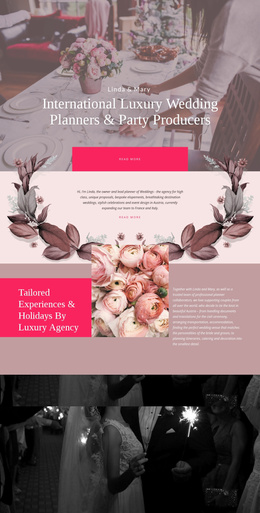
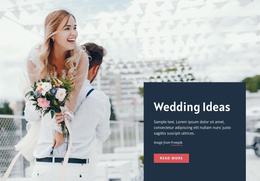
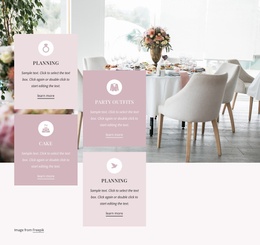
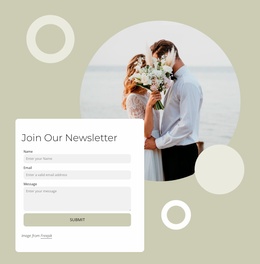
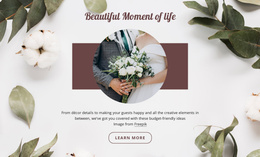


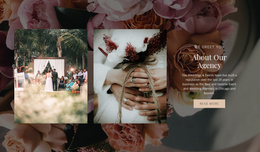
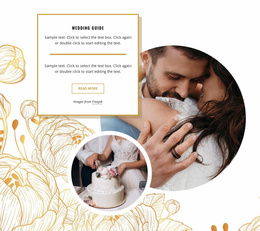
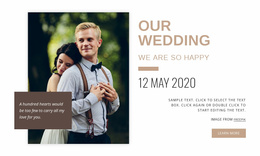


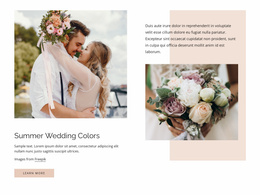
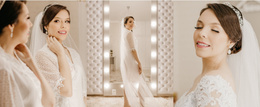

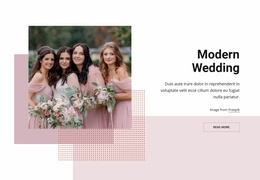
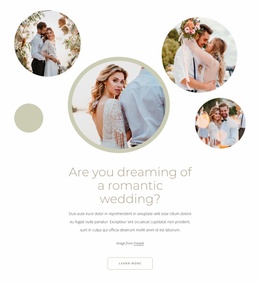


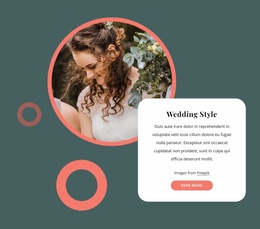
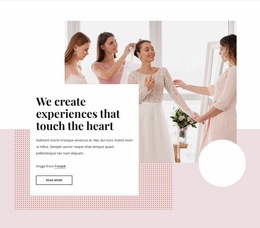
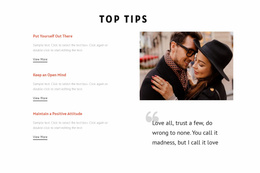
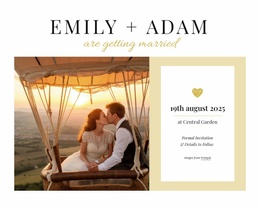


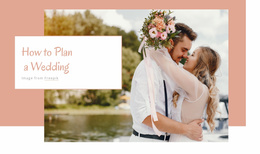
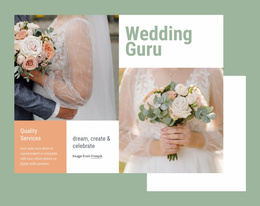
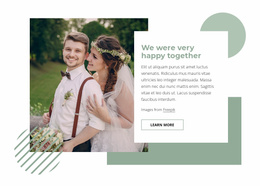
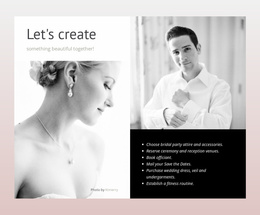
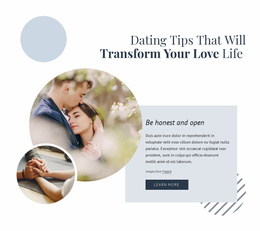
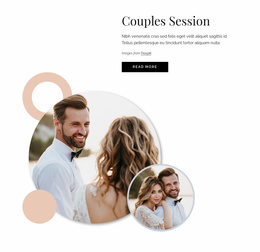

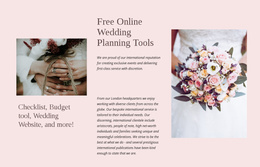
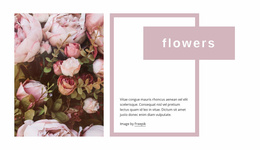

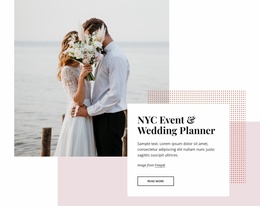
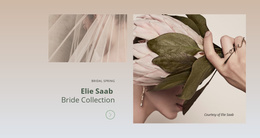
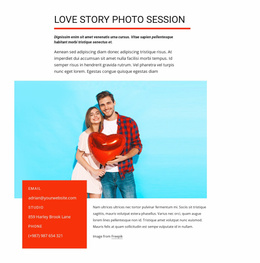
Ready-To-Use Wedding Website Templates
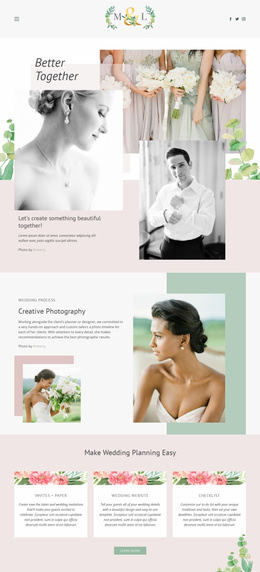
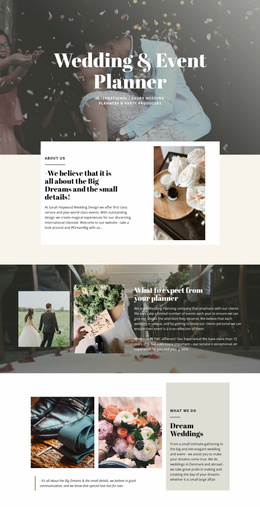
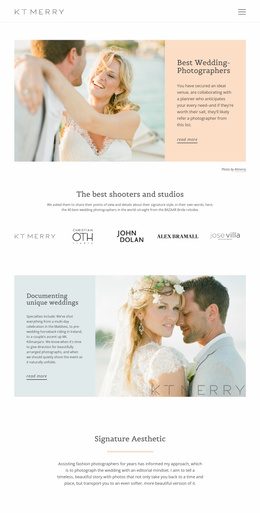
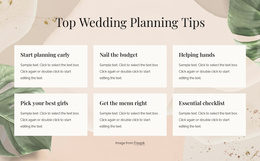
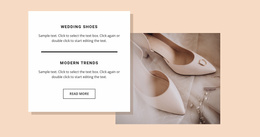
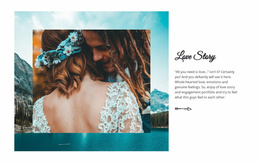
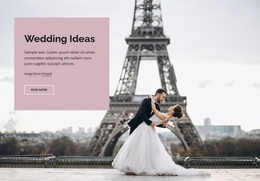
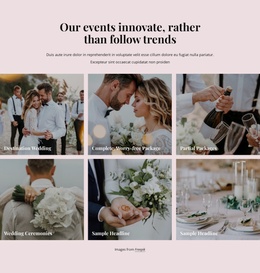
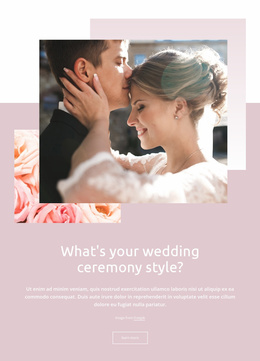
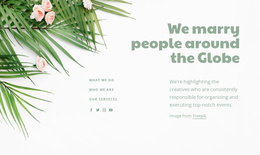
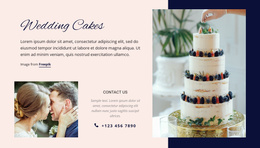
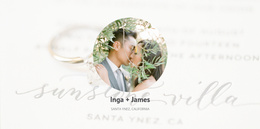
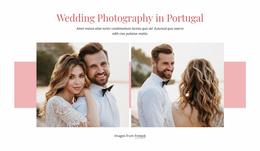
Wedding website templates let you choose a ready-made full-site layout and adapt it to your real celebration. Instead of planning every page from scratch, couples, planners, venues, and photographers can compare complete site concepts by page count, included guest features, event structure, and visual direction, and then customize the option that best fits the wedding.
What Makes a Clean Wedding Website Template?
Before choosing a full wedding website template, compare what is already included:
- Number of pages and whether the structure suits a single-day event or a full wedding weekend.
- Dedicated places for RSVP, schedule, travel, registry, and venue details.
- Gallery capacity for engagement, ceremony, or reception photography.
- Guest-information depth for destination weddings or multi-location celebrations.
A smaller site may only need a homepage, details, gallery, and response page. A destination wedding may benefit from separate travel and accommodation pages, while a weekend celebration can require a clearer multi-event schedule. The best template is usually the one that needs the fewest structural changes after selection.
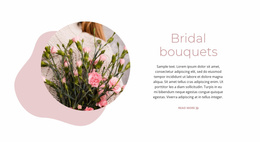
Visual references from bride-focused layouts can help shape personal profile or preparation sections, while groom website ideas can support parallel content without splitting the site into conflicting visual styles.
Compare and Customize a Complete Wedding Website
When comparing templates, look beyond the hero image. Check the complete page set, navigation, content density, RSVP placement, gallery treatment, and whether important guest sections are already present. This makes the selection process more practical than choosing a design based only on colors or photography.
Web Page Templates provide designed starting points for the pages included in the larger project. Dashboard management keeps the selected page set together so that the wedding site can be opened and maintained as a single project; Nicepage documents this workflow in its Page Basics guidance.
After selection, customize the existing structure rather than rebuilding the site concept. Replace placeholder copy, photographs, venue information, schedule details, travel notes, registry content, and guest-response areas while keeping the layout elements that already fit the event.
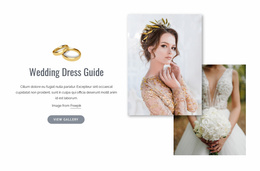
For larger projects, the Nicepage Site Basics workflow explains how to create, open, and manage project websites and their pages through the Dashboard. A wedding dress design direction can contribute editorial photography or fashion-led visual cues to preparation and gallery pages without defining the entire site.
Premium Full-Site Selection Before Publication
Common Mistake: choosing a template because one page looks attractive while the rest of the site does not support the event. The Fix: compare the whole layout set before customization. Check page count, RSVP flow, travel content, registry placement, gallery capacity, and schedule needs first, then choose the template that already covers most of them.
Fast-Loading Wedding Website Questions
Where can I manage global settings for a complete wedding website?
Use Site Settings from the Nicepage Dashboard. Global website properties, including metadata-related settings, can be managed there rather than treated as unrelated page-level decisions.
Can a wedding website use a more complex header?
Yes. Nicepage provides a Multi-Row Header feature that combines several blocks and elements, such as menus, search, social icons, contacts, and other supported controls, when a project needs a more detailed navigation structure.
Can I add a guest response form to a wedding website template?
Yes. Contact Form Presets provide ready-made form structures that you can adapt to the page design and relevant guest-response or inquiry needs. The form can then be styled to match the wedding site's visual system.
How many pages should a wedding website template include?
There is no single ideal number. Choose enough pages to separate the content guests need without creating unnecessary navigation; destination and wedding-weekend sites usually need more structure than a simple single-day celebration.
What should I check before choosing a template for a destination wedding?
Look for dedicated space for travel, accommodation, venue directions, event schedules, and guest responses. A layout that already supports those needs will require less restructuring later.
Fast-Loading Route From Template Choice to Wedding Site
Compare complete wedding-site layouts, select the one that already covers the required guest content, and then adapt it in the visual page editor. Replace the photographs, copy, schedule, venue, travel, registry, and RSVP details, review responsive views, and publish when the customized template fits the celebration. Start for free and use the ready-made structure to reduce setup work rather than redesigning the information architecture from scratch.





















































