
Winter Website Templates
Ski resorts, winter tour operators, cabin rentals, and seasonal events often need separate pages for activities, stays, schedules, and contacts. Winter Website Templates connect those destinations through one coordinated site structure and navigation.
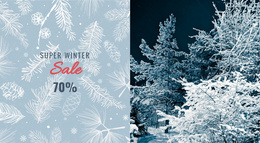

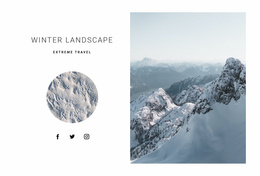
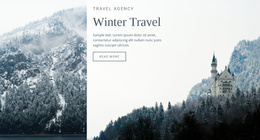
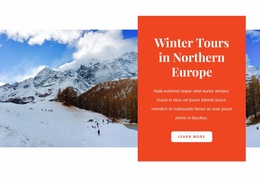
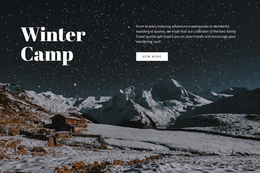
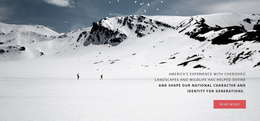
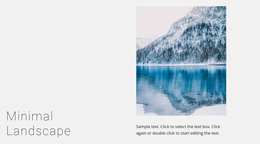
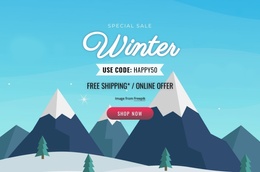









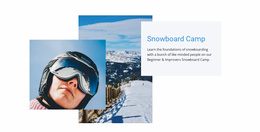


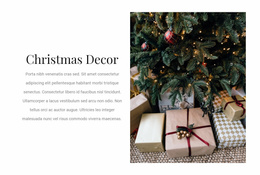






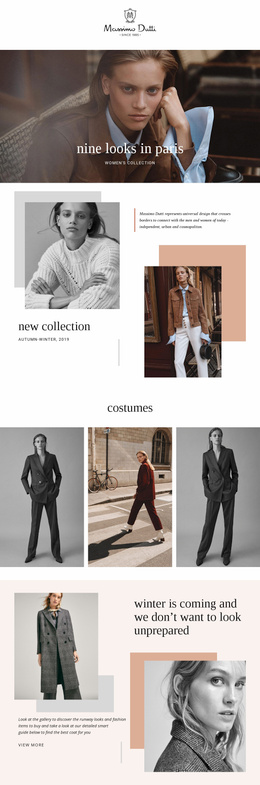
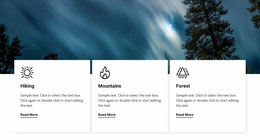
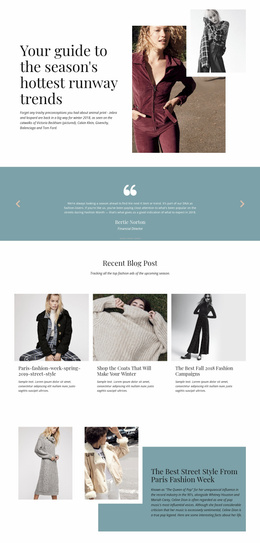
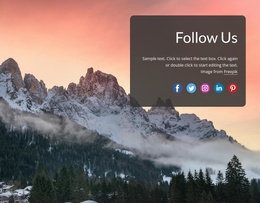







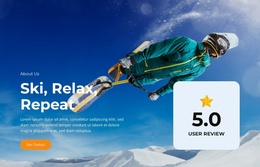

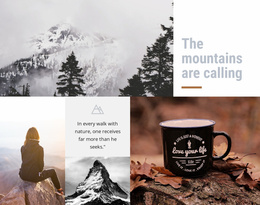
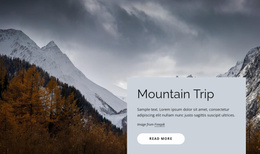
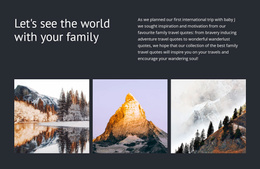


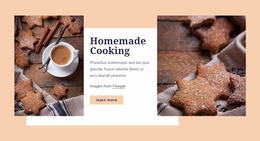
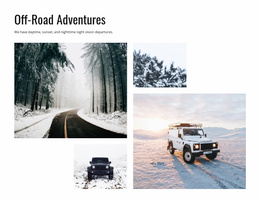
Other Nature Website Templates
Winter Website Templates for Complete Seasonal Websites
A winter website often needs more than one page to answer visitors' questions before they book, buy, or plan a trip. A ski resort may separate activities, accommodation, passes, and visitor information. A winter store can give its seasonal collection, delivery details, promotions, and contacts their own space. Winter Website Templates provide a visual starting point for building these connected pages into one consistent seasonal website.
Build a Winter Website Around Clear Page Roles
A complete website works best when visitors can understand where different pieces of information belong. Instead of cramming every offer, photo, date, and practical detail onto one long page, the content can be divided by what people are looking for.
A winter site might include:
- a Home page that introduces the destination, business, or seasonal offer;
- an Activities page for skiing, tours, lessons, or winter attractions;
- an Accommodation or Services page for cabins, packages, rentals, or related options;
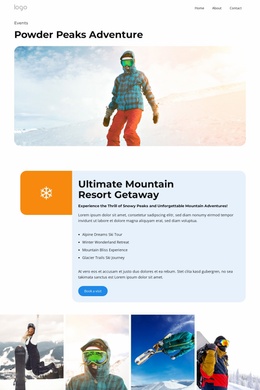
- an Events page for holiday programs, seasonal dates, and special activities;
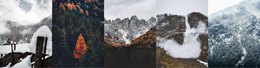
- a Gallery for landscapes, facilities, products, or recent experiences;
- a Contact page for directions, inquiries, booking details, and opening hours.
The exact page set depends on the project. A mountain resort may need trail information and accommodation pages, while a winter fashion store may focus on collections, delivery, and seasonal promotions. The important point is that each page has a clear purpose within the same website.
Nicepage lets project owners manage website pages as new sections of the site are added or reorganized.
Connect Seasonal Pages With Shared Navigation
Once winter content is distributed across several pages, navigation becomes part of the visitor experience. Someone checking ski pass prices should be able to navigate directly to accommodation or opening hours without returning to the homepage. A shopper looking through a winter collection may want quick access to delivery information or a sale section.
Use recognizable menu labels and keep the main routes consistent across the site. Shared Header and Footer areas can repeat important links, contact information, or booking access wherever visitors enter the site.
A consistent visual system also helps separate pages feel like parts of one project. Typography, colors, button treatments, and spacing can stay coordinated even when individual page layouts differ. A Gallery may rely heavily on photography, while an Events page needs dates and practical information to be easier to scan.
Choose a Template for the Site You Plan to Build
When comparing Winter Website Templates, look beyond the homepage's appearance. Consider the complete website structure you will need for the season.
A useful starting template should make it easy to organize the main page types, keep navigation understandable, and extend the site when new offers or events appear. A resort may add an updated activities page as snow conditions change, while a seasonal retailer may introduce a separate January sale section after the holiday period.
The goal is not simply to find a winter-themed page. It is to choose a design that can support the different pages of a complete seasonal website and keep them visually connected as the project grows.