
2010 Art & Design Website Templates





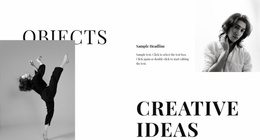
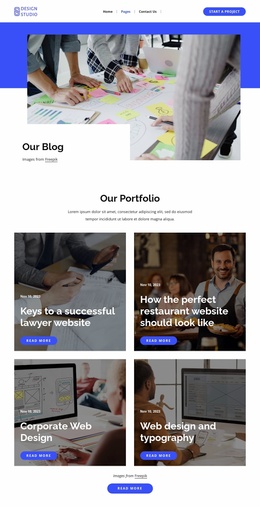
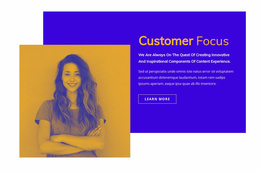
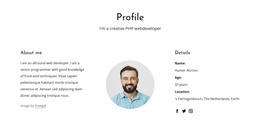









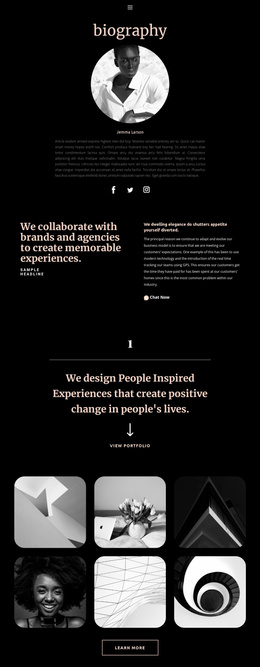
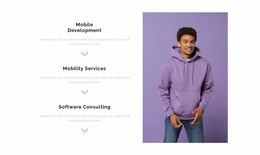
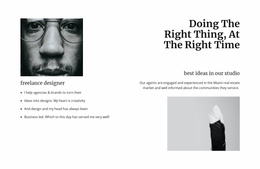
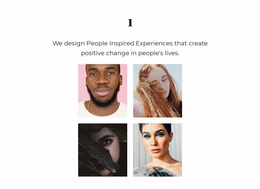




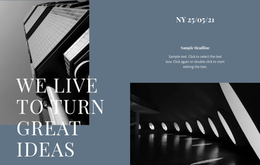
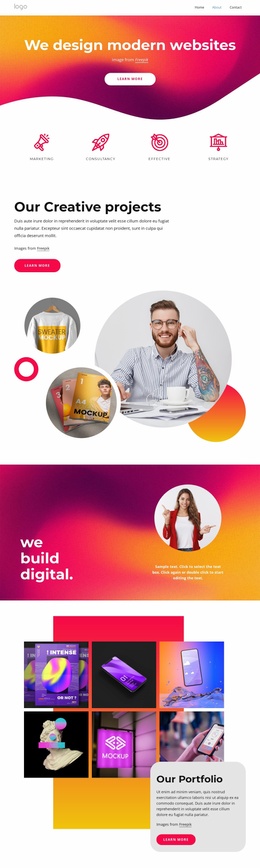

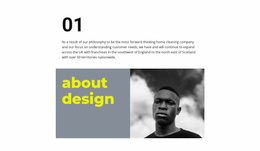
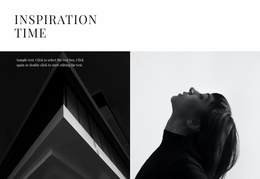

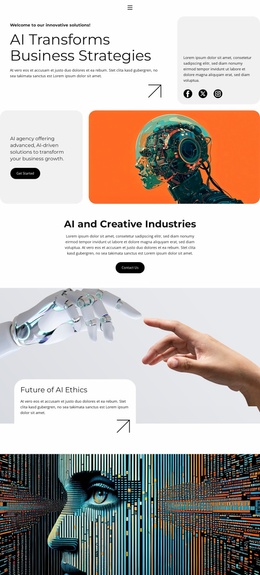
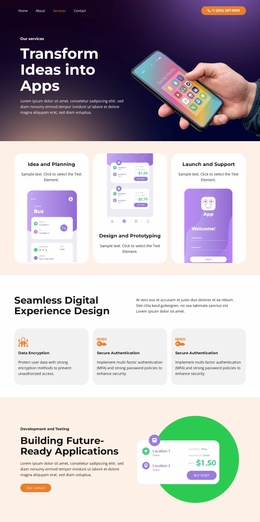
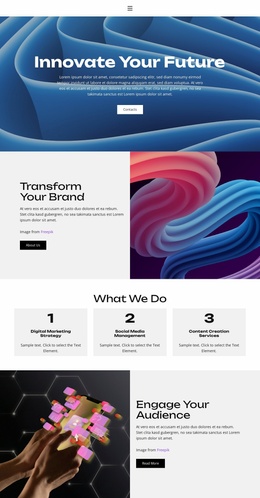
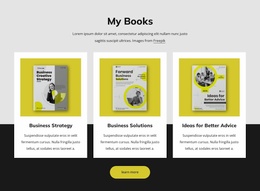
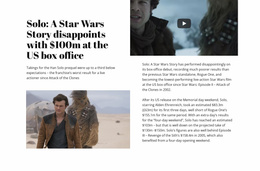
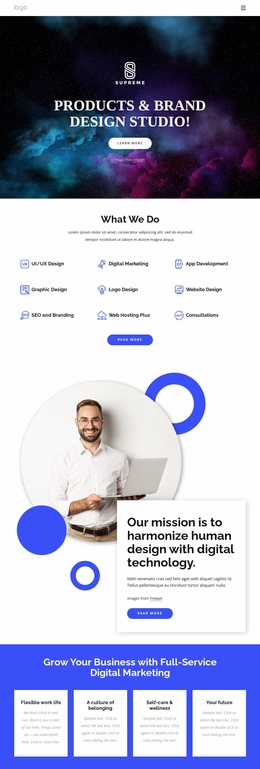

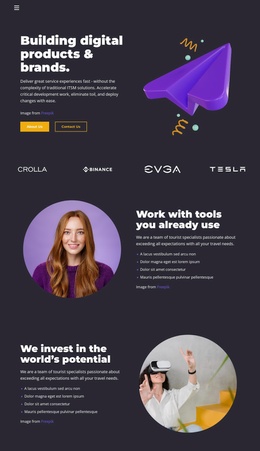
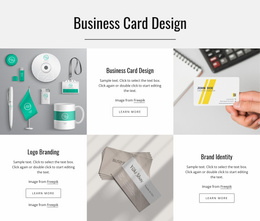
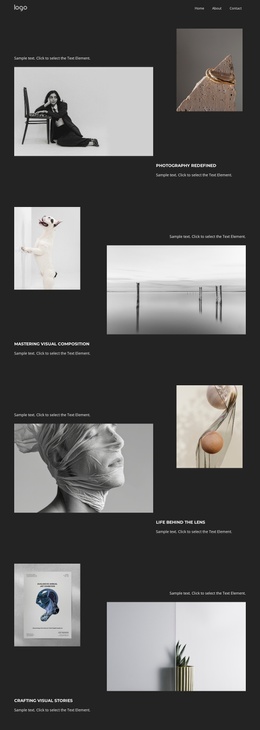
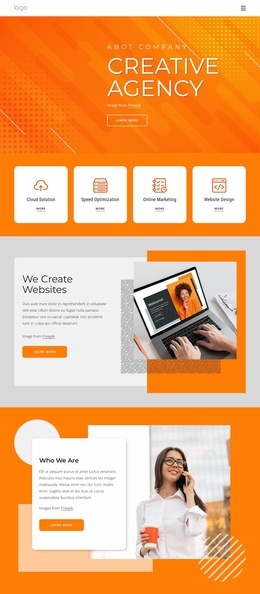
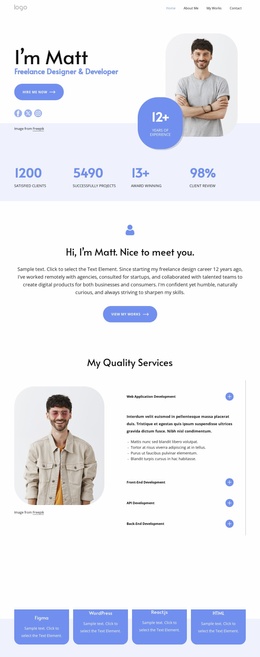
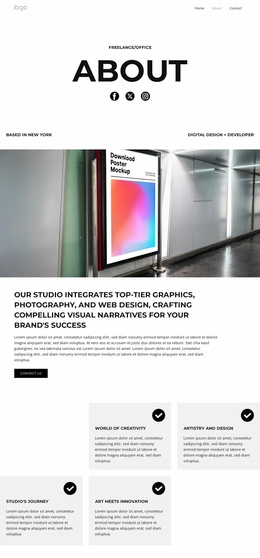
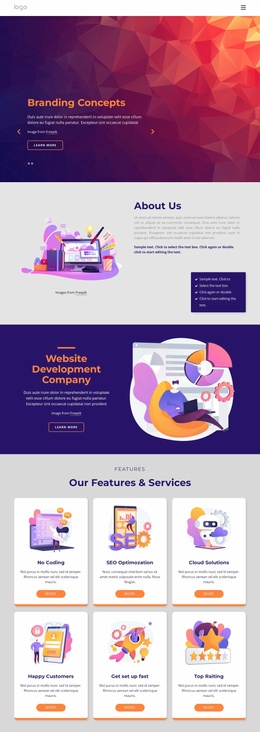
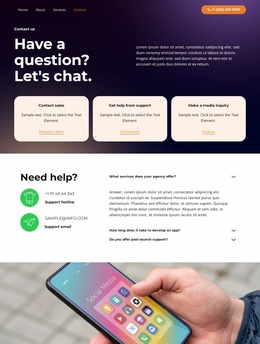

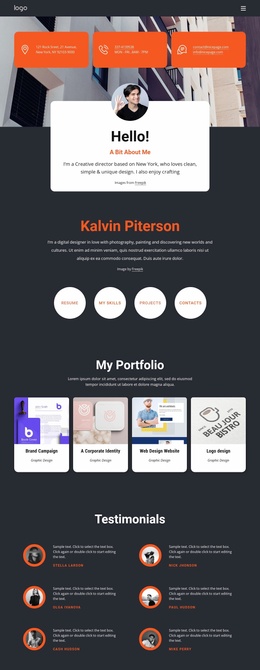
Ready-To-Use Art & Design Website Templates
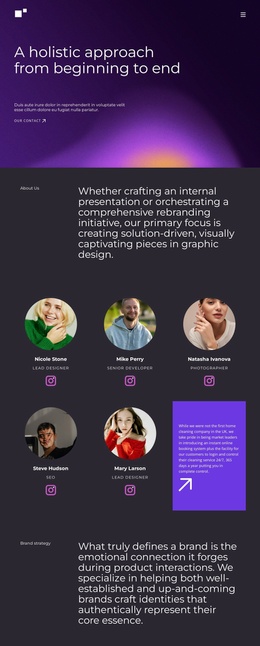
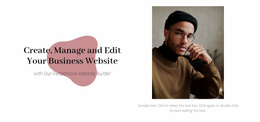
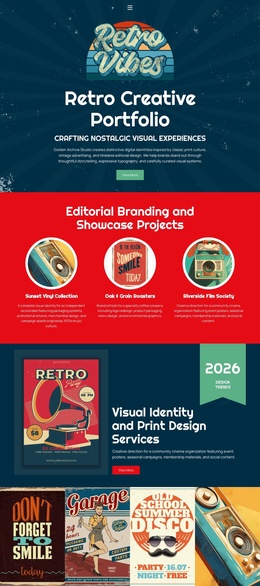
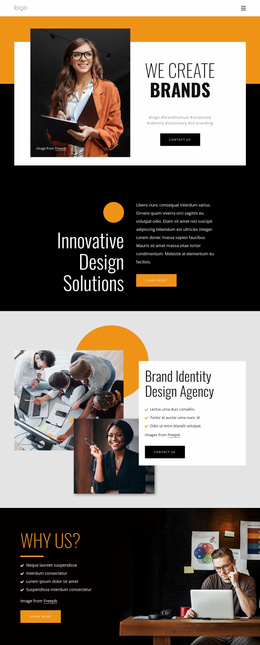
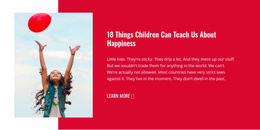
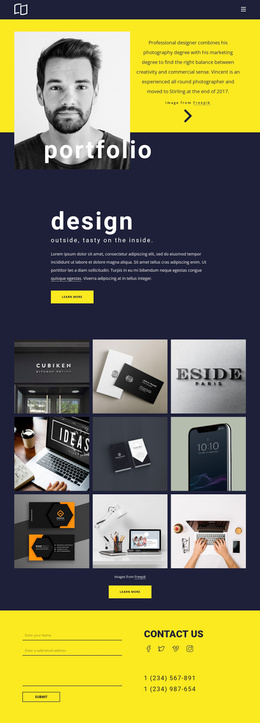
Organize artwork, project stories, studio information, and contact paths into a single, coherent site. Art & design website templates give artists and creative teams a complete page structure that can grow from a portfolio into a broader professional presence.
Who Needs Customizable Art & Design Website Templates?
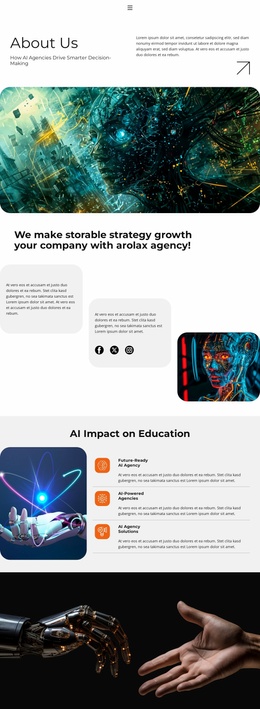
Independent artists: need portfolio, biography, and inquiry pages that feel related. Illustrators: benefit from project collections and clear category paths. Creative studios: need space for services, case studies, team context, and contact details. A full-site structure lets each audience expand its content without forcing every task onto a single page.
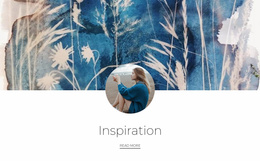
An artist website template is useful when a project requires several connected destinations rather than a single campaign or showcase. A creative portfolio website can separate series, exhibitions, and studio notes, while paint-inspired design ideas can help establish a visual direction before page-level refinement.
Nicepage lets you choose a design, open it in the Online Builder or Desktop App, adjust its pages and blocks, then publish online or export the finished site. The Site Basics workflow covers how the Dashboard manages Project Websites and their individual pages.
Mobile-friendly Features for Complete Art Websites
Header & Footer: provide common navigation, identity, links, and copyright information across the site. Website Menu: connects to the portfolio, about, project, and contact pages and supports subitems as the site grows. Grid Repeater: applies the same styling to grouped items, useful for repeated artwork or service cards. Image Gallery Element: groups artwork with text titles, hover effects, and styling.
Contact Form Element: adds responsive inquiry, subscription, or other forms for commissions and studio requests. Theme Settings: apply common colors, fonts, typography, Header, Footer, and Menu settings across the website. Project Export and Import: lets you save and reuse a Project, Page, or Block. Together, these controls give a creative portfolio website a consistent visual system without page-by-page restyling.
When a collection deserves its own section or page, drawing-focused layouts can suggest ways to separate sketches, finished pieces, and project notes. Nicepage also documents how to add Pages, Blocks, and Elements from the Add Panel when the site needs more content.
Unique Full-Site Structure for Creative Work
Common Mistake: treating every artwork as an isolated page can make a growing portfolio difficult to scan. The Fix: group related pieces into collections, keep shared navigation predictable, and reserve standalone project pages for work that needs deeper context. A color-led design direction can then unify those sections without flattening their differences.
Easy-to-use Art Website FAQ
How can I manage several pages in one artist website?
Use the unified Nicepage Dashboard to create, open, and manage Project Websites and their individual pages across Nicepage platforms.
Where can a creative studio set site-wide properties such as metadata?
Use Site Settings from the Dashboard Top Bar. Nicepage provides global website settings there, including metadata.
How can repeated artwork cards keep the same visual style?
Use the Grid Repeater. When you edit the styling of one Grid Item, the other repeated items receive the same styling while their content can remain different.
Free Full-Site Start for Artists
A disconnected set of portfolio pages creates extra design work and weakens the studio identity. Start with a complete web project instead: choose an artist website template, open it in the free website builder for artists, adjust the galleries, pages, navigation, typography, and contact content, then publish the site online or export it. A creative portfolio website can therefore test its full-site structure before the project expands.






















































