
370 Cars & Transportation Website Templates


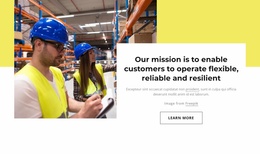

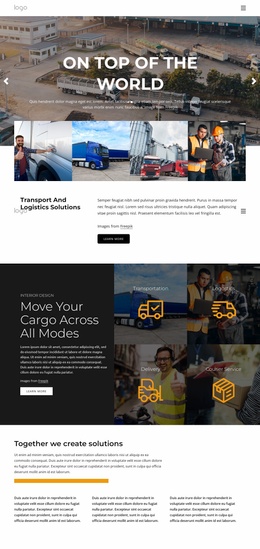
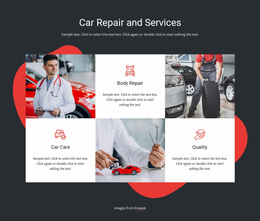
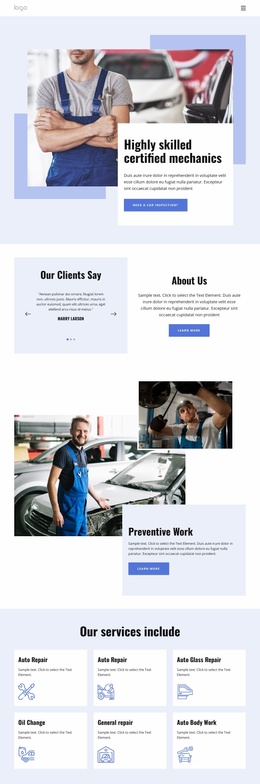
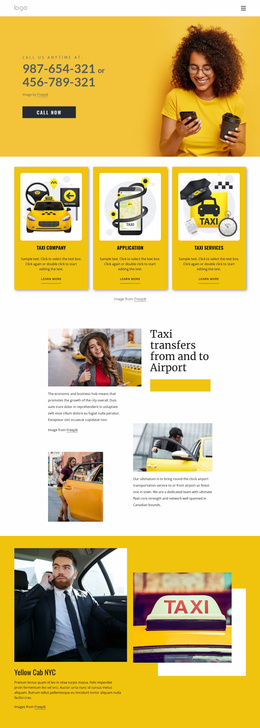
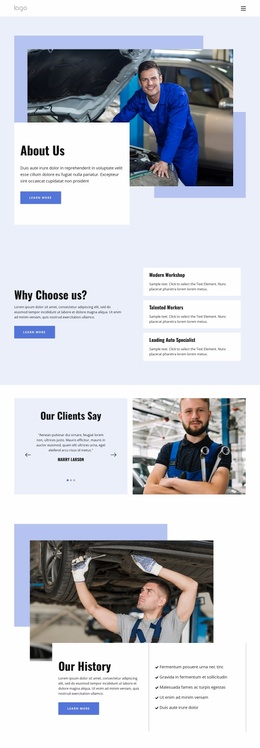
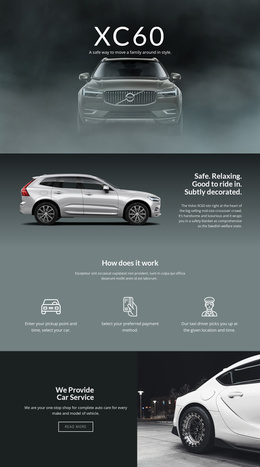
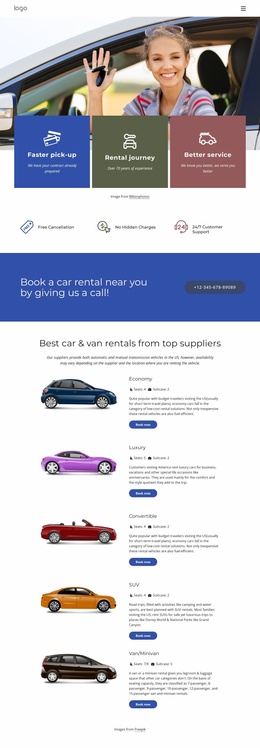
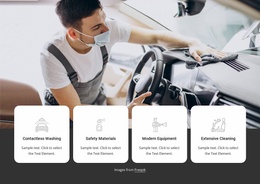
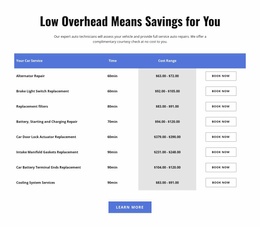
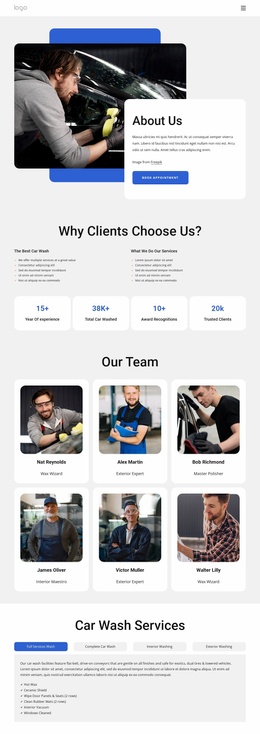
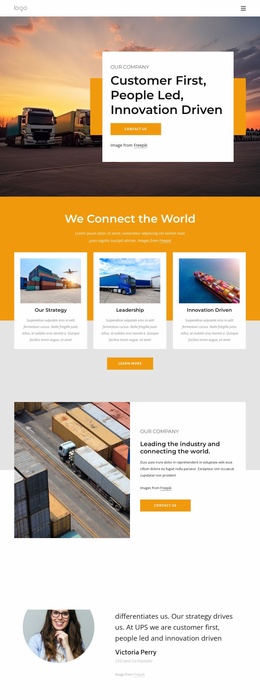

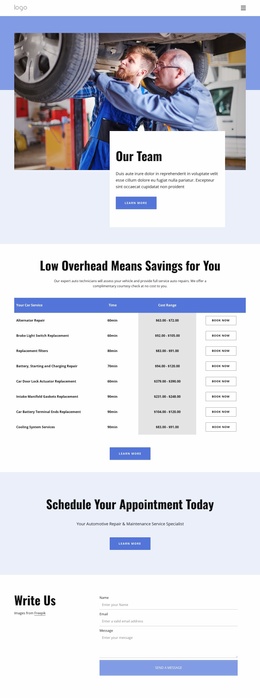
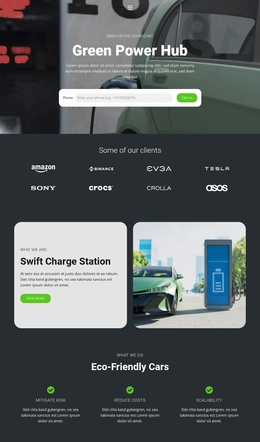
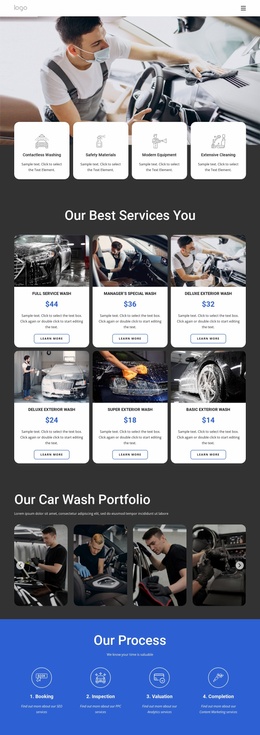
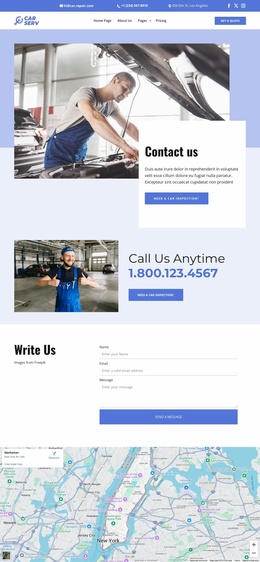
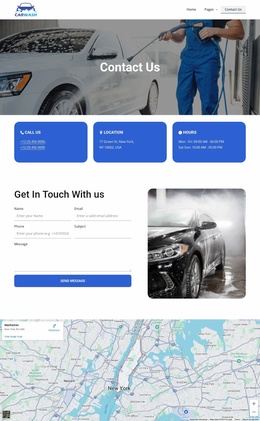
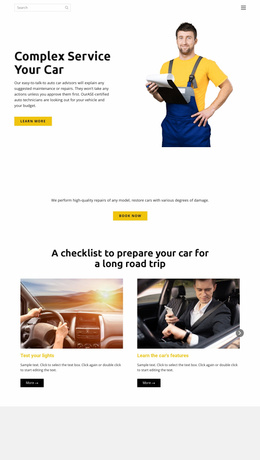
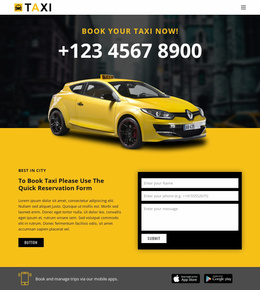



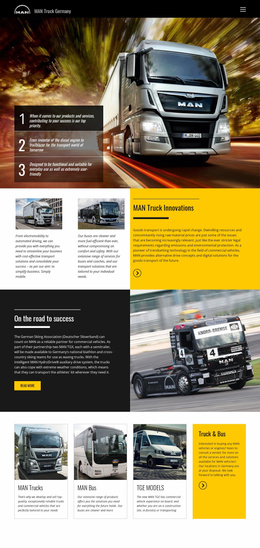
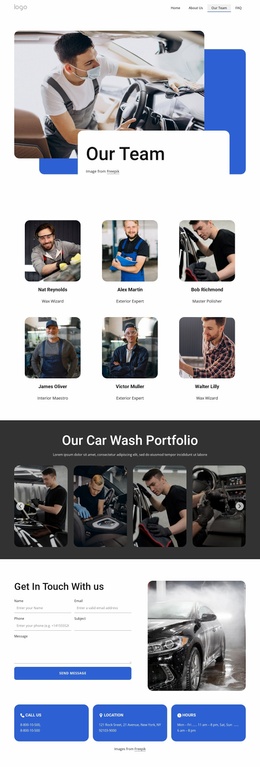

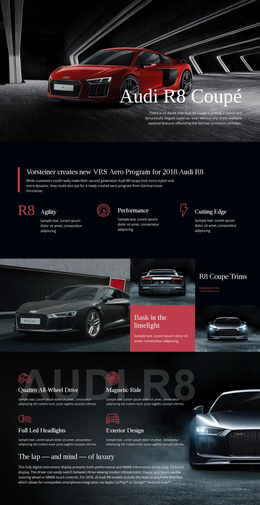
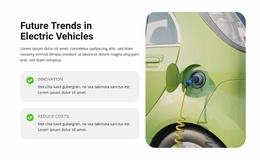


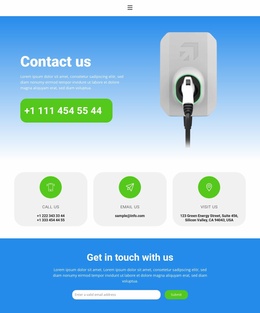

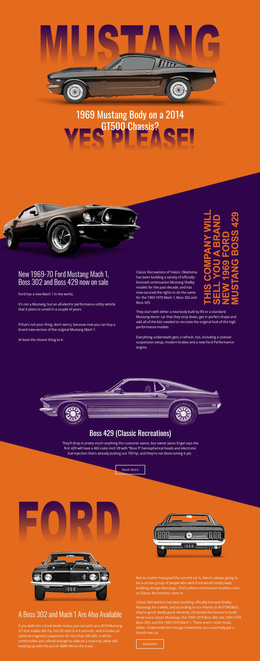
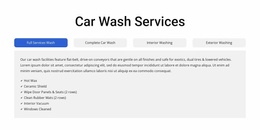
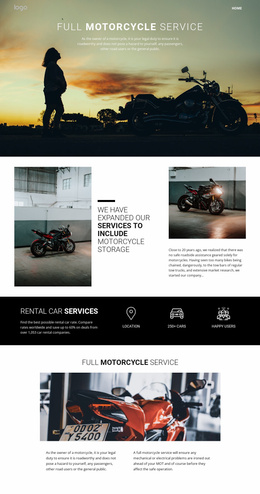

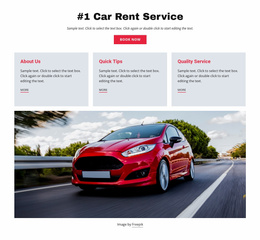
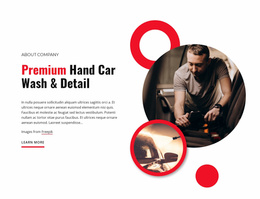
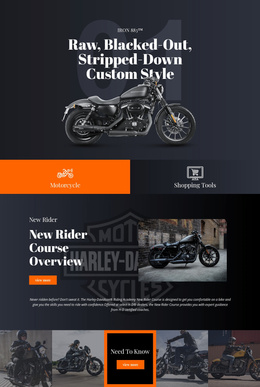

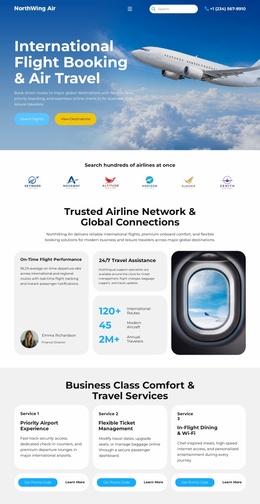








Modern Cars & Transportation Website Templates
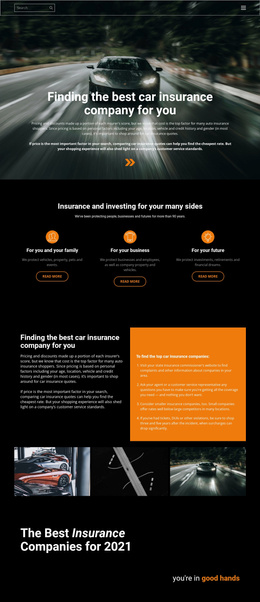
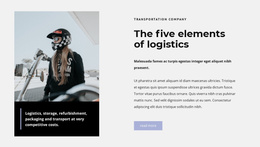
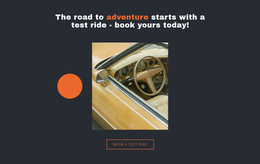
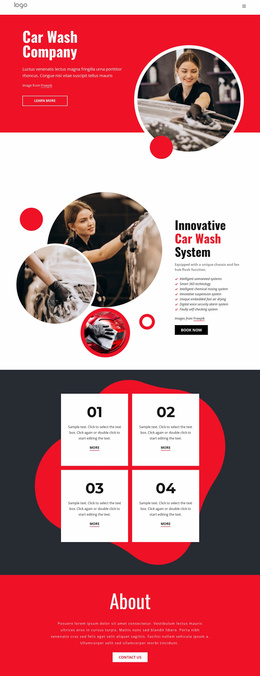
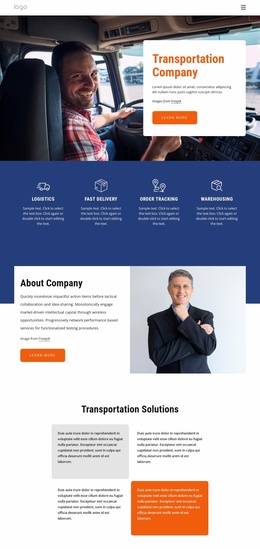
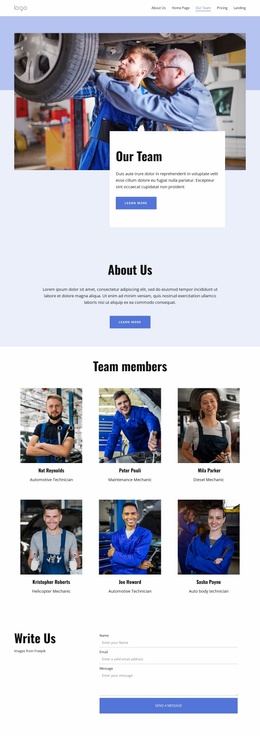
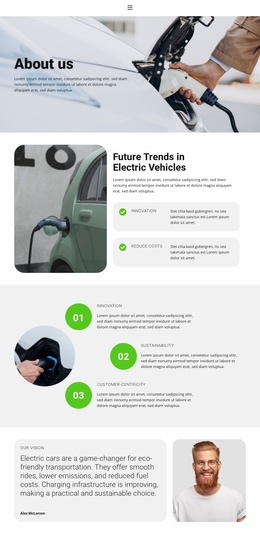
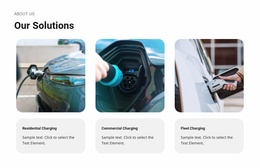
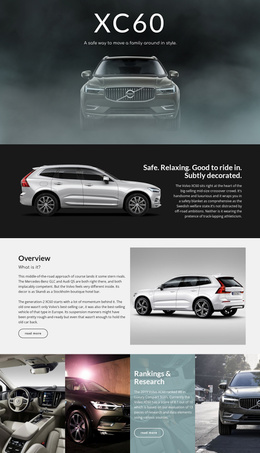
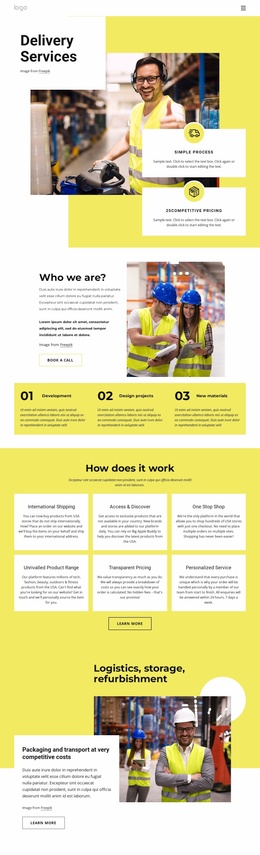
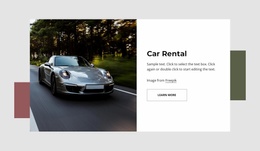
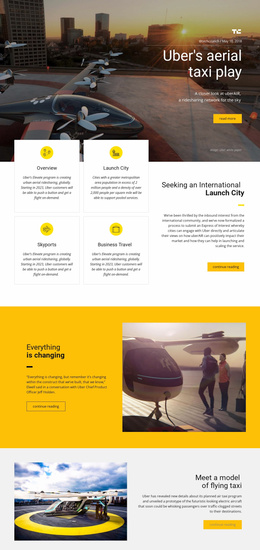
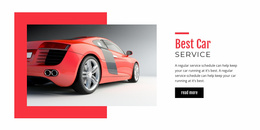
Cars and transportation website templates give dealerships, repair businesses, parking services, fleet operators, machinery companies, and related automotive projects a ready-made website starting point. Depending on the design, the set may include several coordinated page types, shared navigation, and a consistent visual system that can be adapted as one project.
What to Look for in an Automotive Website Template
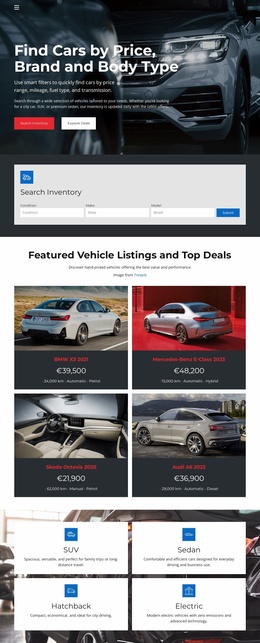
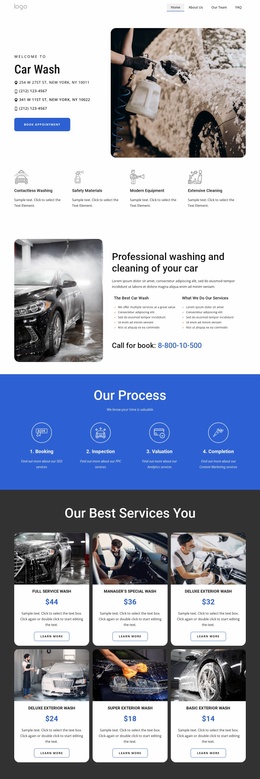
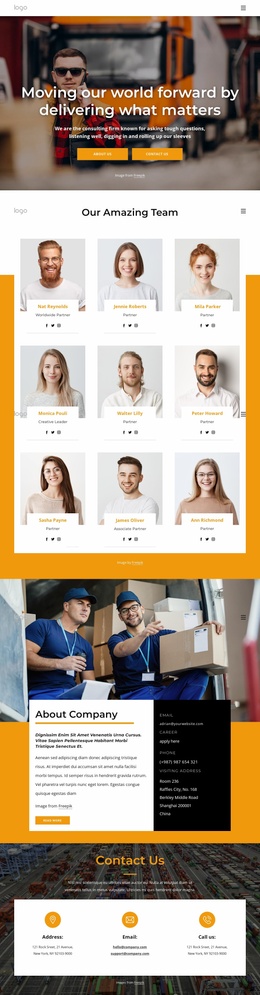
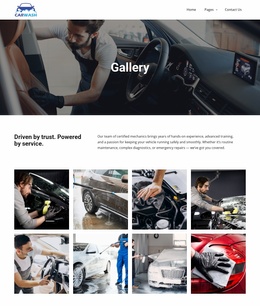
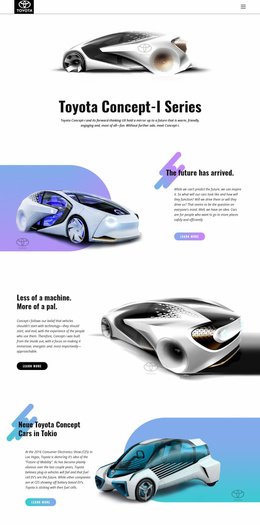
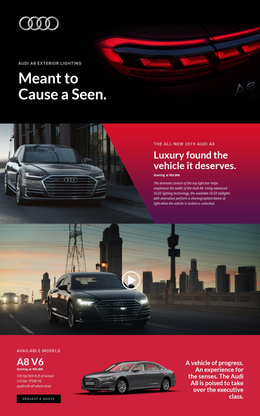
Compare the actual pages and structures in the design rather than relying on the preview image alone. Depending on the concept, a website template may include combinations such as Home, About, Services, Contact, vehicle or equipment pages, galleries, locations, inventory or fleet content, and other supporting pages.
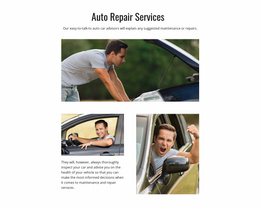
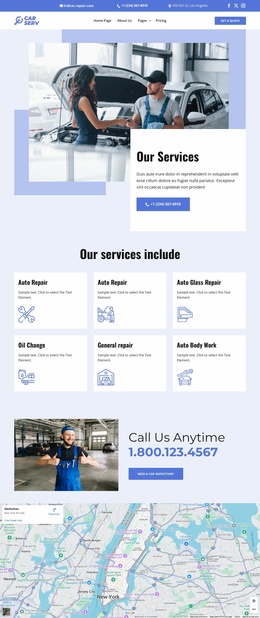
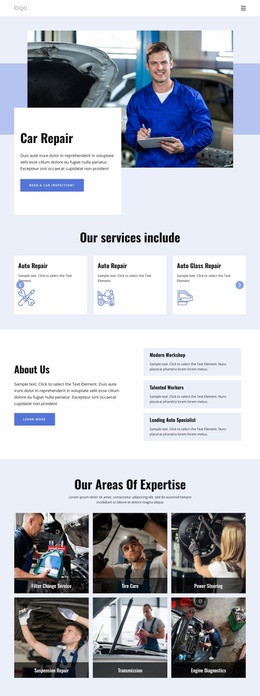
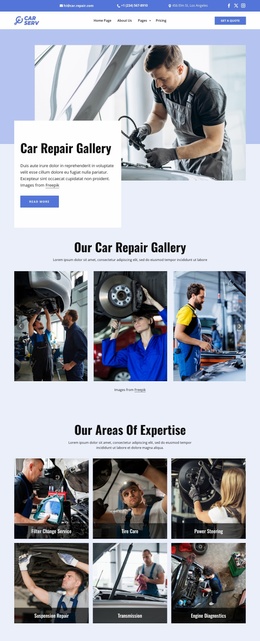
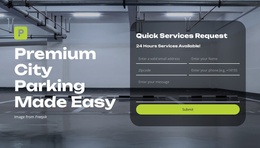
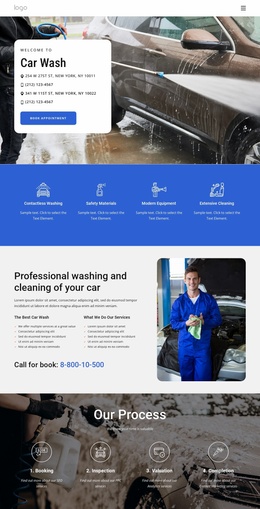
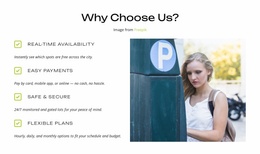
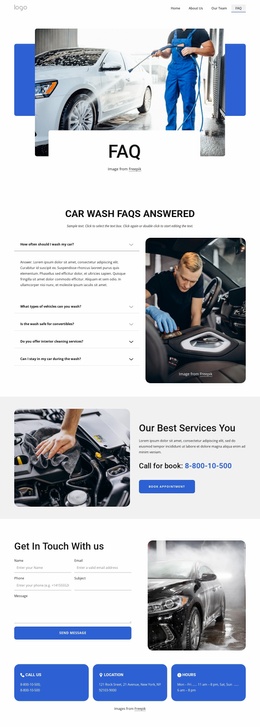
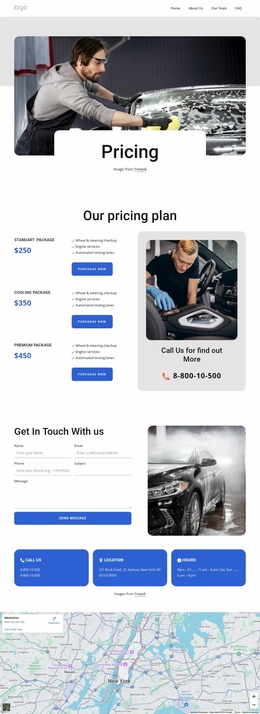
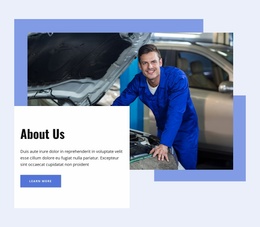
A parking business may use a parking website direction to prioritize location information, access, pricing, and contact details. Repair website ideas can support a different page set built around diagnostics, maintenance, workshop proof, service details, and request paths.
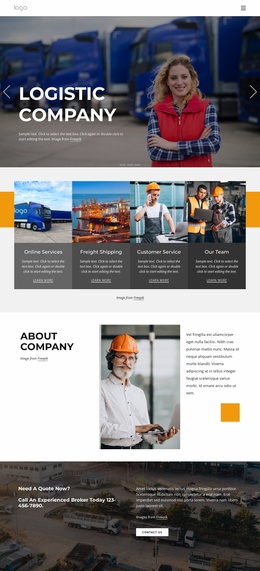
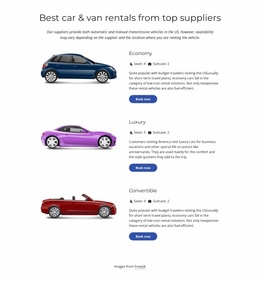
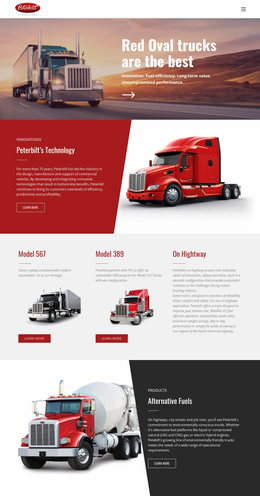
The most useful website template is the one whose included pages already match the business. If a dealership needs model categories, financing, and showroom information, or a machinery supplier needs equipment pages, service, and support content, a coordinated set can reduce structural rework after selection.
Nicepage lets you manage those pages within a single project. The documented Site Basics workflow explains how to create, open, and manage Project Websites and their pages in the Desktop Applications and Nicepage Online.
Shared Navigation and Consistent Page Systems
When several pages belong to a single automotive project, a consistent visual system should help visitors navigate between them without relearning the interface.
Shared header and navigation
A common Header can keep the brand, primary menu, contacts, and repeated utility information consistent. Multi-Row Header is useful when a vehicle or transport business needs additional room for navigation, contacts, social icons, or other shared information.
Repeated visual rules
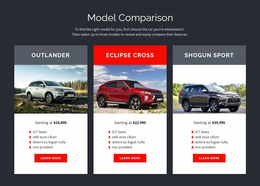
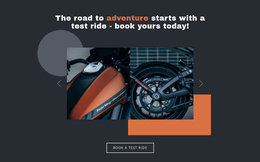
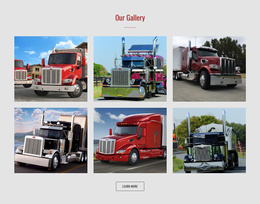
Vehicle cards, equipment categories, repair services, and locations should use compatible spacing, typography, image treatment, and button hierarchy across pages. A Gallery Carousel can support vehicle, machinery, repair work, or fleet photography when the design requires several images in one area.
Coordinated mobile behavior
The page set should remain recognizable when each page moves to tablet or phone layouts. The documented Responsive Modes cover Large Screens, Desktops, Laptops, Tablets, and horizontal or vertical phone views.
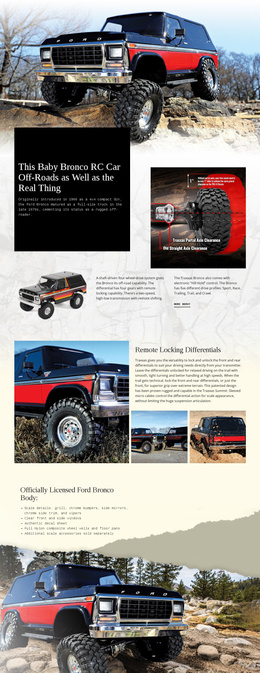
A machinery-focused project can compare machinery website ideas to assess whether the included pages and visual hierarchy align with equipment presentation, specifications, service, and contact needs before committing to the design.
Compare Included Pages Before You Choose
Look at the page set, shared navigation, and content coverage together. A dealer may need inventory and financing content, a repair shop may need detailed service pages, and a fleet business may need locations or capability pages. Choose the combination that best fits the real information need, rather than adding pages to inflate the project.
Cars & Transportation Website Template FAQ
What pages should an automotive website template include?
It depends on the business. Common combinations can include Home, Services, About, Contact, vehicle or equipment content, galleries, locations, inventory, fleet information, or other supporting pages.
How do I manage several pages in a cars and transportation website?
Use the Nicepage Dashboard to create, open, and manage Project Websites and their individual pages. This keeps the site structure in one place across supported Nicepage platforms.
Where can I configure global website properties for an automotive project?
Open Site Settings from the Top Bar on the Dashboard. There, you can configure global website properties, including metadata and other site-level settings.
Can an automotive website use a more detailed shared header?
Yes. Multi-Row Header can combine several Header blocks and provide extra room for items such as a Menu, Contacts, and Social Icons within the shared site header.
Choose a Page Set That Fits the Business
Review the included pages, shared navigation, and visual consistency before choosing a design. Prefer a coordinated set whose page types already match the business, replace demo content with real vehicles, services, equipment, locations, and customer information, and then review responsive behavior across the connected pages.





















































