
1000 Architecture & Building Website Templates






































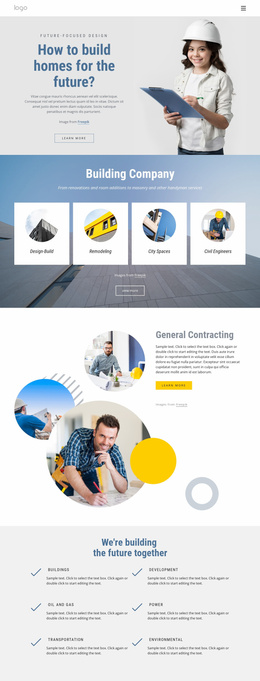
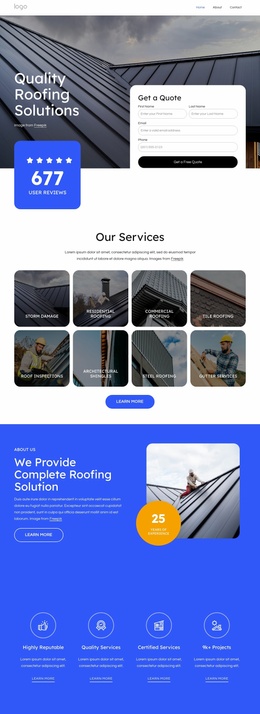

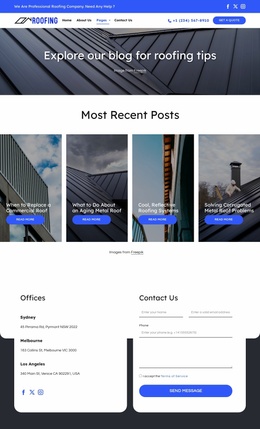
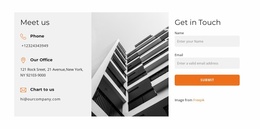











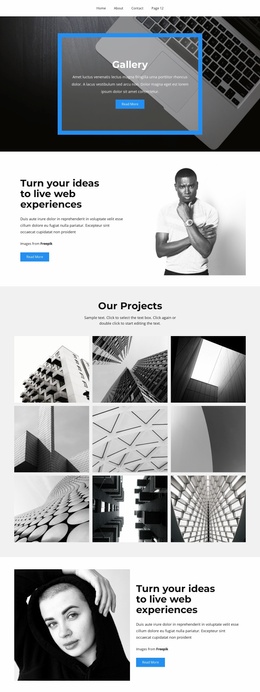
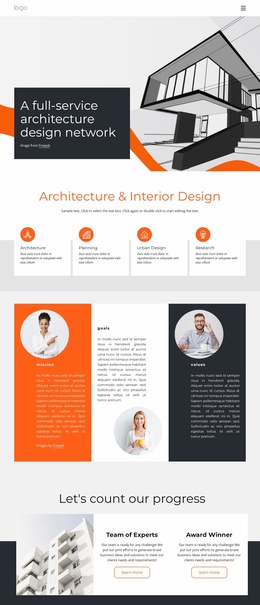
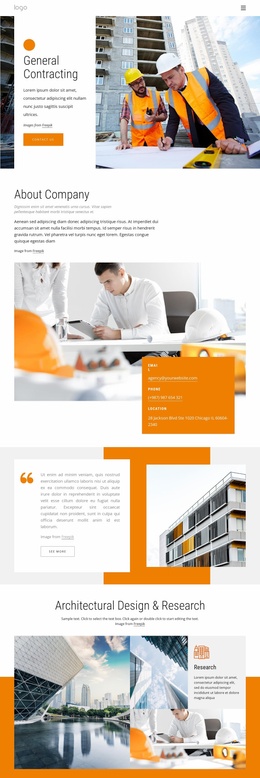
Ready-to-Use Architecture & Building Website Templates
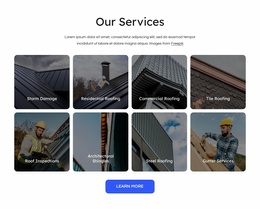
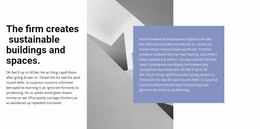
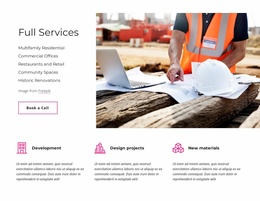
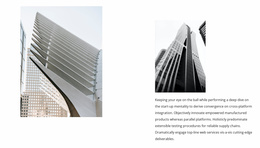
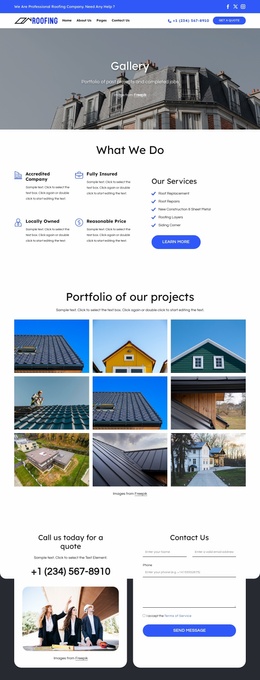
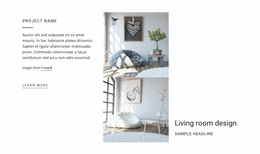
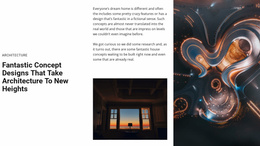
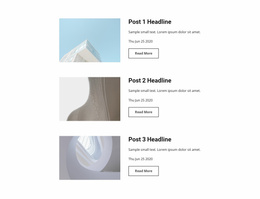
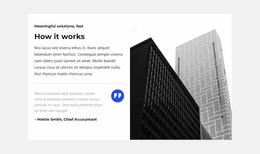
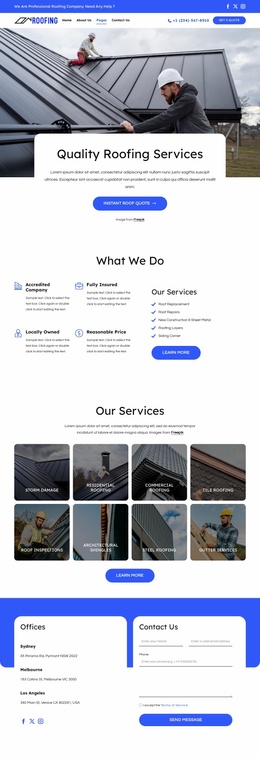
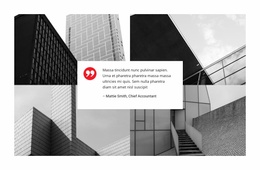
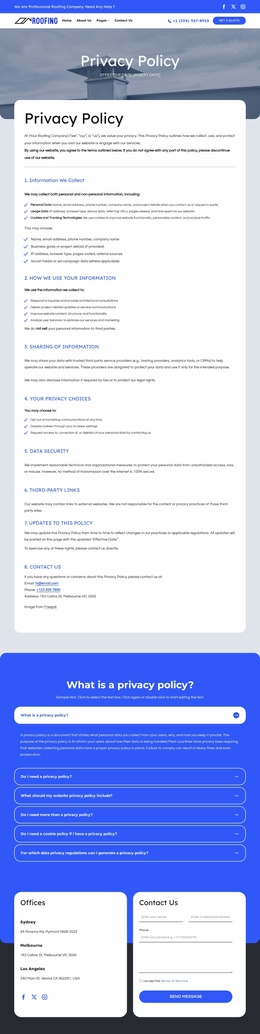
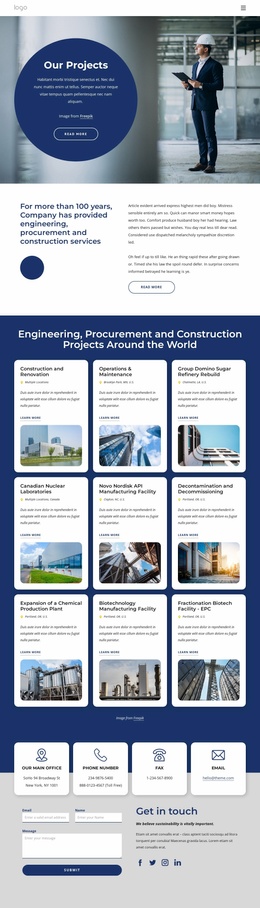
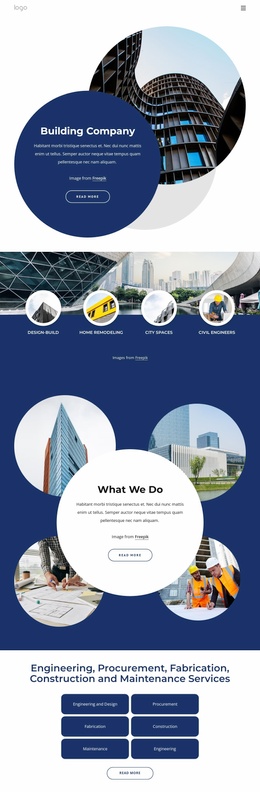
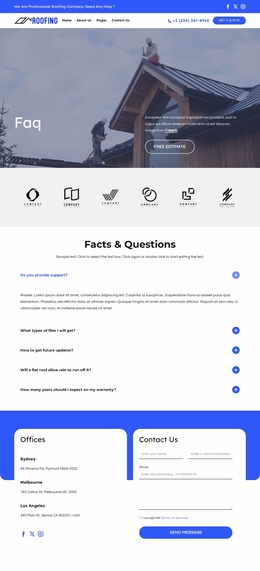
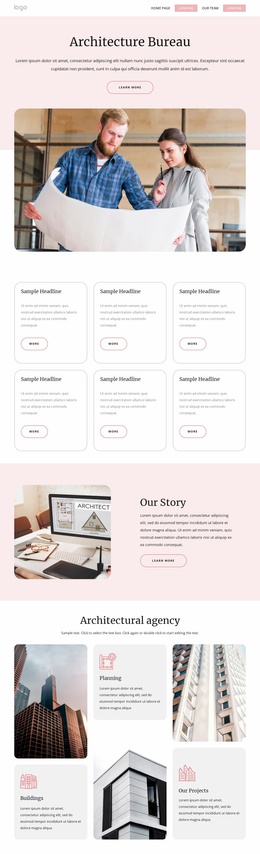
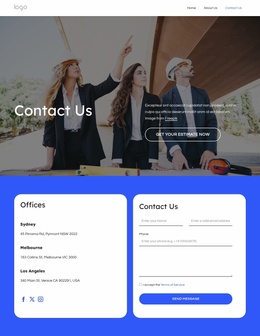
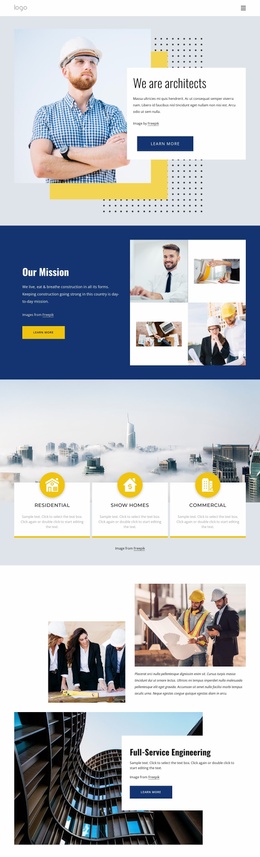
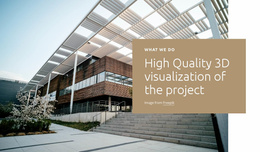
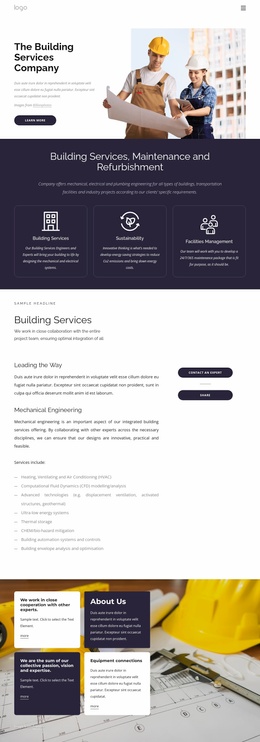
Architecture & building website templates provide a connected multi-page system for a real practice, not just a set of individually attractive screens. A strong template should already anticipate the main relationships among Home, Projects, Project Detail, Services, About, and Contact so visitors can move through the work, understand the studio, and reach the next page without the team having to invent the site architecture from scratch.
Check How the Whole Site Works Together
A homepage can make a strong first impression, but the inner pages determine whether the template will work after launch. Projects need a clear route from archive or category pages into individual case studies. Service pages should connect logically to relevant work, while About and Contact should remain easy to reach from deeper portfolio pages rather than function as isolated endpoints.
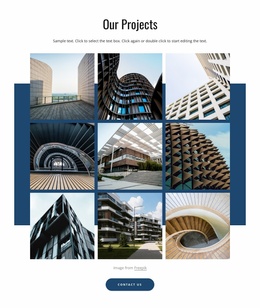
For residential practices, housing design references can help test categories such as houses, multi-unit work, renovations, and development projects. Larger studios may need a taxonomy for commercial, public, cultural, hospitality, or competition work. The important question is whether those categories can grow without confusing navigation or forcing the team to reorganize the site whenever a new project type appears.
Evaluate Navigation, Portfolio Scale, and Inner Pages
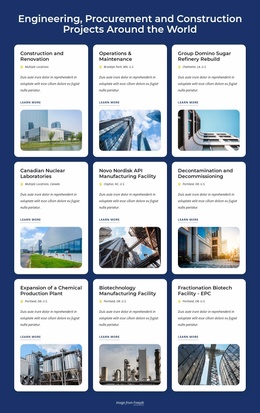
A useful website template should still make sense when the demo portfolio is replaced by a much larger one. Consider an architecture bureau with 40 completed projects across Residential, Public, and Commercial categories. The template needs to support that archive, keep project categories understandable, allow new work to be added a year later, and maintain consistent case-study pages even when some projects contain a few images, and others include long narratives, drawings, renders, and extensive documentation.
Project metadata should also fit consistently across those pages. Location, year, status, typology, area, client, or team information should have a repeatable place so visitors do not need to relearn the page each time they open another project.
When comparing designs, focus on the system rather than one showcase screen:
- Navigation: can visitors move between major project categories, services, studio information, and contact without dead ends?
- Portfolio organization: can the Projects area scale from a small selection to dozens of case studies without becoming difficult to browse?
- Case-study flexibility: can one reusable project format support both concise and detailed work while keeping the same overall logic?
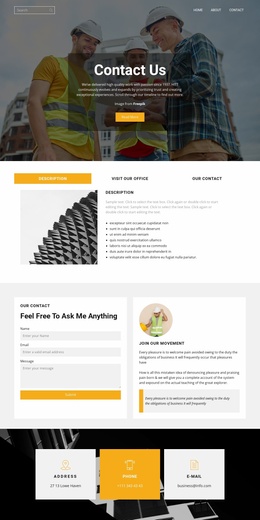
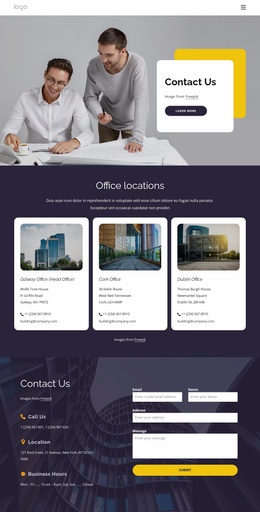
- Supporting pages: are Services, About, and ContactContact useful and connected after visitors move deep into the portfolio?
Nicepage lets teams create, open, and manage websites and their pages through the Site Basics workflow. For a multi-page template, that workflow supports the practical job of maintaining the connected set of pages as real content is added.
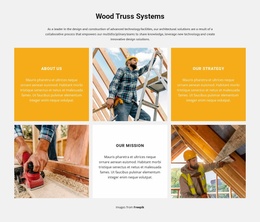
For practices that also include fabrication, model-making, or hands-on design work, workshop website ideas can help determine whether that material warrants a dedicated page or its own project category within the broader site organization.
Test the System with Real Architecture Content
Replace demo content across several page types before committing to the design. Add real project categories, a short case study, a long case study, service copy, team or studio information, and realistic contact content. Then browse the site as a visitor would: from Home into a category, into a project, across to a service, and back toward studio or contact information. A strong template should remain coherent throughout the journey while still leaving room for the portfolio to grow.
Architecture Website Template Questions
What pages should an architecture website template include?
The practical core consists of Home, Projects, Project Detail, Services, About, and Contact. Depending on the practice, the site may also need News, Team, Awards, Publications, Careers, or separate project-category pages.
How can I manage several pages in one architecture website project?
Use the Nicepage Dashboard to create, open, and manage Project Websites and individual pages. This is useful when projects, services, studio information, and contact content are separated across several connected pages.
How do I know whether a website template can handle a large architecture portfolio?
Test it with the scale you expect to reach, not only the current number of projects. Check whether categories remain clear, navigation stays manageable, new projects can be added without restructuring the site, and the same case-study logic works for both short and detailed projects. A template that handles those conditions is better suited to a growing architecture portfolio.
Adapt the Site for Long-Term Use
Once the template works with real content, tailor the project categories, services, studio information, and contact flow to the practice. Remove pages that serve no purpose, strengthen the ones that need more depth, and keep recurring project pages consistent enough that new work can be added later without redesigning the website around it.





















































