
570 Text Website Templates
















Text Website Templates for Consistent Multi-Page Content
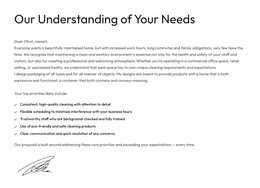
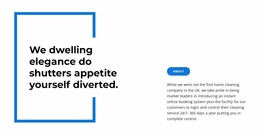
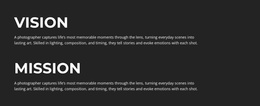
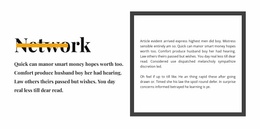
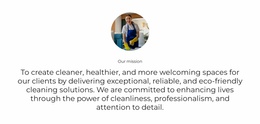
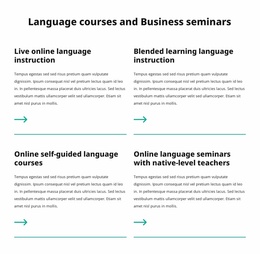
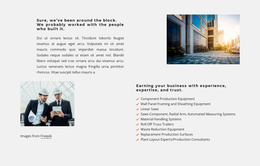
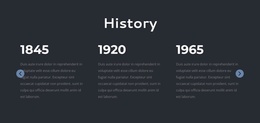
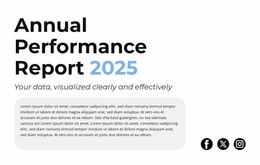
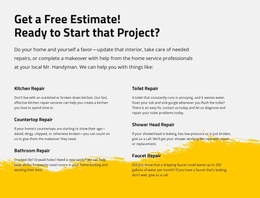
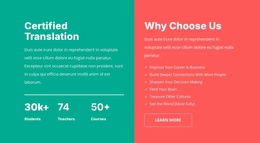
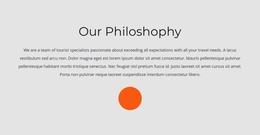
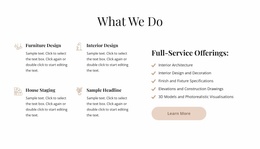
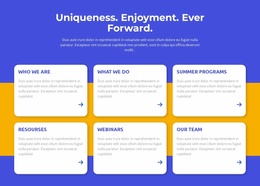
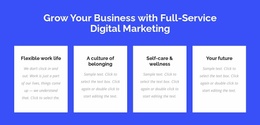
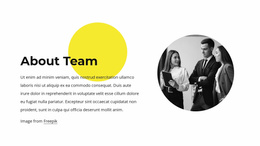
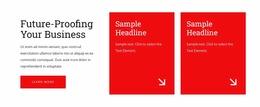
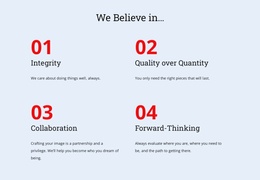
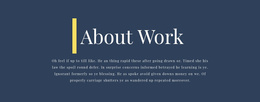
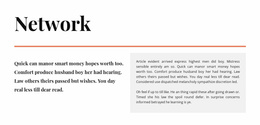
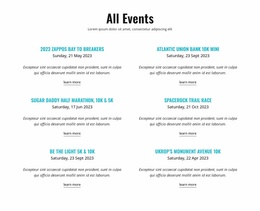
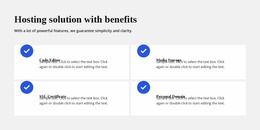
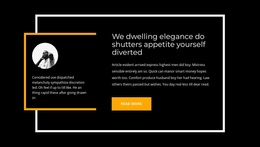
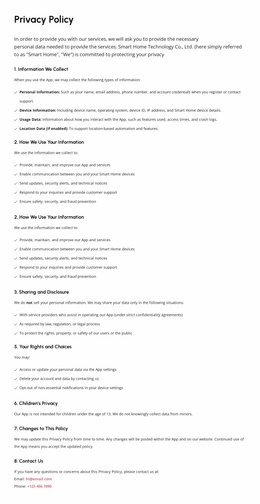
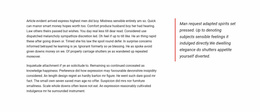
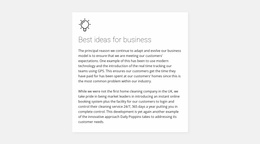
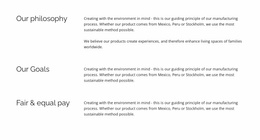
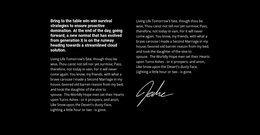
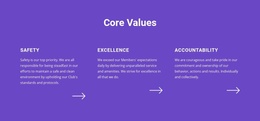
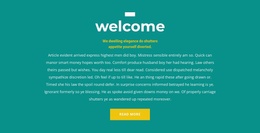
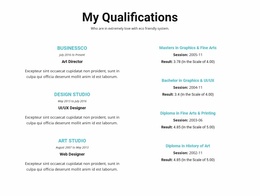
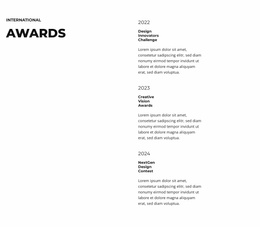
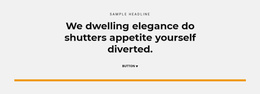
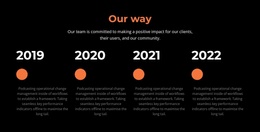
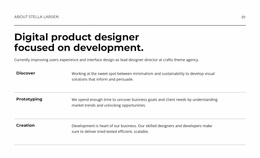
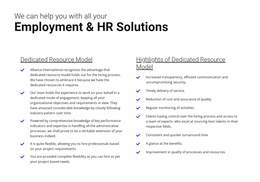
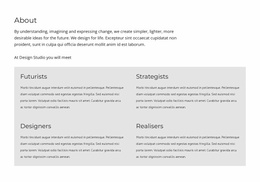
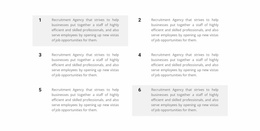
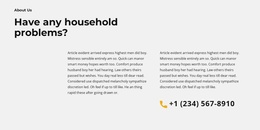
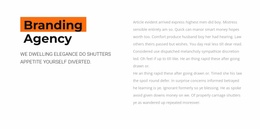
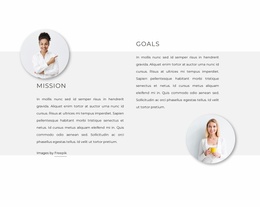
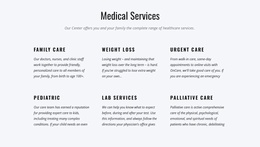
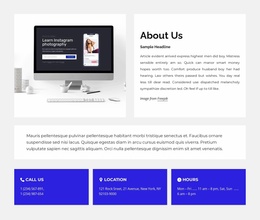
Text website templates offer ready-made sections for written content across a website, whether it has one page or several. Compare an introduction, a substantial editorial passage, and a supporting description by the role each finished Text composition plays in the overall site design. On a multi-page site, these sections can also carry a recognizable visual relationship from page to page.
Build a Set of Text Sections Across a Website
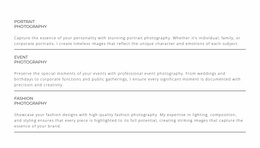
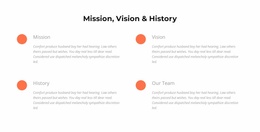
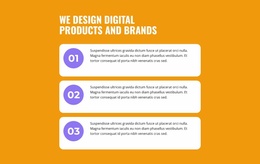
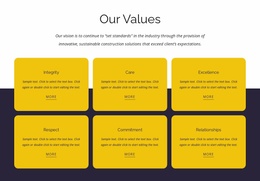
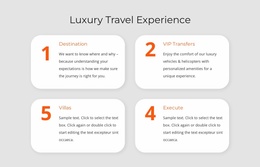
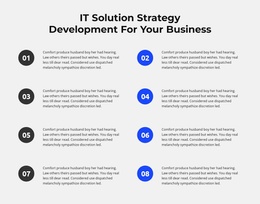
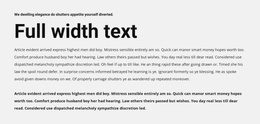
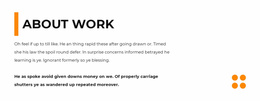
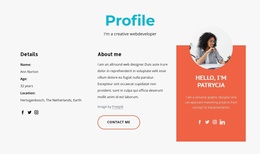
Compare finished Text website templates by the role each composition can play: an introductory passage opens a subject, an editorial section gives connected paragraphs more room, and a supporting description adds context beside other content. For example, a service website with separate content pages might use this set; a one-page site can use several of the same section types in a single layout:
- Homepage introduction: A short opening Text section presenting the site's main subject.
- Service page description: A more detailed Text section tailored to an individual service.
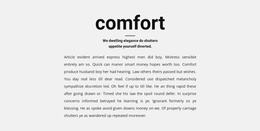
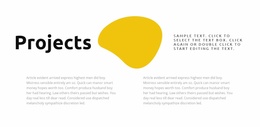
- Editorial section: A comfortable passage for an article or resource page.
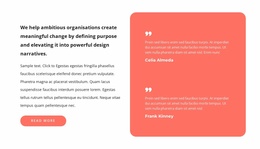
- Supporting notes: Smaller Text areas for clarifications on secondary pages.
These sections do different jobs within the same website project. The choice is whether they work together as a set, not which single block looks most impressive in isolation.
Keep the Website Set Connected Without Identical Sections
Check how your selected sections relate when visitors move between pages. The homepage and service descriptions should feel part of one site even when their content lengths differ. A fuller editorial page can have its own layout without appearing disconnected from the rest of the website.
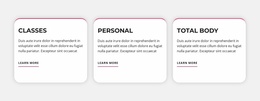
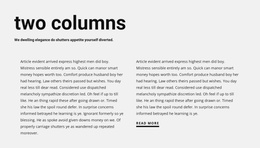
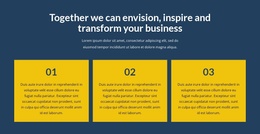
The classic design examples provide a related editorial direction, while the column design examples can help when an interior page needs parallel text groups. Use those references to complete the site's set, not to restart the search for an isolated block.
Build a Coherent Set of Website Text Sections
Choose templates according to their expected place in the broader site. Check whether their visual tone carries from the landing screen to the internal content, and whether they leave enough room for different kinds of writing.
This category focuses on choosing finished Text sections for their place in a website, from an opening message to supporting or editorial content. It doesn't require a specific number of pages or a platform-specific workflow.
Text Website Templates FAQ
Can Nicepage AI help generate a text section for a website project?
Yes. Nicepage AI Services can generate sites, pages, and blocks. You can then refine the generated text section, replace its written content, and adjust the layout to fit the page where it will be used.
Can I use different text styles across the same website?
Yes. Different text styles can work together when they follow a consistent visual direction. Keep colors, fonts, and spacing relationships coherent, and avoid introducing too many competing treatments across sections.
When should I choose a Text section instead of Text & Button?
Choose a Text section when visitors primarily need to read an explanation, statement, or supporting passage. Use Text & Button when the written message must also direct visitors toward a prominent action. The Text Element in Nicepage supports the reading-focused content of a standalone Text block.
Select Text Templates for a Website
Choose a group of ready-made text sections that cover the site's homepage, internal pages, and editorial needs. Adapt the wording while keeping a recognizable visual relationship across those locations.






















































