
520 Technology Website Templates






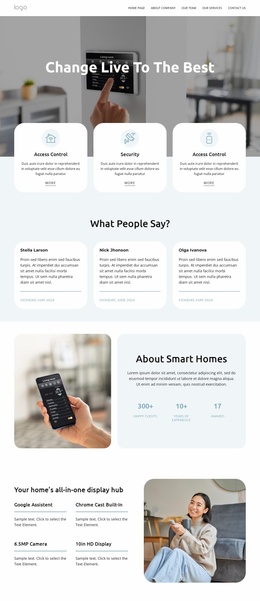
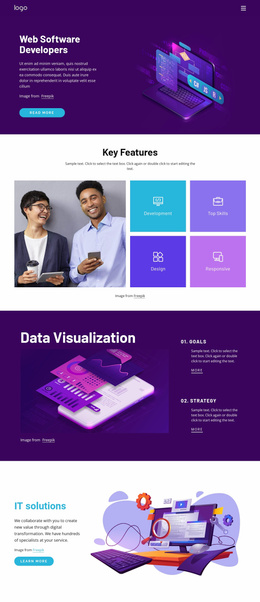

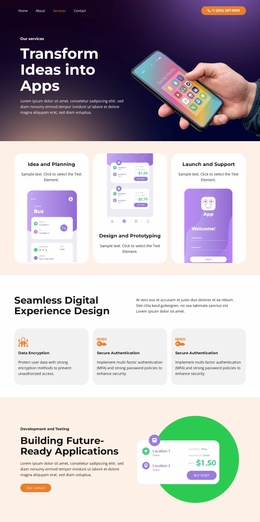
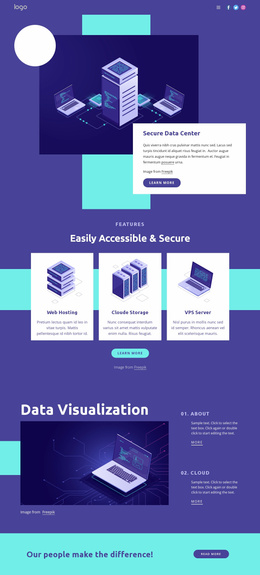










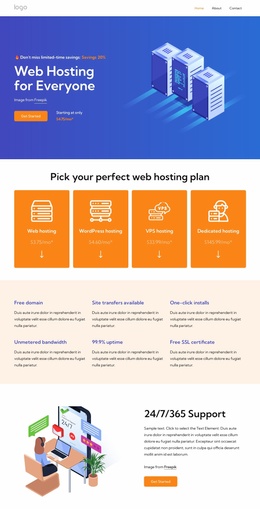
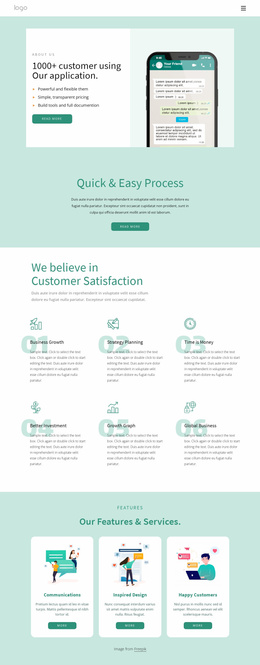
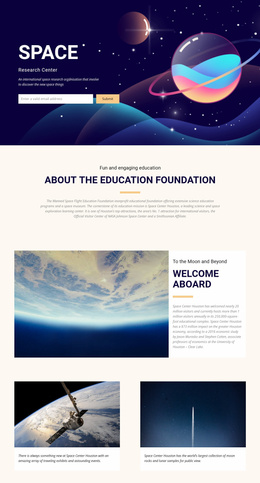
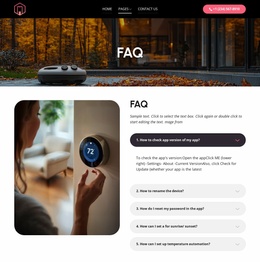
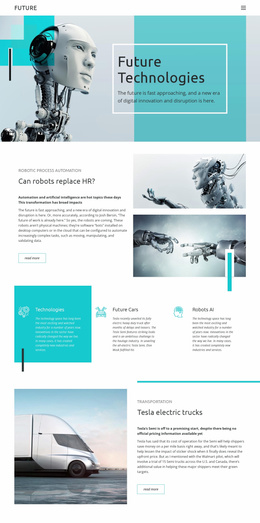
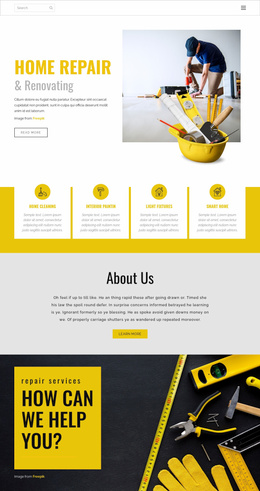

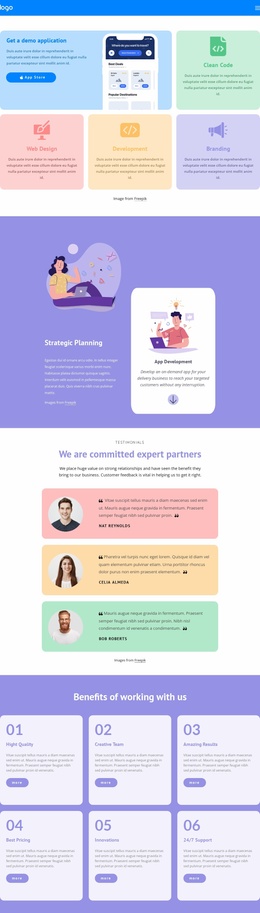

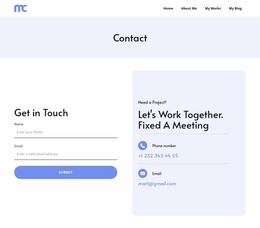

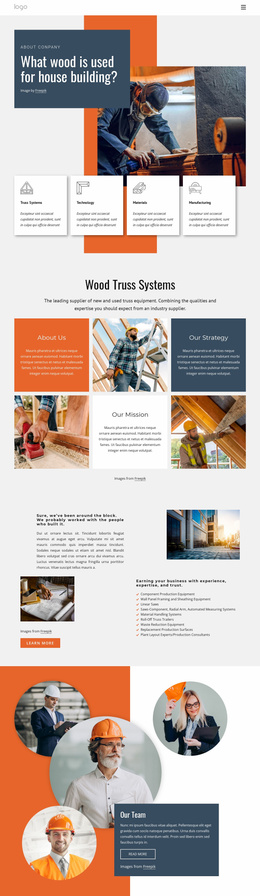
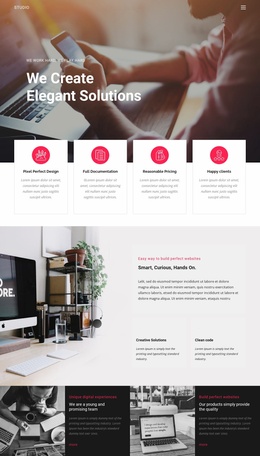























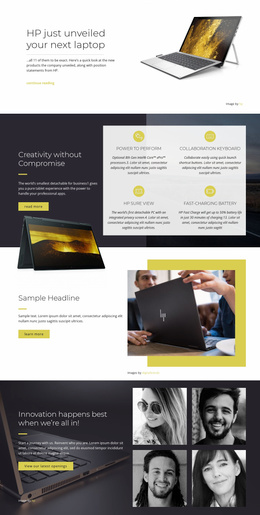

Ready-To-Use Technology Website Templates for Complete Product Sites
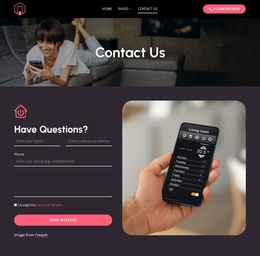
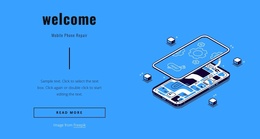
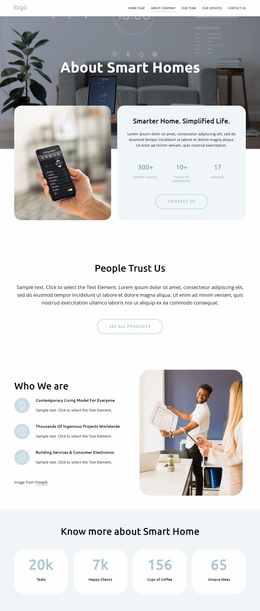
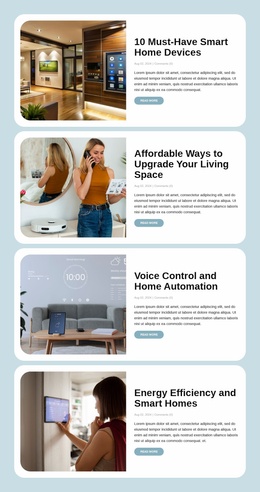
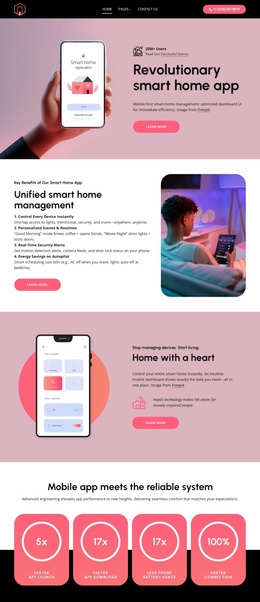
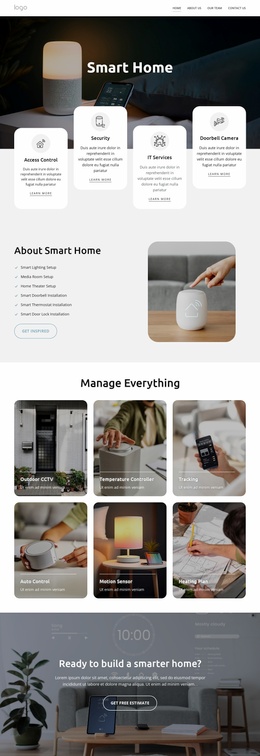
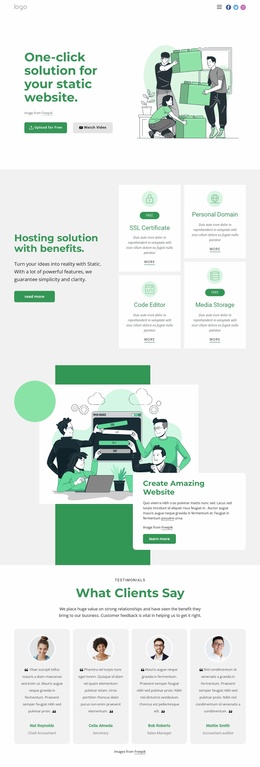
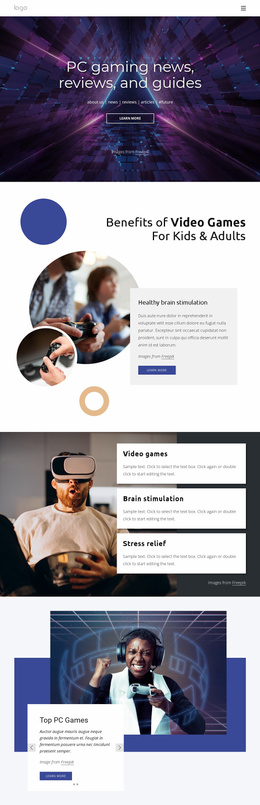
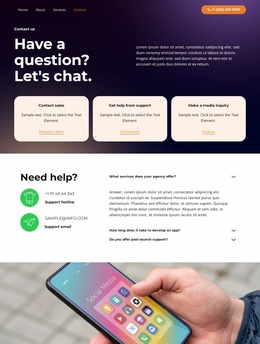
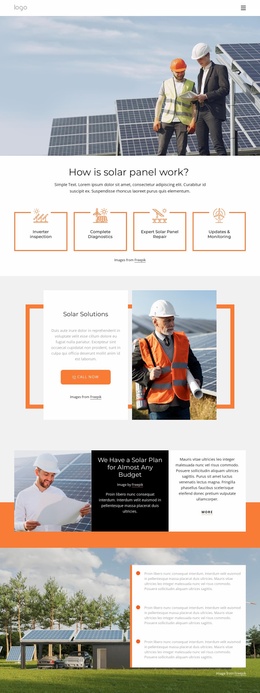
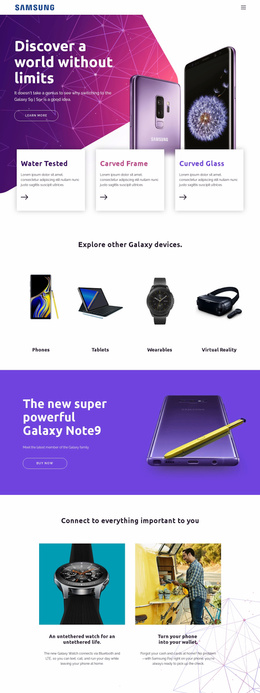
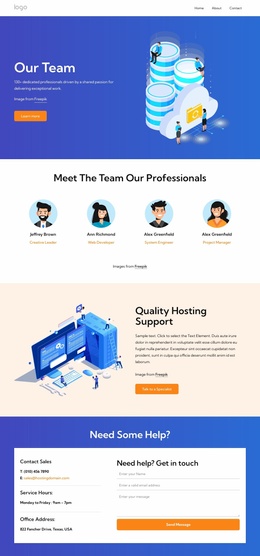
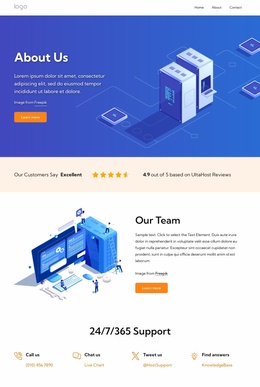
Technology website templates are built for a complete connected website rather than an isolated page or design asset. SaaS companies, software vendors, digital tools, and information platforms can start with a multi-page hierarchy in which the main destinations share the same Menu, Header, Footer, and visual rules.
What Makes a Premium Technology Website Template Complete?
A complete technology site usually needs more than a strong Home page. Before styling individual pages, map the permanent routes users will move between:
- core product and feature areas
- resources and technical information
- company and trust content
- help and contact destinations
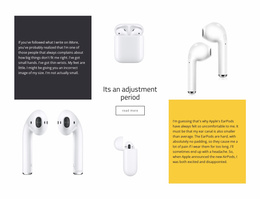
A technically dense platform can use a complex technology direction when several product capabilities need separate destinations. Tools that produce data, content, or other outputs may draw on a generator-focused concept, while the full website maintains a predictable navigation hierarchy.
Nicepage supports this site-level workflow through the Dashboard. The Site Basics controls cover the creation, opening, and management of Project Websites and their pages across Nicepage applications and Online. That makes full-site structure easier to plan before detailed styling starts.
Fully Responsive Features for Complete Technology Websites
Use the visual web designer to establish the shared site architecture before individual software pages diverge in content.
- Website Menu: Connect Home, product, integrations, information, support, and contact pages through shared navigation.
- Header Block: place persistent navigation and brand elements across the site; the Header Block is displayed on all website pages.
- Theme Settings: keep colors, fonts, typography, Header, Footer, and Menu styling consistent across the complete web project.
- Responsive Modes: review the shared structure on Large Screens, Desktops, Laptops, Tablets, and phones.
- Connected page hierarchy: keep major destinations easy to reach through predictable shared routes as the site grows.
- Export and Publish workflows: prepare the finished multi-page project for the supported HTML, CMS, or Nicepage hosting route appropriate to the site.
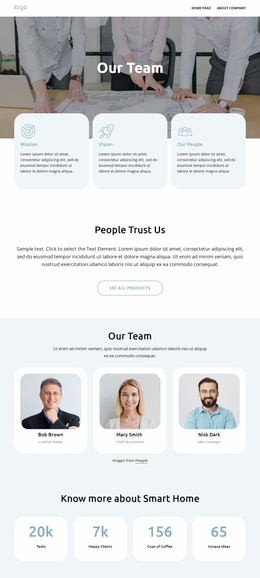
An information-heavy product can also use an information website direction for documentation-style sections, data explanations, knowledge content, or technical resource pages.
Easy-To-Use Planning for a Growing Technology Site
Pro Tip: treat the template as a whole-site architecture first. Map permanent routes, decide what belongs in the primary Menu, and group secondary information beneath stable top-level destinations. Temporary campaign or launch pages can then sit around that structure without forcing changes to the site's core navigation.
Mobile-Friendly Technology Website Questions
How can I manage several pages in one technology website project?
Use the Nicepage Dashboard to create, open, and manage Project Websites and their individual pages. This is useful when a software or technology site has separate product, information, support, and company sections.
Can a complete technology website use its own custom domain?
Yes. A site published and hosted on the Nicepage Network can use a custom domain assigned to that site.
How can I keep navigation consistent across product and information pages?
Use the Website Menu together with a shared Header or Footer. Keep primary routes stable, then add subitems when a technology project needs several product, resource, or support pages.
Free Visual Control for a Complete Technology Project
Ready to build one connected technology website?
- Select a full-site design direction in Nicepage.
- Shape the page hierarchy, shared Menu, Header, Footer, and responsive site rules in the block-based editor.
- Review how users move through the connected hierarchy, then publish or use the supported export route.
Start for free and keep direct control over the architecture of the complete product website as it grows.





















































