110 Slider Website Templates







































































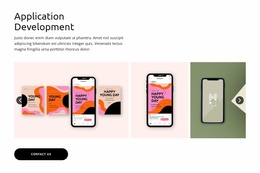




























Slider Website Templates for Different Page Sections
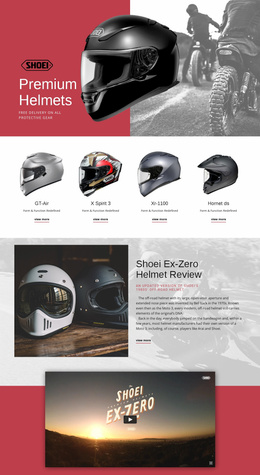
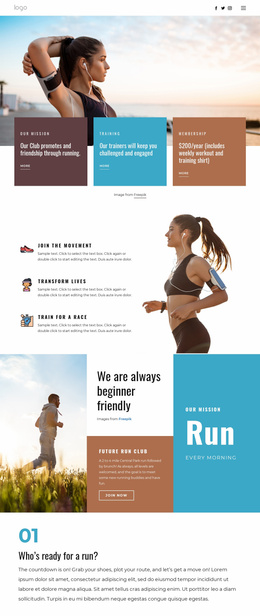
Slider Website Templates help you select ready-made Slider sections that fit into a larger website structure. A homepage introduction can use a visually dominant sequence, a product showcase can connect explanatory sections, and a compact testimonial Slider can support trust before a contact area. These are page sections, not automatically complete website templates.
The catalog may offer individual Slider blocks rather than complete website templates. The relevant selection question is where the block belongs in the page sequence, including what comes immediately before and after it.
Find a Slider for a Specific Website Area
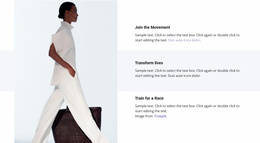
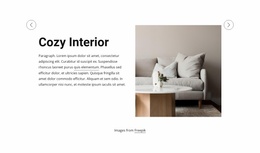
- Introductory homepage Sliders can use large, unified compositions for a sequence of prominent messages before the visitor reaches other sections.
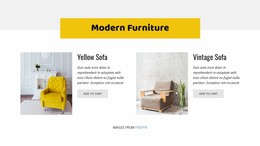
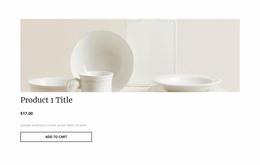
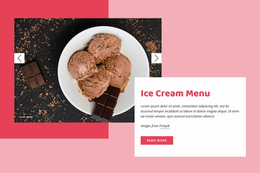
- Intermediate product showcases can sit between a product overview and more detailed information, with an offer and action kept inside the sliding area.
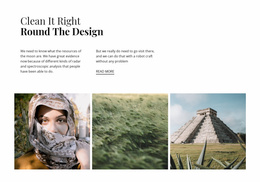
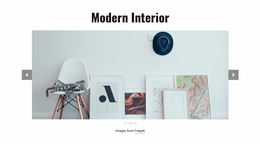
- Portfolio previews can serve as a visual lead-in to a larger project collection without replacing the gallery below.
- Compact testimonial Sliders can provide customer quotations between service descriptions and a contact section.
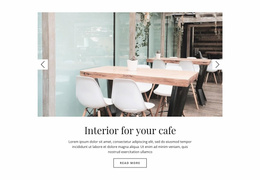
- Service highlights can use a restrained sequence where the rest of the page already contains substantial detail.
These placements can share items with the general Slider collection. On this page, the distinction lies in the section’s role in the surrounding website, not an exclusive template technology or HTML output format.
Compare Section Scale and Proportions
The Slider Element underlies these compositions. Compare their ready-made dimensions relative to adjacent sections: a large Slider may establish the first-screen focal point, while a narrow one can sit between paragraphs, cards, or other content without visually taking over.
Consider a Slider in relation to the sections before and after it. An expansive introductory treatment may lead the homepage, while a smaller sequence can support services or project previews farther down. Scale, alignment, and visual weight should fit the whole page rather than being judged as an isolated thumbnail.
Review the Ready-Made Composition Across Screens
The same finished Slider may have a different visual weight across screen widths. Review the actual candidate alongside the sections before and after it: a broad introductory composition can become tall on mobile, while a compact mid-page Slider may remain less dominant. Confirm readable slide content and recognizable navigation in that specific arrangement.
Nicepage's Responsive Modes help review the selected composition across widths. No particular mobile result should be assumed without checking it. Favor the ready-made section that maintains the intended relationship with neighboring content and needs limited rearrangement.
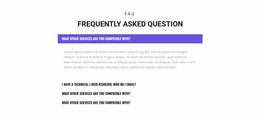
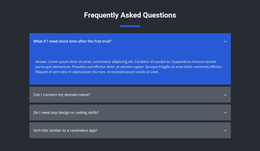
Slider Website Templates FAQ
Does a Slider Website Template provide an entire website?
The Slider designs in this context may be individual page sections. Check the selected item rather than assuming it is a complete site.
How can I choose a Slider for a narrow mid-page area?
Look for an existing Slider whose overall height and width balance the neighboring sections, with controls that stay easy to find.
Should the same design be used across different pages?
It can be, as long as the content proportions and visual weight work in each page context. Reusing a design does not make it universally suitable.
Select a Slider for Its Website Placement
Choose the Slider section that best supports its place in the homepage, services, portfolio, or testimonial flow. The selection can overlap with general Slider designs without turning the block into a complete site.