
2360 Text On Image Website Templates




























































































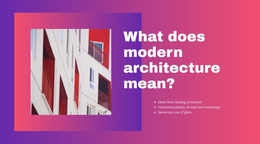




Ready-To-Use Text On Image Website Templates for Customizable Website Sections
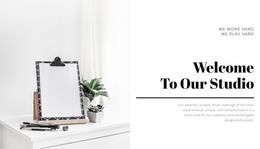
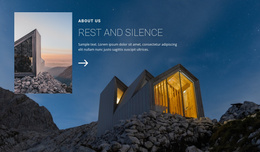
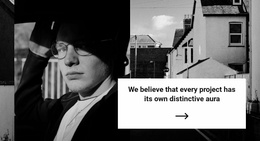
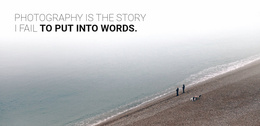
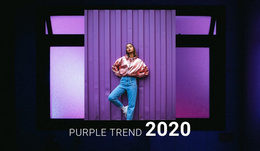
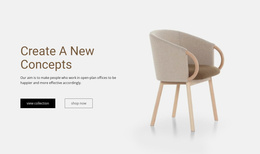
Text On Image Website Templates provide ready-made website sections for projects that need a strong visual message without building the composition from scratch. In a website builder workflow, you can choose a prepared Text On Image template, swap the imagery and copy, and adapt the section to a specific page while keeping the visual relationship between image and message clear.
The value of the template is its customizable starting point. The main focus is choosing a suitable ready-made section and adapting it to a specific page's needs.
Choose a Ready-Made Section for the Right Page
A Text On Image website template can support different parts of a broader website:
- Homepage: a visual statement or campaign highlight.
- Service page: an image-led introduction to a specific offer.
- About page: an editorial message tied to brand imagery.
- Campaign page: a concise announcement or promotional block.
For a time-sensitive message, announcement design ideas can provide another direction for pairing concise copy with a strong visual. This prepared section gives you a practical starting point you can customize in the Nicepage website builder, rather than building from scratch.
Customize the Section Without Losing Its Core Idea
A ready-made template should stay flexible enough to reflect the page's content. The image, message, scale, and optional CTA can change while the section keeps its defining Text On Image structure.
A customizable block can preserve:
- one dominant visual;
- clear headline priority;
- short supporting copy;
- intentional text placement.
This makes the template suitable for different website contexts while keeping the focus on page-specific customization.
Fit the Template Into a Broader Website
The prepared section should feel natural beside the surrounding content. Check whether it:
- matches nearby content density;
- suits the page type;
- keeps the image and headline readable;
- transitions naturally into the next section.
Nicepage's Image Element supports the visual content at the center of the composition. The Image Element documentation explains how image content can be managed in the Nicepage editor.
The website-template context is therefore broader than a single layout rule: it combines a ready-made website template, customizable section, and visual website-building workflow.
Adapt the Ready-Made Block for Different Content
Start with the prepared layout and change only what the page requires:
- replace the dominant image;
- rewrite the headline and supporting copy;
- change the CTA when needed;
- adjust the section scale;
- adapt the block to another page with different content.
The result should remain recognizably Text On Image while functioning as part of the wider website.
Text On Image vs Layered Images
Layered Images use relationships among several pictures—overlap, depth, scale, and position—to create the main visual statement.
Text On Image has a different organizing principle: one dominant image works directly with a primary message. Choose it when the words and main visual need to communicate together. Choose a layered composition when the relationship among multiple images is the central idea.
FAQ About Text On Image Website Templates
Are Pre-Designed Text On Image Blocks Available in Nicepage?
Yes. Nicepage provides pre-designed Blocks and Elements that can be used as customizable starting points in a website project.
Is a Text On Image Website Template a Complete Website?
No. In this category, each design is a functional website section intended to become part of a broader site.
Can I Adapt the Same Template for Different Pages?
Yes. Keep the core image-message relationship while changing the imagery, copy, scale, and optional action to fit each page.
What Should Stay Consistent When the Section Is Reused?
Keep the dominant visual, headline priority, readable supporting copy, and intentional focal relationship recognizable. The actual content can change.
Fit the Prepared Section Into the Wider Website
Choose a ready-made Text On Image template whose visual hierarchy suits the page. Customize the image and copy in the Nicepage editor, preserve the section's core image-message relationship, and integrate the adapted block with the broader website.






















































