
370 Contacts Website Templates

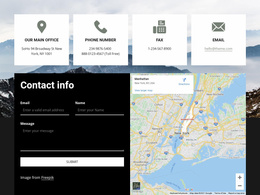


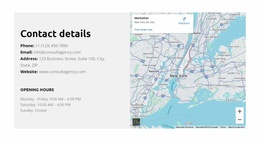
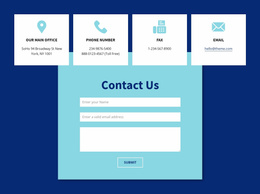
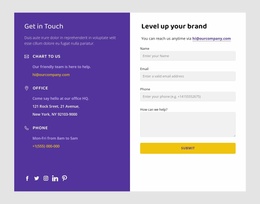
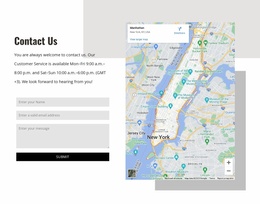
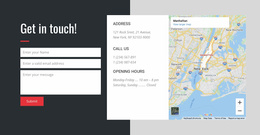
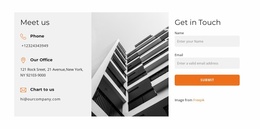
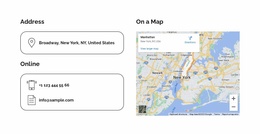


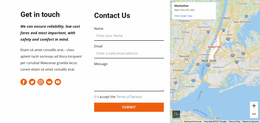
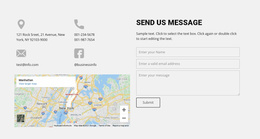
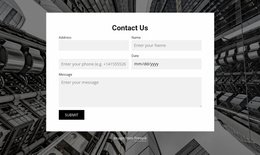
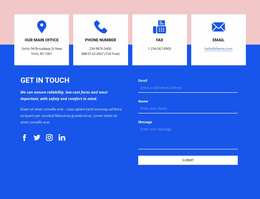

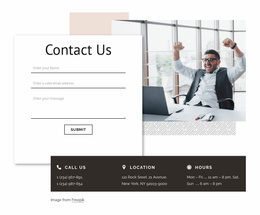
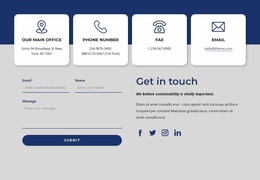
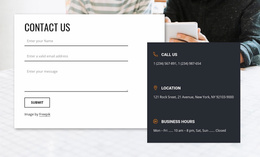


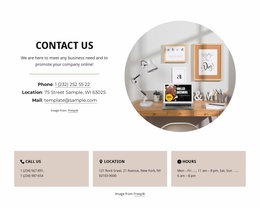


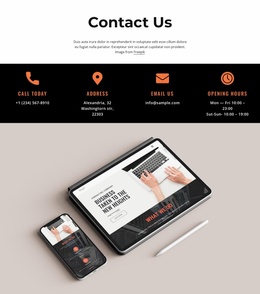

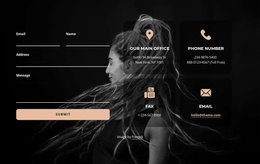

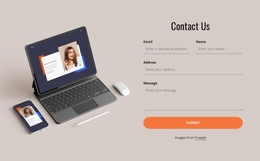
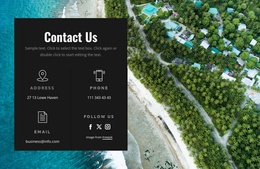

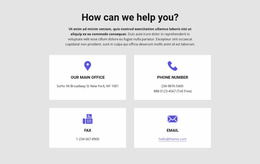
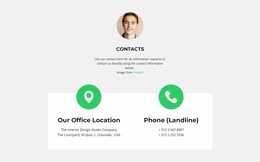
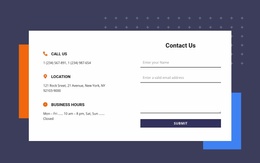

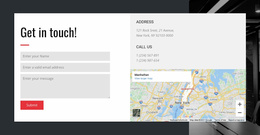


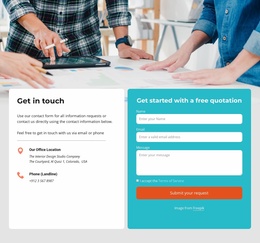
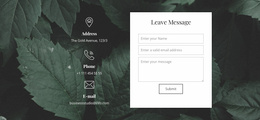
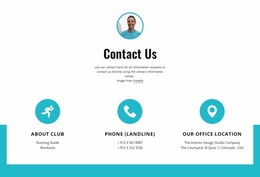

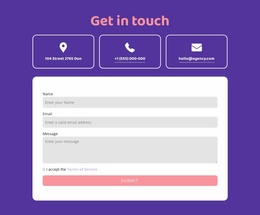




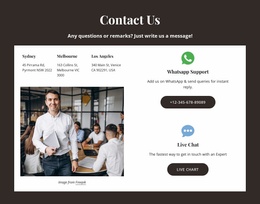
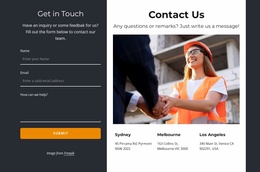
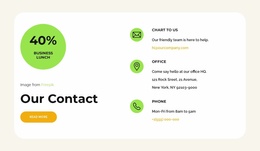
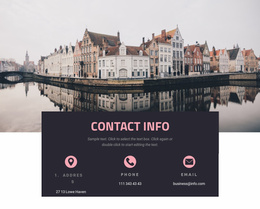

Contacts Website Templates That Fit a Complete Site Design
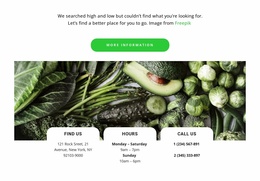
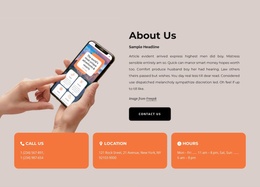
Contacts Website Templates helps you compare ready-made contact compositions against a website's overall template. The emphasis is on continuity with the site's established typography, content width, link treatment, and recurring section design—not on selecting a separate contact layout for every industry.
The collection can feature contact sections for use within a website, rather than complete multipage sites. That distinction matters, but the primary task is still choosing the prepared contact layout.
See How Ready-Made Contacts Designs Fit a Website
Compare candidate Contacts sections against the site's existing About, Services, Portfolio, and footer styles. Look for coherent typography, contact-link styling, and section spacing across the site. The general Contacts Templates catalog offers a wider overview without that site-level context.
Compare prepared candidates against site-wide criteria:
- Shared typography: Contact headings and address labels that relate to the website template's established type hierarchy.
- Content width: A section proportion that belongs alongside the site's recurring full-width or constrained sections.
- Link treatment: Phone and email actions recognizable without looking unrelated to other links on the site.
These are checks against the existing website template, not exclusive to Contacts product categories.
The underlying information should remain accurate and recognizable wherever it appears. Consistent department names, phone number formatting, and address labels help visitors identify the correct contact point across the website.
Compare the Contact Section With Neighboring Website Content
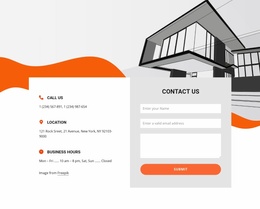
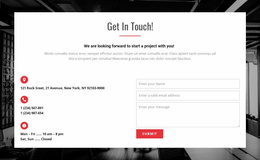
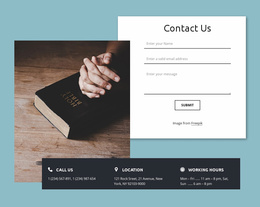
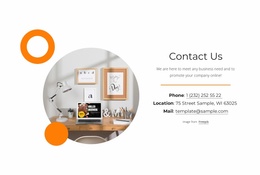
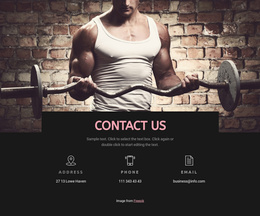
Compare the selected Contacts section with the website header, content sections, and footer to judge whether its scale and visual treatment fit the same design. For example, a contact block with matching content edges may sit naturally after Services while still giving its phone and email links clear emphasis.
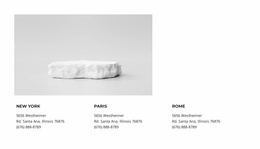
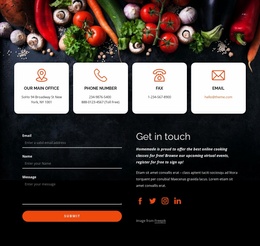
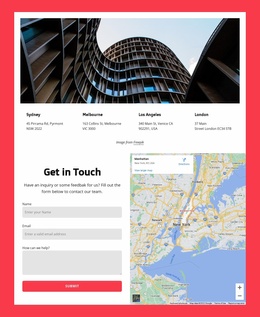
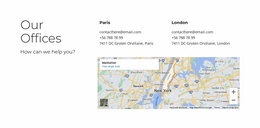
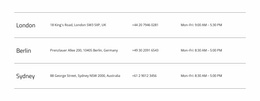
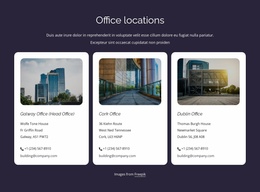
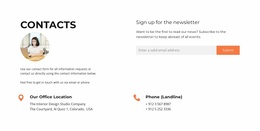
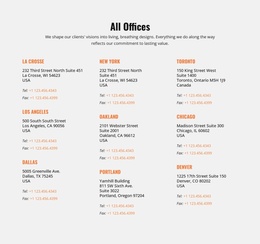
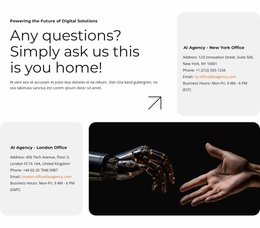
If you need to show more than one office, choose a ready-made composition with enough visible space for those groups; you don't need to invent a separate website category for that situation.
Nicepage offers Block Presets and Designs, including a dedicated Contacts category. These designs provide starting arrangements you can adjust to a particular page's content.
The prepared block should retain clear phone, email, and address details without disrupting the surrounding website composition.
For telephone-focused contact areas, call-oriented section designs provide an additional layout reference.
Review the Chosen Contacts Composition at Website Scale
Compare the shortlisted block alongside the website's header, footer, and recurring content sections. The deciding question is whether the ready-made Contacts area belongs within this overall set of sections, not whether it suits one isolated contact page.
For example, a Contacts section with the same heading proportions and content edges as recurring site sections can feel integrated even when its background differs. A visually striking block may be less suitable if it interrupts the website template's established rhythm.
Useful comparisons include:
- Site-wide continuity: Do its typography, colors, and contact-link treatments agree with the header and footer?
- Website proportion: Does its width and visual weight fit the site's repeating sections and footer area?
- Content fit: Can it hold the required locations without a major redesign?
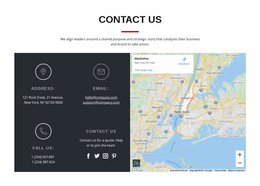
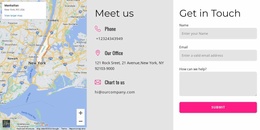
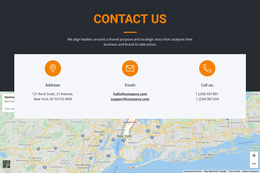
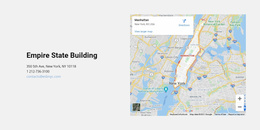
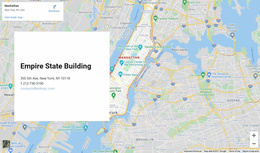
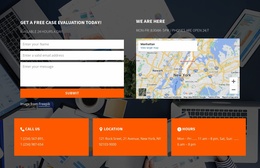
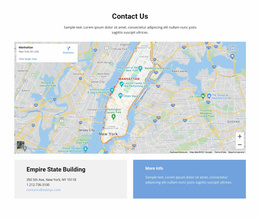
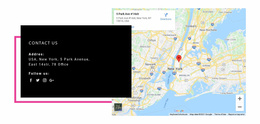
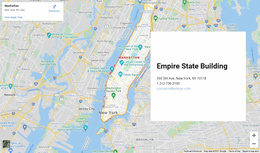
For physical locations, Nicepage's Google Maps Element can complement the written address with a geographical display.
A map is useful when directions matter, but its visual treatment should remain compatible with the website template. The necessary email or telephone details should remain identifiable within that established system.
The selected contact section should retain enough space for the site's required contact details without looking visually foreign within the shared design system.
Consider Combined Sections in the Website Layout
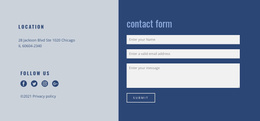
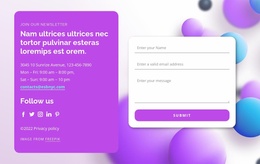
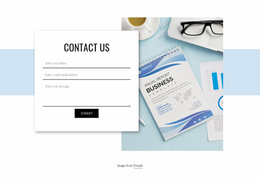
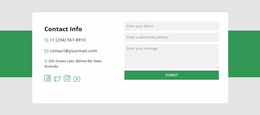
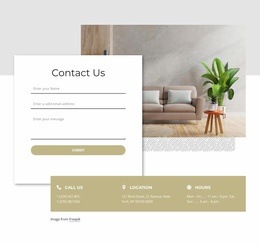
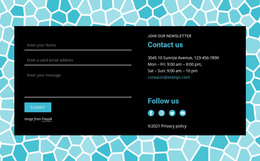
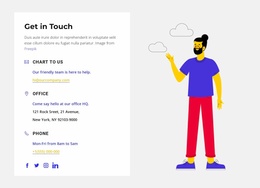
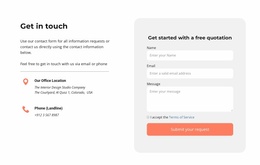
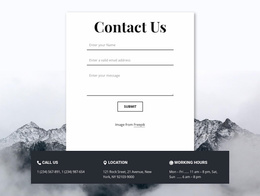
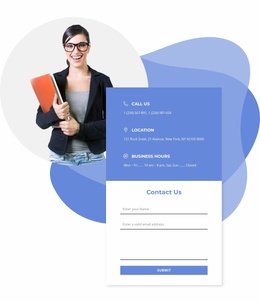
Some prepared designs may combine contact details with a form or social links. Evaluate the section's size and appearance in the website context, and choose these combinations only when they're available among the blocks.
Unlike a small contact-only panel, a combined composition may occupy a substantial part of the page. That matters when comparing it with the sections immediately above and below.
A Contacts block may include related communication options, but its defining function remains direct access to phone, email, address, and location details.
This distinction helps when selecting a design for a website project. If the primary task is displaying information, choose Contacts. If visitors must submit structured details, a Contact Form is the closer functional match.
Contacts Website Templates FAQ
Which Contacts Website Template should I choose?
Choose a Contacts section whose typography, width, and link styling fit the website template's About, Services, header, and footer elements, while leaving sufficient room for the actual phone, email, and address details.
Are these complete websites or contact sections?
The collection may present Contacts sections that can be used within website designs; it does not mean every item is a complete multipage website.
Can a Contacts website section display several office locations?
Yes. A Contacts layout can organize several locations into separate information groups. Give each office a clear label and keep its address, telephone number, and opening hours together. A map can be included when geographical information is useful.
Can the same design suit several website types?
Yes. The same Contacts block can fit different website templates when its typography, width, and information capacity match each site's recurring design. It isn't exclusive to any industry.
Choose a Website Contact Template That Fits Your Site
Compare Contacts designs for consistency with the site's header, footer, About, Services, and recurring sections. For a broader view of available blocks, start with Contacts Templates, then choose a composition that belongs within the entire site.
Use Nicepage to adapt the chosen block after selecting it. The goal is an appropriate ready-made contact design, not a separate tutorial on structuring a multi-page website.






















































