
FAQ Website Templates

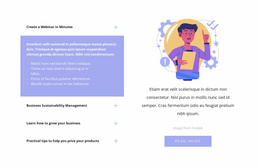
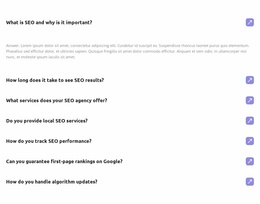
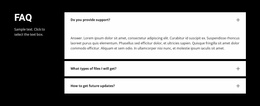
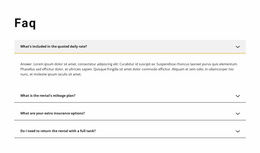







Professional FAQ Website Templates for Consistent Q&A Sections Across Site Pages
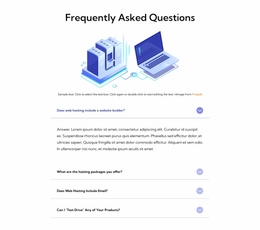
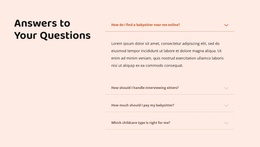
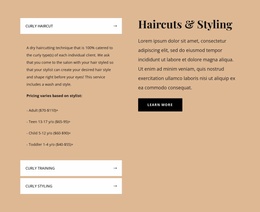
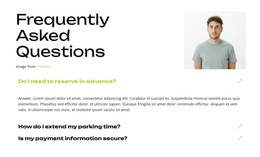
A ready-made FAQ section may look excellent alone and still feel out of place beneath a service description. FAQ Website Templates should be chosen for how their question-and-answer layouts fit an actual website page—its typography, content width, spacing, and neighboring sections.
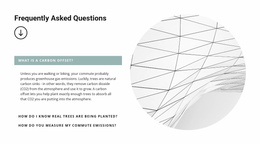
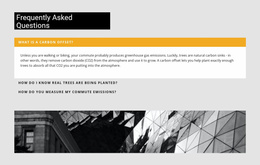
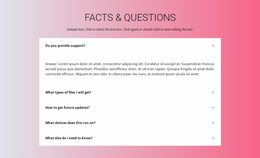
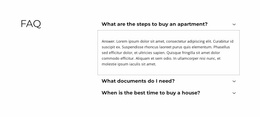
Compare compact FAQ lists, divided question rows, cards, and expandable answers in the context where visitors will use them. The aim is to select a prepared section that feels connected to the website, not to turn a FAQ block into a complete site-building workflow.
Choose a FAQ Template for Its Position on a Website
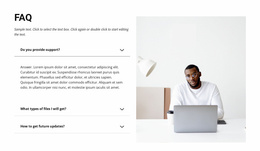
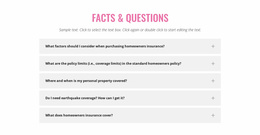
A FAQ beneath service details often needs a restrained transition from the offer to practical answers. Below pricing, compact expandable rows can clarify billing without dominating the section. On a dedicated FAQ page, grouped questions may be more appropriate, provided the surrounding page supports them.
- After a service overview: choose a narrow or medium-width list that follows the text rhythm of the service content.
- Below pricing: compare concise question rows with an active state that stays visually subordinate to the plans.
- Beside product details: favor legible answers and a section width consistent with the product description.
- On a dedicated FAQ page: compare grouped layouts and section headings with the surrounding content.
These are website placement decisions, not instructions for building site navigation or publishing pages.
Compare Visual FAQ Sections Against Nearby Blocks
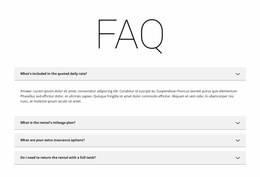
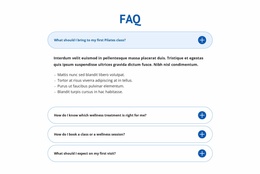
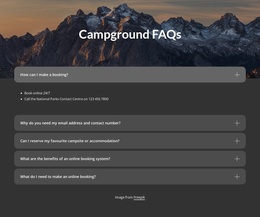
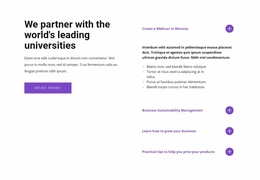
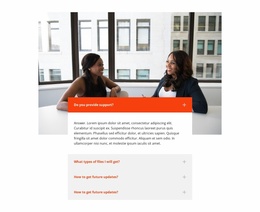
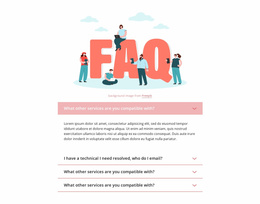
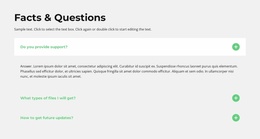
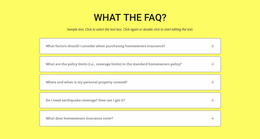
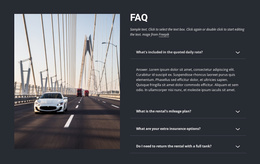
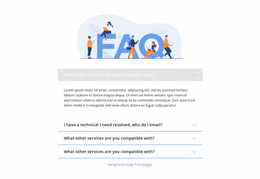
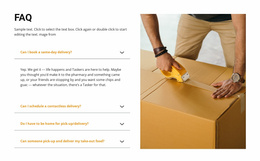
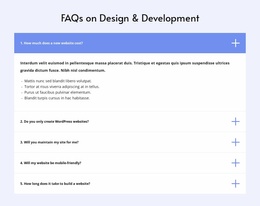
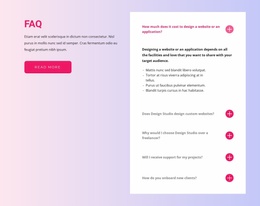
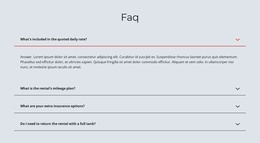
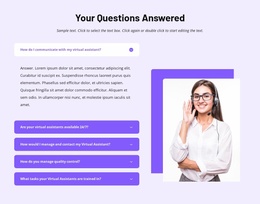
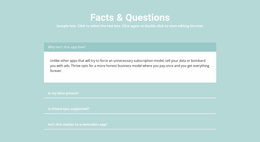
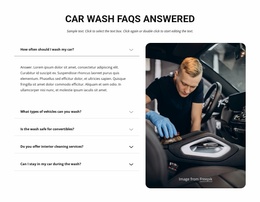
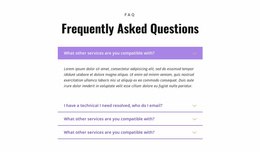
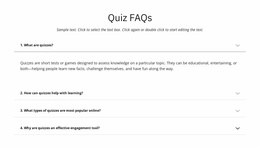
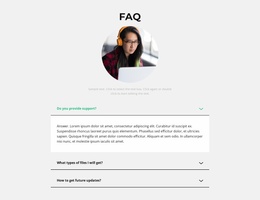
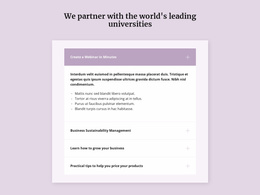
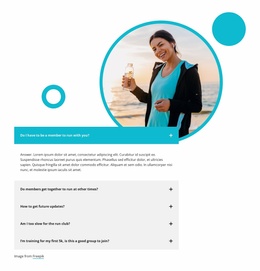
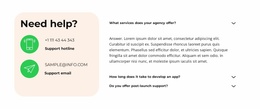
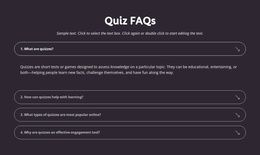
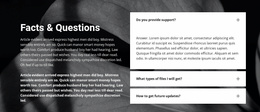
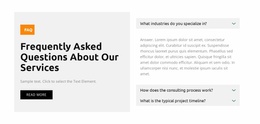
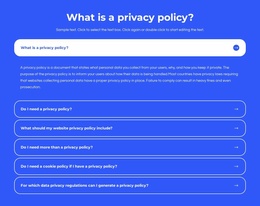
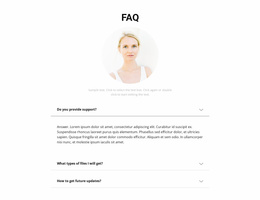
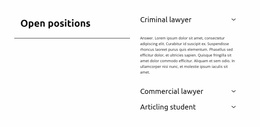
A divided list can continue a minimal site's typography, while separated cards may fit a website already using card-based sections. Check question font weight, border treatment, disclosure icons, and the contrast between collapsed and expanded rows.
The section's width matters most. A very wide FAQ following a narrow pricing column may break the page's rhythm. Likewise, large cards can overpower a short service explanation. Choose a FAQ layout whose spacing and type scale match the content immediately above and below it.
Check Responsive Behavior Before Choosing
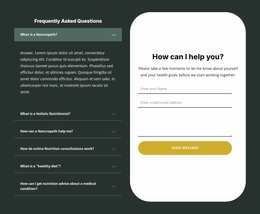
A FAQ website template should remain usable at phone widths. Long questions must wrap without colliding with disclosure icons, and expanded answers should have enough space to read. A two-column arrangement may need to stack into a single, predictable reading order.
When comparing ready-made templates, look at the mobile layout, answer states, section boundaries, and connection to neighboring blocks. A strong desktop preview alone is not a sufficient reason to choose a layout for an existing website.
Nicepage's FAQ Element supports expandable questions and Rich Text-based answers, with appearance settings for fonts, colors, and spacing. The selected section can subsequently be adapted in the editor.
Select a Consistent FAQ Style Across Website Pages
A service page and a product page do not need identical Q&A content. They can, however, use related divider styles, question typography, and spacing so the website feels coherent. Match the visual language, then let each page's questions determine the number of rows.
Nicepage Desktop Application users can save customized Blocks to My Library for reuse. That option is useful when a particular visual treatment suits several pages; it does not mean every page should repeat the same answers.
FAQ Website Templates FAQ
Can I add a ready-made FAQ block to a Nicepage website page?
Yes. Nicepage provides prepared FAQ Blocks that can be placed within website pages. Compare their layout and styling against the surrounding content, then adapt the selected questions and answers.
Can I reuse a customized FAQ section on other pages?
Yes. In the Nicepage Desktop Application, you can save a customized Block to My Library and reuse it on other pages or projects. Review how its width, spacing, and questions fit each destination.
Which FAQ website layout works best after a pricing section?
A compact list with clearly labeled questions or expandable rows often fits well. Check that its typography and width follow the pricing section, and that open answers do not visually overwhelm the next action.
Should every page use the same FAQ questions?
No. Keep a consistent visual approach when appropriate, but choose questions relevant to each page. Product, service, and support pages often need different answers.
Compare FAQ Designs in Their Website Context
Choose the ready-made FAQ template whose width, typography, dividers, expanded states, and mobile presentation suit the page around it. Adapt the questions after selecting the visual arrangement; the priority is a coherent website section, not a second website-building tutorial.



































