
620 Contact Form Website Templates
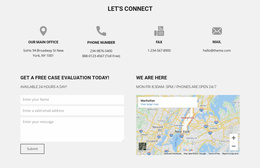
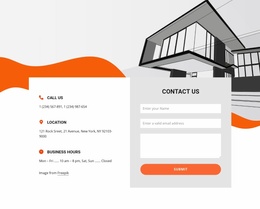
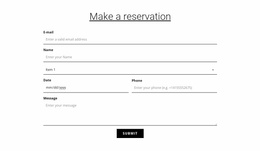



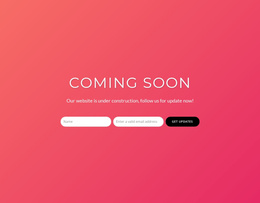
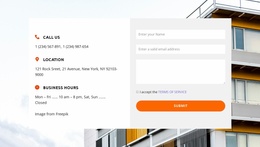
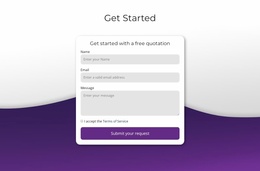
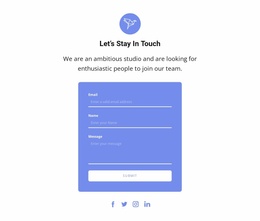















Contact Form Website Templates for Ready-Made Inquiry Sections
Contact Form Website Templates help you compare ready-made Contact Form sections that fit an existing website layout. The key consideration is how the selected block works with the site's content width, neighboring sections, and visual structure. The form remains the central product—not a complete website.
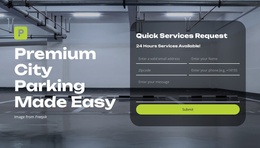
Some previews show the form within broader website content, but a standalone Contact Form block does not constitute an entire site template. The surrounding website context helps you choose a layout that fits an existing page; it should not overshadow the form itself.
Compare Contact Form Blocks for Existing Website Layouts
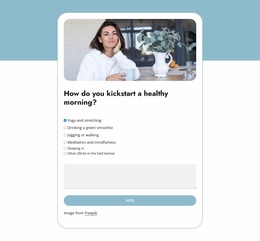
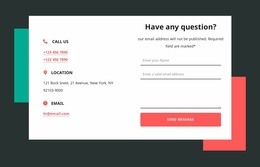
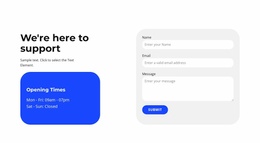
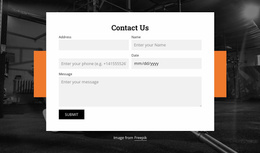
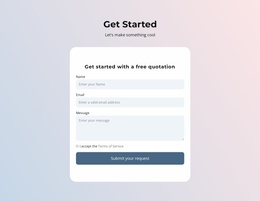
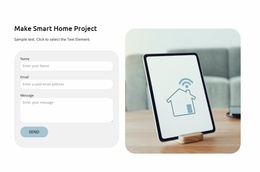
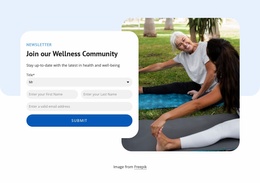
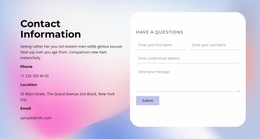
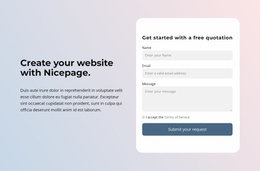
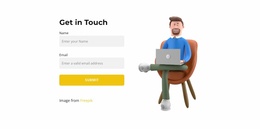
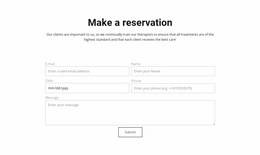
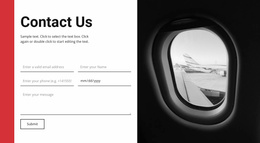
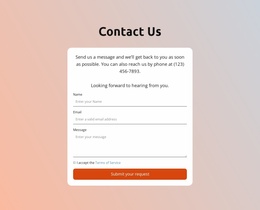
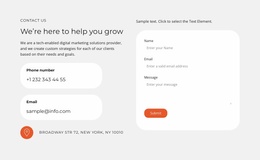
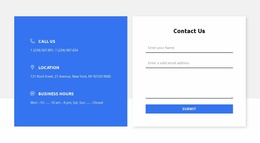
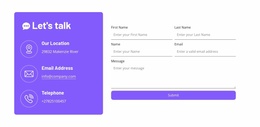
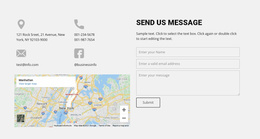
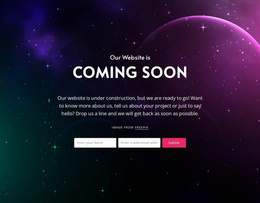
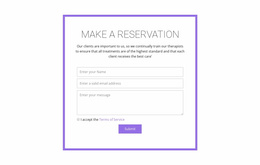
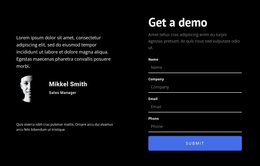
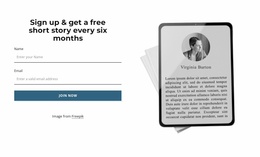
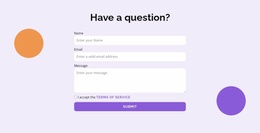
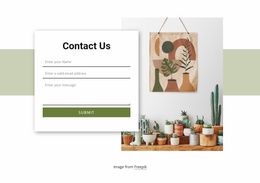
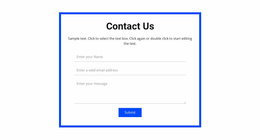
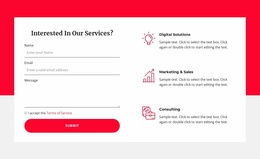
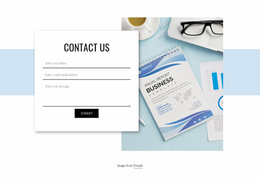
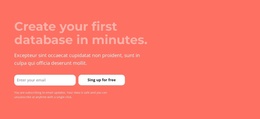
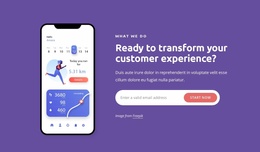
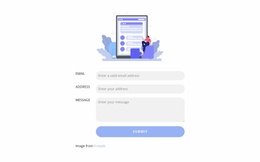
- Narrow content-column form: A compact block fits beside existing content or beneath a short explanation without forcing a wider page grid.
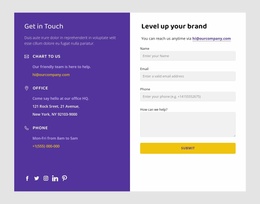
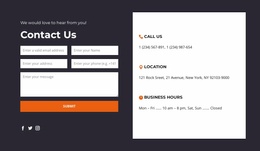
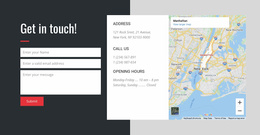
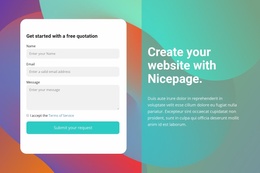
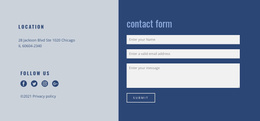
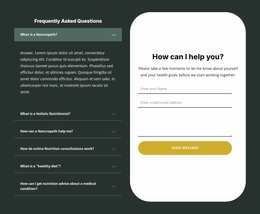
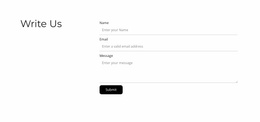
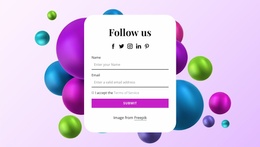
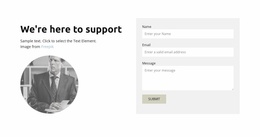
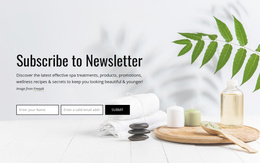
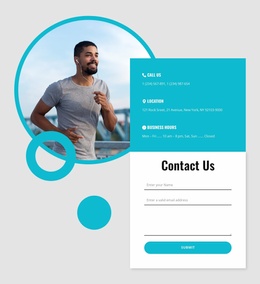
- Sidebar inquiry block: A restrained contact form uses a limited secondary column when the layout has one.
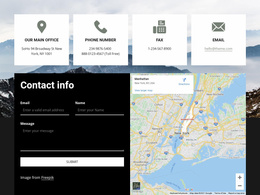
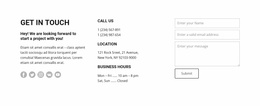
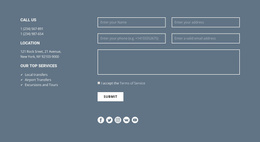
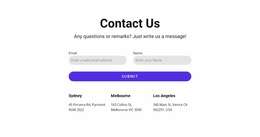
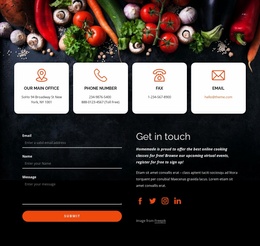
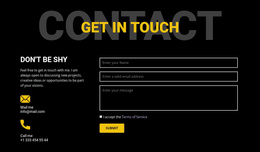
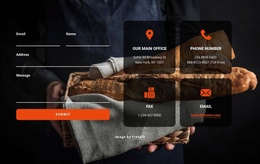
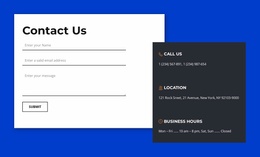
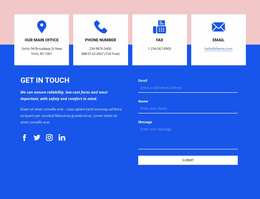
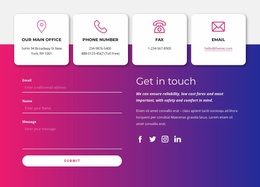
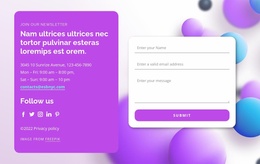
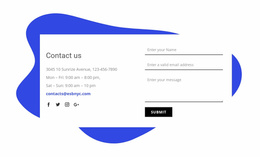
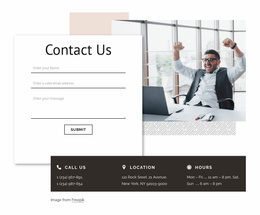
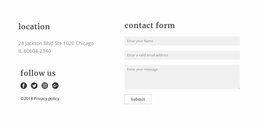
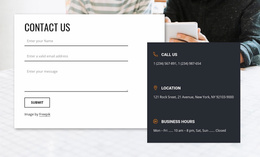
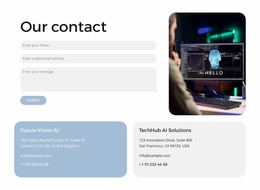
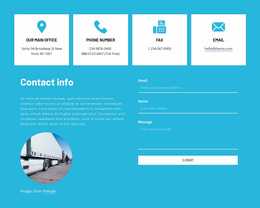
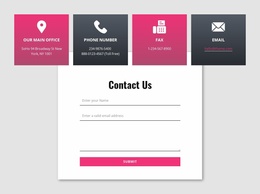
- Footer contact area: A short form can share the closing website area with contact details, provided the controls remain usable.
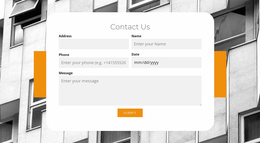
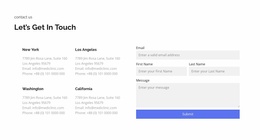
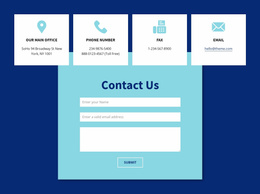
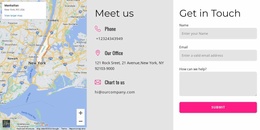
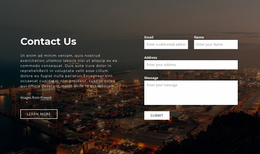
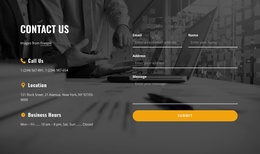
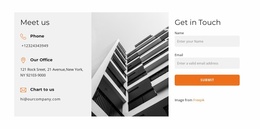
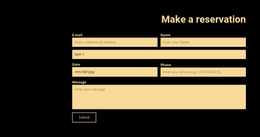
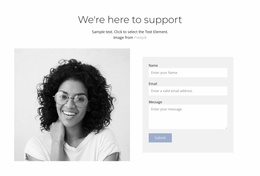
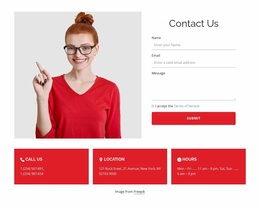
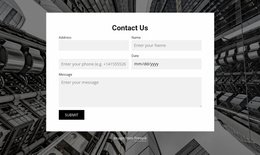
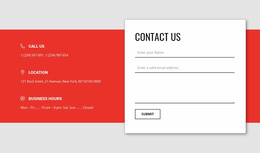
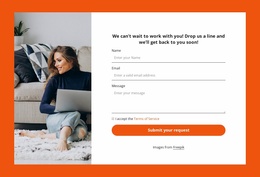
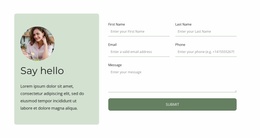
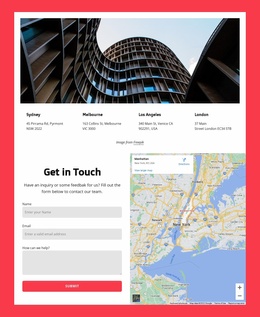
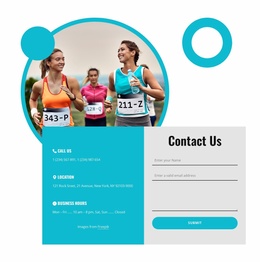
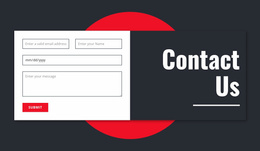
- Full-width website section: A wider form block takes a prominent position within an existing page, with space for a larger message area or supporting text.
Compare the block's width, grid fit, and relationship to adjacent sections. The type of inquiry still matters, but this category helps identify which ready-made form can be incorporated into the surrounding website layout with minimal disruption.
Choose a Form That Fits the Website Page
For a narrow page column, select a block whose fields already stack comfortably. In a wide content section, a broader design can pair short inputs or supporting details with a larger message area. Choose the arrangement that fits the existing grid.
The wider page still matters: check whether the form's width, color treatment, and supporting copy fit the surrounding website design. The primary selection, however, remains the ready-made Contact Form layout.
Adapt Contact Forms Without Making Every Page Identical
After selecting a form design, keep its visual treatment aligned with the site's existing grid and components. A service page might need a short inquiry beside its main content, while the contact page uses a fuller section; both can share the same field and button styling without identical layouts.
Nicepage offers Contact Form blocks that can be incorporated into broader projects. Selecting one provides a contact section, not automatically a complete website template. Choose the block that matches the inquiry, adapt it to the website, and check submission handling separately.
For other data-entry tasks, see Form templates.
Contact Form Website Templates FAQ
Does a Contact Form Website Template include an entire website?
Not necessarily. A Contact Form block supplies an inquiry section for a website. Check the individual preview if you need a larger page or site template.
Can a services page use a different form from the contact page?
Yes. A service request may need project context, while a general contact page may emphasize a short message and other ways to reach the team.
How Do I Choose a Contact Form Block for an Existing Website Layout?
Compare the available content width, neighboring text or imagery, and the space needed for fields and a message. Choose a ready-made block that fits the page's grid and styling.
Choose a Contact Form Block for Your Website Layout
Compare ready-made Contact Form blocks by content width, section placement, and compatibility with the site's existing visual structure. Choose one that supports the inquiry while fitting naturally into the page.






















































