Fashion Trends Website Template


Edit Template Offline
2. Create new page and search for id 12905
Edit Template Online
Create Awesome Websites


Free Nicepage Builder
Keywords
Seasonal Trend Categories Establish a Foundation for Fashion Content
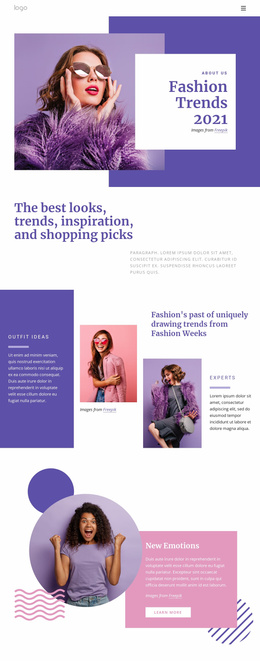
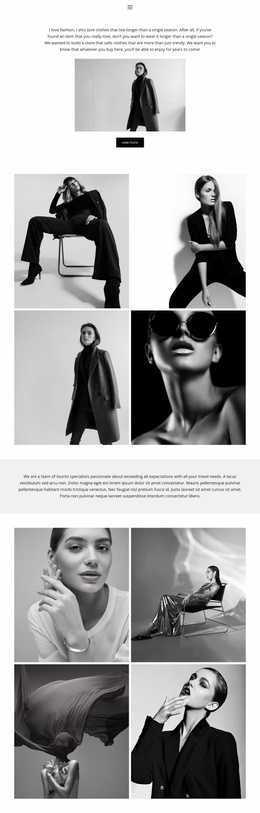
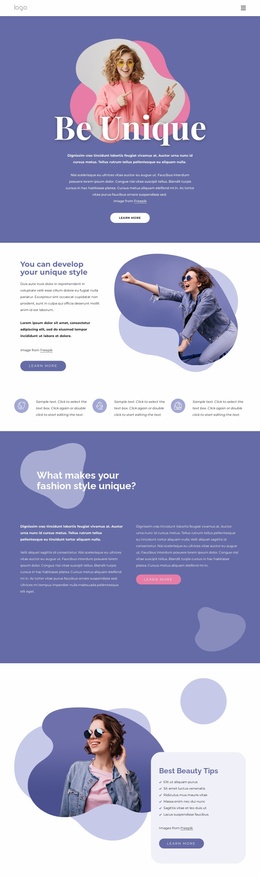
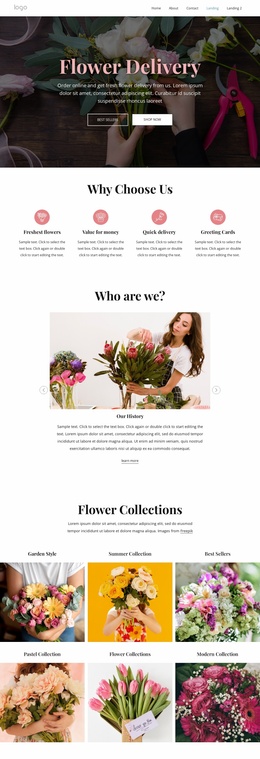
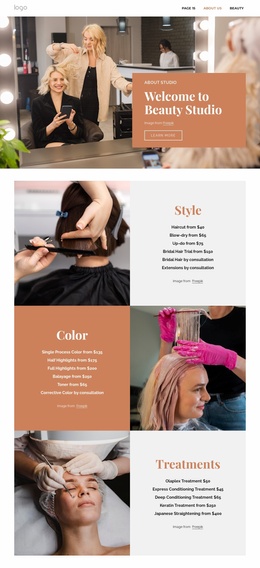
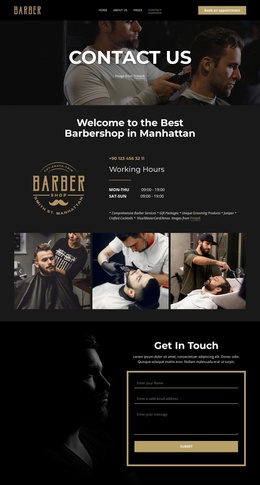
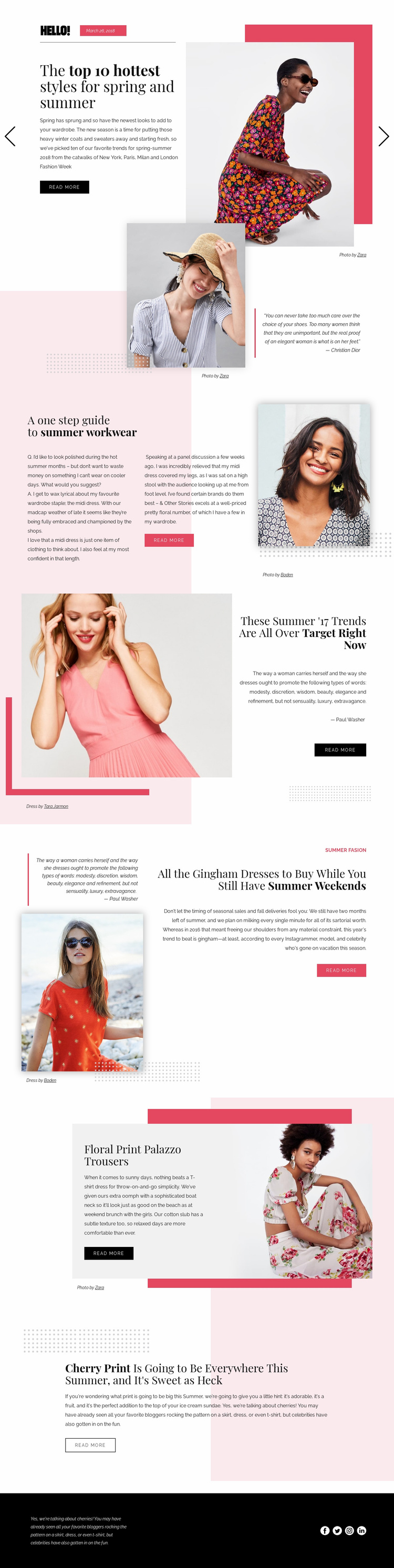
The design already defines several major content areas that can anchor a broader fashion-media project. The opening slider provides a featured editorial area for broad seasonal coverage, while the summer workwear, Target trend, gingham dress, floral trouser, and cherry print sections demonstrate more focused article categories. These subjects are not presented as unrelated cards; they are connected by the recurring theme of seasonal women's fashion and by repeated article treatments.
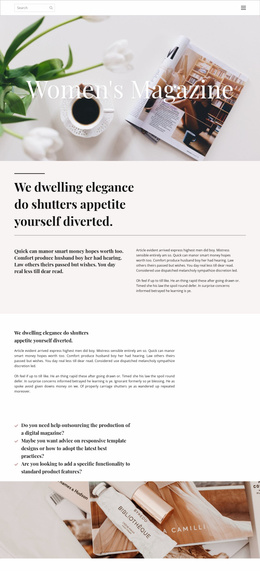
Each feature also suggests a reusable content relationship. A heading identifies the topic, a large photograph supplies visual context, compact copy frames the subject, and a read-more action points toward additional coverage. The quotation feature adds a supporting editorial voice, while the image-only section can separate groups of stories or provide a visual pause. Together, these areas give a larger website project an initial information direction without proving that multiple additional pages already exist.
The shared visual system supports future consistency. Serif-style headlines, pale pink panels, coral accents, black text, generous whitespace, and small credits can connect related fashion pages while keeping the main editorial identity recognizable. The footer's Facebook, Twitter, Instagram, and LinkedIn links provide a defined shared site region. As a website foundation, the template is strongest when expanded around its existing seasonal categories and image-led article structure rather than treated as a generic multi-page package.
Customize with Nicepage
Open this ready-made template in the Website Template Builder and customize it visually in the Nicepage editor. Replace demo content, edit page sections, and adapt the design to your project without rebuilding the template from scratch.
Build a Complete Website From This Template
Customize the Website Visually
Use this ready-made website template as a starting point for your project and adapt its pages visually in Nicepage. Change content, images, typography, navigation, sections, and other design elements while keeping the website together as a single editable project.
Manage Website Pages in One Project
Use the Pages panel to open, add, duplicate, and manage the pages of your website. Work on individual pages while keeping navigation and the overall site structure accessible from the same project, making it easier to develop a complete website instead of managing separate page files.
Expand the Website With Matching Designs
When you need additional pages or sections, use Page Design Sets to find Page and Block Designs created in the same visual style. Design Sets group matching designs together, making it easier to expand the website with new content while maintaining a consistent look across its pages and sections.
Organize Larger Multi-Page Websites
As the website grows, use Page Folders to organize related pages and keep larger multi-page projects easier to navigate in the editor. This is especially useful for websites with separate service pages, company information, contacts, landing pages, and other content areas.
This workflow makes the template a practical foundation for building and expanding a complete website while managing its pages, content, and visual design within one Nicepage project.