
Slide CSS Templates
An image-heavy project carousel may hide its arrows, while short testimonial slides need visible navigation and readable text. With slide CSS templates, designers can shape caption contrast, indicator colors, and responsive spacing without redesigning the whole page.

























More Website & HTML Templates for Slide





More CSS Templates from Nature Category





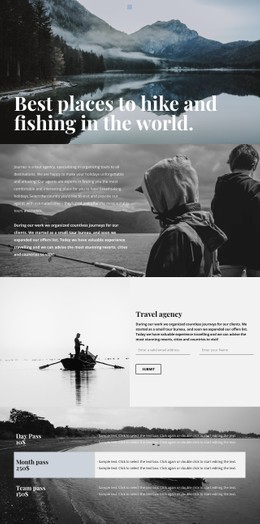




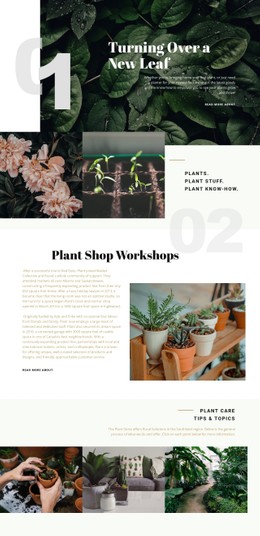















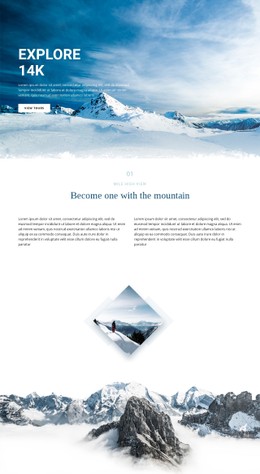

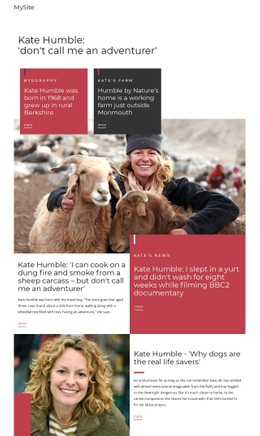
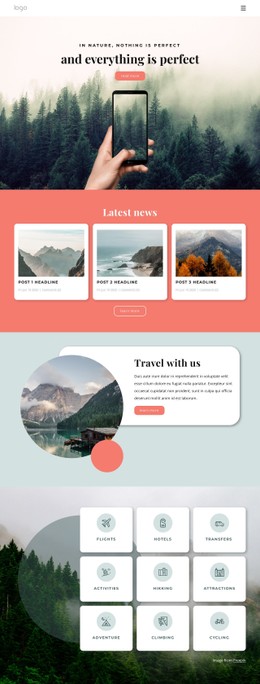









Other Nature CSS Templates
Multifunctional Slide CSS Templates
Slide CSS templates cover a few familiar designs, from bold promo banners to project showcases and rotating client quotes. Each includes caption styling, arrow placement, and indicator design that work together.
Three Common Slide Layouts
Most designs in this collection follow one of three patterns:
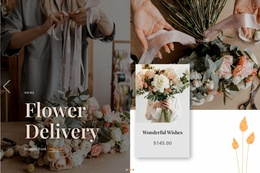
- Hero and promotional slides put a headline and a call to action over a full-width photo, with a soft gradient keeping the text readable on phones.
- Portfolio slides let large project previews fill most of the frame, with a short title tucked into a corner or set below the image.
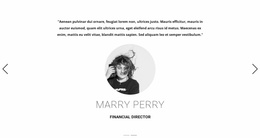
- Testimonial slides flip the proportions and give the quote a wider text block, with the client's name and sometimes a small portrait beneath it.
Captions may be centered or aligned to one side, and some full-width image layouts carry almost no text. A ready template keeps typography, proportions, and padding consistent across every slide.
CSS Details for Arrows, Dots, and Captions
When comparing templates, check how the controls are styled:
- Arrows stay visible over bright and dark photos alike when the icon has a semi-transparent circle behind it. They should also be easy to tap without covering faces or products.
- The active dot should differ in size or fill, since a slightly darker shade is easy to miss.
- Hover and active states should look consistent, and a clear:focus-visible outline helps keyboard users.
For captions, a gradient keeps more of the photo visible, while a small panel behind the text works better on busy shots. Set object-fit to cover and choose an object-position that keeps the main subject in frame as proportions change.
Once a template is chosen, the Nicepage Slider Element lets you restyle arrows, indicator shapes, and slide animations in the editor. Autoplay and swipe behavior come from the slider itself, so test them separately from colors and sizes.
Phone Breakpoints Without Distracting Motion
A slide that looks balanced on a laptop can crowd its caption on a phone, so good templates trim padding and move the caption below the image at narrower breakpoints. Flexbox handles simple centered content, while Grid suits designs with separate areas for the image, text, and controls. Quote slides need a capped text width and no fixed height, because review length varies.
Transitions usually animate opacity or transform, and a prefers-reduced-motion rule should keep every slide readable once those effects are toned down.
Before committing, try your longest caption and both your lightest and darkest photos on a small phone. The right template already matches your balance of image and text, the length of your captions, and the way visitors move between slides.