

Nightclub CSS Templates
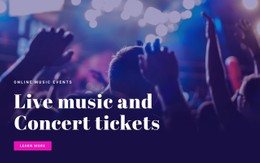
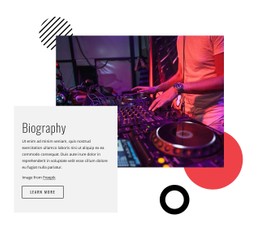
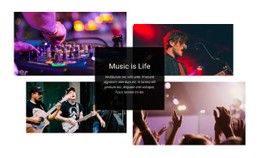
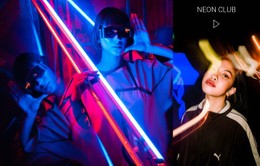
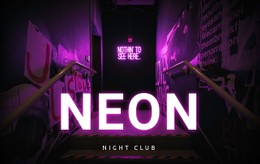
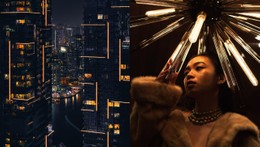
With nightclub CSS templates, promoters can adjust typography and contrast for dark dance-floor photography. An underground techno set may need sharp violet accents, while a rooftop party benefits from softer tones and equally legible admission details.


More CSS Templates from Music & Entertainment Category




Other Music & Entertainment CSS Templates
Free Nightclub CSS Templates With a Ready-Made Styling System
A club that books minimal house acts would look strange in a loud cyberpunk layout, no matter how well-made the template is. Nightclub CSS templates are best judged by how far you can bend their styles. Each one is a club layout that arrives with its styles already written. A good one lets you change the palette, the event cards, and the button states while the content stays put. A Reserve Table button can look as bold as you like, though the booking itself depends on the service behind it.
Judging Styles by Their Weak Spots
Since demos are built to flatter, look for a styling system that passes four checks:
- An accent color change in one place carries through every card and button.
- Overlay text stays readable when a real shot with bright spotlights replaces the demo photo.
- Ticket buttons change visibly on hover and under keyboard focus.
- Extra glow and other effects can be switched off without the layout falling apart.
Expressive poster headings and calm text for entry terms should come as separate type styles. Where a template styles Sold Out labels, the status behind them is still updated by hand.
Cards on Small Touch Screens
Phones have no real hover, so anything revealed only on hover stays hidden from guests checking the lineup on the way to the club. Event cards also need to rearrange cleanly as the screen narrows or the list grows, which CSS Grid alone doesn't guarantee. A short DJ Night title looks perfect on a demo card. International Underground House Sessions is the real test, because it can wrap onto several lines and push the date below the ticket button. Give two shortlisted templates the same club photo, the same long title, and a phone-width screen, then keep whichever copes best.
Custom Rules Without Side Effects
Theme Settings handle most palette and font changes. When the design needs more, the Custom CSS guide describes rules at the element, page, and site level. An element rule can give the VIP Reservation button a gold border, while a page rule keeps a one-night Halloween glow off the regular event cards. Aim each rule at a class of its own, since a rule written for all buttons can restyle ones you meant to leave alone. Nicepage doesn't run custom CSS inside the editor, so check the result in Preview, at full width and squeezed to phone size. Sooner or later the club will change its signature color. A template that takes the new shade from a few central settings and stays bold on a phone will keep pace with the club.