
Sound Website Templates
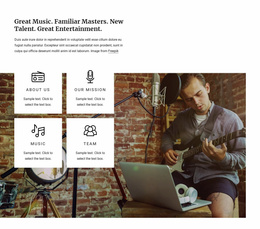
Film producers cannot assess an audio studio from microphone photos alone. Sound website templates connect service explanations, properly credited listening examples, and project brief details across the full site, not just an isolated demo player.


















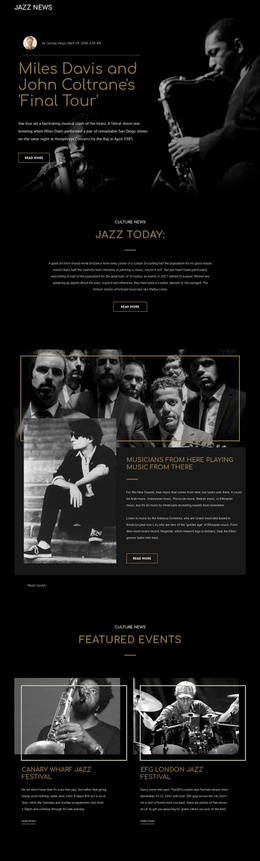
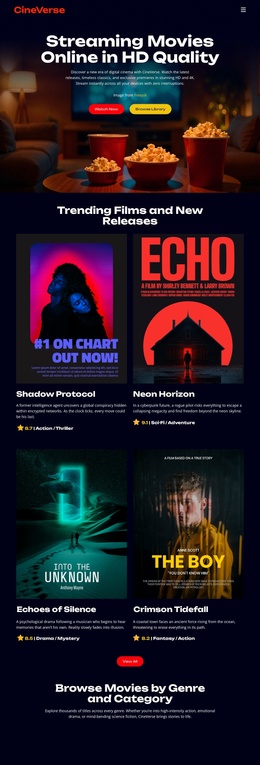
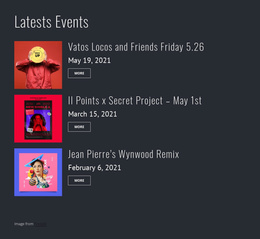
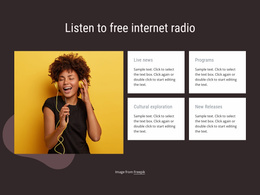

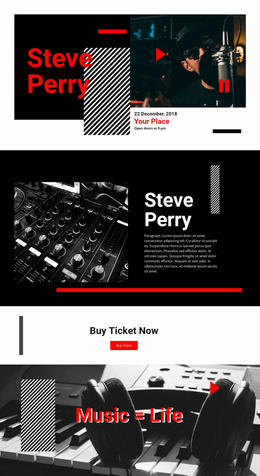
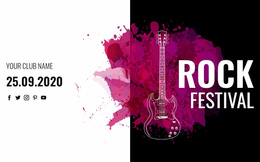
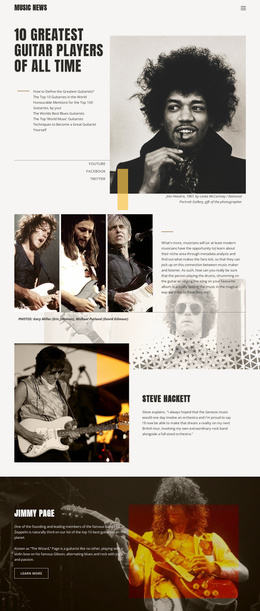
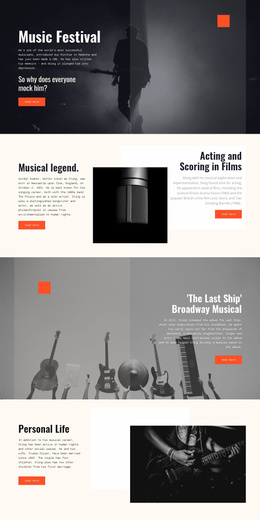
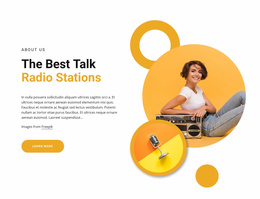



Other Music & Entertainment Website Templates
Creative Sound Website Templates for Studios and Podcasts
Visitors to a sound website want to know right away whether they came to listen, hire someone, or buy something. A microphone photo and one impressive clip rarely answer that question. Sound website templates give studios, podcasters, and audio brands a finished design with room for their samples.
Matching the Layout to Your Audio Project
The site's purpose determines which template fits. A few common directions show how the choice changes:
- A recording studio needs a portfolio where each project pairs a short sample with the studio's actual role.
- A podcast is easier to follow when every episode gets its own block with show notes and the archive stays simple to browse.
- A sound library needs themed collections with short previews and clear descriptions of what each pack contains.
A design built around one showreel can look great at launch, but it gets awkward once new projects and episodes start piling up.
Homepage Design Before Anyone Presses Play
Many people scroll through a homepage with their speakers muted, so the first screen must make sense in silence. A headline should say what kind of audio work lives here. A featured sample and one clear next step, such as booking a session, can follow right under it.
A solo sound designer can often fit a reel, a short bio, and a contact block on one long page. A studio offering dialogue editing, Foley, and mixing will outgrow that quickly, since one player at the top cannot show three different services. Separate service pages linked by a shared menu suit that studio far better.
Before settling on a sound website template, check that you can reorder blocks, swap the demo audio for your own clips, and add pages as the project grows.
Where Listening Samples Belong
A focused sample next to the service it proves does more than a long playlist with no explanation. Project entries read best with a title, your role, and a sentence of context beside the player, which also helps anyone who can't listen right now.
Use Nicepage's Audio Element to embed audio with track labels and cover images. A progress bar and timestamps show how long each clip runs, so a busy producer can decide what to hear first. Once the site is live, play every sample on a laptop and a phone.
Before you commit, ask someone unfamiliar with the project to open the demo, find any audio sample, and get to the contact form. If they manage it without asking where to click, the layout will hold up when real clients arrive.