
Headphones Website Templates
A headphone brand may need separate spaces for wireless collections, gaming models, studio products, technology guides, support, and contact information. A complete website template connects those destinations through a single navigation system rather than treating each page as an isolated layout.
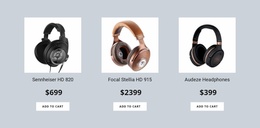
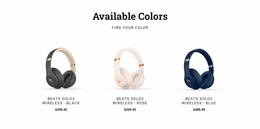
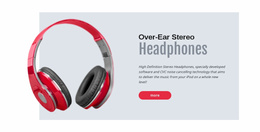


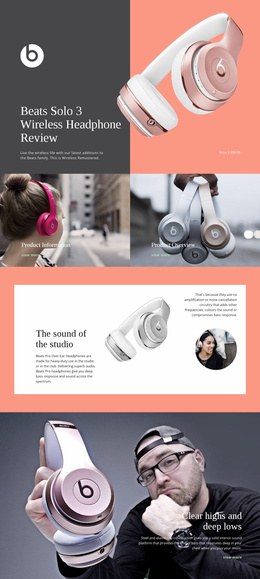
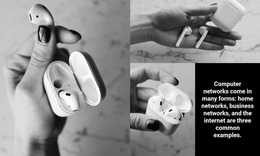
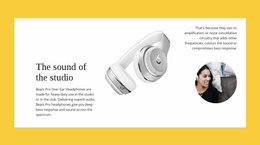
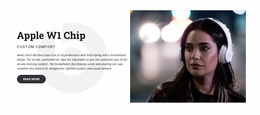







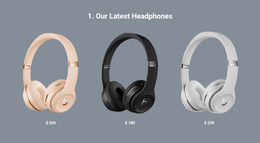
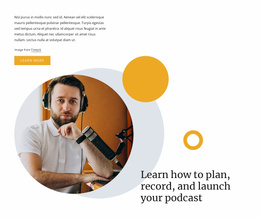


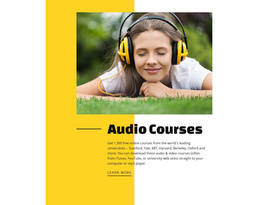


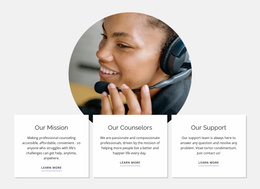




















More Website & HTML Templates for Headphones












More Website Templates from Music & Entertainment Category






























Other Music & Entertainment Website Templates
Headphones Website Templates for Complete Audio Sites
A headphones website template covers the whole site at once. The homepage leads with featured models, while category views hold the wireless, studio, and gaming ranges. Product pages include galleries, specifications, and prices, and supplementary screens such as shipping information or contact details usually accompany them. All of it shares one visual style.
For an audio retailer, consistency does real work. A shop with forty models can otherwise end up looking like four different brands stitched together, and shoppers notice long before they can explain why.
Which Pages a Full Store Needs
Before judging a demo by its homepage, it helps to count the views a headphone catalog actually uses:
- collection pages for earbuds, over-ear models and gaming headsets;
- model pages with a gallery, specifications and an add-to-cart area;
- comparison views holding two or three products side by side;
- supporting content for accessories, deals and warranty questions.
Filtering becomes useful as soon as the catalog passes a couple of dozen items, because shoppers narrow things down by wireless or wired, by noise cancellation, or simply by price. A promotional strip for a seasonal sale, a featured row on the homepage, and customer reviews under the price belong to the same commercial layer, and their absence is immediately felt. Accessory listings pull their weight here as well, since the person who has just settled on a pair of studio headphones is the likeliest customer for a replacement cable or a spare set of ear cushions.
How Shoppers Travel Across Collections
Navigation carries most of the weight on an audio site, and a few routes do the heavy lifting:
- a top menu that separates headphones, earbuds and accessories;
- search, which becomes essential once model names start to look alike;
- a cart that stays reachable while someone weighs two pairs.
Nicepage lets you manage website pages inside a single project, so a fresh collection view or a support screen joins the site without a separate setup every time.
Editorial content has a place here too. A buying guide or a plain explanation of active noise cancellation gives an undecided visitor something to read, and each of those should end with an easy way back into the catalog.
One Design, From Browsing to Checkout
The honest test is a single trip through the demo. Start on the homepage, open a collection, pick one mmodell and see whether the cart is ever more than a click away. If that trip still feels natural on a phone, the template has already handled the part of the project that normally drags on the longest.