
Mp3 Player CSS Templates
On a DJ mix preview, dark artwork can hide the play button, while a podcast card may crowd the time label. These MP3 player CSS templates keep controls, progress indicators, and spacing consistent across screen sizes.











More CSS Templates from Music & Entertainment Category
-

-
-
-
-
-
-
-
-
-
-
-
-
-
-
-
-
-
-
-
-
-
-
-
-
-
-
-
-
-
-
-
Build Website with no CodingDownload
-
-
-
-
-
-
-







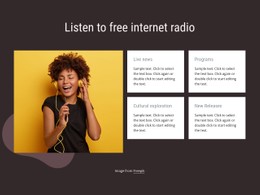




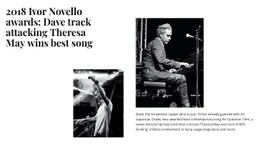
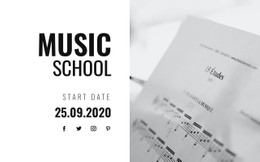



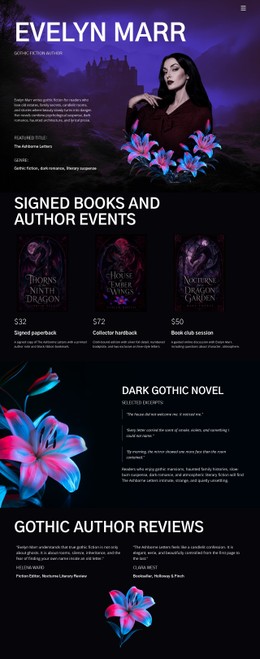



Other Music & Entertainment CSS Templates
Fully Configurable MP3 Player CSS Templates
With MP3 player CSS templates, the recording remains unchanged while the player adopts your site's colors, sizes, and spacing. Nicepage keeps most of these settings in the Audio Element's properties and Player Style Panel, with your own rules for whatever they miss.
Styling the Play Button and Progress Bar
A player's styles fall into a few separate zones:
- The container, where fill, border, and shadow separate the player from nearby content.
- The play button, whose color and size must hold up against the cover.
- The progress bar, with filled and unfilled parts in different shades.
- Title and artist text, sized so a long name doesn't crowd the button.
When a preset needs finer styling, the Custom CSS guide explains how to assign an element class and add CSS at element, page, or site level. An element rule suits one unusual player, and a site rule keeps them all alike. Because Nicepage does not execute custom CSS directly inside the editor, check the result in the page preview. The bar shows no fill until a track starts, so a fill that blends into the background can go unnoticed.
Four Common Variants Compared
A compact player fits the button, title, and bar into one narrow row. Letting the title wrap beats shrinking all three evenly, since the button gets hard to tap long before the text gets too small. On a dark player, the colors work as a set, and a light gray fill that looked fine on white can vanish against charcoal. Minimal designs drop borders and shadows, which works as long as the button still stands out. Artwork-led players put the cover first, and on a phone a big image can squeeze the controls into a sliver. CSS Grid or Flexbox can move the cover onto its own row once the screen narrows. Fixed pixel sizes work for a button or thumbnail, but a fixed width for the whole player usually breaks on small screens.
Limits of Native Browser Controls
Browser-native audio controls vary in appearance across browsers and follow few style rules, so a custom-shaped slider needs an interface built for it. A restyled play button still leaves play and pause to the player, and a recolored bar adds no seeking. Focus and hover styles help only where the control exposes those states, and no styling can add keyboard support it lacks. When a custom rule conflicts with Nicepage's styles, temporarily remove it to see whether it's to blame. If the panel and a few rules get the player looking right in preview, the template has done its part.