
Halloween CSS Templates
Halloween campaigns often need dark palettes, dramatic typography, themed cards, and mobile-friendly promotional sections for only a short season. CSS-focused templates let designers refine that visual layer without turning temporary October styling into permanent site rules.




More CSS Templates from Music & Entertainment Category
-
-

-
-
-
-
-
-
-
-
-
-
-
-
-
-
-
-
-
-
-
-
-
-
-
-
-
-
-
-
-
-
-
Build Website with no CodingDownload
-
-
-
-
-
-
-
-
-


















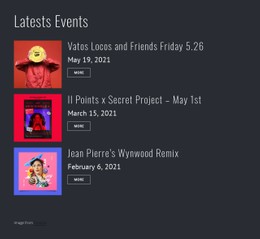



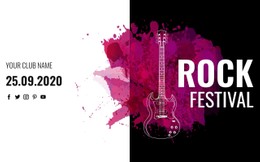
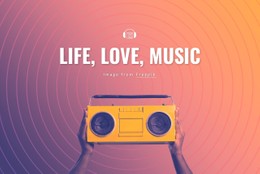







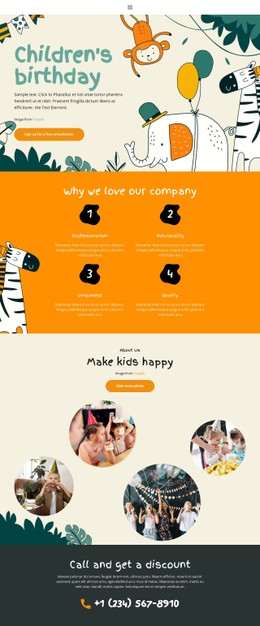
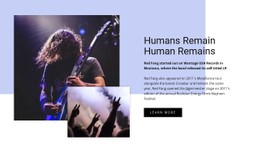
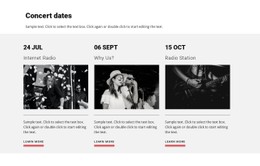


Other Music & Entertainment CSS Templates
Configurable Halloween CSS Templates With Ready Effects
Halloween styling lives in details that a seasonal palette cannot deliver on its own: a flickering headline, a fog layer drifting behind a hero image, a pumpkin card that lifts on hover. Halloween CSS templates hand those details over as finished style rules, so a haunted attraction can dress its October sections without inventing every effect from scratch.
Glow, Fog, and Flicker Without Chaos
Most seasonal effects come down to a handful of familiar techniques. Keyframe animations move bats across a dark backdrop, transitions soften the hover state on a ticket button, and layered gradients build a sunset behind the haunted house silhouette. Shadows and pseudo-elements do quieter work, adding candle glow around a heading or a cobweb in a card corner.
A ready set of styles usually covers the parts of an October section that visitors look at first:
- animated backgrounds with drifting fog, bats, or falling leaves;
- hover states for ticket buttons and costume cards;
- glowing or flickering headings for the main attraction;
- badge and countdown styles for limited seasonal offers.
Restraint matters as much as the effects themselves. Motion behind a schedule or a price makes the practical part harder to read, and a page that never settles tires the visitor before they reach the ticket button.
Color Choices That Keep Text Readable
Dark backdrops are where Halloween design usually starts and where contrast quietly breaks. Orange on near-black reads well at display sizes. Still, it loses definition in body copy, so a good template keeps a lighter neutral for longer paragraphs and reserves saturated accents for headings, badges, and buttons.
Tone can shift inside one project without touching the base rules. A haunted house section may want a deeper background, tighter letter spacing, and an aggressive hover effect. At the same time, a pumpkin-carving afternoon for families works better with warm oranges, rounded card corners, and a slower fade.
Where Custom Rules Earn Their Place
Nicepage supports additional classes through Page Settings and the Property Panel, and the Custom CSS documentation shows how a class attaches to a single element. That scope keeps a seasonal exception, say a glowing variant of the ticket button, from leaking into the styles the rest of the year depends on.
The templates worth keeping are those whose effects arrive as a system: shared classes for cards and buttons, states that already behave, and a color set that works on a dark background. Everything after that comes down to adjusting values instead of building the styling from scratch.