Volvo XC60 off-road car HTML Template


Edit Template Offline
2. Create new page and search for id 72817
Edit Template Online
Create Awesome Websites


Free Nicepage Builder
Keywords
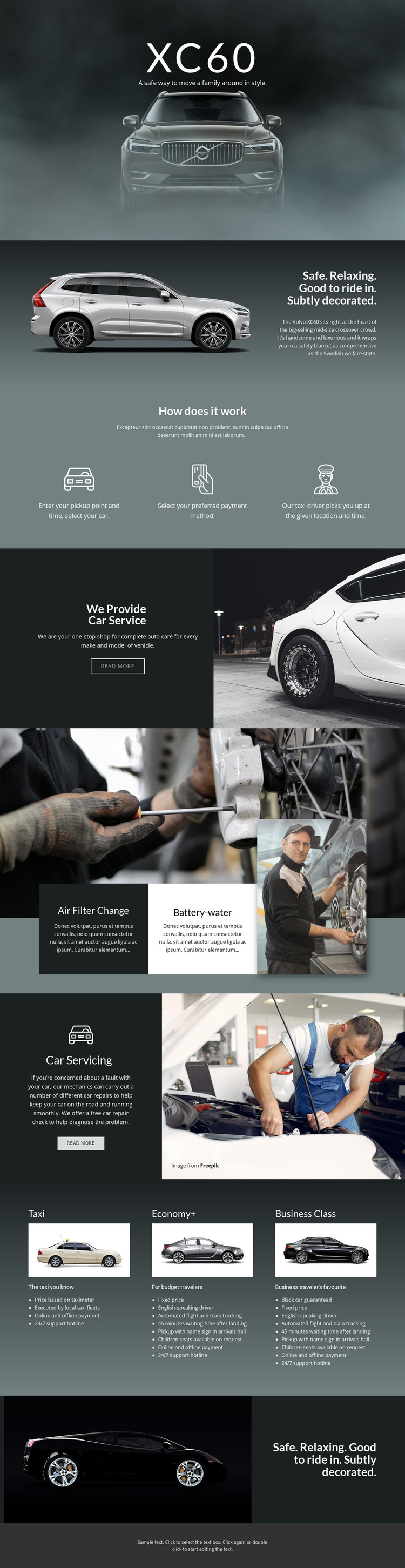
The XC60 Page Already Forms a Complete Static Presentation
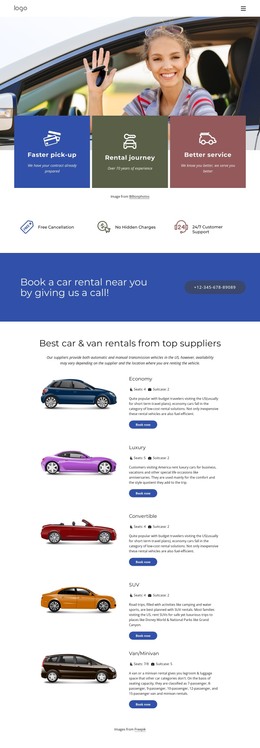
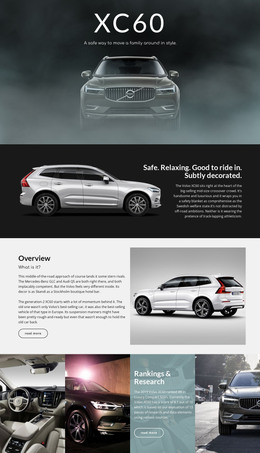
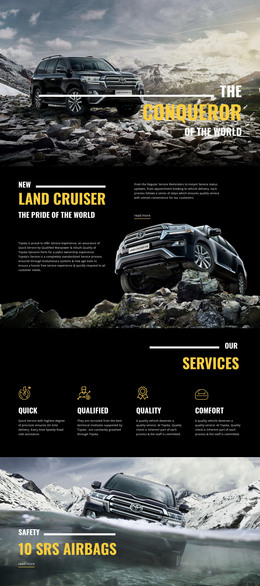
The page brings its main content into one finished arrangement rather than presenting only a hero concept. Navigation opens the experience, the XC60 image introduces the featured vehicle, and the adjacent descriptive panel gives the vehicle a defined role through safety and comfort messaging. The following process section adds three concrete steps—pickup selection, payment selection, and driver pickup—so transportation activity is explained rather than left as an isolated visual theme.
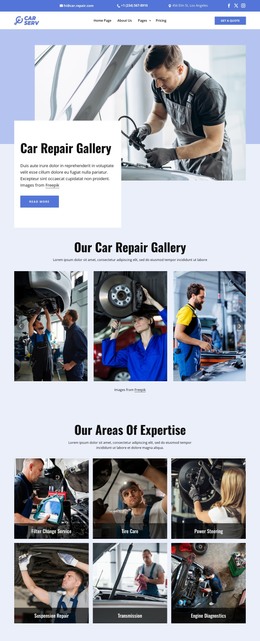
The service content extends that presentation with auto care, air filter change, battery-water maintenance, and car servicing topics. Large mechanic imagery gives these areas visual context, while the read-more actions indicate where visitors can continue to related information. The lower tier comparison then presents Taxi, Economy+, and Business Class with vehicle images, descriptions, and feature lists. Together, these parts give the page coverage across vehicle presentation, service support, and transportation choices.
That completeness makes the design suitable as a standalone HTML page or static website implementation. Its content sequence can remain recognizable while sample text, images, service descriptions, and tier details are replaced with project-specific material. The value is in the finished relationship between navigation, image-led sections, process explanation, service prompts, and closing vehicle statement—not merely in having a collection of styled blocks.
Customize with Nicepage
Open this ready-made template in the HTML Builder and customize it visually in the Nicepage editor. Replace demo content, edit page sections, and adapt the design to your project without rebuilding the template from scratch.
Export and Use This Template as an HTML Website
Create a Portable HTML Website
When the template is ready, use the HTML Export option to create a static website with the files required for deployment. The exported website can be used independently of the Nicepage editor and deployed on your preferred hosting.
Nicepage also provides SEO settings and optimization features, including Page Titles and Descriptions, Canonical settings, headings, image Alt Text, and other page-level properties that help prepare the website for search engines.
Deploy Without a CMS
Upload the finished website to the hosting environment that fits your project. Because the exported site does not require WordPress, Joomla, or another CMS to deliver its pages, it can be placed on your own server, uploaded to a hosting provider, or deployed through an existing web infrastructure.
Hand Off the Website Files
The generated website files can also be provided to a client, developer, or hosting team. They remain available outside the Nicepage editor for deployment, technical review, or project-specific development when additional work is required.
This workflow makes the template a practical foundation for a portable static website that can be exported from the Nicepage editor and deployed independently.

More from Cars & Transportation HTML Templates
-
Free Website Builder SoftwareDownload