
Diagnostics HTML Templates
Before a blood test or ultrasound, patients need to know what to expect and whether preparation is required. Diagnostics HTML templates provide reusable sections for test details, clinic-approved instructions, and clear patient questions.


More HTML Templates from Medicine & Science Category


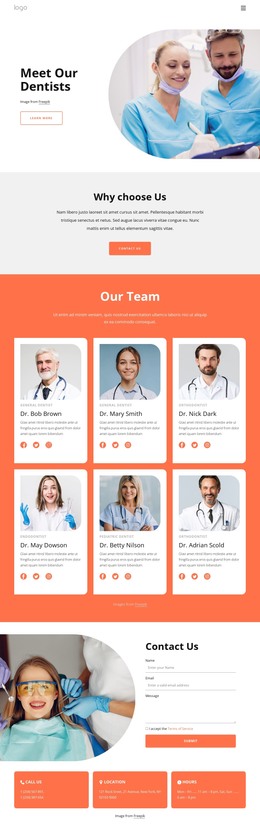
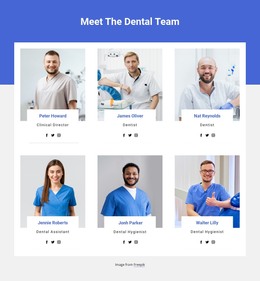
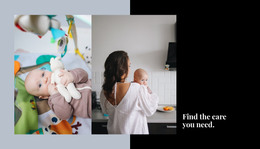
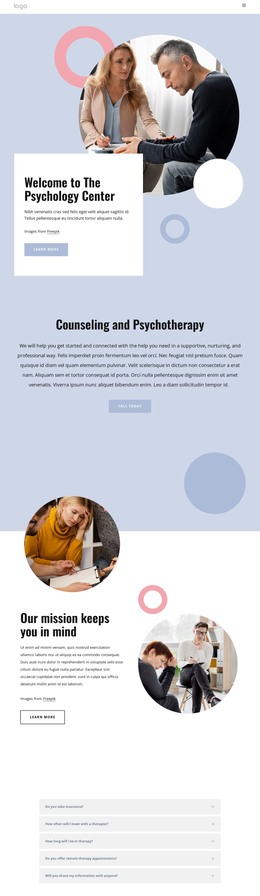
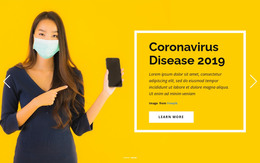
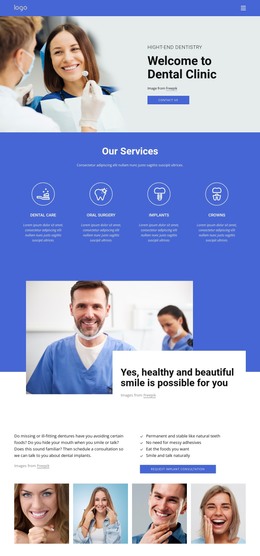
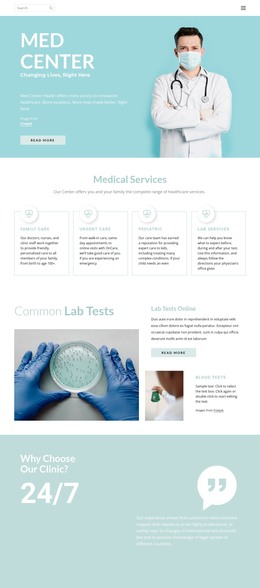


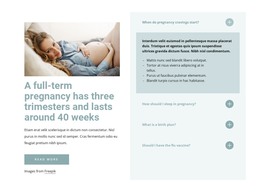
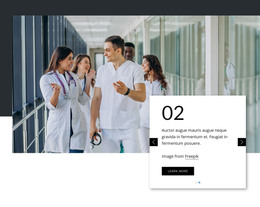

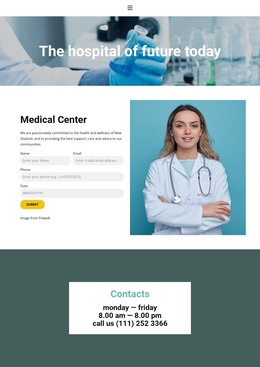
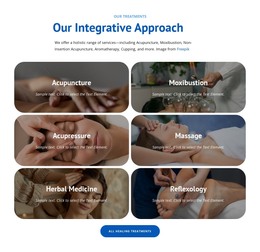
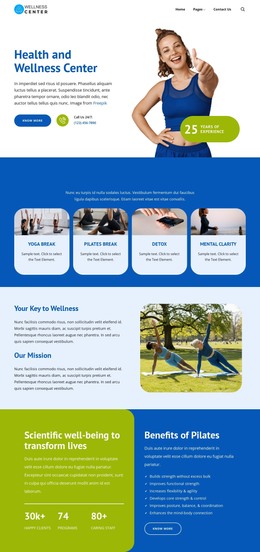

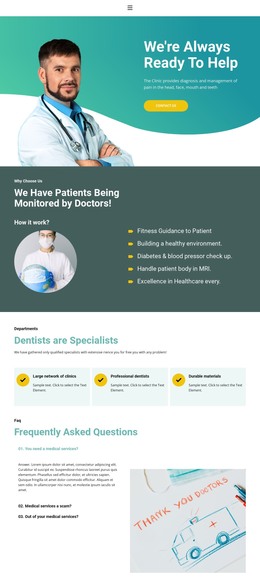
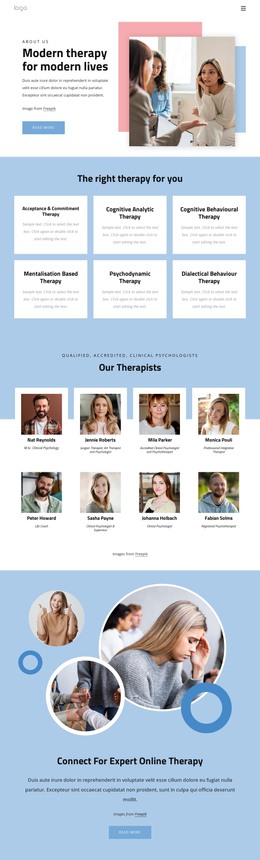
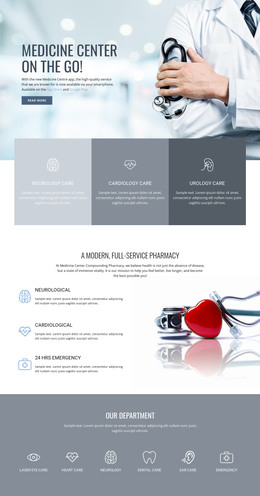
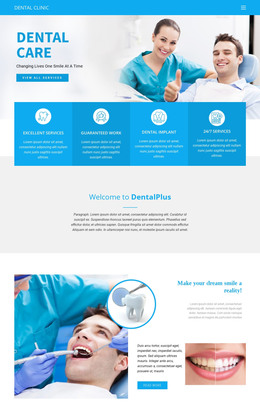
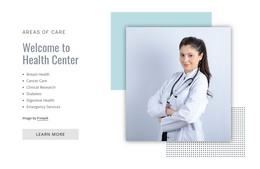
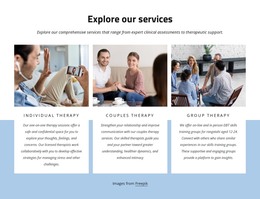
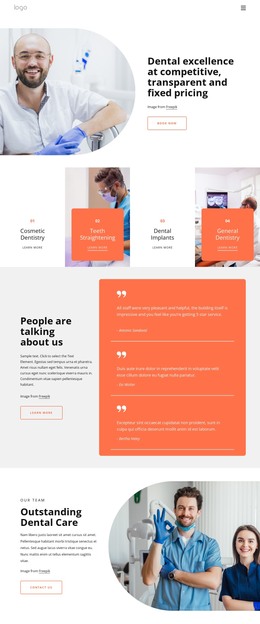
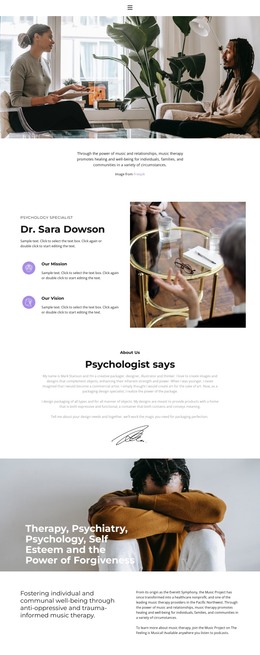

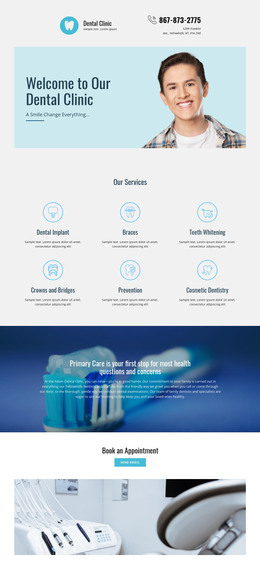
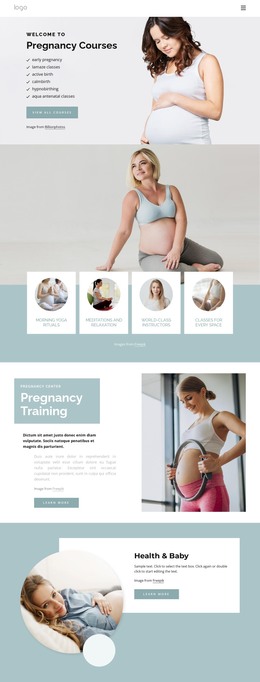

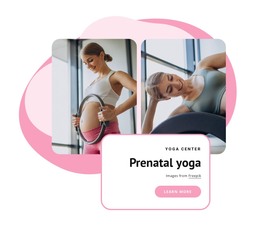

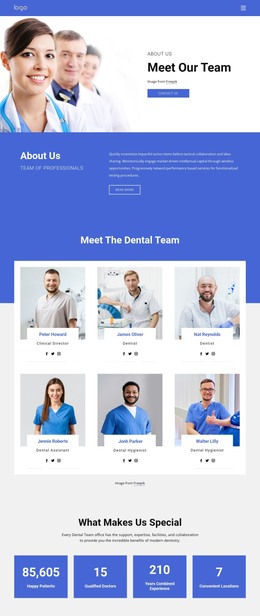
Other Medicine & Science HTML Templates
Clean Diagnostics HTML Templates
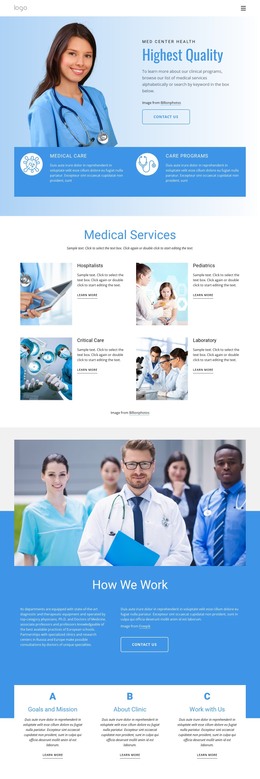
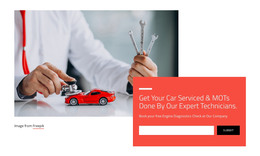
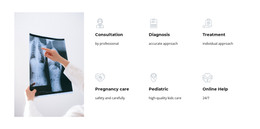
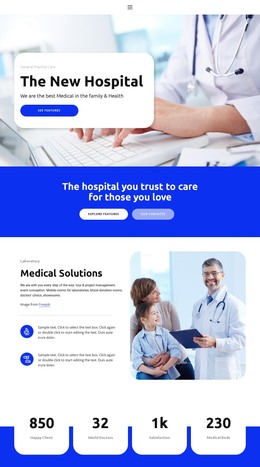
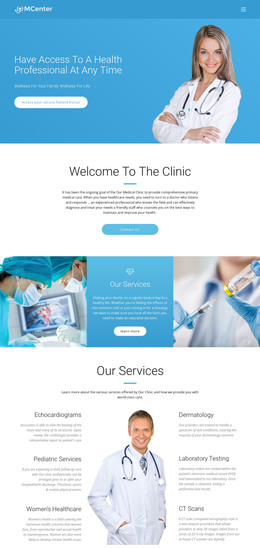
Diagnostics HTML templates give testing businesses a finished design you can customize in Nicepage and export as HTML files for your own hosting. Most designs in this category, including Advanced Diagnostics Hospital, serve medical labs and imaging centers. A few, such as Car Diagnostic Tests, are designed for auto repair shops.
Which Layout Suits Your Kind of Diagnostics
A small center with a short list of common tests can use compact service cards on one page. A lab with a long test menu benefits from a table because visitors compare tests based on the same attributes, such as sample type. Imaging centers need a few lines of text for each ultrasound or MRI procedure, starting with the area examined.
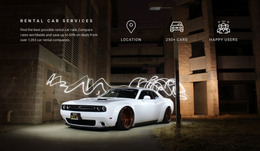
Auto shops are a separate case. A driver with the check engine light on wants to see right away that the shop reads fault codes and how to book a slot.
Before you settle on a design, open its demo and look at a few details:
- Long test names such as comprehensive metabolic panel can wrap into an awkward block inside a narrow card.
- Preparation notes need their own visible block, ideally with a contact link close to each service.
- Space for accreditation and the specialists behind the results helps visitors trust the center.
- Headings and buttons have to stay readable on a phone, where plenty of people look up a test first.
From Demo Content to Exported Files
In Nicepage, adapting a diagnostics design usually goes like this:
- Replace the demo services with your own tests, using preparation notes your medical staff has approved.
- Swap stock photos for real pictures of your rooms and equipment.
- Adjust colors and fonts to match your signage and printed referral forms.
- Export the project as HTML and upload the files to your server, or pass them to a developer.
A booking form in the demo is only an interface, so sending requests to your inbox takes some setup. Patient records belong in a system built for medical data.
Making Room for Patient Questions
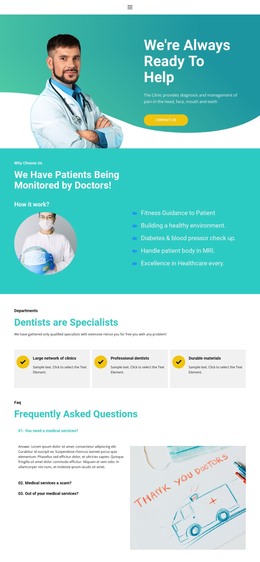
Patients tend to ask whether they need an appointment, which documents to bring, and how they will be notified when results are ready. Nicepage's FAQ Element puts such answers into expandable rows with editable rich text, which keeps a long service list easy to scan. Keep fasting rules and other mandatory instructions in the main text so nobody misses them.
The design worth keeping fits the scale of your services and still looks orderly once your real test names replace the demo text.