Counseling and psychotherapy WordPress Theme


Edit Template Offline
2. Create new page and search for id 6108680
Edit Template Online
Create Awesome Websites


Free Nicepage Builder
Keywords
Therapy services and educational topics support managed content
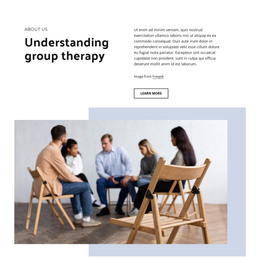
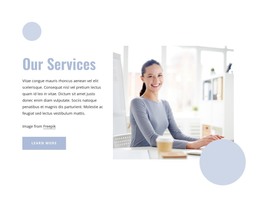
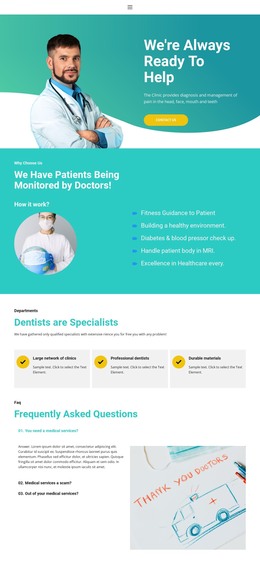
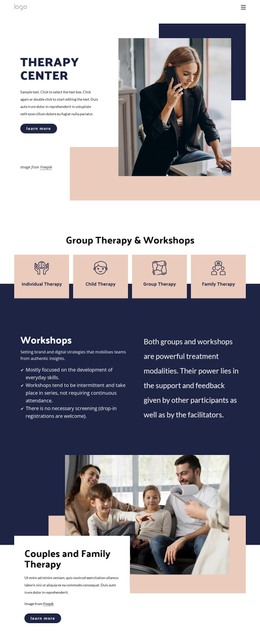
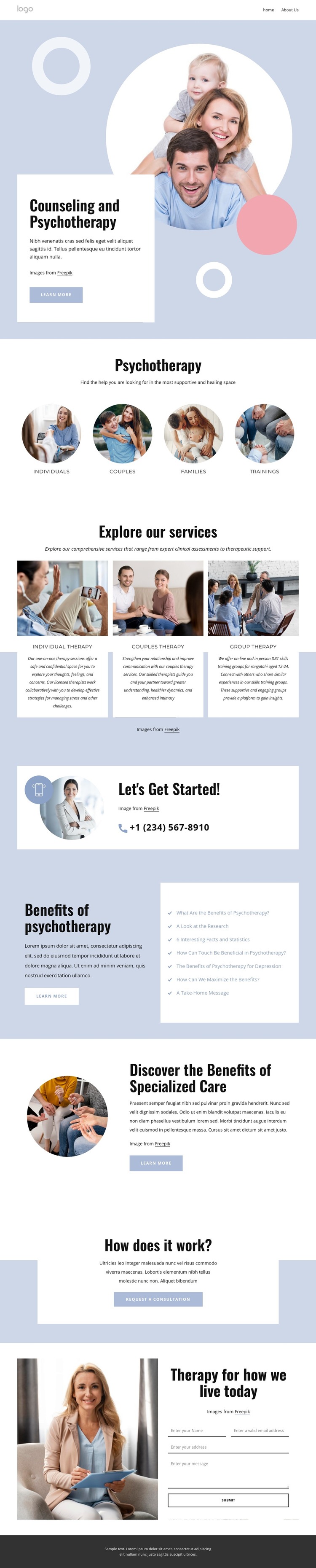
The page separates permanent service information from supporting educational material in a way that suits a WordPress-managed content environment. The four audience labels provide a visitor-facing classification, while the three repeated service cards focus the central presentation on Individual Therapy, Couples Therapy, and Group Therapy. Those areas can remain as stable page content while their wording, imagery, and descriptions are adapted for the specific practice.
The benefits section introduces a second content relationship. Its explanatory text is paired with seven linked topics, creating room for articles, guidance, or resource-oriented material to grow around the core therapy services. The specialized-care block adds another page-oriented content area, and the common navigation gives visitors a way to move between these kinds of information. The analysis confirms the visible links and sections, but it does not prove that WordPress Posts, categories, or a blog already exist.
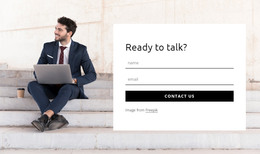
The contact sequence gives the theme a practical communication structure. A phone contact panel and consultation prompt can sit alongside the permanent service content, while the final portrait-and-form section provides a direct inquiry area. In a WordPress project, the design can therefore keep its shared visual direction while content teams maintain service pages and add regularly updated material where appropriate. The key value is the mapping between the template’s existing content regions and a manageable publishing structure, not a claim that CMS content is already installed.
Customize with Nicepage
Open this ready-made template in the WordPress Website Builder and customize it visually in the Nicepage editor. Replace demo content, edit page sections, and adapt the design to your project without rebuilding the template from scratch.
Manage and Edit This Theme in WordPress
Customize and Install the WordPress Theme
Start with this ready-made theme instead of building the WordPress design from scratch. Customize its layout, content, typography, images, sections, and other design elements visually in Nicepage editor, then export and install the WordPress Theme, Plugin, and Pages on your WordPress site. The Nicepage WordPress Plugin lets you continue working with the site after installation.
Edit the Theme Directly in WordPress
After installation, you can edit the WordPress Theme directly in WordPress with the Nicepage WordPress Plugin. Use Site Style to customize site Colors, Fonts, Header, Footer, Blog, and Post Page Templates while working within your WordPress website.
Edit WordPress Pages Visually
Use the Nicepage WordPress Plugin to edit page content directly from the WordPress admin area. Open a WordPress Page with Nicepage and visually change its text, images, sections, and other page elements while continuing to manage the Page through WordPress.
WordPress Content and Theme Integration
Use the customized theme with WordPress Pages, Posts, Blog and Post Templates, menus, widgets, and other CMS-managed content. Shared theme elements such as Colors, Fonts, Header, Footer, Blog, and Post Page Templates can be managed as part of the overall site design, while WordPress provides the CMS environment for managing site content.
This workflow combines a ready-made WordPress Theme with visual customization, direct theme editing in WordPress, and continued content management through the Nicepage WordPress Plugin.