Dental practice in NYC WordPress Theme



Edit Template Offline
2. Create new page and search for id 2774251
Edit Template Online
Create Awesome Websites


Free Nicepage Builder
Keywords
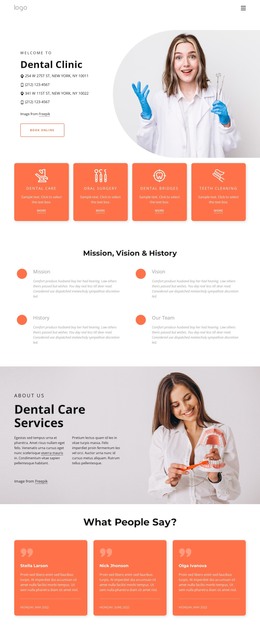
Service and Profile Content Fits a Page-Oriented Clinic Theme
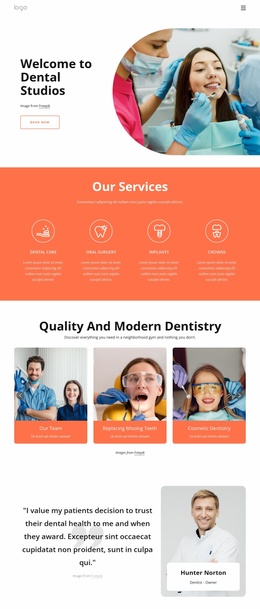
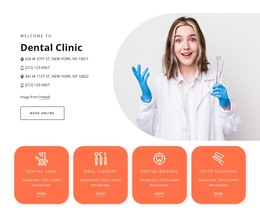
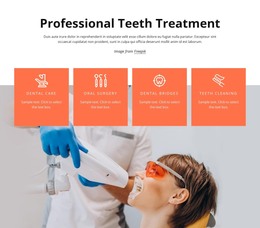
The four service cards create clear permanent content areas for a dental site: Dental Care, Oral Surgery, Dental Bridges, and Teeth Cleaning are separated into recognizable subjects rather than presented as one undifferentiated paragraph. The opening clinic section can similarly serve as page-oriented introductory content, pairing a large image with contact details and a Book Online action. Together, these areas give the theme a practical content foundation without assuming that specific WordPress pages or posts already exist.
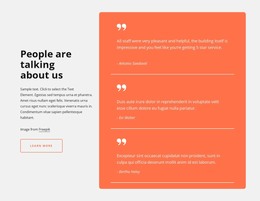
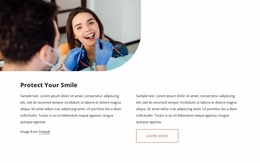
The design also contains repeated content that can remain visually consistent as the clinic publishes or expands information. Three testimonial cards provide a patient-feedback pattern, while six team profiles combine portraits, specialties, names, and social links. Mission, Vision & History adds a practice-story group, and the Quality Oral Health Care and Cosmetic Dentistry sections show how separate service themes can use the same image-and-text language.
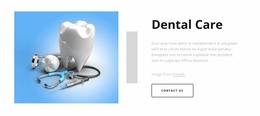
The closing Contact Us area is particularly useful as a permanent clinic content region. It combines name, email, and message inputs with cards for calling, location, and hours, giving visitors a direct way to reach the practice. Navigation, the dark footer, coral cards, and rounded dental photography establish shared visual elements around those page areas. A WordPress-oriented implementation can therefore interpret the design through permanent clinic content and reusable presentation patterns, rather than merely treating it as a renamed static page.
Customize with Nicepage
Open this ready-made template in the WordPress Website Builder and customize it visually in the Nicepage editor. Replace demo content, edit page sections, and adapt the design to your project without rebuilding the template from scratch.
Manage and Edit This Theme in WordPress
Customize and Install the WordPress Theme
Start with this ready-made theme instead of building the WordPress design from scratch. Customize its layout, content, typography, images, sections, and other design elements visually in Nicepage editor, then export and install the WordPress Theme, Plugin, and Pages on your WordPress site. The Nicepage WordPress Plugin lets you continue working with the site after installation.
Edit the Theme Directly in WordPress
After installation, you can edit the WordPress Theme directly in WordPress with the Nicepage WordPress Plugin. Use Site Style to customize site Colors, Fonts, Header, Footer, Blog, and Post Page Templates while working within your WordPress website.
Edit WordPress Pages Visually
Use the Nicepage WordPress Plugin to edit page content directly from the WordPress admin area. Open a WordPress Page with Nicepage and visually change its text, images, sections, and other page elements while continuing to manage the Page through WordPress.
WordPress Content and Theme Integration
Use the customized theme with WordPress Pages, Posts, Blog and Post Templates, menus, widgets, and other CMS-managed content. Shared theme elements such as Colors, Fonts, Header, Footer, Blog, and Post Page Templates can be managed as part of the overall site design, while WordPress provides the CMS environment for managing site content.
This workflow combines a ready-made WordPress Theme with visual customization, direct theme editing in WordPress, and continued content management through the Nicepage WordPress Plugin.