The psychology center WordPress Theme


Edit Template Offline
2. Create new page and search for id 6108688
Edit Template Online
Create Awesome Websites


Free Nicepage Builder
Keywords
The Directory Separates Permanent Team Content from Inquiry Content
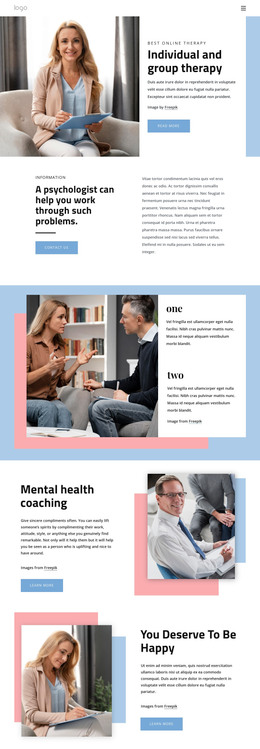
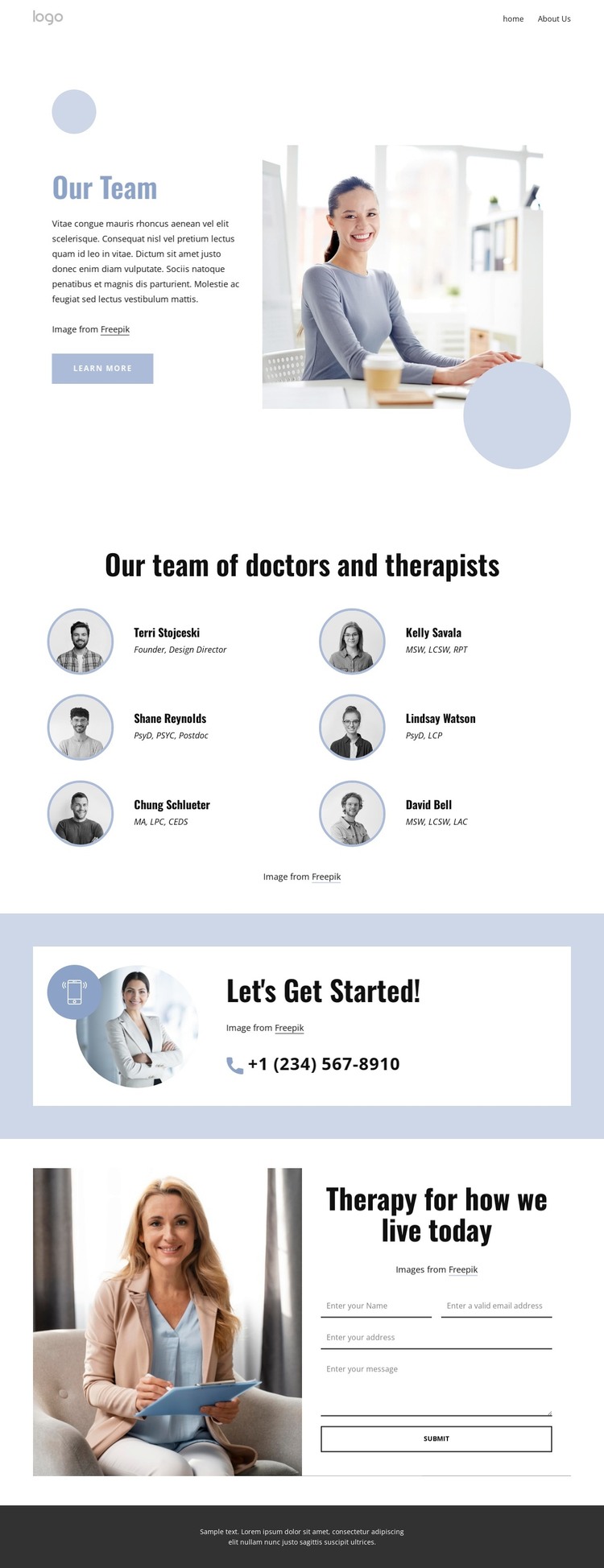
The six profile items provide the page’s strongest permanent content area. Each combines a circular portrait with a professional role label, and the repeated arrangement makes the doctors and therapists easy to distinguish as one team directory. In a WordPress-oriented project, this page-focused content can sit alongside other practice information while retaining the same visual treatment. The design itself does not prove that WordPress Posts, categories, or a blog already exist, so the interpretation stays with the verified people and therapy sections.
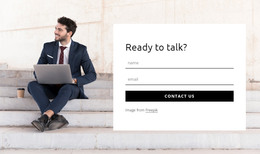
The contact areas create a second content relationship. The “Let’s Get Started!” panel offers a phone route in a highlighted pale blue region, while the final therapy section contains a heading, supporting photograph, vertically arranged fields, and a submit control. These elements provide a clear separation between informational team content and visitor-submitted inquiry content. The shared navigation, mobile navigation, and dark footer can frame those page areas as the site expands.
A WordPress Theme interpretation is therefore useful because the design has both stable page material and content that may need ongoing refinement: practitioner profiles, therapy messaging, and contact information. The visual system can remain consistent while page content is managed in the CMS, without claiming that specific WordPress structures are already present in this template.
Customize with Nicepage
Open this ready-made template in the WordPress Website Builder and customize it visually in the Nicepage editor. Replace demo content, edit page sections, and adapt the design to your project without rebuilding the template from scratch.
Manage and Edit This Theme in WordPress
Customize and Install the WordPress Theme
Start with this ready-made theme instead of building the WordPress design from scratch. Customize its layout, content, typography, images, sections, and other design elements visually in Nicepage editor, then export and install the WordPress Theme, Plugin, and Pages on your WordPress site. The Nicepage WordPress Plugin lets you continue working with the site after installation.
Edit the Theme Directly in WordPress
After installation, you can edit the WordPress Theme directly in WordPress with the Nicepage WordPress Plugin. Use Site Style to customize site Colors, Fonts, Header, Footer, Blog, and Post Page Templates while working within your WordPress website.
Edit WordPress Pages Visually
Use the Nicepage WordPress Plugin to edit page content directly from the WordPress admin area. Open a WordPress Page with Nicepage and visually change its text, images, sections, and other page elements while continuing to manage the Page through WordPress.
WordPress Content and Theme Integration
Use the customized theme with WordPress Pages, Posts, Blog and Post Templates, menus, widgets, and other CMS-managed content. Shared theme elements such as Colors, Fonts, Header, Footer, Blog, and Post Page Templates can be managed as part of the overall site design, while WordPress provides the CMS environment for managing site content.
This workflow combines a ready-made WordPress Theme with visual customization, direct theme editing in WordPress, and continued content management through the Nicepage WordPress Plugin.