
Cardiology WordPress Themes
Cardiologists often maintain stable service information alongside changing physician details, clinic news, and patient education. A WordPress theme connects that clinical design with CMS-managed Pages and Posts for ongoing content work.













More WordPress Themes from Medicine & Science Category
-

-
-
-
-
-
-
-
-
-
-
-
-
-
-
-
-
-
-
-
-
-
-
-
-
Free Website Builder SoftwareDownload
-
-
-
-
-




















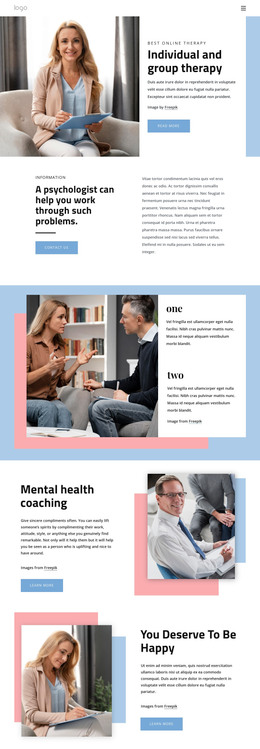


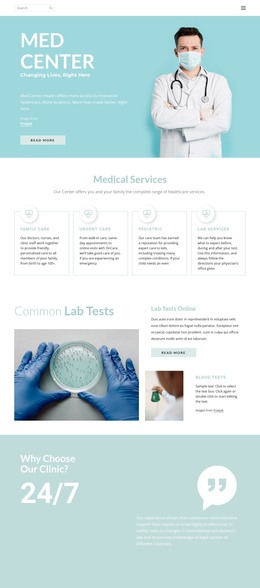
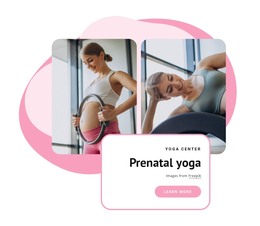


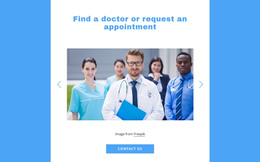





Other Medicine & Science WordPress Themes
Cardiology WordPress Themes for Clinics That Publish Regularly
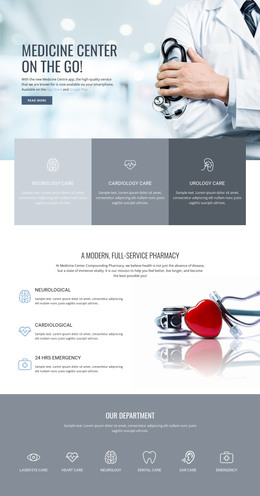
A cardiology WordPress theme gives a practice two things at once: a finished site design and an editing environment that keeps it current. The design covers cardiologists, services, and diagnostics, while WordPress handles what changes afterward, from a new specialist to next month's heart-health article.
Heart Care Demos Worth Comparing
Themes in this niche differ mostly in the practice they were designed for. One demo reads like a hospital cardiology department, another like a single cardiologist in private practice, and a third like a diagnostic center.
When comparing candidates, check the parts that are hardest to add later:
- Prebuilt sections for cardiac services, diagnostics, and cardiologist profiles
- Appointment functionality and how it stores what a patient submits
- Compatibility with the visual builder you intend to use, Elementor included
- Demo import, which decides whether editing starts from a working site
Demo import deserves more attention than it usually gets. With it, you inherit a full cardiology site and replace its content; without it, you rebuild every section by hand.
Content Clinic Staff Refresh Often
WordPress usually wins this decision for maintenance reasons: someone at the practice, often the office manager, keeps the site up to date without requiring developer time for every correction.
Typical in-house updates look like this:
- Cardiologist details when specialists join, leave, or change consultation days
- Service descriptions when the practice adds a program such as cardiac rehabilitation
- Heart-health explainers, preparation notes, and clinic announcements published as Posts
Permanent material and editorial material behave differently here. Service descriptions, cardiologist profiles, and location details stay in place and get edited occasionally, while Posts accumulate in the blog listing and leave those sections alone. A cardiology menu can mirror that split, grouping diagnostics and treatment under services and keeping appointments one click away.
Builders, Plugins, Update Cycles
Nicepage builds the theme in the Desktop Application, and a typical workflow is to install the WordPress theme and plugin, activate it, add the Editor Plugin, and import the content. The plugin then gives you Site Style controls inside WordPress for colors, fonts, and a shared header or footer, plus templates for recurring articles.
Everything else a clinic needs tends to arrive as a plugin, whether that is booking, form delivery, or a second language, so check that the theme tolerates the ones you rely on. Nicepage product information also states that visual adjustments and custom styling rules persist through plugin and theme updates, which matters for a site edited for years.
Look at a cardiology theme the way the practice will use it after launch. The demo gets the site online, and the editing workflow decides how accurate it stays as cardiologists and services change.