
Crazy WordPress Themes
Bold creative sites rarely stop changing after launch. These WordPress themes carry experimental typography, imagery, and layouts into a CMS workflow where posts, media, and routine content updates can grow without redefining the visual system.












More Website & HTML Templates for Crazy


More WordPress Themes from Medicine & Science Category


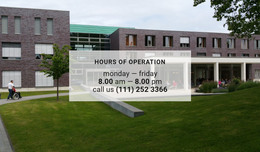
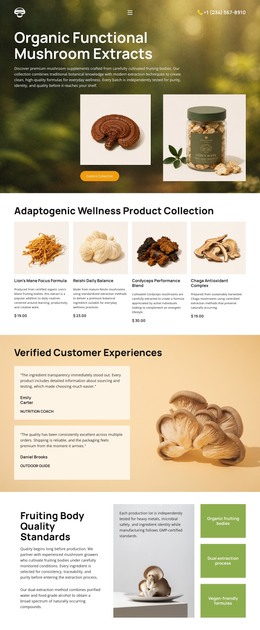

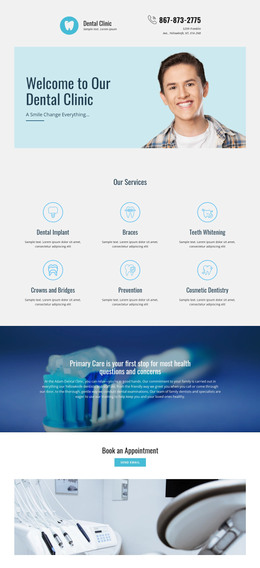
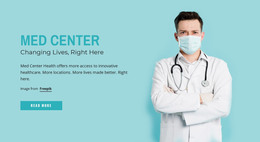











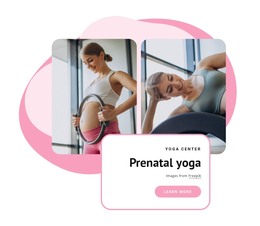

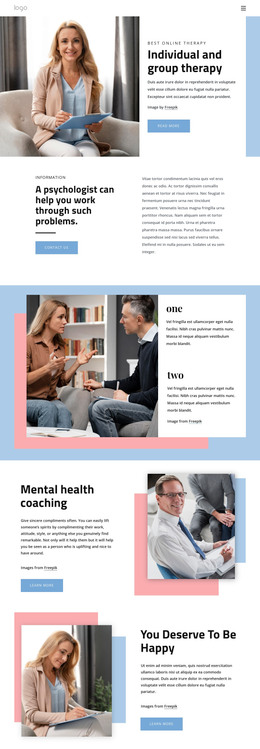
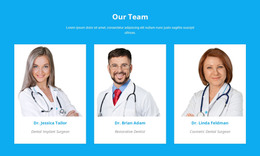


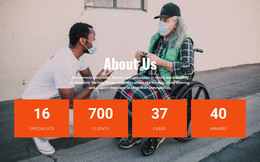



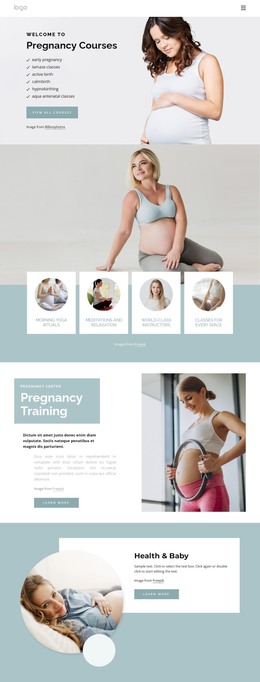

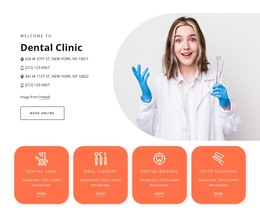

Other Medicine & Science WordPress Themes
Responsive Crazy WordPress Themes for Unconventional CMS Sites
A WordPress theme can live much longer than other designs may. It has to hold together once the post list grows long and someone starts uploading photos at whatever size the camera produced. Crazy WordPress themes carry loud typography and unusual page structures into that routine, where fresh material arrives every week, and the design has to absorb it without anyone redrawing the layout.
Installing the Theme, Publishing Posts
The route from a chosen design to a working site is short and always the same:
- Prepare or pick the theme in the Nicepage application;
- Export it as a WordPress theme;
- Install the theme together with the Nicepage plugin;
- Publish the pages and keep adding posts from the admin.
The WordPress application workflow guide explains how the application, theme, and plugin relate to each other. Inside WP, the plugin gives you Site Style for colors, fonts, and shared areas, as well as the Blog and Post templates. Structural rebuilding goes back to the desktop application or the online builder, which is useful to know before a redesign lands in the middle of a busy month.
Blog Archives, Media Uploads
Regular publishing separates a theme that survives from one that only looked good on launch day, so a few screens deserve a look in the demo:
- The post list with entries of very different lengths;
- A single post with long copy, quotes, and captions;
- A category or tag listing;
- Search results and the page shown for a missing address.
Media is the other soft spot. Portrait photos, screenshots, and low-resolution scans all end up in the same gallery, and a layout that quietly assumes one image ratio starts to wobble as soon as an editor uploads whatever they have.
A gallery site clearly shows the split. Exhibition pages are designed once and change rarely, while the news feed runs on its own schedule and has to look right with two entries as well as with two hundred.
Plugin Settings Worth Checking
Before the site goes live, decide where form submissions should land. An event page that collects guest names belongs in email or in the Leads section, and leaving it on the default setting is how the first booking request disappears. Give the shared areas a final pass at the same time, since they show up on every screen a visitor opens. Once those two things are settled, the eccentric part of the theme can be left alone, and the site fills up with content.