Contact our clinic WordPress Theme


Stable clinic contact content fits a WordPress-managed page section
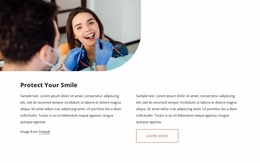
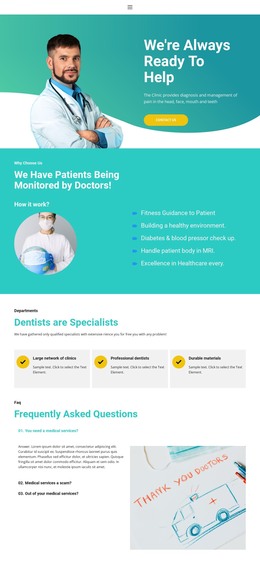
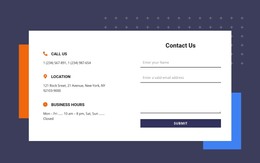
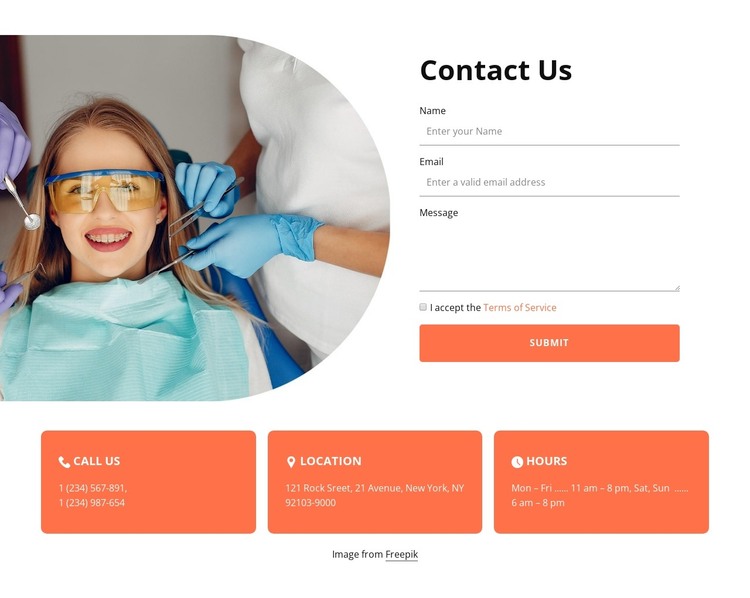
The block’s primary content is a durable contact area rather than a time-sensitive editorial stream. The Contact Us heading, rounded dental image, and right-side form create a clear page section for collecting a visitor’s name, email, and message. The terms-of-service checkbox and Submit action define the form’s final interaction, while the image gives the section a visual connection to dental care without replacing the written contact function.
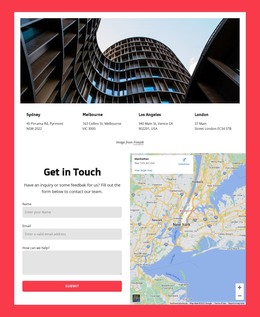
Three coral cards beneath the form organize Call Us, Location, and Hours as supporting page information. In a WordPress-managed project, this arrangement can remain a stable part of a clinic or healthcare service page while the wider site adds other content around it. The cards provide a different content role from the form: they present reference details in parallel units rather than collecting responses. The displayed phone numbers, address, and schedule are sample values and should be updated for the intended organization. The white background, dark heading, coral accents, and rounded image treatment can remain consistent with the surrounding design without implying that this block is a complete theme. The centered Freepik attribution is part of the section’s content and should be retained or replaced according to the project’s image-use requirements. Nicepage’s WordPress workflow can support editing the surrounding page content while this visual section remains a reusable contact component.
Customize with Nicepage
Open this ready-made template in the WordPress Website Builder and customize it visually in the Nicepage editor. Replace demo content, edit page sections, and adapt the design to your project without rebuilding the template from scratch.
Edit Template Offline
2. Create a new page or select existing
3. Click Add new block, search for id 2774249 and click enter
Edit Template Online
Create Awesome Websites


Free Nicepage Builder
Keywords
Manage and Edit This Theme in WordPress
Customize and Install the WordPress Theme
Start with this ready-made theme instead of building the WordPress design from scratch. Customize its layout, content, typography, images, sections, and other design elements visually in Nicepage editor, then export and install the WordPress Theme, Plugin, and Pages on your WordPress site. The Nicepage WordPress Plugin lets you continue working with the site after installation.
Edit the Theme Directly in WordPress
After installation, you can edit the WordPress Theme directly in WordPress with the Nicepage WordPress Plugin. Use Site Style to customize site Colors, Fonts, Header, Footer, Blog, and Post Page Templates while working within your WordPress website.
Edit WordPress Pages Visually
Use the Nicepage WordPress Plugin to edit page content directly from the WordPress admin area. Open a WordPress Page with Nicepage and visually change its text, images, sections, and other page elements while continuing to manage the Page through WordPress.
WordPress Content and Theme Integration
Use the customized theme with WordPress Pages, Posts, Blog and Post Templates, menus, widgets, and other CMS-managed content. Shared theme elements such as Colors, Fonts, Header, Footer, Blog, and Post Page Templates can be managed as part of the overall site design, while WordPress provides the CMS environment for managing site content.
This workflow combines a ready-made WordPress Theme with visual customization, direct theme editing in WordPress, and continued content management through the Nicepage WordPress Plugin.