
Progress Website Templates
Teams with several initiatives need both an immediate status overview and room for deeper reporting. A complete progress website can connect summary metrics with project pages, milestones, achievements, and detailed updates.










































More Website Templates from Medicine & Science Category



































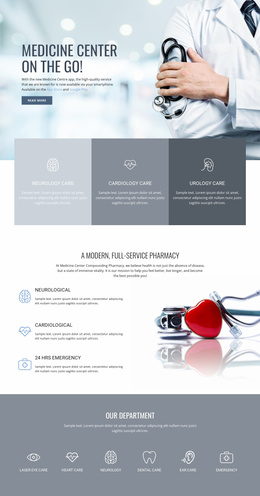


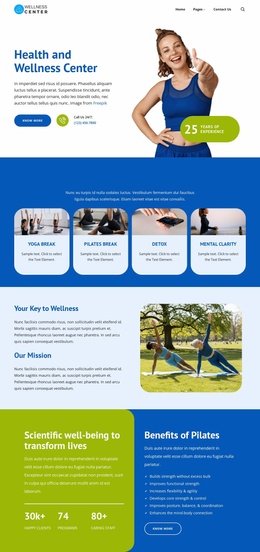



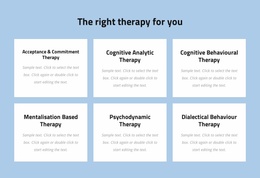




Other Medicine & Science Website Templates
Multipurpose Progress Website Templates for Project Reporting
Teams that report on several initiatives at once tend to outgrow a single progress page fast. Each new project adds stages and results, and before long, last spring's milestone sits under this week's news. Progress website templates give you a ready-made design to build a full reporting site. The overview carries the overall status, while each initiative gets its own pages for milestones and reports.
Following One Initiative Down to Its Evidence
Picture a council member checking progress on a park renovation program, moving through the site roughly like this:
- The overview shows the combined status of every initiative, plus a short line about the parks and a link to read more.
- The program page gives its objective, the stage it has reached, and the next target date.
- A milestone history lists completed stages with their dates, so nobody has to dig through old announcements.
- The report for the latest period explains how the figures were gathered and where results fell short.
The milestone history is easy to underrate. A closed stage is no longer news, yet it is exactly what people check to see whether a program has kept its pace.
Totals That Age Well
Counters belong in the overview, where a few totals summarize everything. Nicepage's Counter Element documentation explains how numeric values can be presented as dedicated visual indicators, which suits figures like projects delivered or households reached. A big round number invites the question of where it came from, so each total should lead to the pages behind it.
What the overview needs to say changes as the site ages:
- At launch there are few results yet, so targets and the first status lines do most of the work.
- Midway through, counters show real totals and each initiative's line names its current stage.
- Finished projects move into a completed group with their final results, while active work stays on top.
- Later, older reports need an archive sorted by year so that the front page can stay focused on the present.
Growth Without Clutter Up Front
Each initiative and reporting period makes the site bigger. The Nicepage Dashboard can manage project websites and individual pages, which is helpful once the site has grown well beyond the few pages it started with.
It is tempting to add a counter for every new initiative on the front page. After a few rounds of reports, a calm design can end up looking like a control panel nobody reads. The website templates that hold up show overall progress in a few figures and provide each initiative with a clear path to its milestones and reports.