Modern therapy WordPress Theme



Edit Template Offline
2. Create new page and search for id 6009366
Edit Template Online
Create Awesome Websites


Free Nicepage Builder
Keywords
Therapy content and repeated practitioner profiles suit a managed theme
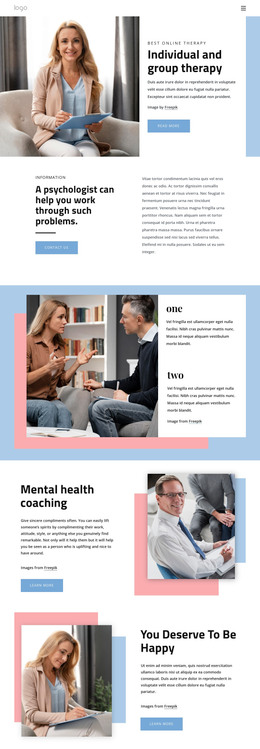
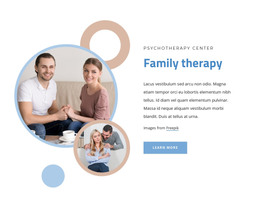
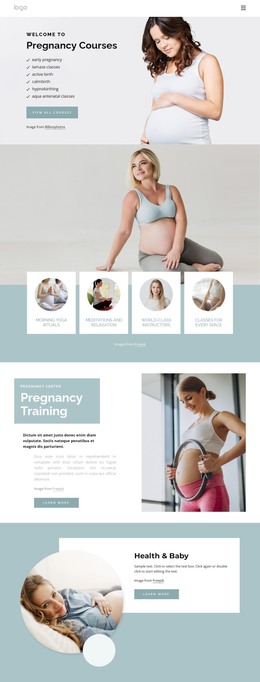
The page’s permanent information areas provide a natural basis for a WordPress-managed therapy site. The six therapy approach cards can represent stable service information, while the eight therapist profiles form a distinct page-oriented content group for practitioners and specialties. Their repeated structure gives the theme a clear visual pattern that can remain consistent as the practice updates names, descriptions, or imagery, without claiming that WordPress posts or profile records already exist in the template.
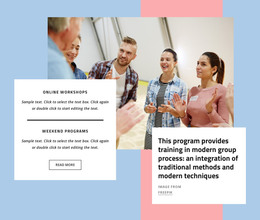
The online-therapy section and the self-care and therapy support cards create additional content relationships. They distinguish a specific service message from broader support pathways, while the two-item testimonial carousel offers a compact place for quotation-based content. If the project later adds regularly updated articles or announcements, those additions would need their own verified content structure; the current design should be understood through the page areas it actually contains.
The closing consultation and contact regions are especially suitable for page-managed content and visitor response. The Free Consultation action is paired with explanatory copy, and the contact form sits beside Call Us, Location, and Business Hours cards. This arrangement gives the theme a clear path from information to inquiry. Its soft palette, circular imagery, and card repetition can continue around WordPress-managed pages while preserving the visual character of the underlying therapy design.
Customize with Nicepage
Open this ready-made template in the WordPress Website Builder and customize it visually in the Nicepage editor. Replace demo content, edit page sections, and adapt the design to your project without rebuilding the template from scratch.
Manage and Edit This Theme in WordPress
Customize and Install the WordPress Theme
Start with this ready-made theme instead of building the WordPress design from scratch. Customize its layout, content, typography, images, sections, and other design elements visually in Nicepage editor, then export and install the WordPress Theme, Plugin, and Pages on your WordPress site. The Nicepage WordPress Plugin lets you continue working with the site after installation.
Edit the Theme Directly in WordPress
After installation, you can edit the WordPress Theme directly in WordPress with the Nicepage WordPress Plugin. Use Site Style to customize site Colors, Fonts, Header, Footer, Blog, and Post Page Templates while working within your WordPress website.
Edit WordPress Pages Visually
Use the Nicepage WordPress Plugin to edit page content directly from the WordPress admin area. Open a WordPress Page with Nicepage and visually change its text, images, sections, and other page elements while continuing to manage the Page through WordPress.
WordPress Content and Theme Integration
Use the customized theme with WordPress Pages, Posts, Blog and Post Templates, menus, widgets, and other CMS-managed content. Shared theme elements such as Colors, Fonts, Header, Footer, Blog, and Post Page Templates can be managed as part of the overall site design, while WordPress provides the CMS environment for managing site content.
This workflow combines a ready-made WordPress Theme with visual customization, direct theme editing in WordPress, and continued content management through the Nicepage WordPress Plugin.