Clinic of dental medicine WordPress Theme


Edit Template Offline
2. Create new page and search for id 16852
Edit Template Online
Create Awesome Websites


Free Nicepage Builder
Keywords
Service Content and Patient Guidance Support Page-Oriented Publishing
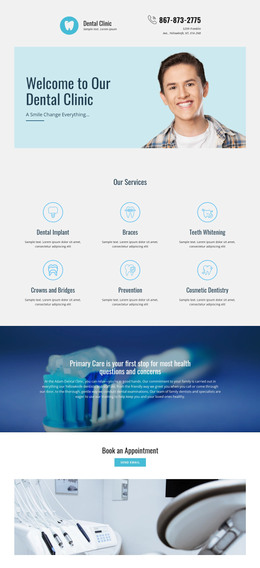
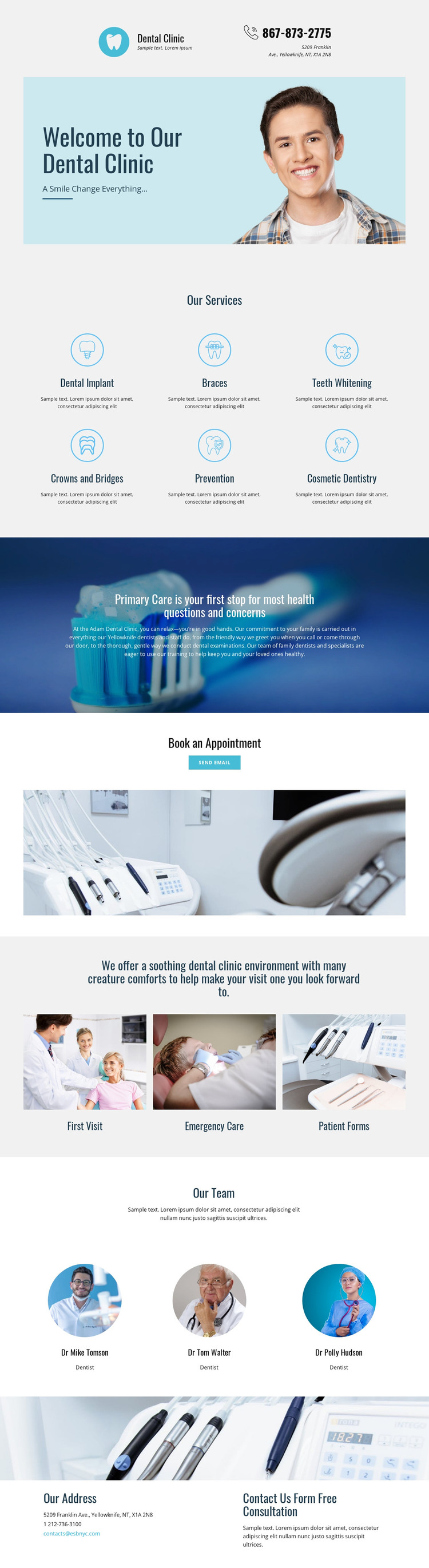
The service collection gives this design a natural set of permanent page topics for a WordPress-oriented project. Dental Implant, Braces, Teeth Whitening, Crowns and Bridges, Prevention, and Cosmetic Dentistry are distinct content areas that can remain part of the clinic’s core presentation while their descriptions or related information develop over time. The care statement provides a separate explanatory layer, helping the site distinguish general clinic guidance from individual services.
The patient-resource group offers a different content relationship. First Visit, Emergency Care, and Patient Forms can organize practical information that visitors may need before making contact, while the three team profiles provide people-focused page content around the clinic staff shown in the design. The Book an Appointment section and final contact area complete the permanent page structure with a Send email action, listed contact channels, and a consultation message. If the project later adds regularly updated articles or announcements, those could be introduced around this stable set of clinic pages while retaining the same visual direction. That is an interpretation of how the design may work in a WordPress environment, not a claim that WordPress Posts, categories, or blog structures already exist. The theme’s strength is the relationship between durable service pages, practical patient information, team content, and an inquiry endpoint.
Customize with Nicepage
Open this ready-made template in the WordPress Website Builder and customize it visually in the Nicepage editor. Replace demo content, edit page sections, and adapt the design to your project without rebuilding the template from scratch.
Manage and Edit This Theme in WordPress
Customize and Install the WordPress Theme
Start with this ready-made theme instead of building the WordPress design from scratch. Customize its layout, content, typography, images, sections, and other design elements visually in Nicepage editor, then export and install the WordPress Theme, Plugin, and Pages on your WordPress site. The Nicepage WordPress Plugin lets you continue working with the site after installation.
Edit the Theme Directly in WordPress
After installation, you can edit the WordPress Theme directly in WordPress with the Nicepage WordPress Plugin. Use Site Style to customize site Colors, Fonts, Header, Footer, Blog, and Post Page Templates while working within your WordPress website.
Edit WordPress Pages Visually
Use the Nicepage WordPress Plugin to edit page content directly from the WordPress admin area. Open a WordPress Page with Nicepage and visually change its text, images, sections, and other page elements while continuing to manage the Page through WordPress.
WordPress Content and Theme Integration
Use the customized theme with WordPress Pages, Posts, Blog and Post Templates, menus, widgets, and other CMS-managed content. Shared theme elements such as Colors, Fonts, Header, Footer, Blog, and Post Page Templates can be managed as part of the overall site design, while WordPress provides the CMS environment for managing site content.
This workflow combines a ready-made WordPress Theme with visual customization, direct theme editing in WordPress, and continued content management through the Nicepage WordPress Plugin.