New patients welcome WordPress Theme


Permanent patient-facing content with a clear appointment destination
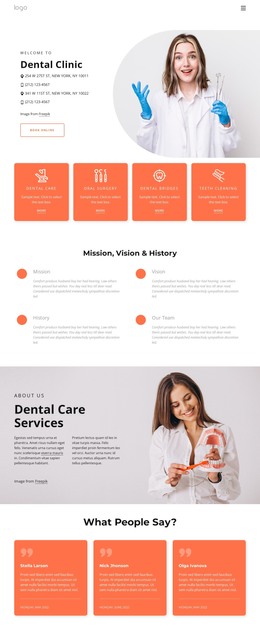
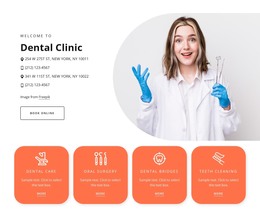
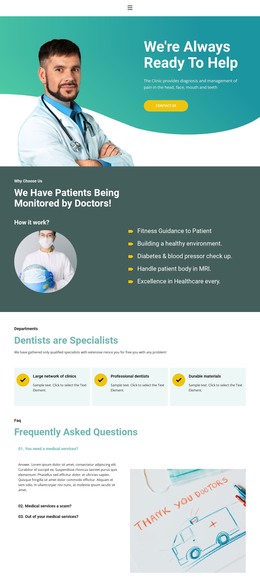
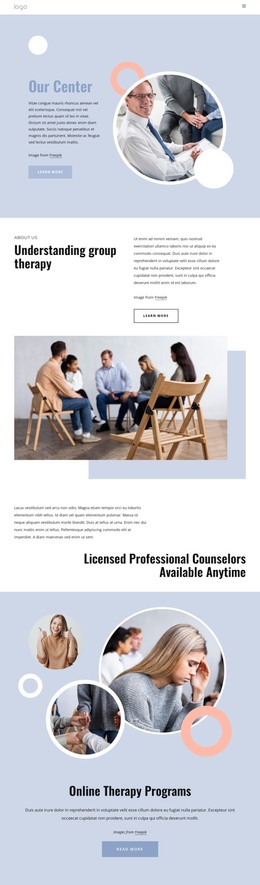
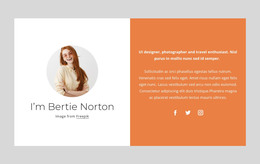
The heading “New Patients Welcome” and its supporting paragraph read as stable page content for prospective patients rather than as a time-sensitive editorial update. The rounded healthcare professional portrait adds a human introduction, while the Book Now button gives the section a defined appointment destination. In a WordPress-oriented project, these parts can remain together as one reusable content region on a practice page, with the surrounding site handling additional services, staff information, testimonials, or contact details.
The block’s two-column split is important to its content role: the image carries visual context without interrupting the reading order of the right-hand message. The attribution line remains a subordinate detail, and the outlined button provides a consistent local action without turning the entire section into a broader theme element. Because the confirmed interaction is static, the section can be treated as dependable page content rather than a dynamic post listing, carousel, or CMS-driven component. A WordPress-managed page may place this block beside or between other content areas, but the block itself retains only its verified portrait, welcome message, attribution, and booking action. Its usefulness comes from preserving that stable patient-facing arrangement while the wider project manages the rest of the site’s publishable content.
Customize with Nicepage
Open this ready-made template in the WordPress Website Builder and customize it visually in the Nicepage editor. Replace demo content, edit page sections, and adapt the design to your project without rebuilding the template from scratch.
Edit Template Offline
2. Create a new page or select existing
3. Click Add new block, search for id 6215911 and click enter
Edit Template Online
Create Awesome Websites


Free Nicepage Builder
Keywords
Manage and Edit This Theme in WordPress
Customize and Install the WordPress Theme
Start with this ready-made theme instead of building the WordPress design from scratch. Customize its layout, content, typography, images, sections, and other design elements visually in Nicepage editor, then export and install the WordPress Theme, Plugin, and Pages on your WordPress site. The Nicepage WordPress Plugin lets you continue working with the site after installation.
Edit the Theme Directly in WordPress
After installation, you can edit the WordPress Theme directly in WordPress with the Nicepage WordPress Plugin. Use Site Style to customize site Colors, Fonts, Header, Footer, Blog, and Post Page Templates while working within your WordPress website.
Edit WordPress Pages Visually
Use the Nicepage WordPress Plugin to edit page content directly from the WordPress admin area. Open a WordPress Page with Nicepage and visually change its text, images, sections, and other page elements while continuing to manage the Page through WordPress.
WordPress Content and Theme Integration
Use the customized theme with WordPress Pages, Posts, Blog and Post Templates, menus, widgets, and other CMS-managed content. Shared theme elements such as Colors, Fonts, Header, Footer, Blog, and Post Page Templates can be managed as part of the overall site design, while WordPress provides the CMS environment for managing site content.
This workflow combines a ready-made WordPress Theme with visual customization, direct theme editing in WordPress, and continued content management through the Nicepage WordPress Plugin.