Dentist and prosthodontics WordPress Theme



Edit Template Offline
2. Create new page and search for id 324353
Edit Template Online
Create Awesome Websites


Free Nicepage Builder
Keywords
Treatment cards and clinic information create durable page content for WordPress
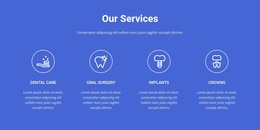
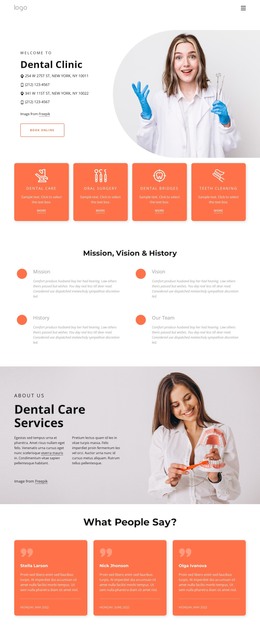
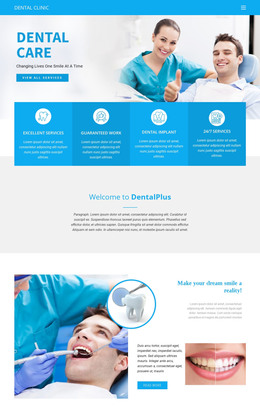
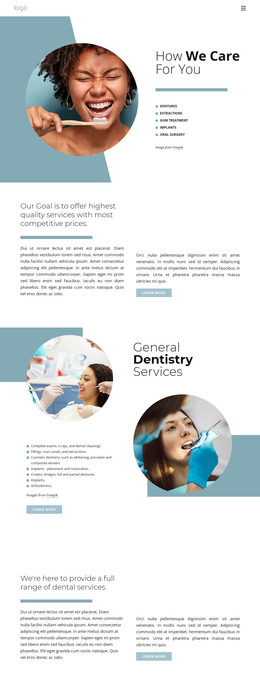
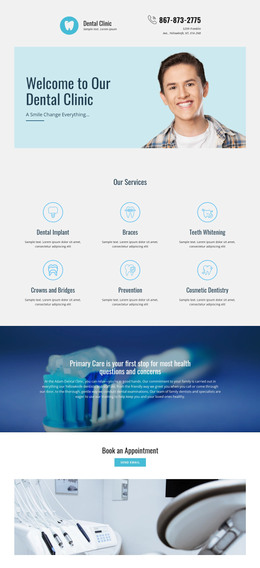
The six repeated service cards provide a strong page-content core for the dental clinic. Dental care, oral surgery, implants, crowns, emergency care, and extractions are presented as separate treatment areas, while the earlier preventive-services section offers a more explanatory introduction and a booking action. This combination distinguishes broader clinic information from individual service subjects, giving a WordPress-oriented project clear content relationships to preserve as the site develops.
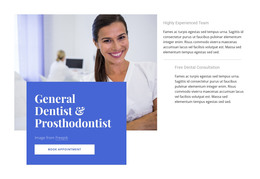
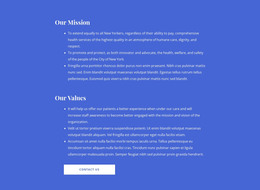
The page also includes permanent informational material around those services. The clinic explanation, team experience, free consultation, General Dentist & Prosthodontist focus, mission, values, and treatment-quality section create a page-based narrative that can remain part of the site’s visual system. Repeated appointment and contact actions connect these areas without turning every section into the same type of content. The final form, social links, and phone details provide a defined communication region for patient inquiries.
This interpretation does not claim that WordPress Posts, categories, or blog content already exist in the template. Instead, the verified page areas show how permanent clinic content could be arranged within a WordPress-managed website, with the theme’s blue medical styling carried across related pages. Nicepage’s WordPress Plugin is an optional product bridge for projects that need to edit supported page content in that CMS environment, while the template-specific value remains its treatment, expertise, and contact structure.
Customize with Nicepage
Open this ready-made template in the WordPress Website Builder and customize it visually in the Nicepage editor. Replace demo content, edit page sections, and adapt the design to your project without rebuilding the template from scratch.
Manage and Edit This Theme in WordPress
Customize and Install the WordPress Theme
Start with this ready-made theme instead of building the WordPress design from scratch. Customize its layout, content, typography, images, sections, and other design elements visually in Nicepage editor, then export and install the WordPress Theme, Plugin, and Pages on your WordPress site. The Nicepage WordPress Plugin lets you continue working with the site after installation.
Edit the Theme Directly in WordPress
After installation, you can edit the WordPress Theme directly in WordPress with the Nicepage WordPress Plugin. Use Site Style to customize site Colors, Fonts, Header, Footer, Blog, and Post Page Templates while working within your WordPress website.
Edit WordPress Pages Visually
Use the Nicepage WordPress Plugin to edit page content directly from the WordPress admin area. Open a WordPress Page with Nicepage and visually change its text, images, sections, and other page elements while continuing to manage the Page through WordPress.
WordPress Content and Theme Integration
Use the customized theme with WordPress Pages, Posts, Blog and Post Templates, menus, widgets, and other CMS-managed content. Shared theme elements such as Colors, Fonts, Header, Footer, Blog, and Post Page Templates can be managed as part of the overall site design, while WordPress provides the CMS environment for managing site content.
This workflow combines a ready-made WordPress Theme with visual customization, direct theme editing in WordPress, and continued content management through the Nicepage WordPress Plugin.