
Track CSS Templates
Track CSS Templates help coaches distinguish pace groups, split times, and weekly sessions without making a crowded training page harder to read. Adjust typography, contrast, and responsive layouts for athletes who check updates on their phones.



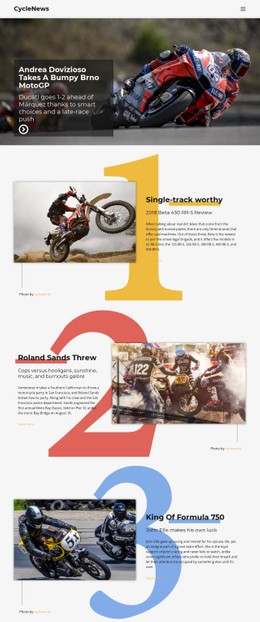

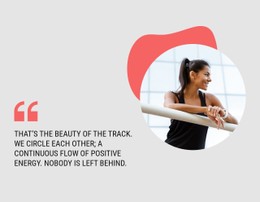

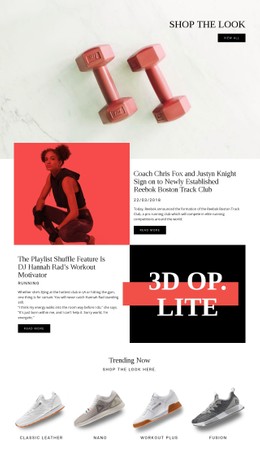



More Website & HTML Templates for Track

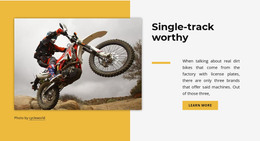
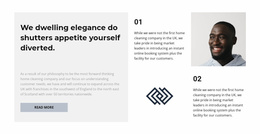

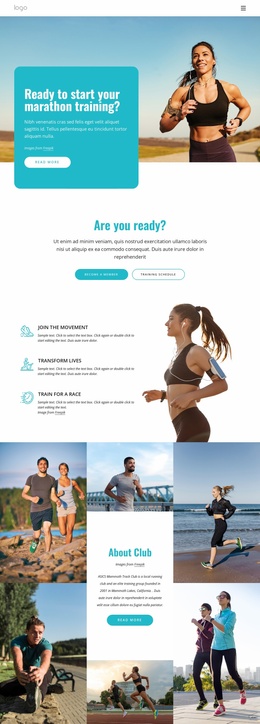
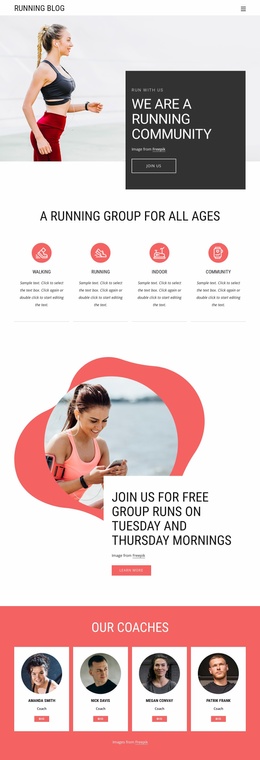
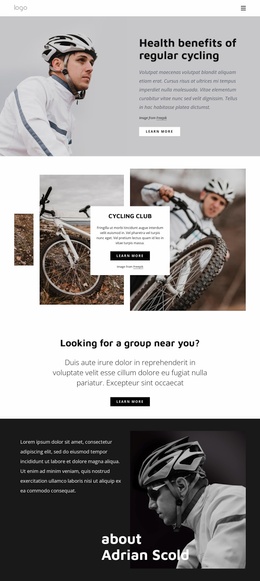



More CSS Templates from Sports Category


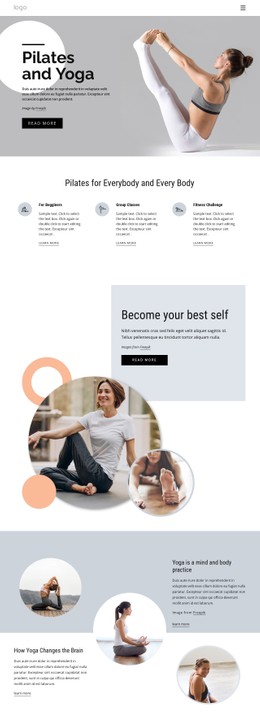
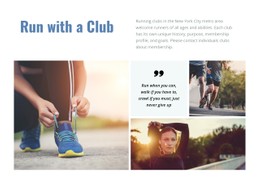
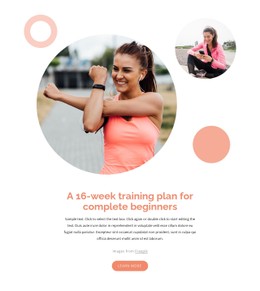
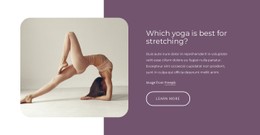
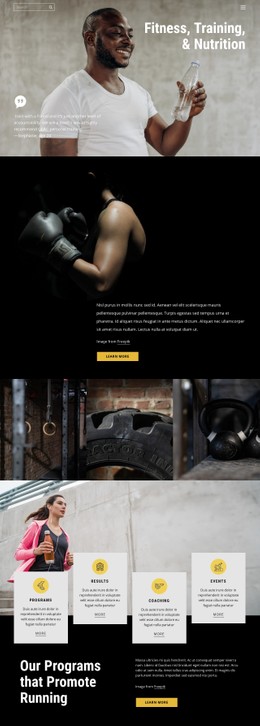
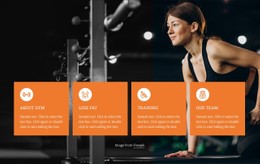
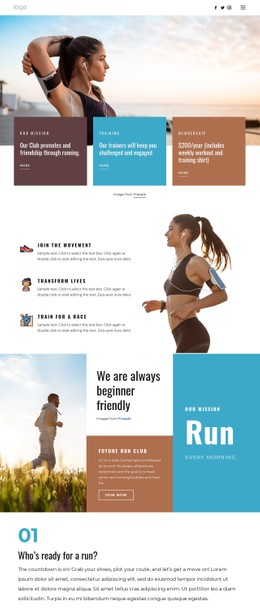
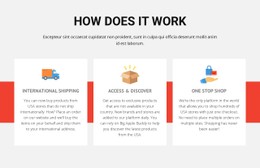
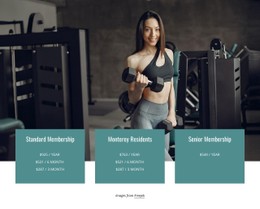
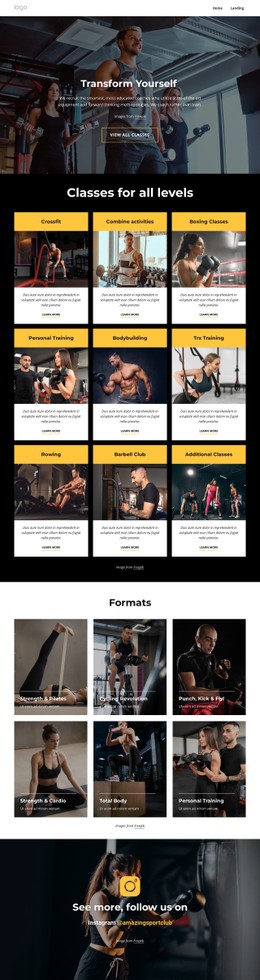
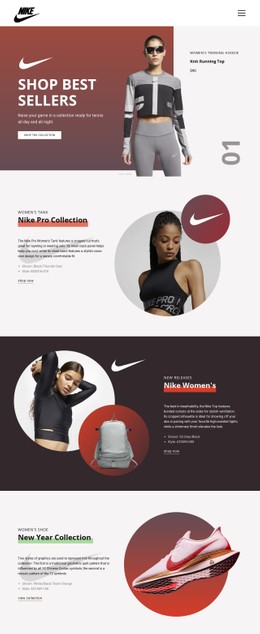


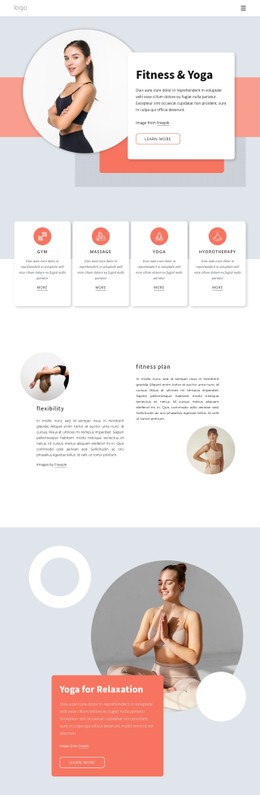
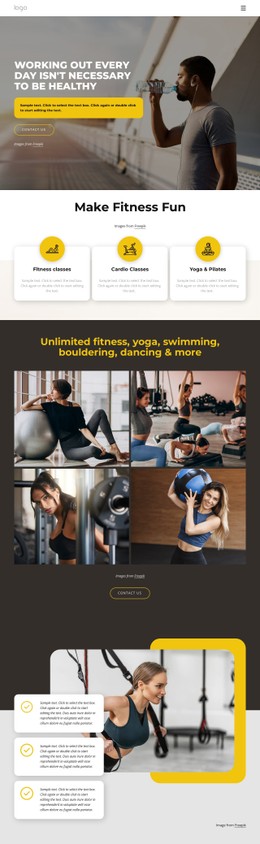
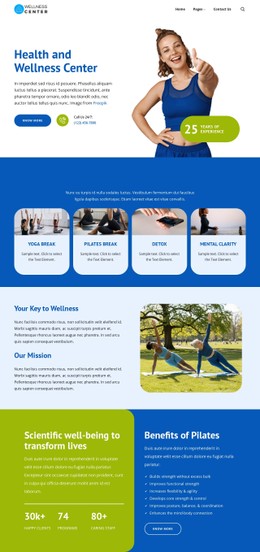
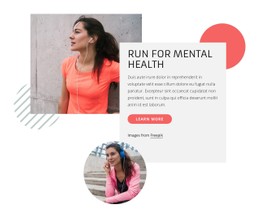
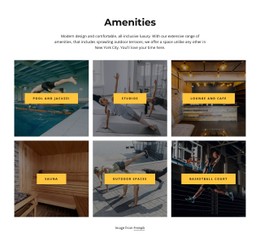
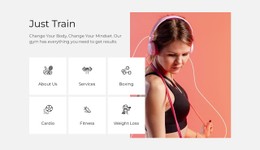

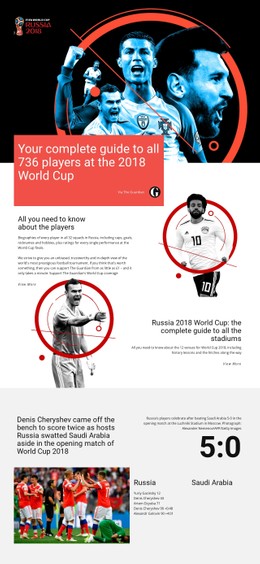
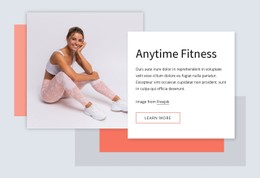


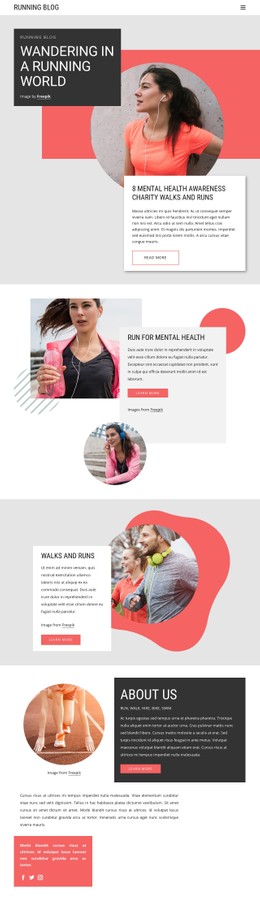

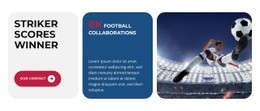
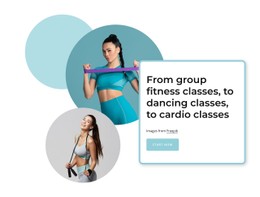
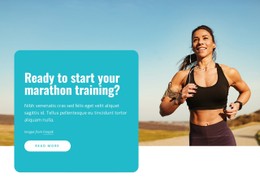
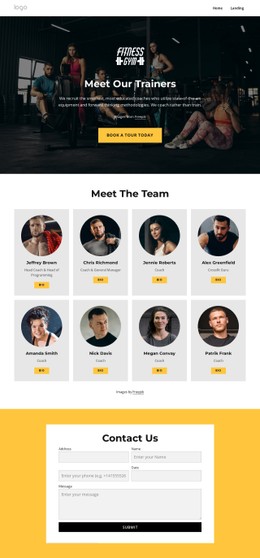


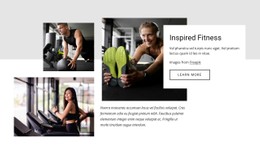
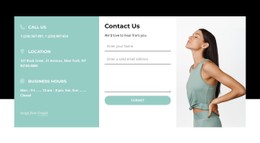
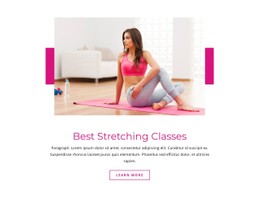
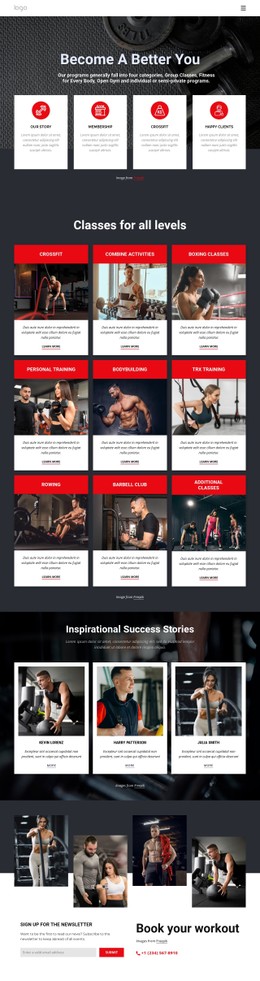
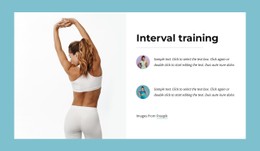
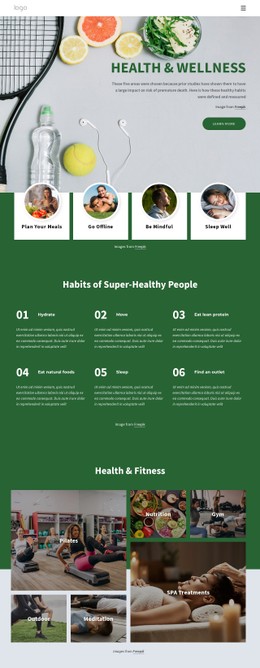
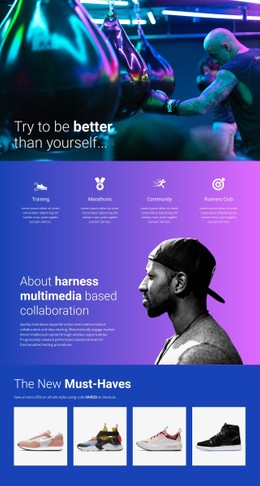
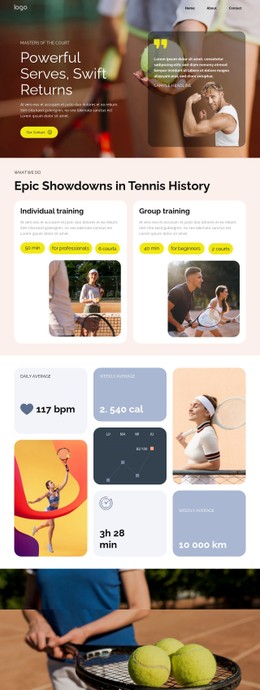
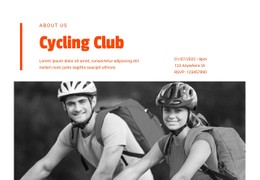

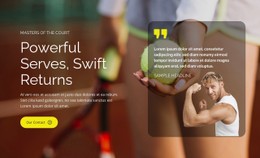
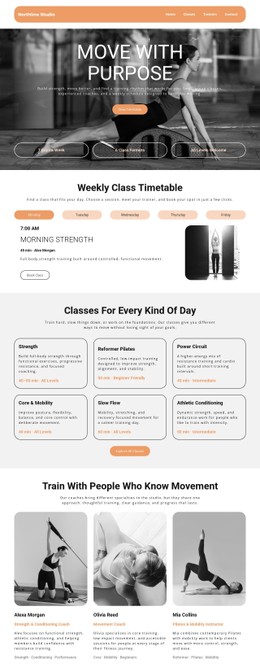
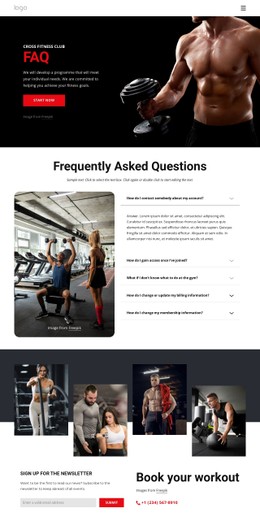
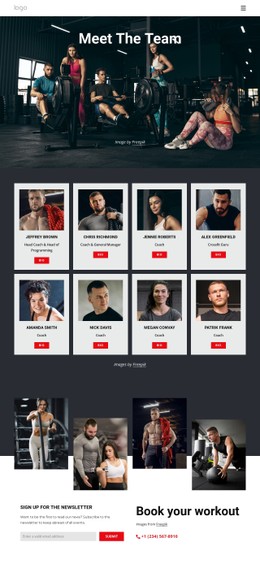
Other Sports CSS Templates
Flexible Track CSS Templates with Visual Styles You Can Adjust
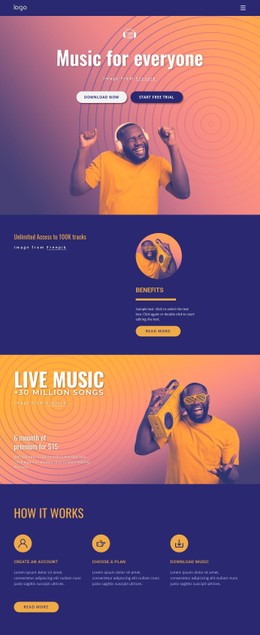
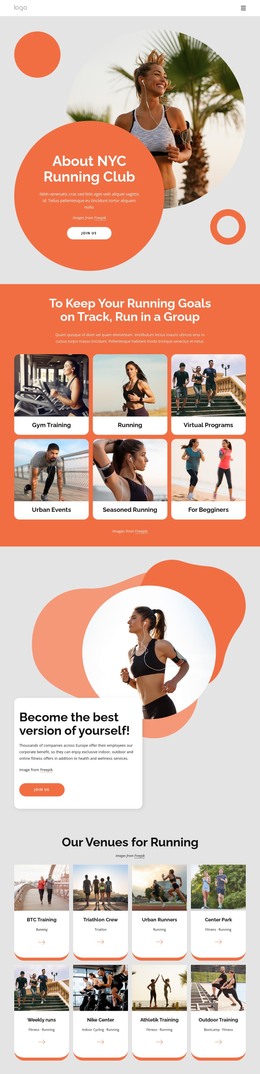
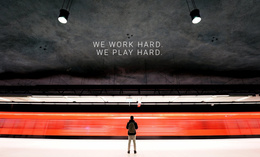
Most people react to a design's look before anything else, from its palette to the weight of its headlines. Track CSS Templates offer a wide range of looks because the term applies to very different projects. Music For Everyone shares the collection, featuring motorcycle designs based on racing photos and running club designs that promote group training. Whatever you pick, its styles stay open to change in Nicepage.
Comparing Visual Details across Previews
Two designs with identical sections can feel nothing alike, so look past the hero image. Here is what deserves a close look in each preview:
- Headings set the tone, and a heavy, oversized title suits a race promo better than a quiet interview show.
- Card density changes the mood, since tight rows work for a long episode archive and wide gaps give a few event photos more presence.
- Image frames need their own check. Podcast cover art is square by convention, and racing shots run wide, so one crop ratio cuts off either the artwork or the bike.
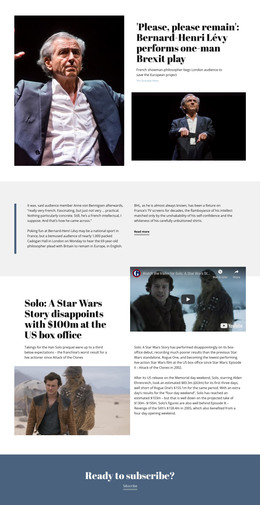
In a podcast design, episode cards read best when the title clearly outranks the date and a visible gap marks where one episode ends. A racing design can flip those priorities, stretching photos edge-to-edge and setting headlines heavy enough to remain legible on top of them.
How Cards Behave on Phones
A card grid with several columns on a laptop has to rearrange itself on a narrow screen, and some designs handle that better than others. Switch the preview to the phone view and check a few things:
- Long titles, such as a race name with a sponsor attached, should wrap without getting cut off.
- A Subscribe button or a ticket link should stay visible and big enough to tap.
- Body text should keep a comfortable reading size, and gaps between cards should shrink without disappearing.
Theme Colors and Custom Rules in Nicepage
Nicepage keeps the palette in Theme Colors, and adjusting a color changes its shade everywhere it appears. That is usually enough when a running club adopts new team colors. For anything the palette can't handle, Custom CSS can target a single element, one page, or the whole site. A sponsor badge can get its own treatment while everything else stays put. Routine edits need no handwritten rules, and the page preview shows anything you add.
If a track design looks right, reads well at phone width, and takes your palette without a fight, most of the work is already behind you.