
Golf CSS Templates
Golf websites combine operational details with promotional content. A controlled CSS system can distinguish tee times, course information, memberships, lessons, and tournament sections while keeping the overall presentation consistent and easy to scan.
-

-

-
-
-
-
-
-
-
-
-
-
-
-
-
-
-
-
-
-
-
-
-
-
-
-
-
-
-
-
-
-
-
-
-
-
-
-
-
-
Build Website with no CodingDownload
-
-


























More Website & HTML Templates for Golf

























More CSS Templates from Sports Category


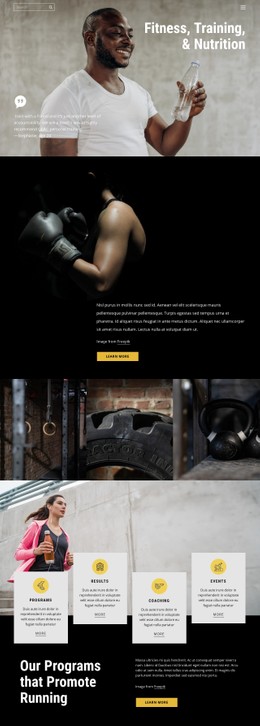

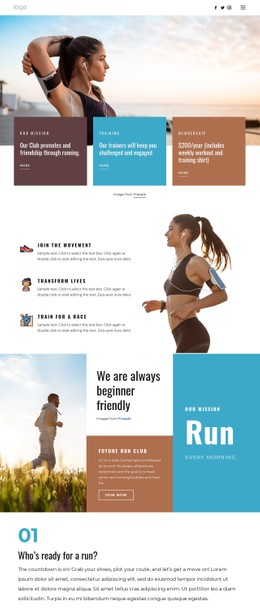


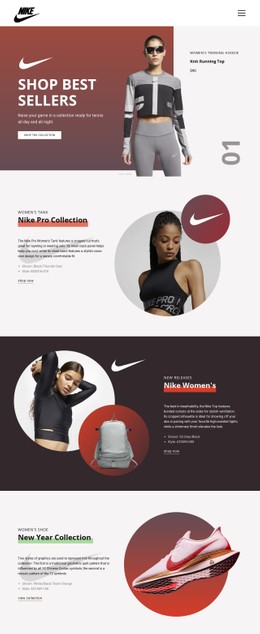





















Other Sports CSS Templates
Customizable Golf CSS Templates for Clubs and Courses
Golf CSS templates define how the recurring components of a golf project look, from a tee-time slot to a row of membership plans. The type scale, spacing, and palette arrive preset and already work together. Borders, backgrounds, and button states are defined too, ready to be tuned to your club.
Tee Slot Classes With State Modifiers
Each piece of the interface gets its own visual rules, and the template keeps them consistent:
- Tee-time slots share one base class, while modifiers mute a booked slot, outline an open one, and fill the selected one with the accent color.
- The featured membership plan gets a thicker border, a tinted background, and a bolder button.
- Tournament rows alternate shades or use thin separators, and the date gets a heavier font weight than the format.
- Lesson cards reuse the same padding, border radius, and heading size, so a new instructor card needs no extra rules.
Because these pieces share classes, one rule can restyle all booking buttons, and a single modifier can target only the featured plan.
Wrapping Crowded Rows at Narrow Breakpoints
A morning tee sheet that starts every eight or ten minutes packs dozens of slots into one row. On a narrow screen, that row wraps, and a minimum slot width with a fixed gap decides how many times it fits per line. At a set breakpoint, the membership row switches to a vertical flex direction. Wide tournament tables either scroll inside their own container or collapse each row into a compact block.
Spacing can vary by component, with tight tee slots, medium gaps between cards, and the most air around course banners. Nicepage Responsive Modes let you adjust spacing, stacking, and alignment per device without writing media queries.
Contrast Over Fairway Photos
Bright sky and sunlit grass leave white headings with little contrast, so photo sections need a darker overlay. Club palettes lean green as well, and a green booking button over a green fairway is often the first element to vanish. A contrasting accent fixes that, as long as it stays visible in every state.
Hover and focus should change the color or outline clearly. A pressed look marks the active state, and a disabled date with no open times should fade enough to read as unavailable.
Nicepage Theme Colors carry the palette across the entire interface, while Custom CSS handles local exceptions, such as a temporary sponsor banner for a single tournament. A golf CSS template is easy to live with when the palette and typography change in one place. Its states should also remain consistent, and its spacing should still work across all breakpoints.