
Athlete Website Templates
A marathon runner, tennis player, or team captain may need separate spaces for upcoming events, media requests, and partnerships. Athlete website templates connect those pages through a shared site menu, making each audience's destination clear.
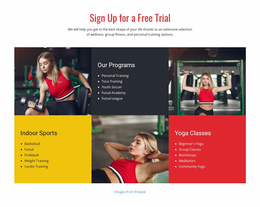
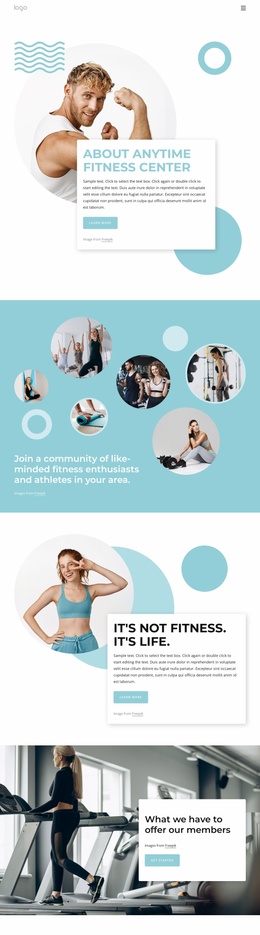




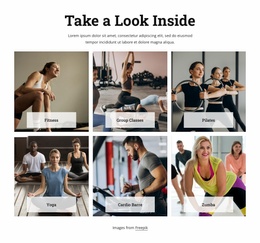
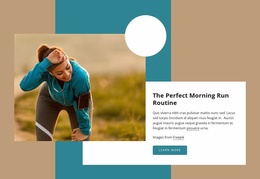
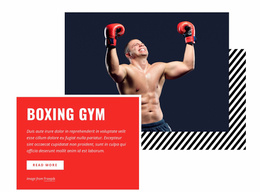
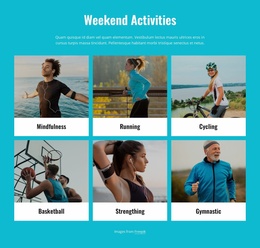

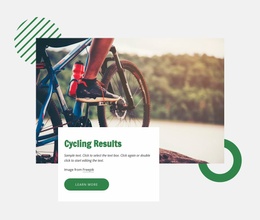
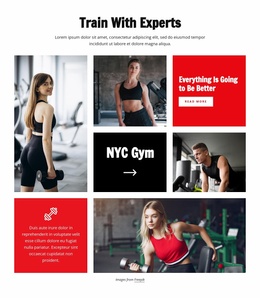
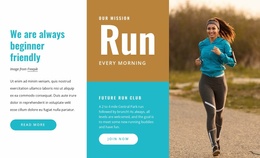
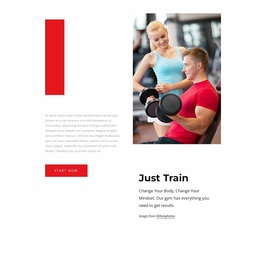









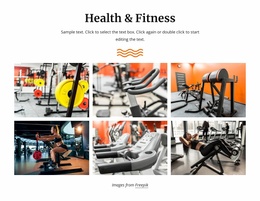
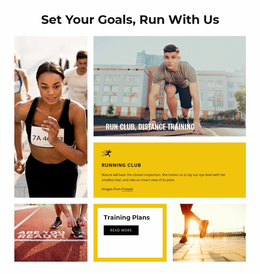
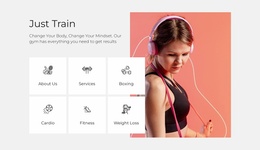

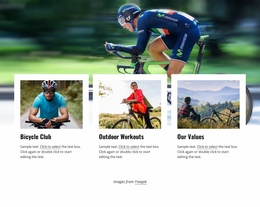

Other Sports Website Templates
Minimal Athlete Website Templates for Personal Sites
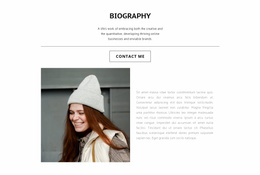
An athlete website template might be a one-page portfolio for a college rower or a full site for a touring tennis pro. Fans want the next competition, reporters look for a bio and photos, and sponsors need a way to get in touch. A compact design serves all three with sections on one page, while separate pages pay off once results and press requests pile up.
Compact Portfolio or Full Site
A one-page portfolio usually runs in this order:
- A first screen with the athlete's name, sport, and one strong action photo.
- A short biography followed by key achievements and personal bests.
- Photos or highlight clips placed right after the results they illustrate.
- Upcoming events and a contact block for sponsors and media.
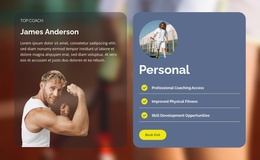
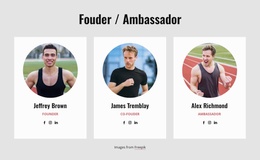
A multi-page site makes sense for an athlete who competes often or has years of results to archive. A Results page then holds the full record, and a Schedule page lists opponents for a tennis player or distances for a trail runner. A partners page helps once sponsorships are active, though a newcomer can manage with a small block. Many designs here were made for running clubs or coaches, and a club calendar can list one athlete's races just as well.
Checking Menus and Media in a Demo
A good design gets a visitor from the profile to the next start in a tap or two. On a one-page layout, menu links jump to sections; on a larger site, they open separate pages. Nicepage's Menu Element supports links to individual site pages and to blocks on a page, and each new page gets its menu item automatically.
Before picking a design, run a short test on its demo:
- Open it on a phone and check how quickly you reach the menu, schedule, and contacts.
- See whether personal bests and tournament results stay readable beside large photos.
- Look for room to place highlight video and competition photos near the achievements.
- Picture swapping the hero photo, team colors, and last season's results, then estimate the rework.
Keeping Schedules Current Between Events
Some designs show a finished event beside the upcoming one, keeping the latest result visible under the next start date. Many athletes never post news, and a one-page portfolio refreshed after big meets works for them. A larger project can grow into separate Results, Media, and Partnerships pages, all managed from the Nicepage Dashboard. A shortlist narrows quickly once you know whether one page can hold the material and whether the results stay legible on small screens. Then check how much effort a schedule change takes, since you'll be making that edit all season.