
Swimming Pool Website Templates
Pool managers often revise lesson times, membership details, instructor information, and seasonal notices. A WordPress theme gives those updates a CMS context while keeping shared navigation and the facility's visual identity consistent.
-

-

-
-
-
-
-
-
-
-
-
-
-
-
-
-
-
-
-
Customize Any TemplateDownload
-
-
-
-
-
-
-
-
-
-
-
-
-













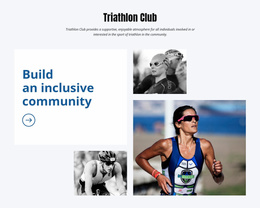


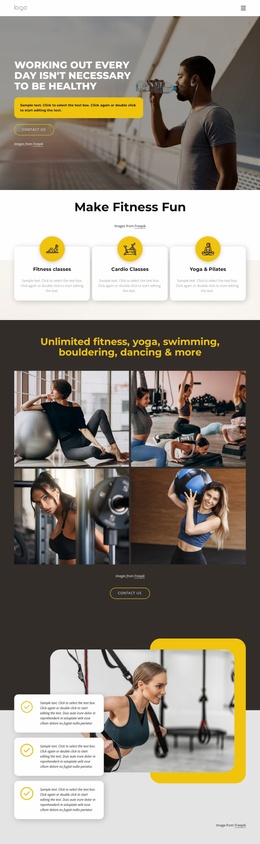
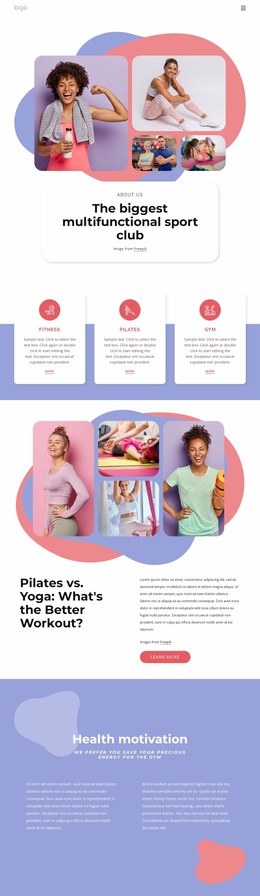


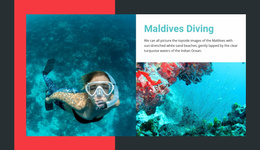





More Website Templates from Sports Category








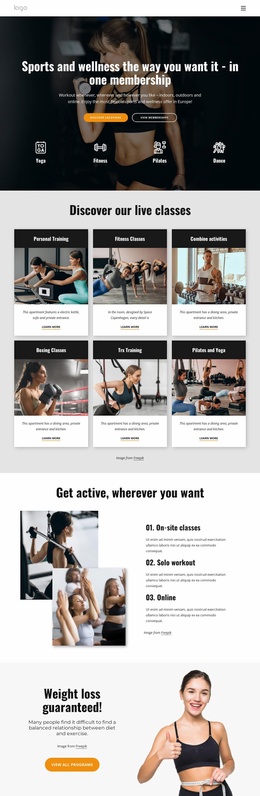
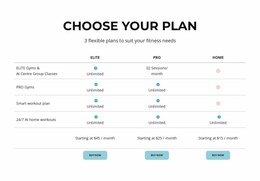


















Other Sports Website Templates
Swimming Pool WordPress Themes for Growing Pool Sites
Picking a theme starts with the look and with the layouts inside it, long before anyone thinks about content work. Swimming pool WordPress themes get judged on whether the design suits a swim school, a maintenance company, or a builder, and on whether the inner layouts leave room for what that business publishes. The WordPress side matters a little later, once new services, seasonal offers, and finished projects start arriving every month.
Judge Themes Through Their Layouts
A demo homepage tells you less than the inner views do. Service and program layouts carry most of the pool content; the gallery layout determines how a finished pool looks at full width, and the contact layout determines how easily a visitor can request a quote. Pricing and membership blocks should hold their shape when plan names run long.
Look for these in the demo content:
- a services or programs layout with space for plans, levels, or pool types;
- a gallery layout that copes with photos of different proportions;
- a single post layout for news, offers, or completed work;
- a contact layout with an inquiry path high on the screen.
Publish Projects Without Redesign
Here is where the platform earns its place. A swim school adds a new seasonal program in September, and the page adds it to its section with nothing else touched. A service company posts a spring opening offer and lets it expire quietly. A builder uploads photos from a finished job, writes two paragraphs, and the project appears in the portfolio beside the others.
A maintenance company gains the same way with its service areas, where a new town becomes another entry rather than a layout decision.
That rhythm is the reason to be on WordPress at all. Media, pages and posts sit in one admin area, so whoever adds a project never opens a design tool, and the site keeps its appearance while the content behind it moves.
Three Questions Before Launch
Nicepage builds WordPress themes in its Desktop Application, and the exported theme is uploaded and activated on the site. With the Editor Plugin in place, Site Style remains accessible within WordPress for colors, fonts, and site-wide elements. Blog and Post templates are adjustable there as well, while structural changes are handled in the application.
So the decision rests on three answers. Is WordPress the platform you want to live in? Does the design already fit the pool business you run? And who will be adding the content once the site goes live?