

Tours HTML Templates
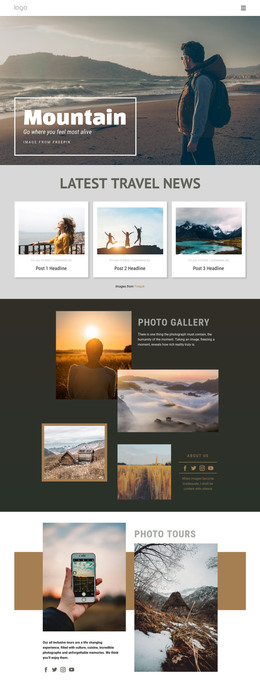
Guests checking a tour on their phones need the departure address, stop sequence, and terrain notes before they arrive. Tours HTML templates keep these practical details in readable sections alongside route imagery and meeting-point maps.
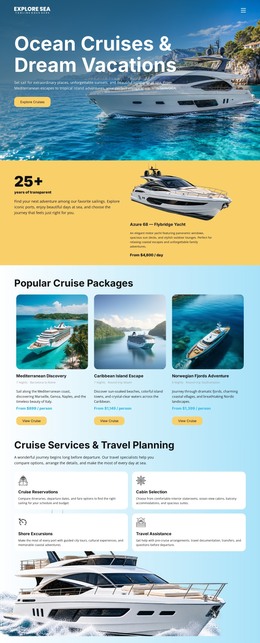
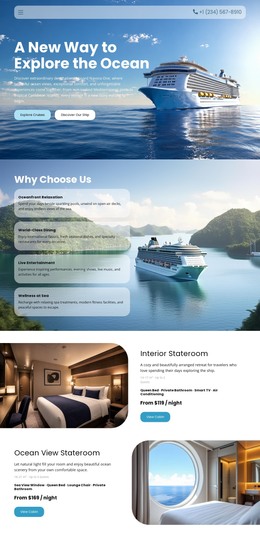
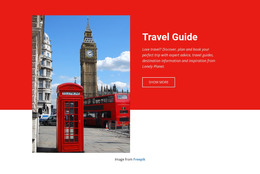
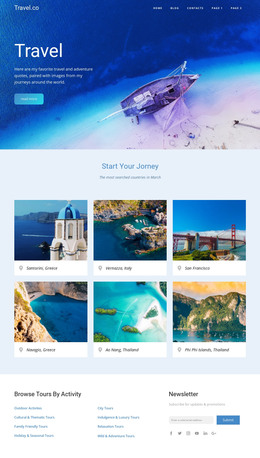



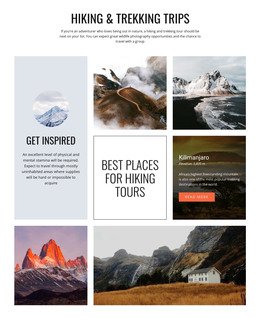
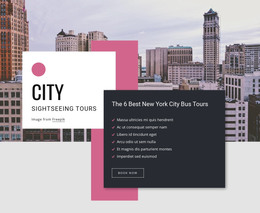
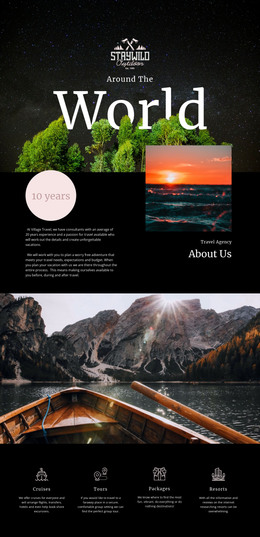
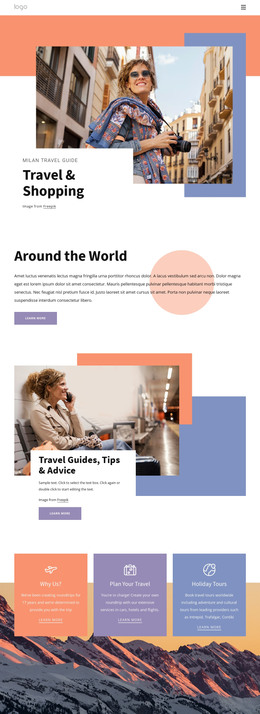
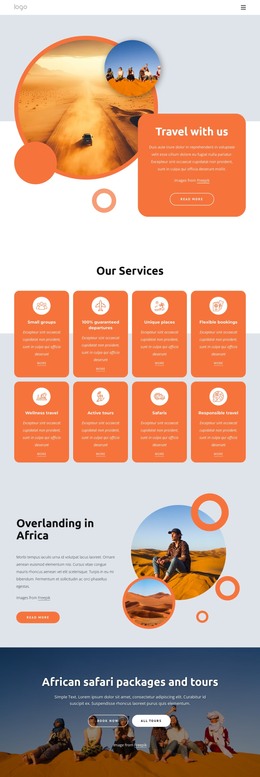
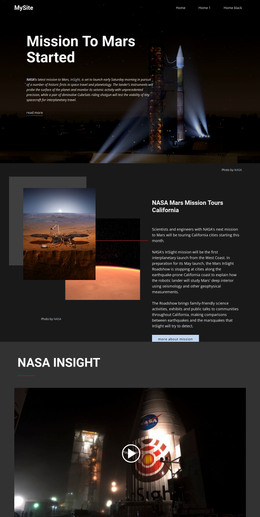
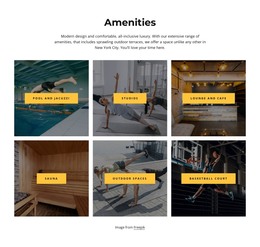

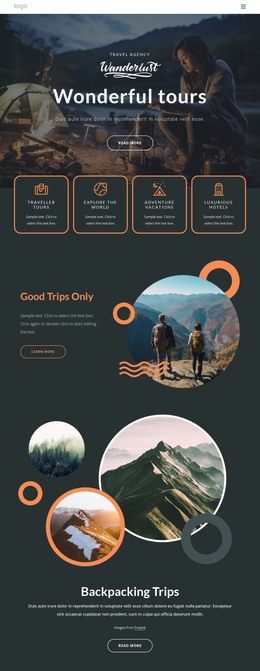


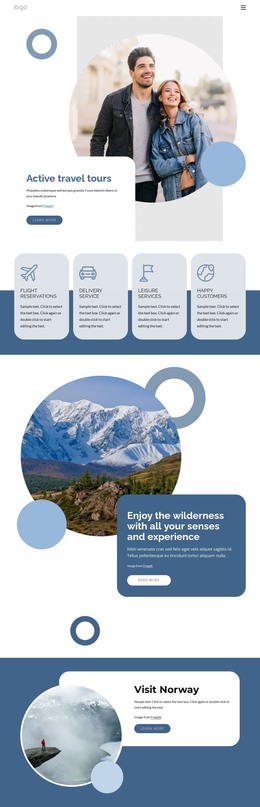
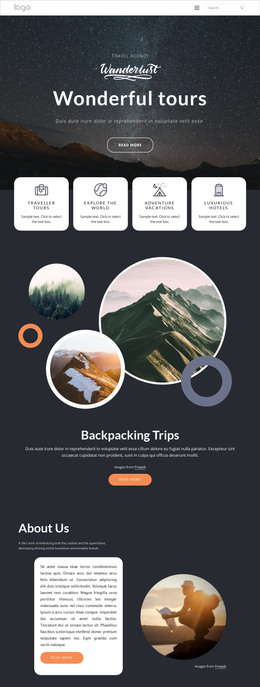
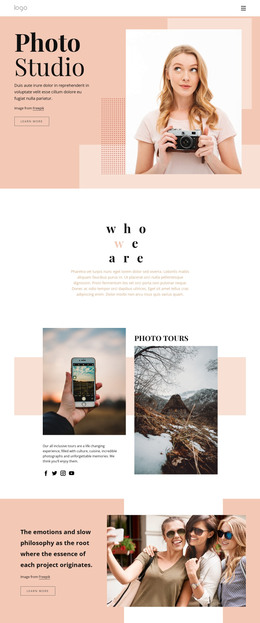
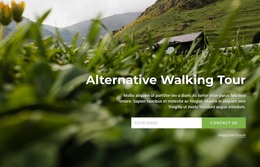
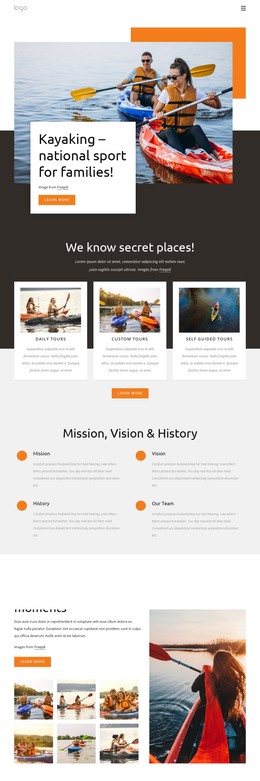

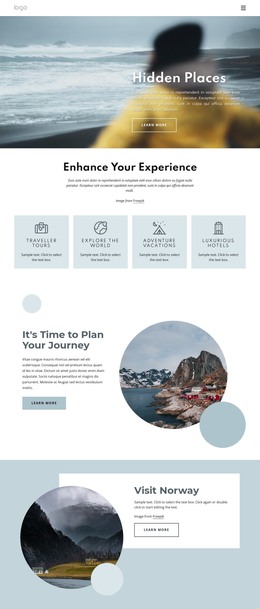























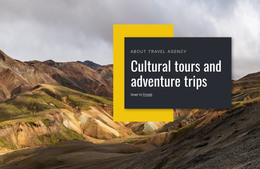
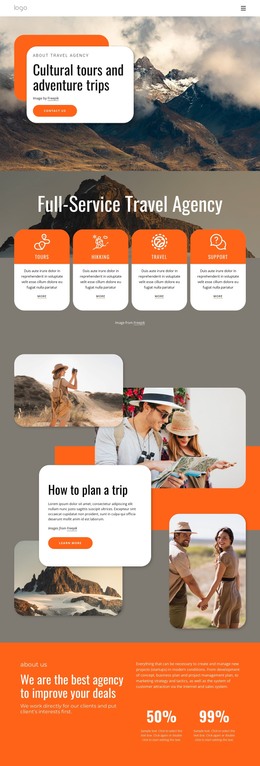
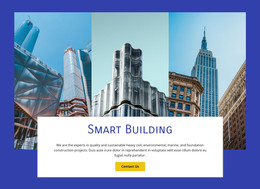

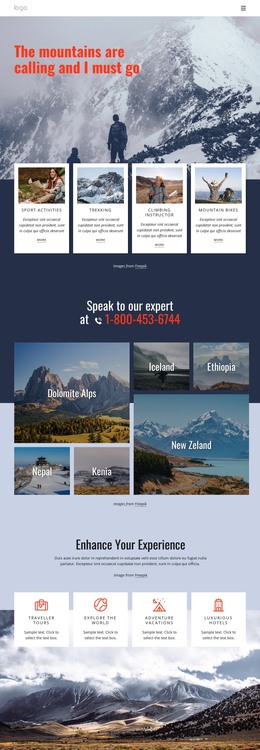

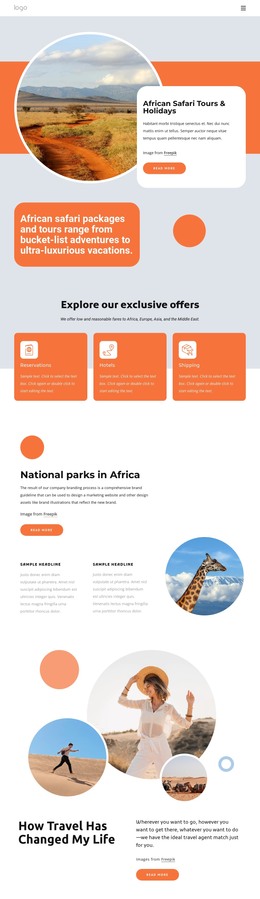
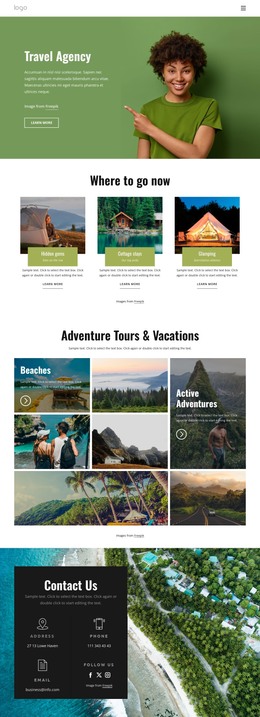

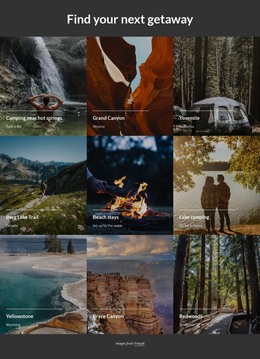
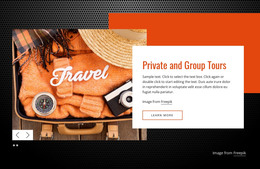

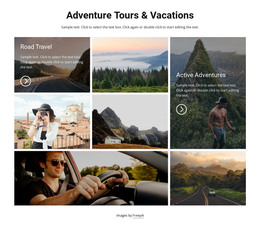
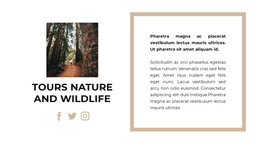

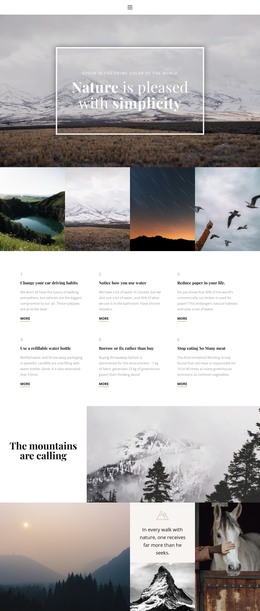

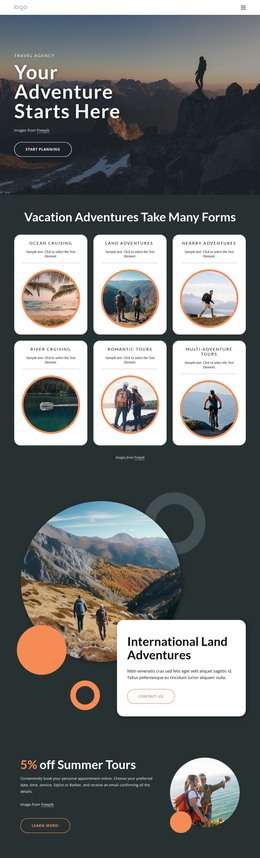







Other Travel & Hotels HTML Templates
Responsive Tours HTML Templates
City guides and outdoor tour operators need a site that presents their excursions and moves visitors toward a booking. Tours HTML templates give you ready-made layouts, so you don't have to design cards, schedules, and price blocks from scratch. Many pair a trip catalog for comparison with a detail page that covers the route, conditions, and booking.
Blocks That Carry a Visitor From Card to Booking
Picture an old town walking tour laid out in the blocks these templates tend to include:
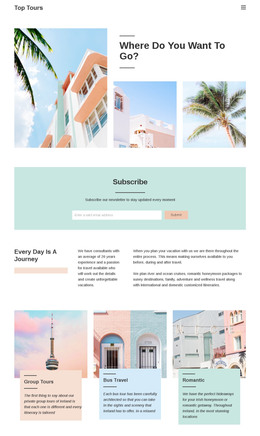
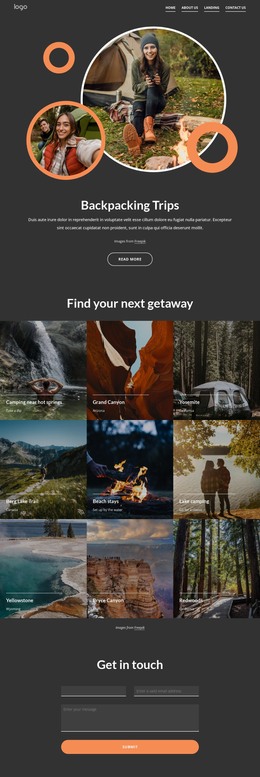
- Tour cards show the photo, length, and starting price, so visitors can weigh that walk against a food tour.
- The overview on the detail page puts the meeting point and start time above the gallery.
- The itinerary lists stops in order. In the HTML, a short walk fits an ordered list, while a daylong trip reads better with one section per stop.
- A price panel shows the cost and what's included. Its button can point to a form, a booking page, or an outside service.
Difficulty grades and gear lists matter only for some trips. A trim-able info panel keeps a museum tour free of empty fields about hiking boots. Also check where a demo puts the cancellation terms, since they often drift under the photos, far from the button.
Matching Layouts With Hikes, Multi-Day Trips, or Cultural Outings
The trips you sell should decide which layouts make the shortlist:
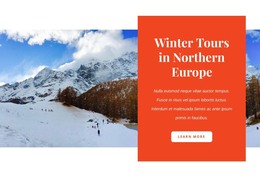
- A guided hike needs distance, terrain, and fitness requirements near the top, since they decide who can join.
- A multi-day tour reads best as a schedule split by day, built from sections you can repeat.
- A cultural tour leans on long stop descriptions and ticket details, which call for wide text areas more than a big map.
For city walks, the map belongs in the meeting point block. Follow Nicepage's Google Maps Element guide to set the address, adjust the zoom level, or embed a custom map. Keep written directions beside it, because a pin won't tell guests which corner of the square to stand on.
Phone Screens and Exported Code
On a desktop, the route often runs beside the photos. On a phone, those blocks stack, and the start time can slide below the gallery. Check that the demo's booking button still appears well before the end. Then swap in your stop names, photos, and booking terms and export the project as HTML for your own hosting. The right tours HTML template already includes the blocks your trips need, whether that's a roomy info panel for hikes or a card grid for a dozen city tours.