
Ride HTML Templates
A private transfer needs pickup and drop-off details; a bicycle excursion needs distance and a meeting point. Ride HTML templates give each offer structured content and labeled inquiry fields, so travelers can check the essentials before contacting the operator.
-
-

-
-
-
-
-
-
Free Website Builder SoftwareDownload
-
-
-
-
-





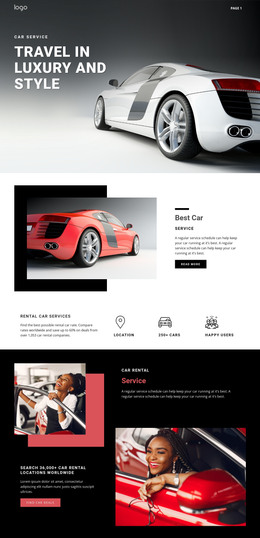
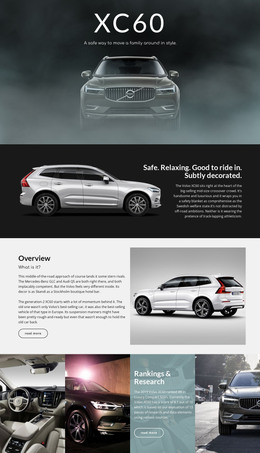

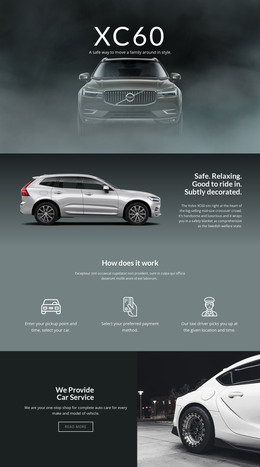
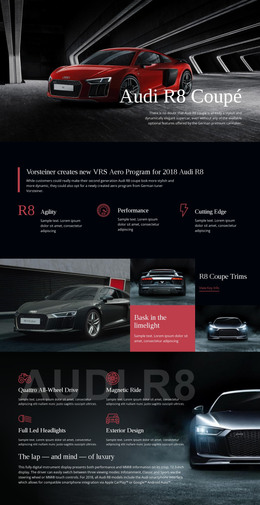

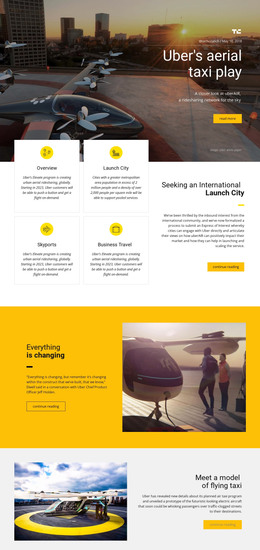




More HTML Templates from Travel & Hotels Category
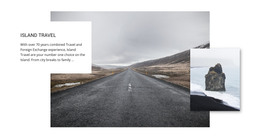

















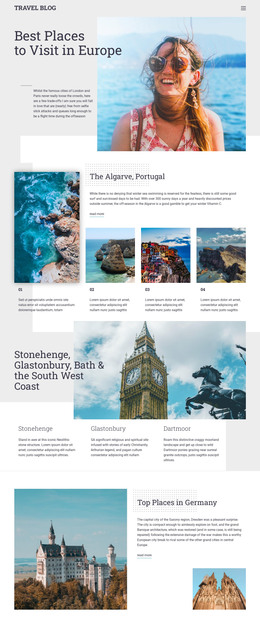


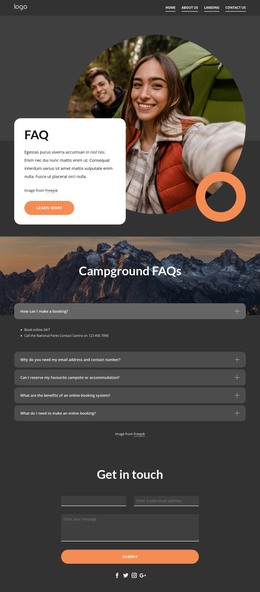


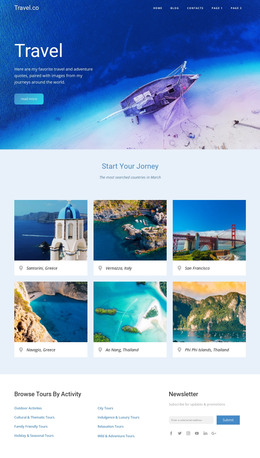

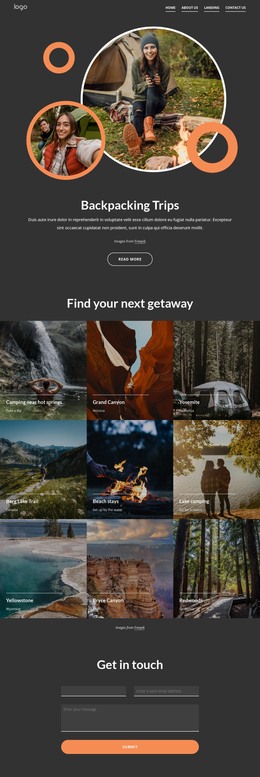














Other Travel & Hotels HTML Templates
Functional Ride HTML Templates
Ride HTML templates give transfer service owners, cycling clubs, or balloon companies a finished page layout with the markup in place. You can adapt it visually in Nicepage, then export the page as HTML files for your own hosting. The trip details you need to show decide which design fits.
Matching a Layout to the Trip
Three typical ride offers call for quite different designs:
- An airport transfer suits a compact layout where the pickup point, route and request button stay close together.
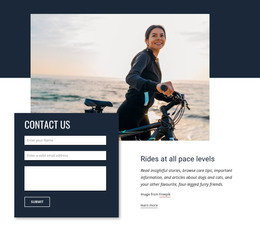
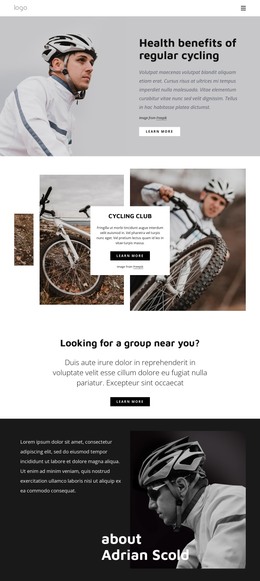
- A cycling club with weekly group rides works best with a row of repeating cards, each showing distance, pace and start time.
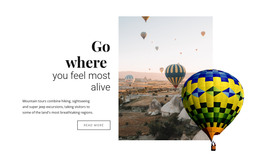
- A balloon flight sells through one big photo, with a simpler section below it for flight length and weather notes.
Ride designs in the catalog are responsive, and the phone preview on each listing shows whether the cards remain readable and the request button is easy to spot. Book Your Ride places its text directly over a photo, so any replacement picture should have a calm area behind the headline. In the right design, your route, duration, and price already have a clear place, and nothing needs to be rebuilt.
Visual Edits First, Code Later
You can change photos, text, and blocks in the Nicepage editor without opening the markup. You can duplicate a route card for each sightseeing ride and add a new photo and price. HTML export then produces the files with their images and scripts, ready for your server or for a developer to edit directly.
Try the design with your own photos early, because a demo built around a wide road shot may crop a tall picture of your minivan badly. Keep the Nicepage project for later visual changes, since edits made in the exported files stay in that copy.
Where Requests Come In
Not every ride design includes a contact form, so check what yours includes before counting on one. A transfer service needs the form close to the route details, while an excursion page that mostly informs can do with one clear button. The Contact Form Field Types guide lists the inputs you can add, such as date, time, and address fields. A bike tour form may use a route dropdown, and a transfer form usually starts with the pickup address. A configured form collects and forwards requests, but it will not check driver availability or confirm a booking on its own.
Once your trips fill the layout and the page holds up on a phone, you can send the exported files straight to your server.