
World Map HTML Templates
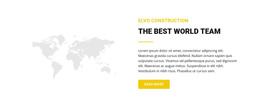
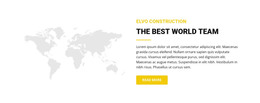
A world map often needs more than a large geographic image. Structured HTML can connect countries, regions, offices, destinations, or datasets with readable supporting content that remains useful across screen sizes.






















































Other Travel & Hotels HTML Templates
Clean World Map HTML Templates With Structured Location Content
The globe itself rarely causes trouble in a world map template. Visitors get stuck on what surrounds it, such as country names, office addresses, and the links that lead from a region to its details. World map HTML templates usually include the surrounding content in the code as headings, lists, and location cards. You swap placeholder cities for real ones in the builder, export the project, and keep editing the code by hand whenever an office moves.
Country Lists Beneath the Globe
A map image shows where things are, yet a visitor cannot search it, copy from it, or have a screen reader announce it. Better templates in this category repeat the geography in plain text next to the picture. Common text structures around the map look like this:
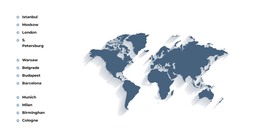
- country or office lists grouped under continent headings
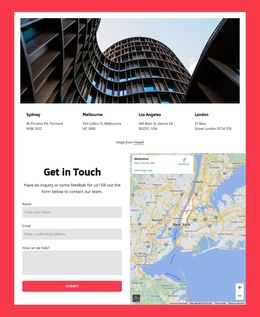
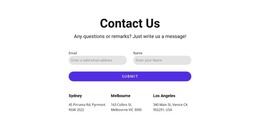
- location cards that pair a city name with an address and phone number
- anchor links that jump from a region label to its section further down
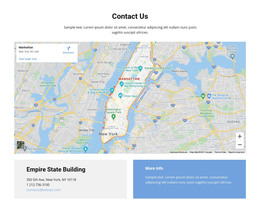
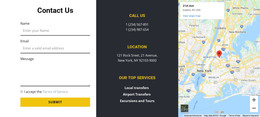
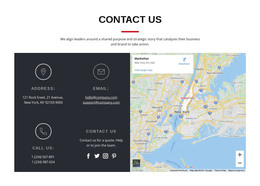
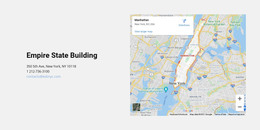
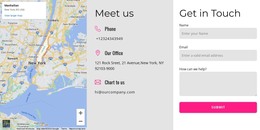
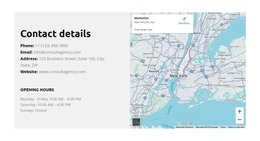
- a compact map and address block for a single headquarters
Grouping starts to matter once the list grows. A logistics firm with dozens of depots would bury them in one long column, while a heading per continent lets someone in Chile skip straight to South America.
Tour Operators Versus Branch Networks
A tour operator uses the map as a trip menu. Under each continent, the code holds a short block with destination names, trip lengths, and a link to the full itinerary. A company with branch offices needs plainer entries, usually one card per office with the street address, a local phone line, and the regional manager's name. Each regional section can also carry its own anchor, so a label on the map and an entry in the country list point to the same spot. Both projects can start from the same world map, and the real difference lives in the text blocks around it.
Reading Order on Narrow Screens
On a phone, the country list usually drops below the map, so its order decides whether the result still makes sense. Nicepage Responsive Modes cover every width from Large Screens down to vertical Phones, with Desktops, Laptops and Tablets in between. A pass through them shows whether each group of offices still follows its own continent heading.
When comparing world map HTML templates, scroll past the artwork and read the text around it. A layout where each marker has a text entry, each region has a heading, and each entry carries a working link will need far less rewriting than a prettier map standing on its own.