
Cruise HTML Templates
For expedition and coastal voyages, travelers need to scan daily stops, sea days, and excursion details without losing essential trip facts. These HTML layouts separate dense information into clear sections that adapt to smaller screens.
-

-

-
-
Free Website Builder SoftwareDownload
-
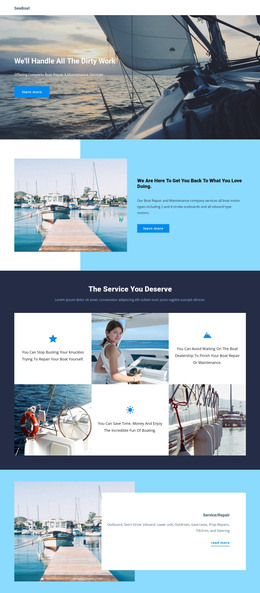
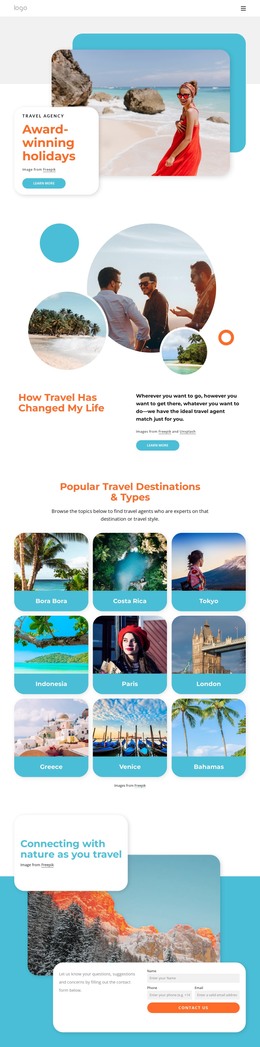
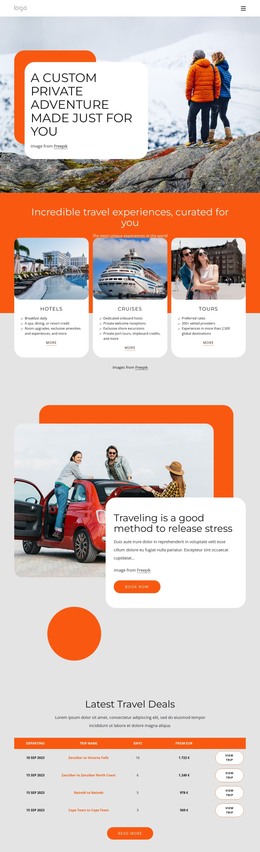
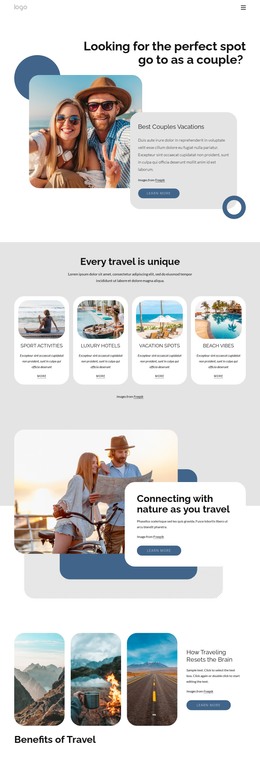
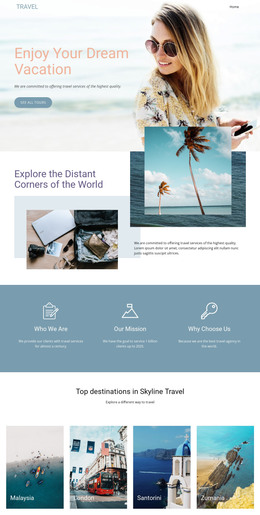
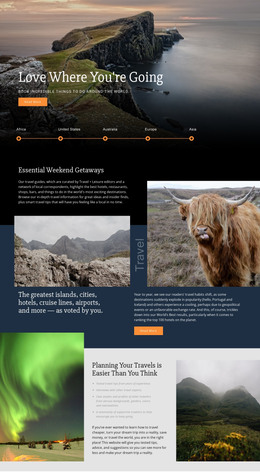
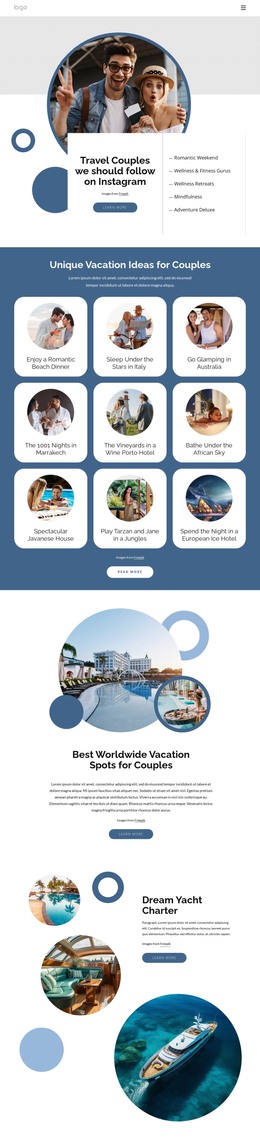

More HTML Templates from Travel & Hotels Category
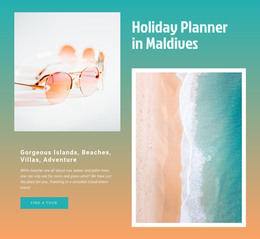

















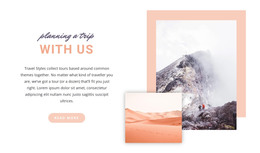

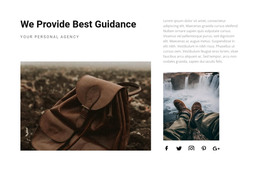



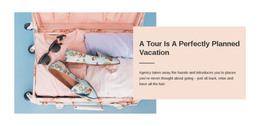



Other Travel & Hotels HTML Templates
Responsive Cruise HTML Templates
Cruise HTML templates suit projects where someone plans to work with the files directly. A developer building for an expedition cruise company may need pages that run on the client's server and work with its booking system. The package holds HTML pages with their images and scripts. A cruise set often includes a homepage, a voyage listing, and a detail page for each sailing.
Blocks a Sailing Needs
On a voyage page, the most useful ready sections usually follow this order:
- A route summary opens the page with the embarkation port, the ship, and the trip length.
- Day blocks repeat for each stop with the port name and hours ashore, so one layout fits three nights or two weeks.
- Cabin and fare sections place categories side by side and keep the base price apart from taxes and extras.
- Action buttons belong to that sailing and lead to the ship page, a quote request, or an outside booking engine.
Sea days show how carefully a cruise template was built. A day at sea has no arrival or departure time, so a port-only block leaves two empty slots. On Baltic voyages, a full day in Tallinn should look different from a short stop, and northern expeditions need room for a weather note under the port name.
Phone Checks With Real Itineraries
Placeholder text hides most problems, so load a real two-week route before judging the demo on a phone. Nicepage's Grid Element documentation describes how grid cells can reorganize for smaller screens, which helps with pairs like a port photo and its description.
With real content in place, a phone view usually exposes trouble in a few spots:
- The voyage name, dates, and price should appear before a long run of photos pushes them down.
- Port names like Seyðisfjörður should wrap cleanly without colliding with the arrival time beside them.
- Fare tables can work on phones as long as labels stay readable and no values get cut off.
- Ship and cabin photos need sensible cropping, modest file sizes, and text alternatives.
Opening Files Before Committing
Clear folder names, a short readme, and a few third-party scripts make later edits easier. Without an admin panel, each new departure or fare change means editing the files, which is fine for a stable program with a developer on hand. Search panels and booking forms in a demo only mark where those features go, while availability and payments come from a reservation system.
The template worth keeping keeps your longest route on your phone organized and leaves the developer with a short to-do list.