
Swiss HTML Templates
Precise Swiss layouts need an HTML structure that preserves their typographic hierarchy and deliberate content divisions. These templates provide reusable sections for portfolios, studios, editorial projects, and other visually ordered pages.

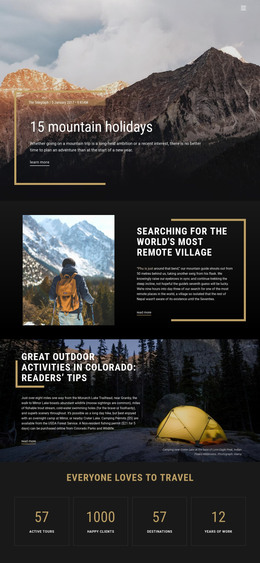

More HTML Templates from Travel & Hotels Category
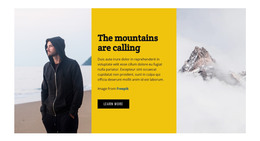
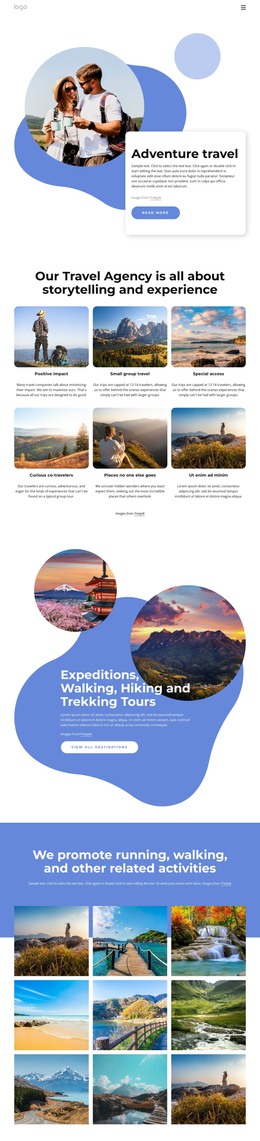








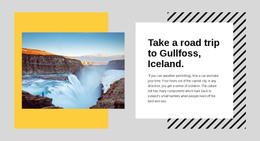
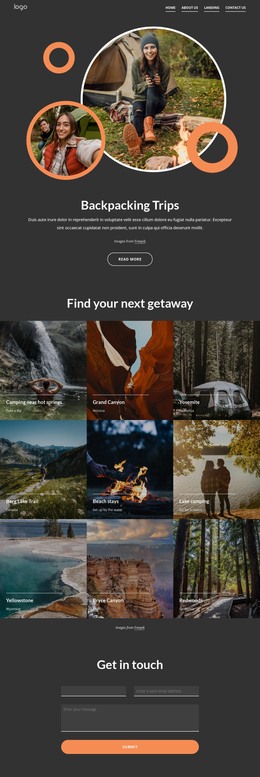
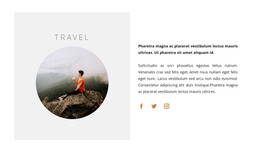

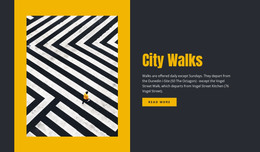


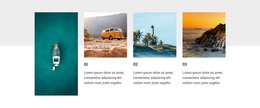

















Other Travel & Hotels HTML Templates
Easy-to-Use Swiss HTML Templates for Structured Web Pages
The calm of a Swiss layout is easy to lose in the code. What looks like a strict grid on screen can come loose in the first round of edits unless the markup is divided along the same lines. Well-made Swiss HTML templates get this right from the start, matching content zones to columns and repeating units for projects and articles.
Markup Built Around Columns
In Swiss composition, every piece of content owns a defined zone on the grid, and the markup gives those zones shape. The patterns worth checking first are the ones that repeat:
- A project index whose rows share the same parts, such as a number, a title, and a thumbnail, each ready for its own column.
- A portfolio entry that keeps a wide image area apart from a narrow text area, so the asymmetric split survives a new photo or a longer description.
- An editorial article whose headline and subheads keep fixed heading levels, so the order of importance lives in the markup.
- A compact specification block for location, year, and client that sits beside the main text.
Where Empty Space Belongs
Swiss designers use space to separate groups of information, and a template keeps that rhythm only if its markup draws the same boundaries. When the studio statement, the project list, and the contact details live in distinct regions, any of them can change without disturbing the gaps around the others. Deliberately uneven layouts rely on this even more. A headline with an empty column beside it, or a short note pushed far to the right, holds its position when each element is a separate unit in the code.
Code Shaped by Projects or Articles
Two Swiss templates can look almost identical in a screenshot and still serve different jobs. A portfolio template is organized around repeatable project units, so adding a new project mostly means copying an existing block and replacing its content. An editorial template puts more effort into long text, with a deeper heading scale, pull quotes, and article lists that stay readable in a narrow column.
If you plan to customize the design in Nicepage, export it as HTML and keep working on the code; check whether the template's repeated units match your content. When the markup already mirrors your projects or articles, development becomes filling in and fine-tuning, and the grid that sold you on the template stays intact.