
Russian HTML Templates
Russian service sites often need Cyrillic headings, contact blocks, pricing details, and regional content that stay readable as layouts change. A ready-made HTML structure provides reusable sections and responsive markup without turning the page into a custom-code project.


More HTML Templates from Travel & Hotels Category




















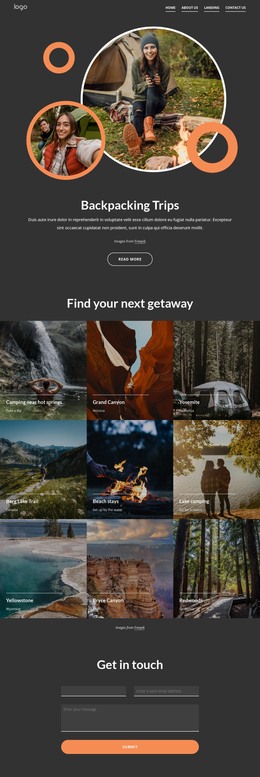






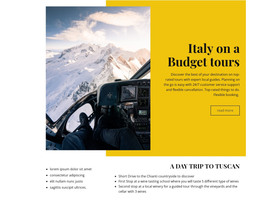


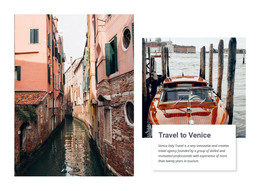

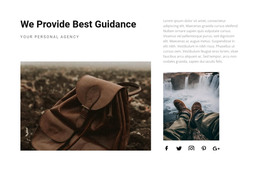








Other Travel & Hotels HTML Templates
Russian HTML Templates You Can Export and Host
An exported Russian HTML Template becomes a set of site files. The design is already drawn; you replace the demo copy with your Russian-language content, and the export produces the markup, scripts, and image assets the pages need. You can upload those files to a hosting environment of your choice or hand them to a developer for further customization.
Edit HTML Straight From Source Files
The exported markup opens in any editor, which is why projects are delivered in this format. You can make corrections that would otherwise require reopening the design directly in the files, and developers can integrate additional scripts or services where the project needs them. A standard export doesn't require a CMS or database, so publishing is as simple as placing the files in the directory from which the site is served.
Work on an exported project usually looks like this:
- Open the exported files in a code editor;
- Edit text, attributes, or project-specific markup where needed;
- Connect an external script or an analytics snippet;
- Upload the result to the hosting environment.
Use the export documentation to check package contents and publishing options before deployment.
Plan Repeated Patterns Before Export
Sites of this kind repeat themselves constantly: a service card, a team member, a price row. Once you export the project, each copy of that card ends up in its own file, so a correction in one doesn't automatically propagate to the others. Test the repeated section types with the longest Russian content you expect, then duplicate them across the project.
Before the project grows, it pays to settle a few things:
- Which section types will appear in more than one place;
- How each of them behaves when the Russian text runs long;
- Which repeated patterns will a developer need to keep consistent?
Run Functional Checks, Then Deploy
Run a final functional check before deployment. Follow every internal link, submit the form once, and view the images with their real captions. Test the configured form submission method on the hosting environment you actually use, because form handling can depend on the selected publishing setup.
The files themselves are the deliverable here. They go into a repository, onto a server you control, or to whoever builds on them next, and later changes can be made directly in the project files without going through a CMS.