
Tablet CSS Templates
Across a tablet accessories storefront, price tiers, stylus compatibility, and product bundles deserve distinct visual cues. Tablet CSS templates support consistent card styling and responsive layouts, with CSS adjustments for individual components and pages.


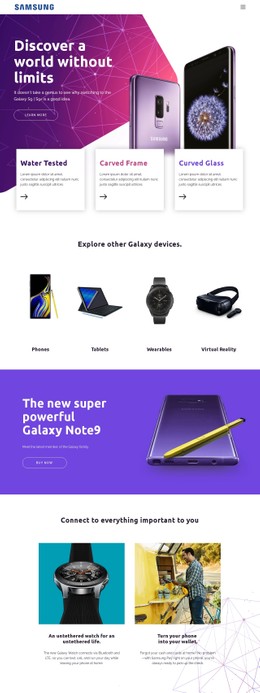










More Website & HTML Templates for Tablet
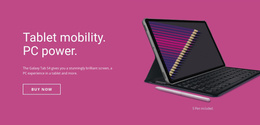























More CSS Templates from Medicine & Science Category
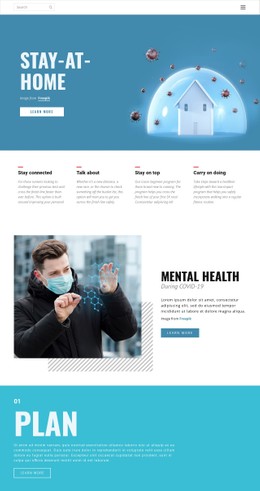




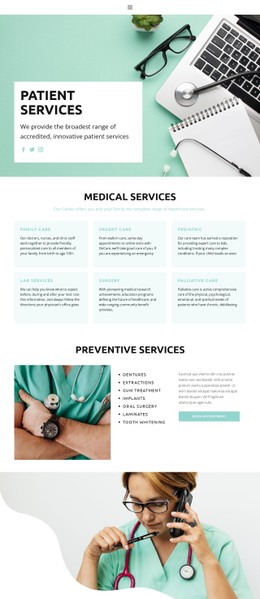

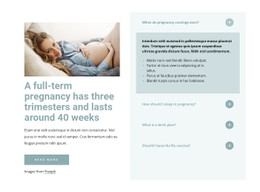

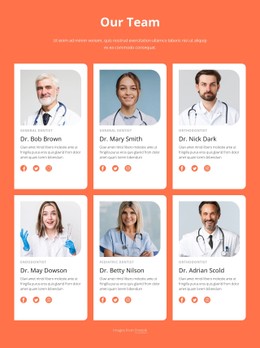
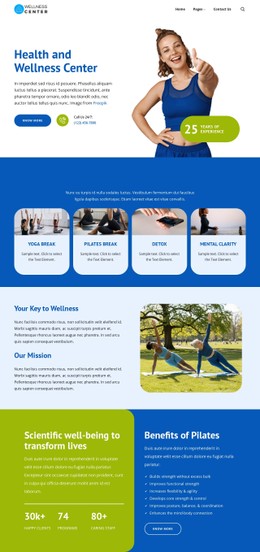


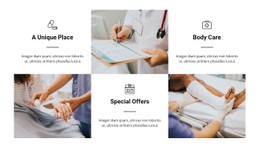



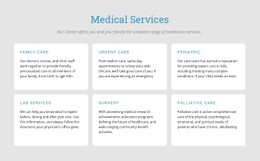

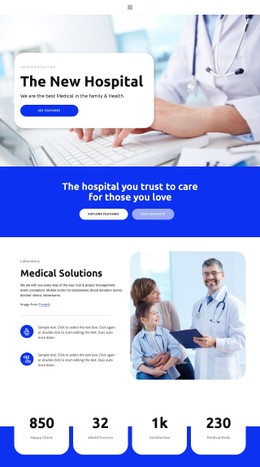

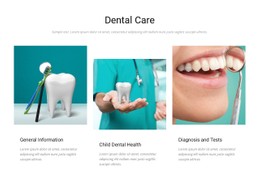



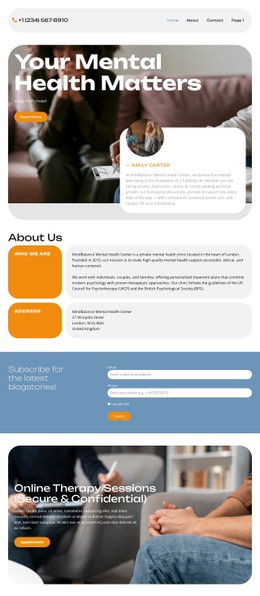

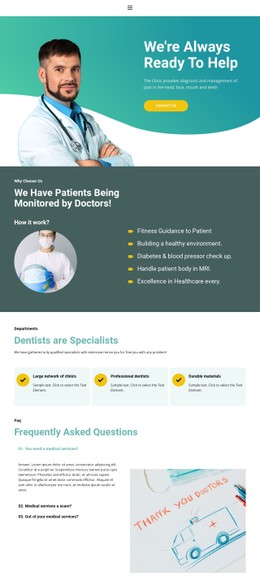


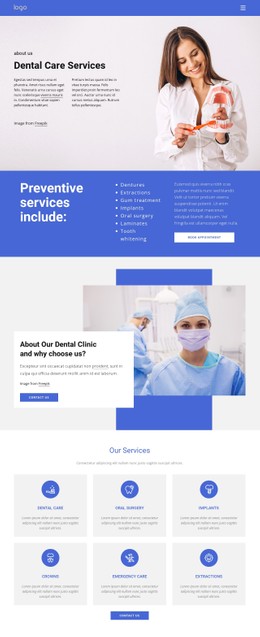



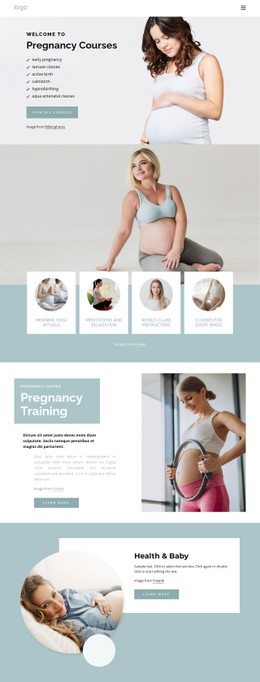









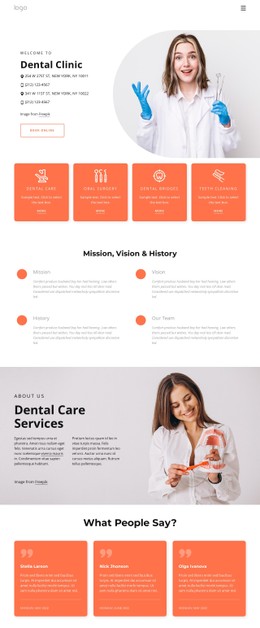

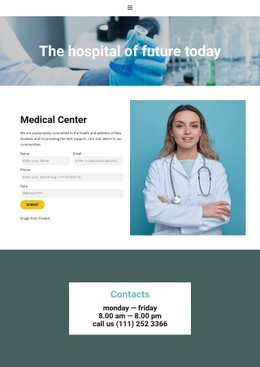
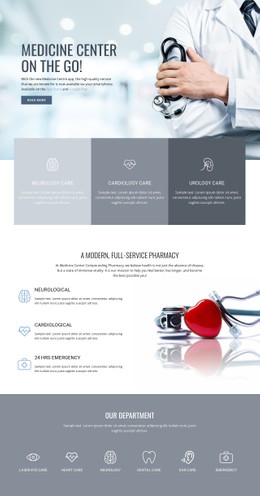

Other Medicine & Science CSS Templates
Modern Tablet CSS Templates for App Launches and Digital Services
The same feature list for a tablet app can look calm and technical in one design and loud and promotional in another, even though not a word has changed. Tablet CSS templates give you a visual system with type, colors, and spacing already matched, leaving you to tune it to your product. Many designs in the category focus on mobile apps, IT services, and tablet mobility.
Judging a Design by Its Preview
Take two designs for an app with several interface screens. In one, screenshots fill most of each block, and the feature text shrinks to captions. In the other, bold benefit headings lead and the images drop into a smaller row. The first suits an app people need to see; the second suits one whose benefits matter more than its looks. A preview also shows three smaller details worth comparing:
- A clear type scale keeps a big headline, short feature names, and denser device specifications apart.
- Screenshot frames need to suit wide tablet interfaces, since a style built for slim phone mockups tends to crop or shrink them.
- Button styles should set the main action, such as a download, apart from secondary links and keep it large enough to tap.
Visual Controls Before Custom Rules
Once you have picked a close match, most changes go through Nicepage's visual controls for colors, fonts, and spacing. Custom CSS handles anything beyond them at three levels:
- An element rule changes a single element after you give it its own class, which helps when one feature card has to stand out.
- A page rule affects one page only, so a product launch can get its own accent color while other pages keep theirs.
- A site rule applies everywhere, which suits a shared button shape or heading size.
The Custom CSS documentation explains how to assign element classes and where page and site rules go.
Testing the Result on Smaller Screens
Nicepage does not run custom CSS inside the editor to avoid conflicts, so check those rules in the preview and the standard styles in Responsive Modes. On a mobility service page, watch the rows where a large interface image stands beside a feature description. After the image and text stack on a narrow screen, a good design still leads the eye to the main button and keeps each caption next to its screenshot. In a tablet shop, cards where a price and a storage label share one line deserve the same test.
A list of custom rules that keeps growing as you compare tablet CSS templates usually means another design would be a better starting point.