
Pharmacy CSS Templates
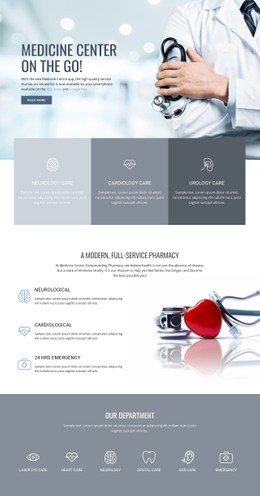




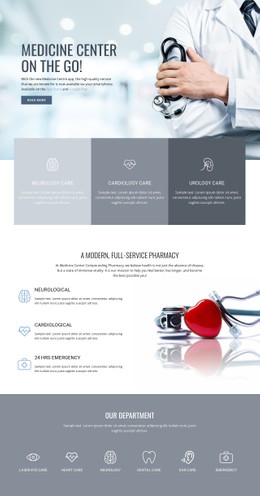



More Website & HTML Templates for Pharmacy

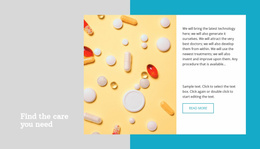





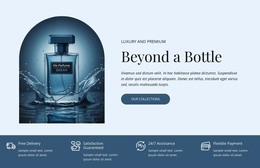






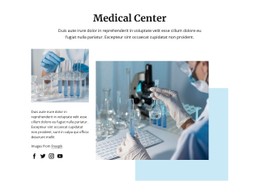
More CSS Templates from Medicine & Science Category
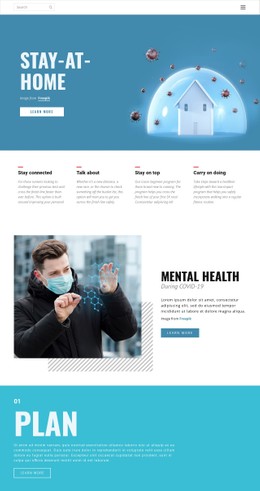




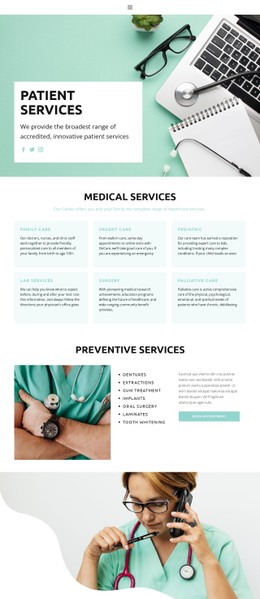











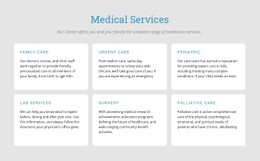



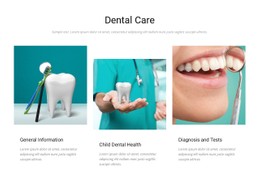





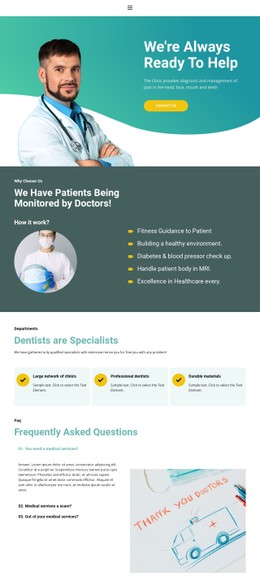


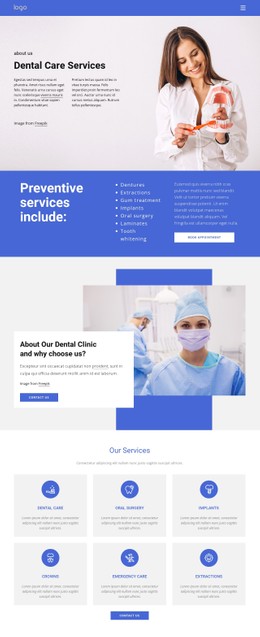












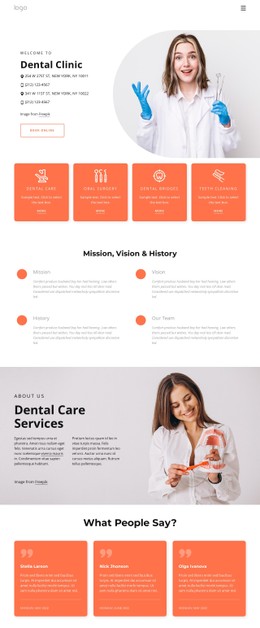




Other Medicine & Science CSS Templates
Pharmacy CSS Templates For Stylish and Easy-to-Custom Websites
Planning to launch a website for your pharmacy but unsure where to start? The point is, even in the case of a drug store, designing a website doesn’t have to be complicated. A pharmacy CSS template gives you a ready-made layout with clean styles and easy customization. You don’t need to be a coding expert: minor CSS tweaks let you adjust colors, fonts, spacing, and buttons to match your brand, making your site look unique and professional.
There are approximately 88,000 to 110,000 pharmacies in the US alone. If you plan to create a site for a business in this industry, you can easily use these styling solutions for all kinds of purposes. Let’s imagine some possible use cases for different business models. For example, a neighborhood pharmacy might build a site with styled sections for prescription refill requests, over-the-counter medicines, and personal care products. An online health store could use a CSS template to organize product categories such as pain relief, cold and flu, skincare, and baby care, with filters and highlighted bestsellers.
User-Friendly Pharmacy CSS Templates
In most cases, your website is the first point of contact for patients. Using a pharmacy CSS template helps you:
- Ensure consistent styling across the site
- Quickly implement professional design features
- Make the website mobile-friendly and fast-loading
What makes templates so useful is that they reduce the efforts that you would otherwise spend when building a website from scratch. With their help, you can make style adjustments and launch your presence online literally in no time.
Simple Steps to Improve Your Pharmacy CSS Layout
- Change colors and fonts to follow your brand style.
- Replace all demo images with authentic photos of your pharmacy and team.
- Keep layout sections clear — avoid clutter to ensure readability.
- Check if the website works fine on mobile devices to ensure responsiveness.
- Use CSS animations sparingly — subtle effects are more professional than flashy ones.
By the way, small tweaks such as adjusting margins, padding, and spacing between sections can make a huge difference. It’s easy to make the site feel completely unique without heavy coding.
Get Fast Results with Pharmacy CSS Template
Pharmacies wishing to launch a modern, stylish, and functional website quickly can rely on a pharmacy CSS template. It saves time, ensures design consistency, and provides flexibility to reflect your brand identity.
All you need to do is pick a template, customize fonts, colors, and spacing, and add real images. This is all it takes to make a website look professional and trustworthy. A well-designed CSS-based pharmacy site is not only visually appealing but also user-friendly, giving patients confidence and making it easier for them to access your services.