Pro health and medicine CSS Template
Edit Template Offline
2. Create new page and search for id 16719
Edit Template Online
Create Awesome Websites


Free Nicepage Builder
Keywords
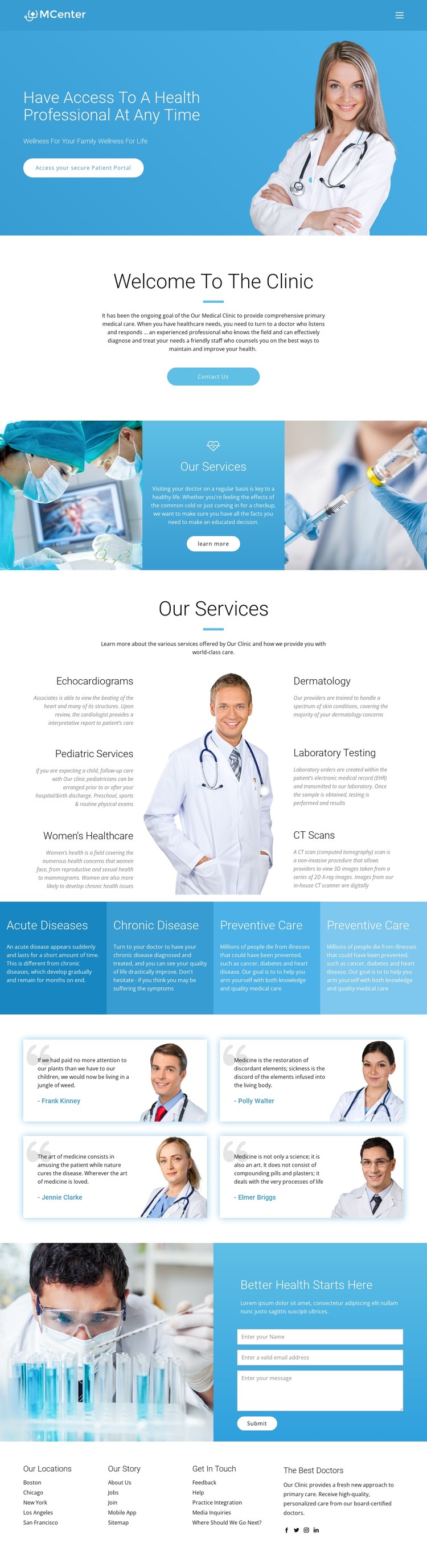
Blue panels and rounded controls define the clinic’s visual system
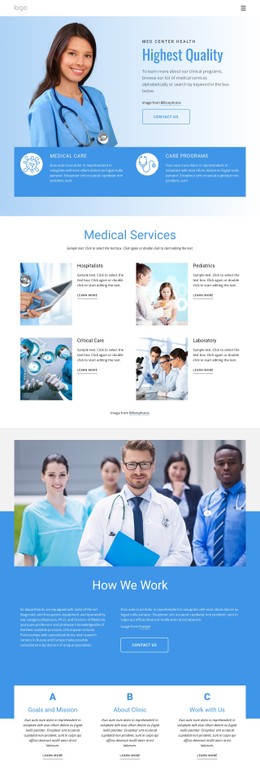
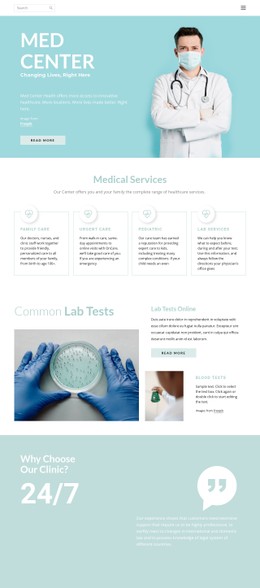
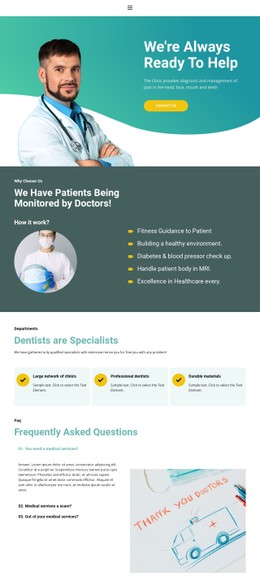
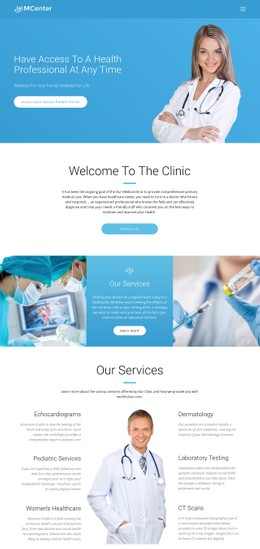
The blue and cyan palette establishes a clear healthcare visual system, while white content areas prevent the long page from becoming visually dense. The hero uses a strong blue field to connect the headline, family-wellness message, Patient Portal button, and clinician image. That contrast gives the opening action a distinct visual position without separating it from the medical subject.
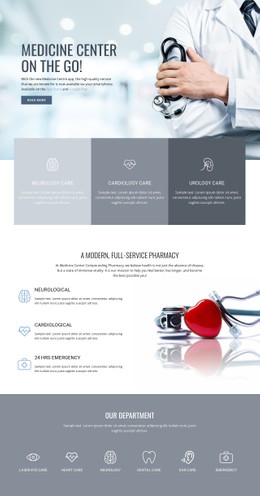
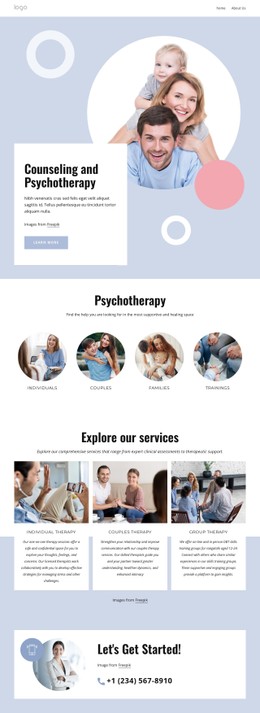
Rounded pill-shaped buttons recur as soft accents around the clinic introduction, service presentation, and contact journey. Spacious layouts and clean sans-serif typography leave room around headings and descriptions, which helps the six service labels remain readable when they are arranged around the central doctor photograph. The service band also uses medical images on either side of its central message, creating a repeated image-to-text relationship rather than a plain list.
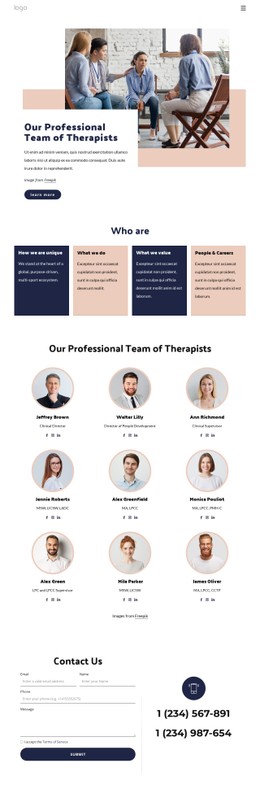
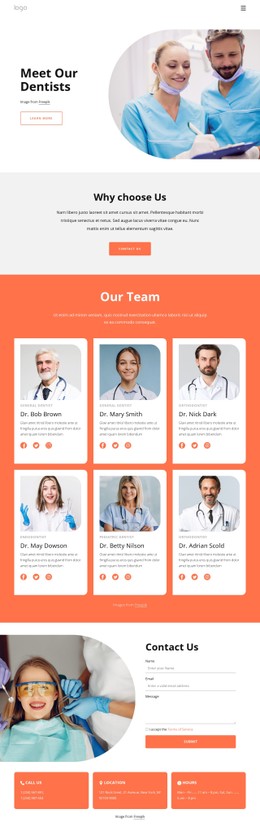
The four colored care-category panels introduce controlled variation within the otherwise blue-and-white scheme. Testimonial cards use portrait imagery as a visual counterpoint to the informational service sections, while the laboratory photograph beside the contact form returns the page to a clinical visual context. These repeated choices create style rules that can be adjusted through visual controls or, when a project needs more specific treatment, extended with Custom CSS without changing the page’s content sequence.
Customize with Nicepage
Open this ready-made template in the CSS Template Builder and customize it visually in the Nicepage editor. Replace demo content, edit page sections, and adapt the design to your project without rebuilding the template from scratch.
Customize This Template With CSS
Control Page-Specific Styling
Customize the visual appearance of this ready-made template directly in the Nicepage editor. Adjust typography, spacing, backgrounds, borders, colors, positioning, and other style properties using visual controls while keeping the page layout easy to manage without writing CSS manually.
Add Custom CSS When Needed
For styling requirements that go beyond the standard editor options, use Custom CSS to add targeted rules. CSS can be applied to individual elements, specific pages, or the entire website depending on the scope of the customization, while CSS classes can be used to connect custom rules with selected elements.
Export Minimal CSS Per Page
For projects where CSS size and page performance matter, Nicepage can export minimal CSS for each page. Instead of relying on one larger common stylesheet, each page can use a separate CSS file containing only the style rules required for that particular page. According to Nicepage documentation, these page-specific CSS files can be about ten times more compact, helping reduce unnecessary CSS and improve page loading performance.
This workflow combines visual styling with optional custom CSS and optimized page-specific CSS output, giving you additional control when a project requires it without making manual CSS editing the primary way to customize the template.