
Manufacturing Website Templates
A purchasing engineer may need an aluminum enclosure prototype but cannot infer a supplier's limits from factory photographs. Manufacturing website templates link verified fabrication information, inspection processes, and request-for-quote details across the entire site.

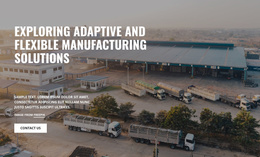
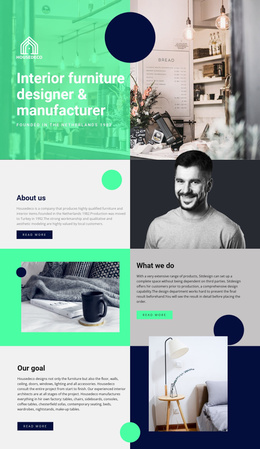


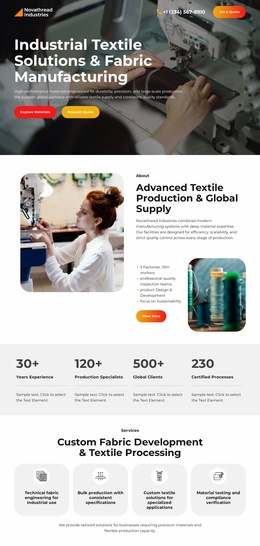
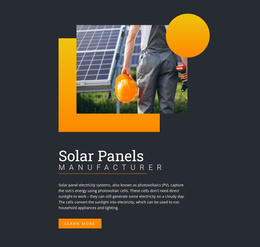

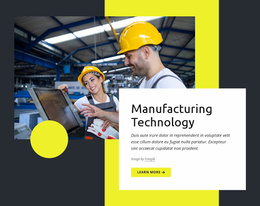



More Website Templates from Industrial Category
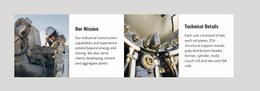
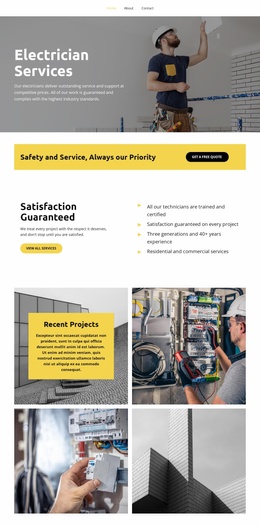


Other Industrial Website Templates
Advanced Manufacturing Website Templates
A good manufacturing website template reflects what the company sells. Packaging machinery makers lead with models and specs, while contract manufacturers sell their processes and equipment. Sheet metal fabrication shops usually win orders with finished jobs. When procurement engineers find only factory photos and no part-size limits, most leave before requesting a quote. The right design depends on what your buyers look for first.
Pick a Direction Before Comparing Demos
Manufacturing templates tend to lean one of three ways:
- Product-focused designs suit makers of standard equipment, with category grids and model cards.
- Capability-driven designs fit contract manufacturers and put processes like machining or molding next to the equipment.
- Project-centered designs work for prototype shops, where a gallery of finished jobs does most of the selling.
Say a mixer maker has two demos left, one built on large photos of installed lines and one on model cards listing capacity. If buyers arrive with a capacity range in mind, the cards serve them better. If they want to see a working line first, the photos make the stronger case.
Walk through each demo as a buyer would, from a project example to the capabilities and on to the request for quotation (RFQ) form. Try your longest model name in a card too, since industrial names run long and can wrap badly.
Room for Specs and Quality Proof
Plant photos build trust, but buyers want measurable figures, like the sheet-thickness range a fabrication shop handles. Image-heavy designs leave little space for that. With the Table element, you can add editable rows, columns, and cell styling to the demo you pick. Nicepage may use horizontal scrolling when a table exceeds the screen, so check it in the mobile preview.
Quality proof can take a few forms:
- A section on inspection steps and the records you keep.
- Cards for standards your plant holds, linked to valid documents.
- Photos of real inspection work in place of stock images.
Publish only figures and certifications you can back up.
From Inquiry Form to Final Shortlist
Keep the RFQ button visible on phones too, where a small header link is easy to miss. The Nicepage Contact Form Element can collect project details once you set the submission destination. A first form usually asks for the part, its material, and the quantity. Follow up with a short note on drawing formats and confidential files. Review and price with your engineers, and tell buyers when to expect a reply.
Shortlist two or three demos in your chosen direction, and keep the one that fits your products with the least rework.